

Video Forensics Online: 10 Tools Compared for 2026

A shaky clip of a public figure saying something explosive lands in your inbox late in the afternoon. Your editor wants a decision before publication. The sender can't provide the original recording, and the copy you have already carries captions and a platform watermark.
An online checker returns a confidence score. That's useful, but it doesn't tell you who recorded the scene, whether the audio belongs to the images, or whether someone has recycled an authentic clip with a false caption. Video forensics online is broader than deepfake detection. It includes examining frames, audio, motion over time, file structure, and the circumstances in which footage appeared.
Human intuition isn't a dependable substitute. In an Oxford Academic study of political deepfakes, 82 of 199 participants, or 41.2%, stated or suspected that the manipulated video was fake. A convincing performance on screen isn't enough to authenticate the file.
Start by separating the questions:
- Synthetic-media screening: Does the file contain patterns associated with AI generation or manipulation?
- Technical examination: Where are the timing, encoding, visual, or audio inconsistencies?
- Provenance verification: Where did the clip originate, and does its context support the claim?
- Operational response: Can your team preserve findings, escalate uncertainty, and act consistently?
The tools below produce different kinds of evidence. Choose according to the question you need answered, what you're allowed to upload, and whether a colleague can reproduce your reasoning.
1. AI Video Detector
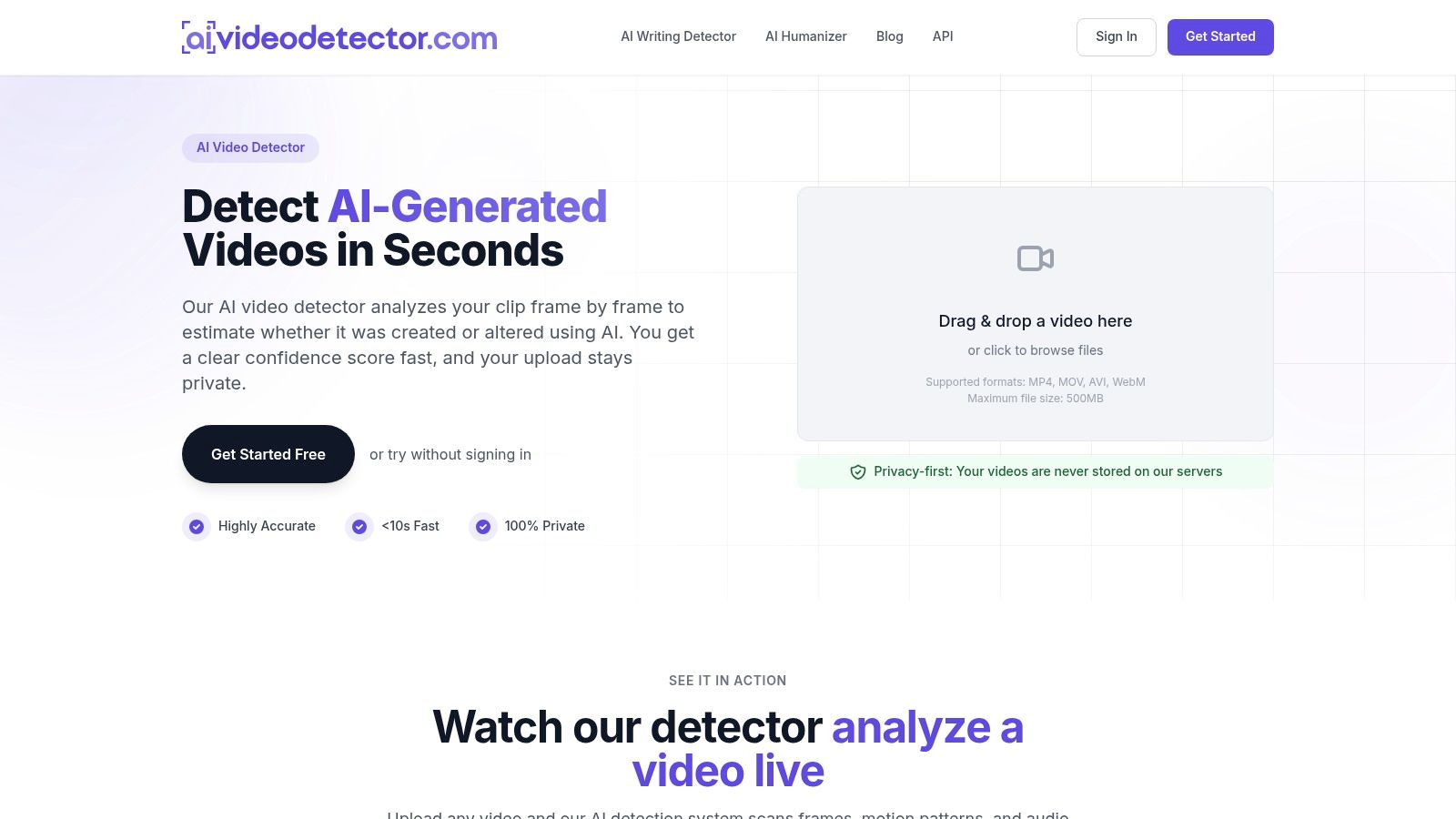
Best for a fast, privacy-focused first screen. Our AI Video Detector examines a clip frame by frame and returns a confidence-based assessment of whether it was created or altered using AI. It's intended to support triage, not replace source verification or an examiner's conclusion.
The analysis combines frame-level inspection, audio forensics, temporal consistency, and metadata inspection. Those checks look for different clues: pixel-level artifacts, synthetic spectral patterns in voice and background audio, inconsistent facial micro-expressions, temporal flickering, and irregularities in the container, codec, or encoding.
That combination matters because a screenshot can't reveal everything a moving clip contains. A face may look plausible in isolation while changing unnaturally across adjacent frames. Conversely, an encoding irregularity may deserve investigation without proving that anyone fabricated the scene.
What You Get and What You Give Up
Basic detection is free and doesn't require registration. You can upload MP4, MOV, AVI, or WebM files, and our uploaded-video policy is straightforward: videos are processed in real time and never stored on our servers.
The services are hosted in the United States. That's relevant when your newsroom, legal department, or security team has restrictions on transferring sensitive material, even when the provider doesn't retain the uploaded video.
- Useful output: A confidence score informed by several signal types, rather than a judgment based only on a selected still.
- Low setup burden: No account is needed for basic analysis, making an initial screening easy to incorporate into an intake workflow.
- Important limitation: The product information doesn't provide independent accuracy benchmarks or detailed paid-plan pricing.
I'd use the result to decide what needs closer examination, not as permission to publish a disputed allegation. Record the exact file submitted and preserve the result alongside your source notes.
Failure mode to plan for: A reassuring score can be mistaken for proof that the event, speaker, date, and accompanying claim are authentic. It establishes none of those things by itself.
2. DIVA
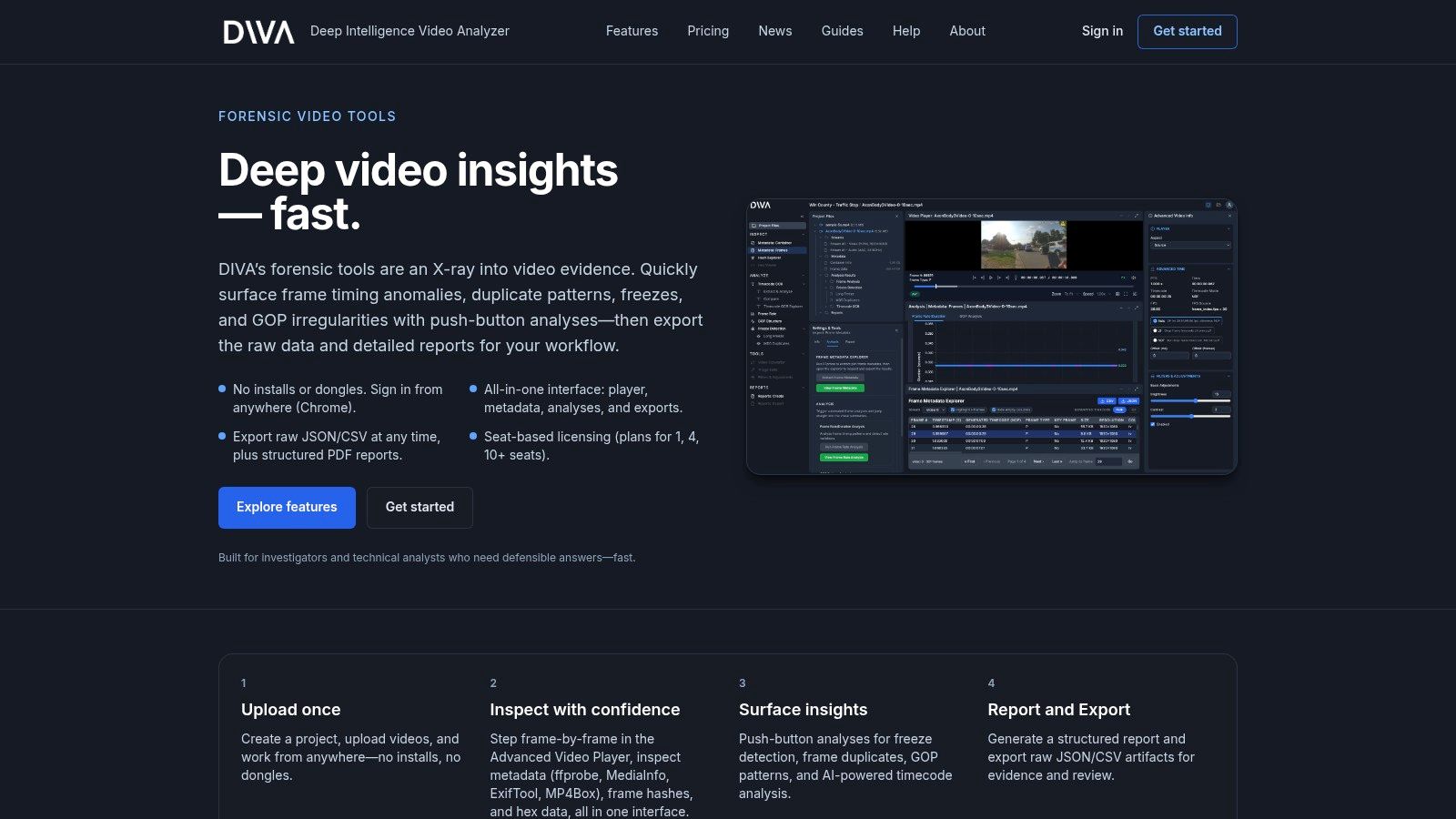
If your question is where the file behaves unusually, rather than whether a classifier considers it synthetic, DIVA is a more natural starting point. Its browser workspace combines frame-accurate playback, file-property inspection, timing analysis, and reporting.
DIVA brings together metadata views drawing on ffprobe, MediaInfo, ExifTool, and MP4Box. It also examines repeated or frozen frames, timing anomalies, and GOP patterns, the structure through which encoded frames relate to one another.
That makes it useful when a recording appears to jump, stall, or disagree with its displayed timecode. Its AI-assisted reading of burned-in timecodes can help compare the visible clock with video-stream timing, but the discrepancy still needs interpretation.
Artifacts You Can Hand to a Colleague
DIVA provides raw JSON and CSV exports alongside structured PDF reports. That distinction matters: a report explains the finding, while underlying analysis data lets another reviewer inspect how you reached it.
- Strength: Playback, metadata, timing analysis, and reporting sit in the same browser workflow.
- Privacy trade-off: Evidence must be uploaded to a cloud service, so review its security and retention terms before submitting restricted material.
- Access and cost: Confirm current access and pricing directly; don't budget around an assumed free tier.
Some advanced functions, including video filters, are described as forthcoming rather than available. Evaluate the features you can use today, not the roadmap.
Failure mode to plan for: Re-encoding can change timing and file structure. An anomaly in the submitted copy doesn't establish what happened in the original recording.
3. Amped Authenticate
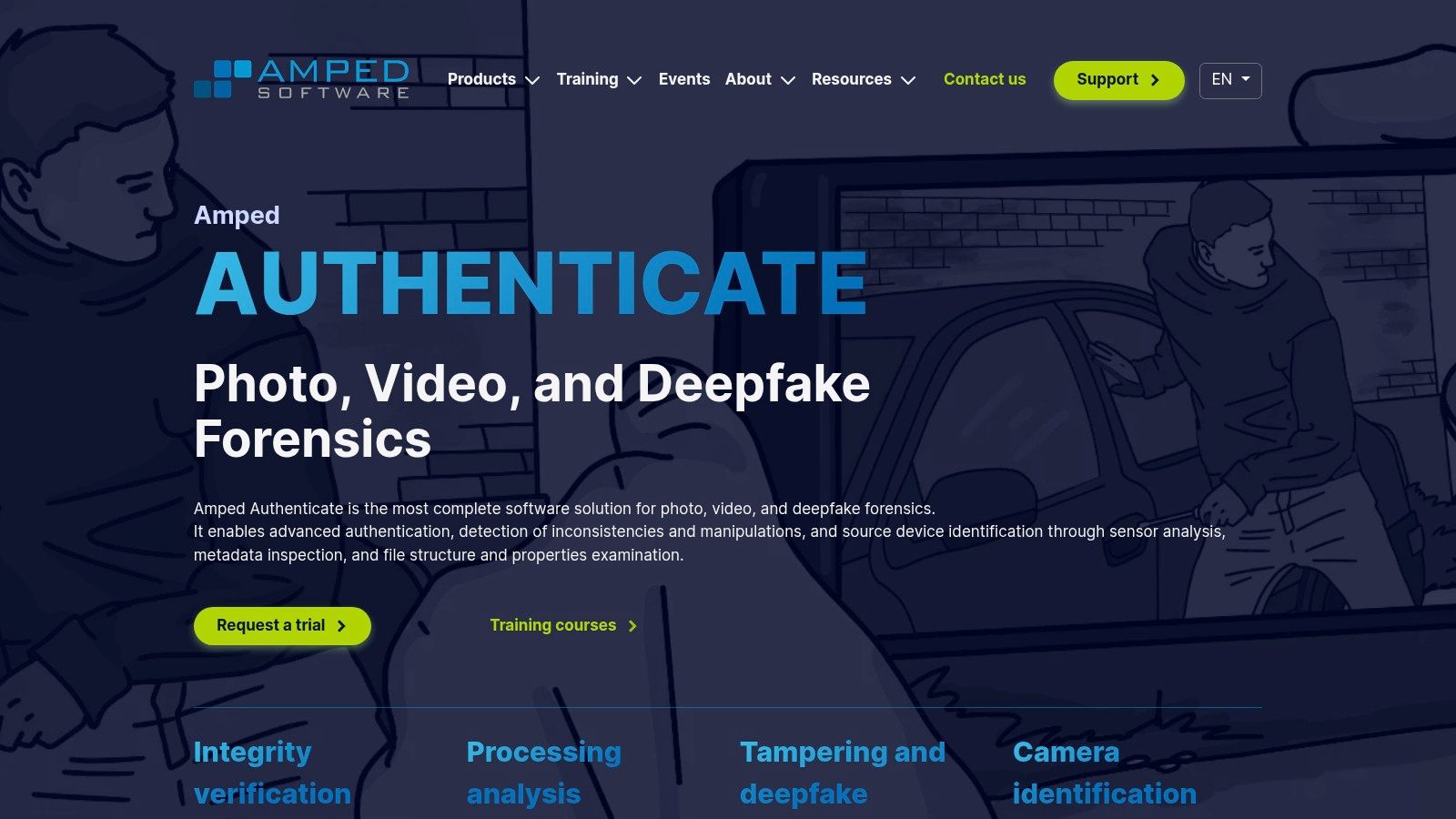
Amped Authenticate belongs on the examiner's workstation, not in the instant-upload category. Amped's authentication software supports specialist examination of images and videos for processing history, tampering, and deepfake manipulation.
Its video tools examine inconsistencies, coding structure, and source-device clues. The product also includes a Face GAN deepfake filter with labels and confidence scores, customizable processing, batch workflows, and forensic reporting.
The practical advantage is depth. You can investigate a hypothesis and document the technical basis instead of relying solely on an automated verdict. The corresponding cost is setup, training, and the time needed to interpret results responsibly.
Practical rule: A forensic filter becomes useful evidence when an examiner can explain what it measures, what could produce the same signal, and why the finding matters.
Choose It for Repeatable Examination
The vendor describes experimental validation and references for its filters. That's useful material for evaluating a method, but it doesn't mean every filter is equally informative for every file.
- Best fit: Investigators who need repeatable examination and customizable reports.
- Access: Trial access is available by request; public pricing isn't shown on the product page.
- Trade-off: It isn't an installation-free browser checker, and meaningful interpretation requires technical competence.
The distinction between screening and examination is central when choosing video authentication software. A convenient score and a defensible forensic explanation are different deliverables.
Failure mode to plan for: An examiner may overinterpret a deepfake-filter score or processing trace without excluding ordinary editing, compression, and other plausible explanations.
4. PixLab Forensic
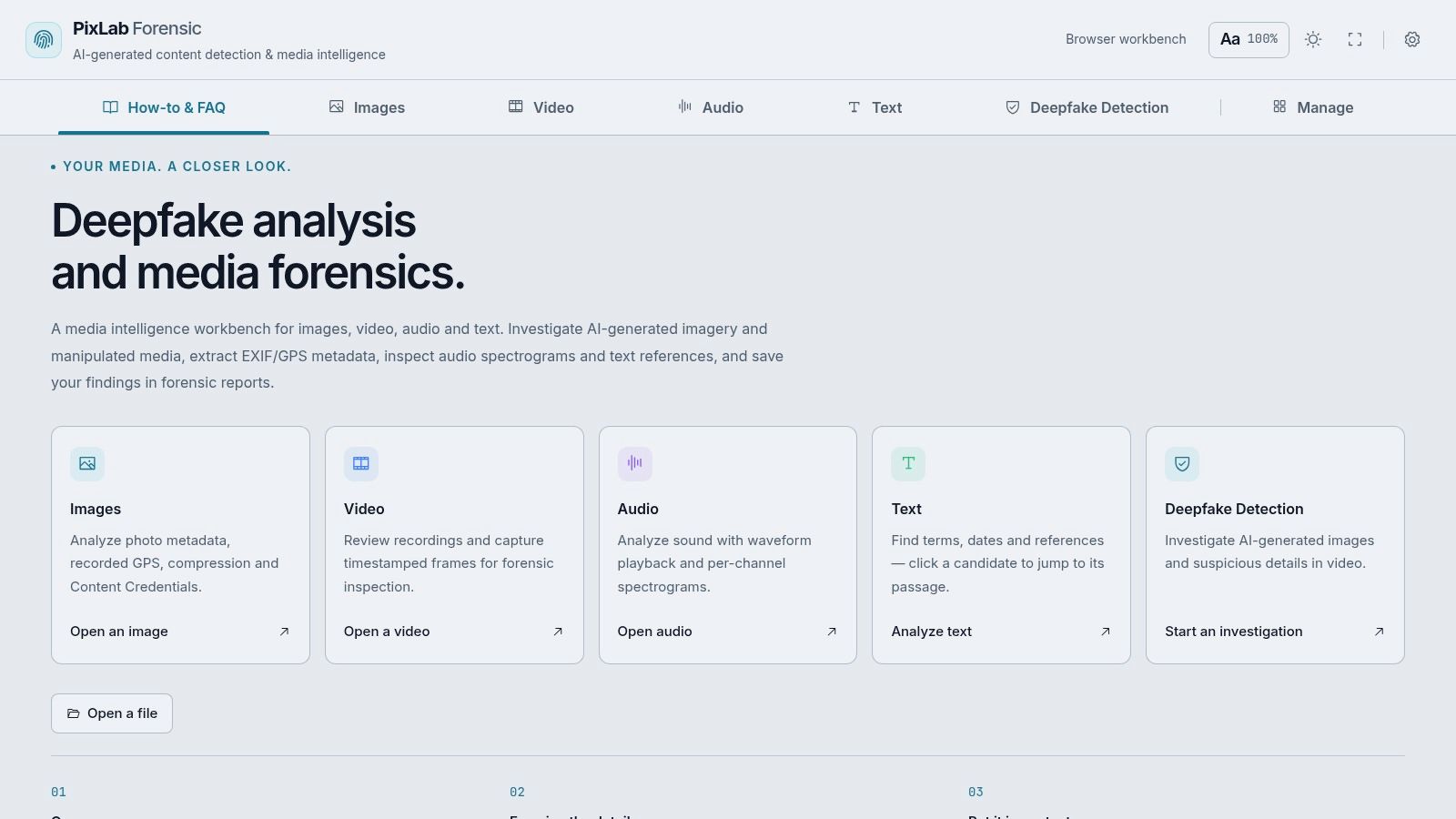
Say you need to keep a suspicious frame, an audio observation, a source note, and a metadata finding together. PixLab Forensic offers a browser workbench for that kind of human-led, mixed-media investigation.
You can review recordings, capture timestamped frames, inspect image metadata and compression, examine hashes and Content Credentials, and use waveform playback and spectrograms for audio. Local projects can hold sources, notes, frames, and findings, with reports available for export.
Its manual browser tools are free and don't require an account or installation. That makes it approachable for journalists and researchers who need an organized workspace without first adopting an enterprise system.
Local Projects Aren't the Same as Permanent Records
The site says projects are saved locally in the browser. That can simplify account management, but it creates a preservation responsibility: clearing browser storage can remove projects, and unsaved work is session-only.
- Manual inspection: Useful for recording observations across video, images, and audio.
- AI checking: Video AI results describe selected frames, not a continuous authentication analysis of the entire recording.
- Account trade-off: AI features may require sign-in and may have plan limits.
Don't infer the processing policy for every AI feature from the location of your project notes. Check what leaves the browser before submitting confidential material, and export findings before changing devices or clearing storage.
Failure mode to plan for: A selected frame may look unremarkable while the manipulation appears elsewhere in the clip, in motion, or in the soundtrack.
5. InVID-WeVerify
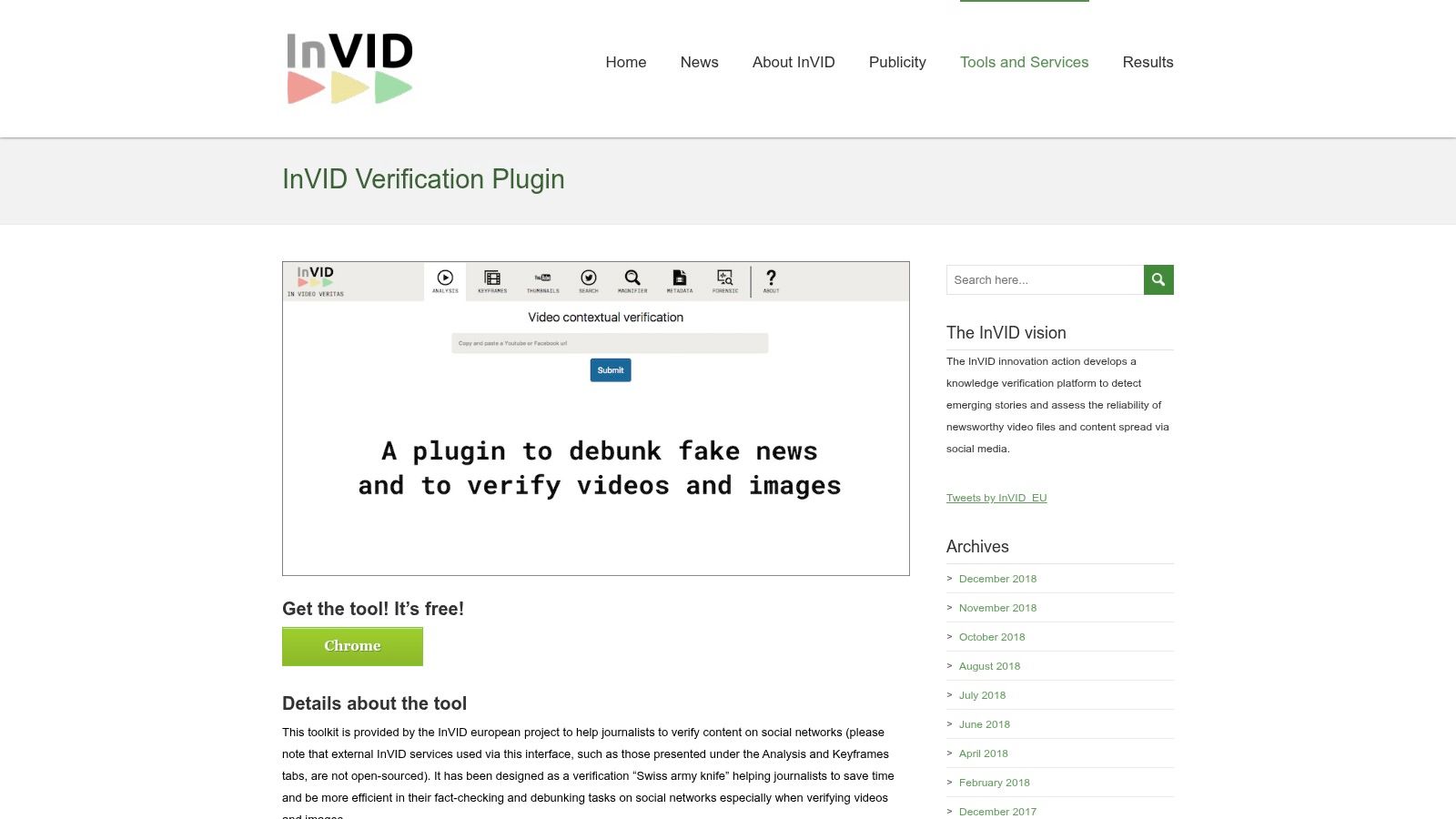
An authentic video can still support a false story. If someone recirculates old footage under a new location or event caption, a deepfake classifier addresses the wrong question.
The free InVID-WeVerify verification plugin helps investigate provenance and circulation context. It extracts keyframes from supported videos, assists reverse-image searches, and offers metadata, magnification, and still-image forensic tools.
A practical approach is to select distinctive frames rather than generic close-ups. Search a recognizable building, an unusual sign, or a wide view of the scene, then compare earlier appearances with the claim attached to the current upload.
Search Context, Not Just Pixels
The plugin's value comes from helping the reviewer investigate. It doesn't supply a complete automated deepfake verdict, and a matching search result still needs to be checked for publication date, source, and context.
- Cost: Free to use.
- Setup: A browser-extension workflow rather than a standalone forensic upload service.
- Dependency: Some functions rely on supported platforms and external search services, which can change or fail.
For breaking-news verification, I'd prioritize an earlier matching upload over another unexplained classifier score when the central dispute concerns where footage originated. Preserve the matching page and distinguish its upload date from the date the scene was recorded.
Failure mode to plan for: No reverse-search match doesn't establish originality. The source may be unindexed, deleted, private, or visually different enough to evade matching.
6. University at Buffalo DeepFake-o-Meter
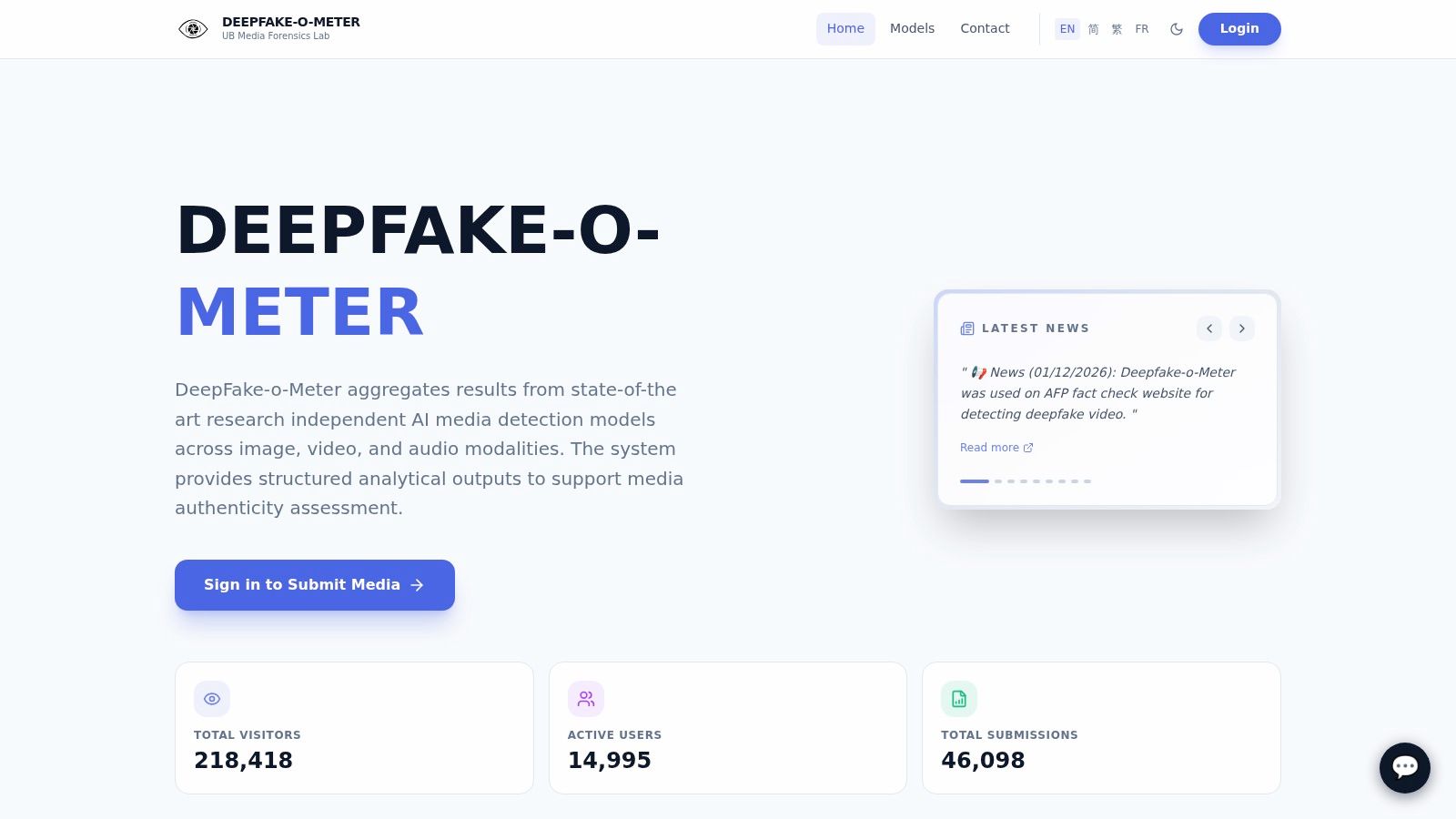
Detector disagreement is worth seeing. The University at Buffalo Media Forensic Lab's DeepFake-o-Meter aggregates outputs from multiple research-based detectors for video, images, and audio.
Instead of hiding different model judgments behind a single answer, this approach lets a reviewer compare them. That's useful for exploring whether a conclusion appears sound or depends heavily on the detector selected.
It doesn't turn model agreement into expert authentication. Detectors can share blind spots, and their confidence outputs aren't automatically comparable.
Treat Disagreement as an Escalation Signal
A cross-dataset evaluation examines performance across 14 benchmarks spanning 2019–2025, illustrating why evaluation beyond a detector's training environment matters. Changes in media quality, manipulation methods, and source material complicate real-world interpretation.
When comparing outputs, record the model names and available settings. Don't average unlike scores into a home-made authenticity percentage.
- Access: University materials describe a free web-based tool, while the current submission interface requires sign-in.
- Strength: Multiple model outputs make disagreement visible.
- Operational limit: Availability and processing depend on the platform; don't assume a commercial service-level commitment.
For a classroom exercise or research review, the differences between models may be the most informative result. For a publication or fraud decision, they're a reason to seek independent evidence rather than take a vote.
Failure mode to plan for: Several detectors may agree because they respond to similar artifacts, not because they independently establish that the clip is genuine or fabricated.
7. Witness
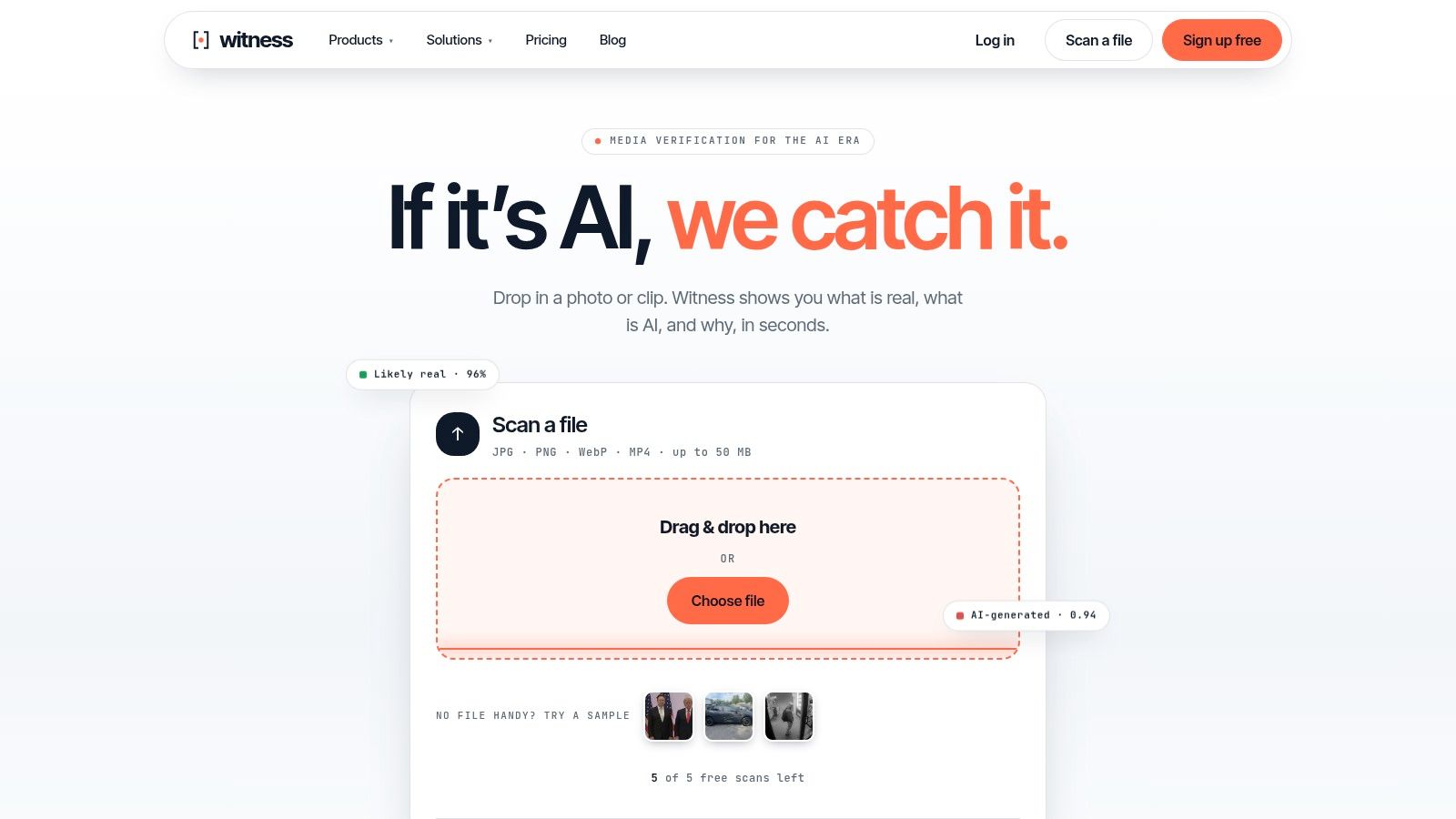
Witness is aimed at reviewers who want a quick online screen with supporting signals and a scan reference. It handles video, images, and voice, with separate checks for generated video, face swaps, and voice cloning.
Its video results can include timeline markers for suspicious frames. That's more actionable than a bare label because you can return to the indicated passage and inspect what the system flagged.
The audit ID helps identify the scan, but it isn't a substitute for your own evidence record. Keep the submitted file, acquisition notes, result, and reviewer interpretation connected outside the service.
A scan identifier tells you which analysis to retrieve. It doesn't tell you who recorded the scene or whether the surrounding allegation is true.
Useful Triage, Limited Evidentiary Reach
Free demo scans are available without signup, while continued use requires an account. The site says files aren't kept, and published plans describe scan and media limits.
The benchmark claims are vendor-reported. Evaluate whether the service produces useful explanations on representative files rather than assuming a published performance figure predicts your particular result.
For video evidence in criminal cases, retain the technical output without converting it into a legal conclusion. A reviewer still needs to establish acquisition, handling, relevance, and corroboration through the appropriate process.
Failure mode to plan for: Timeline markers and an audit trail can make a preliminary scan look more conclusive than it is. Neither establishes source authenticity or evidentiary admissibility.
8. DeepWall
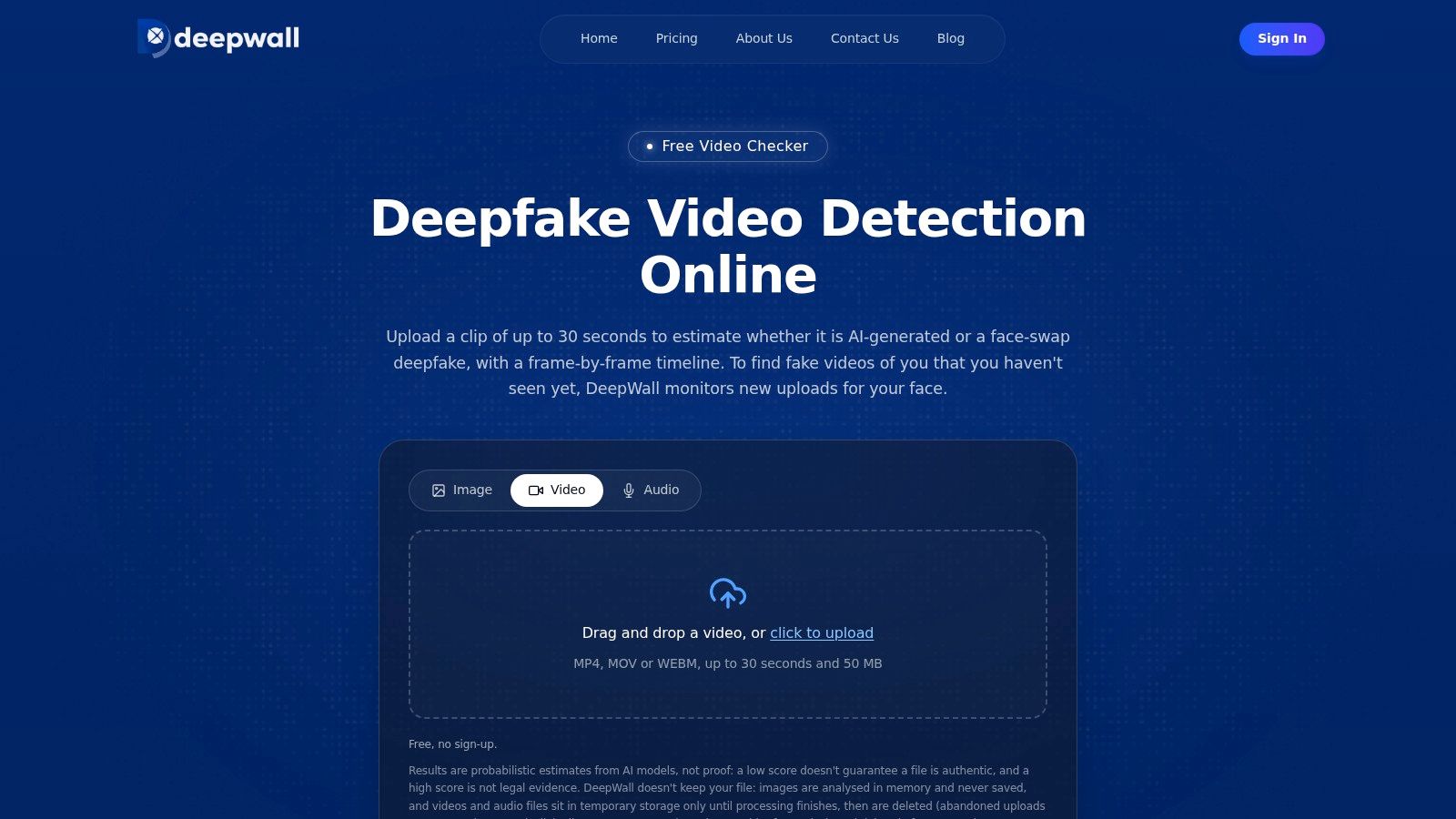
DeepWall is unusually explicit about what its free checker leaves out. The DeepWall video checker samples video frames and doesn't analyze the soundtrack.
It reports separate AI-generation and face-swap scores, with a timeline of suspicious frames. That makes it a convenient initial screen for a supported short clip, particularly when you want to distinguish the types of visual manipulation being assessed.
The limitation is temporal coverage. Sampling can miss a brief alteration between inspected frames, and visual checking won't identify a cloned voice placed over otherwise authentic footage.
Keep the Audio Question Separate
Research on detection under changing compression and resolution describes performance degradation under conditions that matter to redistributed online footage. Treat a heavily compressed repost as a different analytical input from the original file, not merely a smaller version of the same evidence.
- Entry cost: A free, no-signup checker is available with usage and clip limits.
- Useful output: Separate visual scores and suspicious-frame locations.
- Separate service: Paid face-and-voice monitoring addresses a different need from checking an individual upload.
Preserve the highest-quality copy before preparing a supported submission. If you must trim or convert a working copy, record what you changed and keep the untouched file.
Failure mode to plan for: A visually unremarkable result may miss a short manipulation, while the decisive fabrication may be entirely in audio that the checker never examined.
9. Reality Defender
An enterprise fraud team needs more than a place to upload suspicious files. It needs a way to route results into investigations, manage access, and respond during live interactions.
Reality Defender addresses that broader workflow through browser-based RealScan, APIs, and separate meeting and call-security products. Its platform supports audio, video, and image analysis, with supporting detail behind results.
Private-cloud and on-premises deployment options may matter more to an organization than a convenient public upload page. They also introduce procurement, integration, and operational work that a casual user may not need.
Evaluate the Response Workflow
In Regula's survey conducted by Sapio Research, 49% of surveyed companies reported encountering video deepfake fraud in 2024, among business decision-makers across five countries. That finding supports treating impersonation as an organizational risk, not assuming that a detector alone resolves it.
A useful enterprise evaluation should test what happens after an alert:
- Ownership: Identify who reviews the result and who can interrupt a transaction or meeting.
- Integration: Confirm which findings reach your existing investigation tools.
- Deployment: Establish which media leaves your environment and which deployment option meets your requirements.
Pricing and access are aimed at business buyers and may require a sales conversation or account setup. Include analyst time and integration maintenance in the buying decision.
Failure mode to plan for: An alert can arrive without anyone having authority to act, leaving the organization with detection output but no effective response.
10. GetReal Security
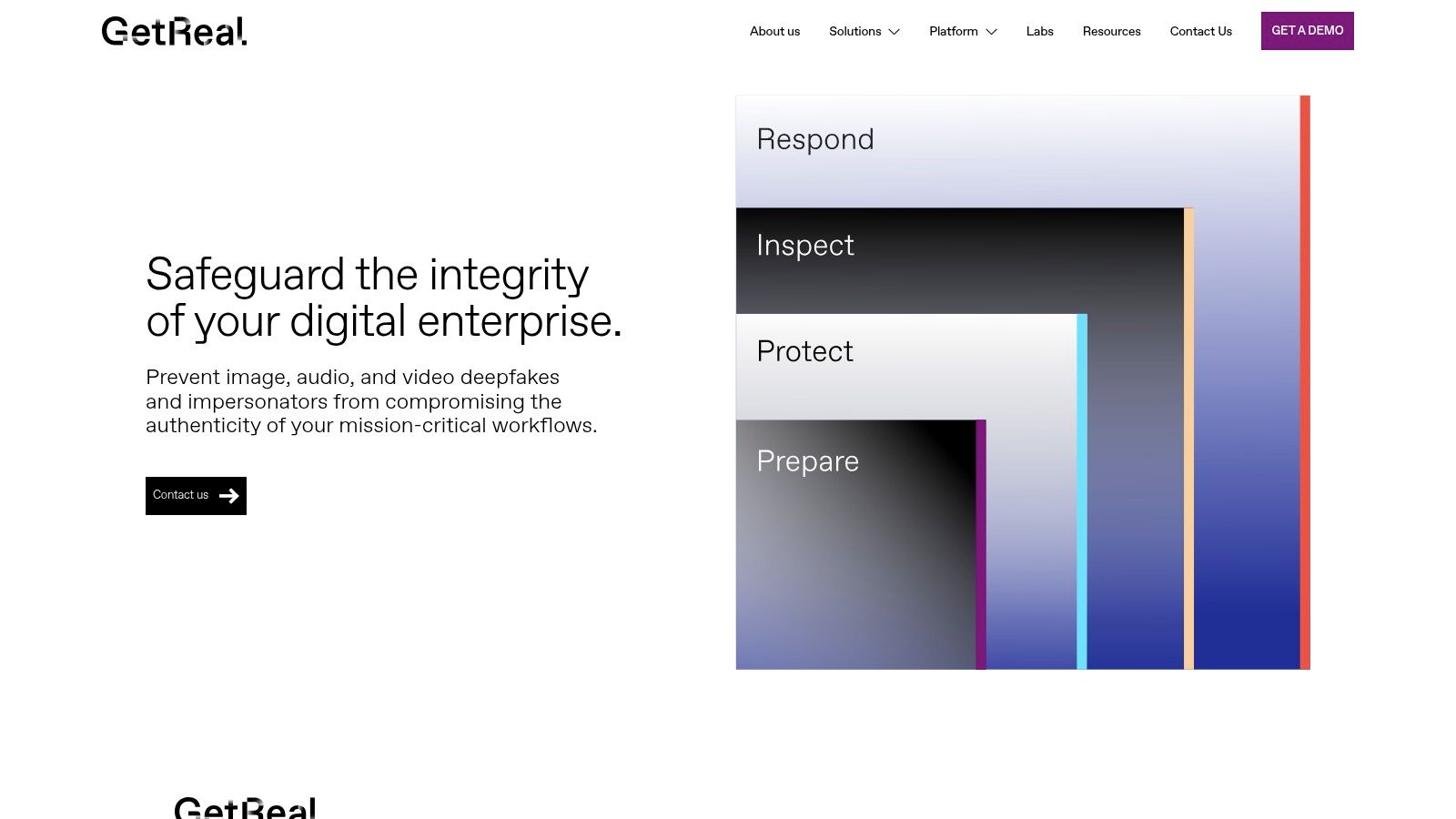
GetReal Security combines uploaded-media examination, live-interaction protection, and specialist services. Its Inspect workflow targets file analysis, while Protect addresses real-time meeting security.
The distinction is useful during procurement. A team investigating disputed footage needs different outputs from a team deciding whether to stop an impersonation attempt during a meeting.
GetReal describes multidimensional analysis of image, audio, and video, forensic explanations, APIs, and configurable response options. Training, readiness assessment, and incident-response services extend the offering beyond individual scan results.
Buy the Capability You'll Actually Operate
The platform's breadth may suit organizations that need software and a defined escalation relationship. It may exceed the needs of an individual journalist who only needs occasional file screening.
Public pricing isn't listed, and prospects need to contact the company. Treat the sales process as an opportunity to test the actual analyst deliverable, not just watch a convincing demonstration.
- File-analysis evaluation: Request a sample explanation showing the finding, its location, uncertainty, and alternative interpretations.
- Live-protection evaluation: Establish how alerts appear, who receives them, and what actions are available.
- Services evaluation: Clarify when specialist assistance is included and when a separate engagement is required.
Use representative, authorized test material, including difficult but authentic footage. A system that flags obvious synthetic examples still needs to handle legitimate recordings without creating unmanageable review work.
Failure mode to plan for: A broad enterprise purchase can leave gaps if the organization assumes file analysis, live protection, and expert incident response are interchangeable or included under the same arrangement.
How the 10 video forensics online tools differ at a glance
| Item | Best For | Free Entry Point | Upload Limit | Account Needed |
|---|---|---|---|---|
| AI Video Detector | Fast, multi-signal video screening | Free basic detection | Up to 500 MB; MP4, MOV, AVI, WebM | No for basic detection |
| DIVA | Browser-based forensic analysis and reporting | No free option stated | Not stated | Not stated |
| Amped Authenticate | Specialist forensic examination of images and video | Trial by request | Not stated; desktop software | Trial access by request |
| PixLab Forensic | Hands-on browser-based media inspection | Free manual tools | Not stated | No for manual tools; AI features may require sign-in |
| InVID-WeVerify | Social-video provenance and newsroom verification | Free browser extension | No upload limit stated | Not stated |
| University at Buffalo DeepFake-o-Meter | Comparing research detector results | Free web-based tool | Not stated | Yes for submissions |
| Witness | Quick screening of video, images, and voice | Free demo scans | Up to 50 MB for video | No for demo; yes for continued use |
| DeepWall | First-pass screening of short clips | Free checker; two checks per visitor daily | Up to 50 MB and 30 seconds; MP4, MOV, WebM | No |
| Reality Defender | Enterprise media analysis and integrations | No free option stated | Not stated | Enterprise access may require setup |
| GetReal Security | Enterprise deepfake defense and live-meeting protection | No free option stated | Not stated | Contact the company for access |
Build a Verification Routine You Can Defend
No single score settles whether a video is authentic. A classifier estimates whether it recognizes manipulation signals. A forensic workspace helps inspect the file. A provenance toolkit helps investigate the source and context. An enterprise platform helps organize detection and response.
Start by preserving what arrived. Keep the original attachment or downloaded file unchanged, record where it came from, and capture the surrounding post, message, caption, and account details. Create working copies for conversion, frame extraction, or upload.
Match the Examination to the Dispute
If the allegation concerns words spoken, inspect the audio and synchronization rather than concentrating only on facial appearance. If the dispute concerns location or date, investigate landmarks, earlier uploads, source testimony, and supporting records. If the file appears interrupted, examine timing and encoding structure before calling it an edit.
NIST's Media Forensics Challenge publication covers manipulation detection, localization, provenance, and related forensic tasks. That's a useful model for your own reporting: document what appears suspicious, where it occurs, and which observation supports the finding, not just a final label.
Keep the conclusion narrower than the evidence. No manipulation detected is not the same conclusion as this event happened as described.
For consequential cases, seek the highest-quality available version and compare it with the circulated copy. Preserve differences rather than replacing the first file with a cleaner one without record. An inconclusive result should trigger another verification step, not default approval.
Preserve a Reviewable Decision
A colleague should be able to reconstruct your reasoning without relying on your memory. Retain the tool name, available version information, submitted-file hash, analysis date, settings, exported results, suspicious time ranges, and your interpretation.
Legal use requires particular care. Thomson Reuters' analysis of deepfake evidence authentication distinguishes technical detection from establishing that evidence is what its proponent claims and discusses the possible need for expert testimony.
Before committing to a workflow, resolve the practical trade-offs:
- Privacy: Determine whether you're authorized to upload the material and whether hosting, retention, and access terms meet your obligations.
- Cost: Include analyst time, training, integration, and repeat examinations, not just subscription charges.
- Reproducibility: Confirm that findings can be exported and connected to the exact file analyzed.
- Escalation: Name the person who handles uncertainty and define what evidence they need before making a decision.
The defensible routine is usually layered: preserve, screen, inspect, corroborate, and document. Don't ask a tool to answer a question its output wasn't designed to resolve.
For a fast first screen, upload a working copy to AI Video Detector. Basic detection runs without signup and accepts MP4, MOV, AVI, and WebM files. Save the confidence result with your verification notes, then use the appropriate forensic and source checks before publishing, rejecting evidence, or acting on an impersonation allegation.


