

10 Video Forensics Tools for Safer Verification

A newsroom gets a user-submitted clip that appears to show a public figure making a shocking statement. At the same time, a legal team is checking whether a video file has retained its original structure, while a security operator is trying to confirm whether a supposed executive joined a video call. These teams aren't solving the same problem, even though each one asks whether video can be trusted.
Video forensics tools divide that work into distinct tasks: rapid synthetic-media screening, source authentication, DVR acquisition, enhancement, investigation, redaction, and enterprise-scale detection. The right shortlist depends on where the footage came from, how much is at stake, how many files arrive, whether the original must remain untouched, how the software is deployed, and whether a human examiner needs to support the result.
The comparison below focuses on core capability, best-fit users, implementation friction, availability or pricing signals, and failure modes. A detector can flag a suspicious clip quickly, but it can't replace provenance research. An enhancement suite can clarify imagery, but it can't restore detail that was never recorded. Acquisition software can recover footage from a difficult DVR, but it won't authenticate a viral video by itself.
1. AI Video Detector
A newsroom may receive a clip that appears to show a public figure making a false statement, while a security team investigates a suspicious executive video. In both cases, the first operational question is whether the file deserves specialist review. AI Video Detector is designed for that initial screening, combining frame-level pixel analysis, audio forensics, temporal consistency checks, and metadata and encoding inspection. These checks can expose generative fingerprints, spectral anomalies, motion discontinuities, and irregular encoding patterns that are difficult to assess by eye.
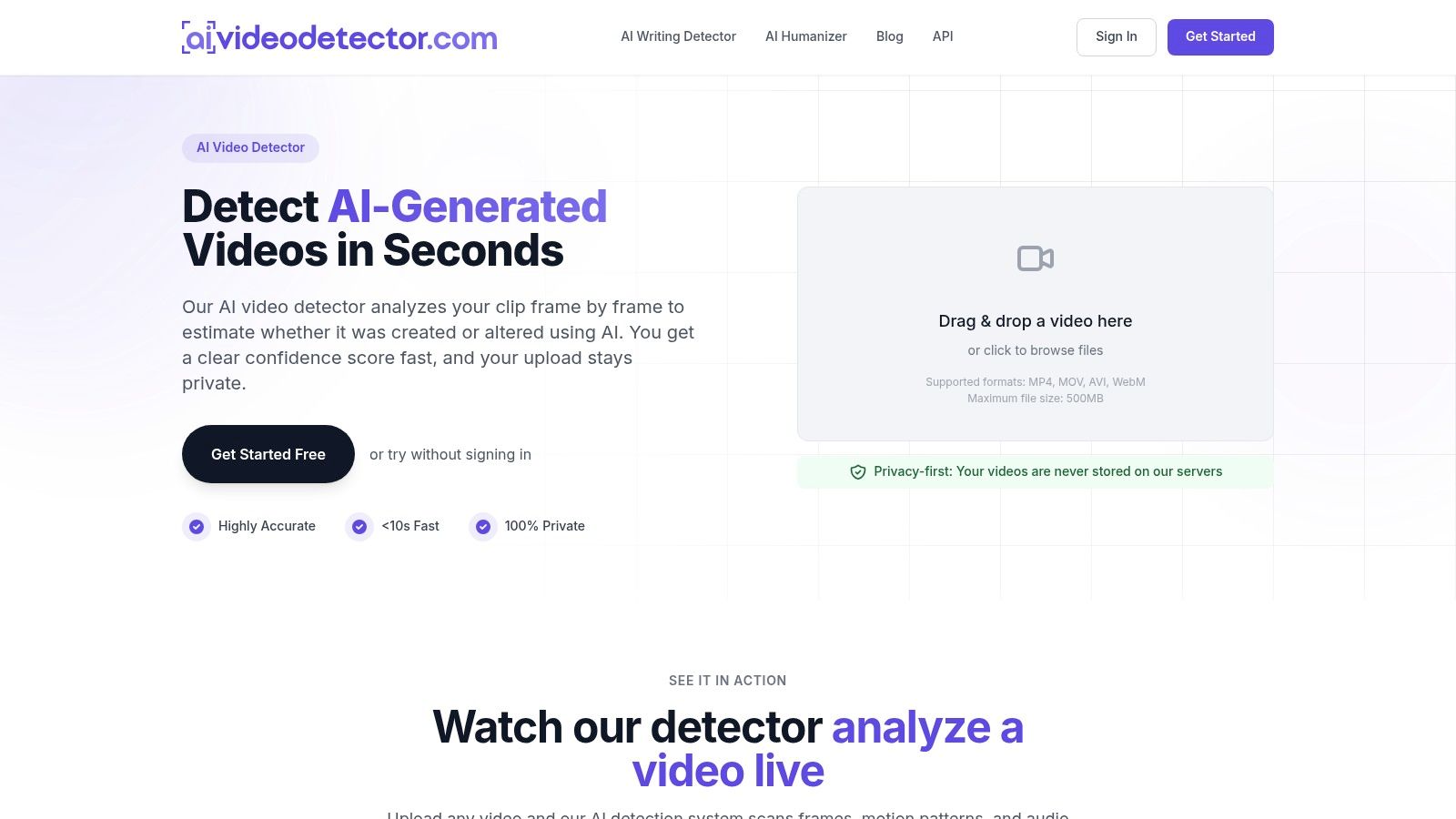
The service suits a quick, browser-based triage step. Basic checks do not require an account, and uploaded videos are not stored on the service, a relevant consideration for newsrooms, law firms, and security teams handling sensitive material. Its product information describes fast analysis, but teams should still confirm current processing behavior and retention terms before using it for confidential investigations.
Where it fits best
Newsrooms can run a submitted clip through the detector before publication or escalation. Legal teams can screen a proposed exhibit before commissioning a formal examination. Enterprise security teams can assess suspected impersonation attempts, executive videos, or files connected to a fraud investigation. Developers can also connect the service through an API, though high-volume limits, support arrangements, and enterprise deployment options require confirmation with the vendor.
The output is a confidence score, not an authentication finding. Compression, re-encoding, screen recording, and file transfers can create artifacts that affect interpretation. New or unfamiliar generation methods may also evade detection. Preserve the original, calculate and record its hash, document its source and handling, and compare the result with provenance evidence and human review.
Practical rule: Use a fast detector to prioritize files for examination, not to close a consequential case alone.
For a closer explanation of what AI detectors look for in video, review the underlying signal types before interpreting a score. The main trade-off is straightforward: privacy and speed are strong, while public enterprise pricing and on-premises options are less explicit. Visit AI Video Detector to assess its workflow and integration options. Teams handling identity media should also review face recognition privacy risks explained, especially when video analysis involves identifiable people.
2. Amped FIVE
Amped FIVE is built for the part of the workflow that begins after a team has secured the original file and needs to process, clarify, measure, document, and report on video evidence. It supports CCTV, body-camera, mobile, and other sources, including proprietary surveillance encodings that often create problems in general-purpose media players.
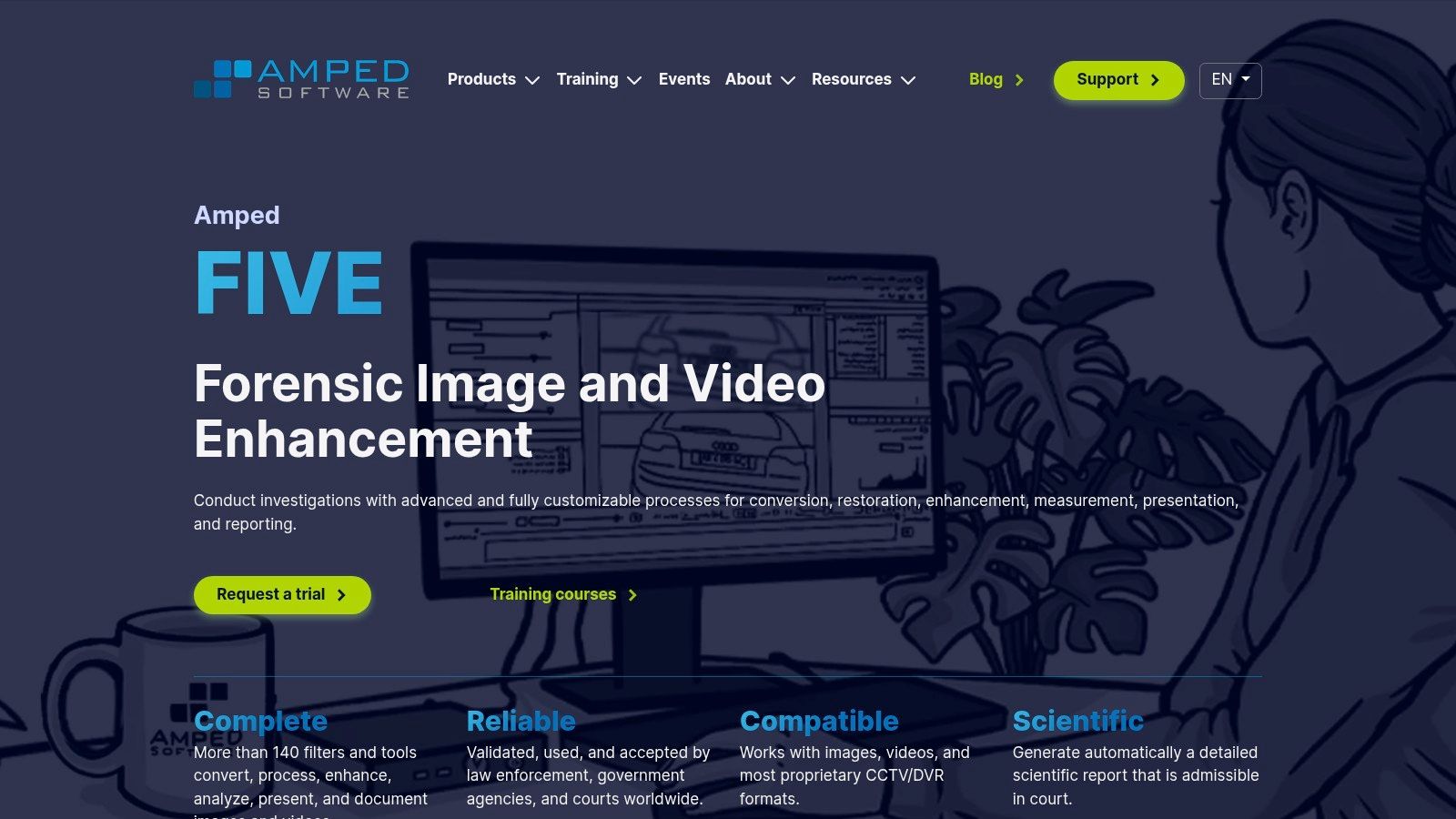
The software includes a broad collection of enhancement and measurement filters for stabilization, deblurring, denoising, super-resolution, aspect correction, timestamp work, annotation, and video conversion. Its important differentiator isn't just the filter count. Amped FIVE records processing decisions and produces structured reports, giving an analyst a reproducible account of what happened to the working copy.
Why labs choose it
That auditability makes the platform a natural fit for law-enforcement units, forensic laboratories, expert witnesses, and legal teams preparing evidence for scrutiny. Analysts can work through speed estimation, photogrammetry aids, frame review, and batch conversion without moving the case into a consumer editing application.
The cost is capability. New users need training, and non-specialists may struggle to understand which enhancement choices are defensible and which merely make an image look more pleasing. The software is also Windows-centric, and premium procurement usually requires a direct conversation with the vendor rather than a simple self-serve purchase.
Enhancement can reveal information already present in the recording. It can't turn an absent license plate into reliable evidence.
Teams considering this category should read forensic video analysis software before comparing enhancement suites with authentication products. Amped FIVE is primarily an analysis and clarification environment, not a quick public deepfake screen. Its best use is a controlled examination in which the original stays preserved, each processing step is recorded, and the report explains both what the analyst found and what the footage cannot establish. See the Amped FIVE product page for the current feature and training offering.
3. Axon Investigate
Axon Investigate, formerly iNPUT-ACE, addresses a common operational problem: investigators receive video from many systems and need to play it, organize it, synchronize it, bookmark it, and export it without making routine casework dependent on a specialist laboratory.
The platform is designed around investigator workflow. It can handle diverse surveillance and evidence formats, support batch conversion and stitching, and give users timelines, markers, sub-clips, and narrative-building tools. Those features matter when a case contains footage from several cameras, body-worn systems, phones, or other sources that don't naturally share a common player.
Best fit and limitation
Its strongest role is in agency investigation teams and analysts already using Axon Evidence. The integration can reduce handoffs, and court-ready exports and reports help teams prepare material for prosecutors or internal review. The software is more accessible for routine playback and organization than a specialist enhancement suite.
That accessibility comes with a boundary. Axon Investigate isn't the first choice for demanding deblurring, photogrammetry, or advanced reconstruction. Analysts who need deep image processing will likely pair it with a platform such as Amped FIVE or Cognitech rather than expect one application to do everything.
Licensing is tied to Axon account management and agency procurement, so buyers should evaluate not just the application but also evidence storage, user roles, export policies, and existing Axon contracts. The Axon Investigate product page is the appropriate starting point for current availability and deployment details.
4. Salient Sciences VideoFOCUS Pro
VideoFOCUS Pro takes a balanced approach to video, image, and audio clarification. It suits teams that need a mature working environment for importing surveillance footage, reviewing it frame by frame, extracting stills, applying filters, and preparing outputs without buying the most specialized platform available.
The software supports standard media and many proprietary CCTV formats, with GPU-assisted decoding and encoding for demanding projects. Its structured project workflow helps analysts keep source material, working files, observations, and exports together. That makes it practical for police departments, labs, and investigators whose caseloads vary between straightforward review and more involved clarification.
The practical trade-off
VideoFOCUS Pro is easier to position across a mixed-skill team than a highly technical reconstruction suite. A newer analyst can perform routine review, while an experienced examiner can use filters and measurement features where the case requires more care. Flexible licensing, including perpetual and subscription approaches, may also fit organizations that don't want the same procurement model as a larger enterprise platform.
It isn't the deepest option for advanced measurement or three-dimensional work, and its interface may feel dated to users accustomed to newer software design. That matters less when stability, format coverage, and repeatable daily review matter more than visual polish.
The VideoFOCUS Pro product page provides the vendor's current details. Teams should test representative footage before purchase, particularly if their evidence comes from older or unusual CCTV systems. A clean demonstration file won't reveal whether the platform handles the awkward exports that consume analyst time in actual cases.
5. Cognitech Video Investigator 64
Cognitech Video Investigator 64, part of TriSuite, is aimed at technically demanding cases where ordinary playback and basic sharpening aren't enough. Its toolset covers deblurring, denoising, super-resolution, registration, photogrammetry, three-dimensional scene work, and camera trajectory analysis.
That depth makes it a specialist platform for forensic labs, reconstruction experts, and investigators who need to measure or interpret complex scenes. License-plate and face workflows, redaction, and report generation extend its use beyond a single enhancement task. The system's value appears when an analyst needs to test several processing approaches, align imagery, or build a reconstruction rather than just export a clearer clip.
Who should buy it
Cognitech is best for organizations that can support trained analysts and appropriate workstation resources. Advanced modules may demand substantial hardware, and the learning curve is real. A small team that only needs routine video review could spend more on complexity than it gains in daily productivity.
The platform also isn't a substitute for source authentication. Enhancement can help an analyst interpret a recording, but the team still needs to examine provenance, file structure, metadata, and handling history separately. That distinction is especially important when a visually persuasive result may influence a legal or investigative decision.
Cognitech's long-standing forensic focus is useful for high-stakes work, but buyers should ask for a workflow demonstration using their own footage, not a polished sample. Review the Cognitech Video Investigator 64 page for current modules, licensing, and support arrangements.
6. Magnet DVR Examiner
Magnet DVR Examiner solves a different bottleneck. The problem isn't that an analyst can't see enough detail. The problem is that the evidence is trapped inside a DVR filesystem, damaged recorder, password-protected interface, or proprietary export.
The software acquires video and metadata directly from supported DVR systems, then helps investigators recover, correct, extract, and export material into more usable formats. It can also support bulk work, which is valuable when a team needs to collect footage from several cameras or reconstruct a time window rather than manually operate an unreliable OEM interface.
Acquisition comes first
This is a strong fit for law-enforcement evidence teams, digital forensic examiners, and investigators handling CCTV systems. It can reduce dependence on the original recorder and preserve a clearer acquisition path than screen-recording a playback window. The training pathway also makes it more approachable for agencies whose users aren't all filesystem specialists.
The limitation is equally important. DVR Examiner is primarily an acquisition and recovery tool, not a deep enhancement or AI-authentication platform. Support varies by DVR brand, model, and filesystem, so no buyer should assume that a vendor's general format claim guarantees success with a particular recorder.
Before touching the device, teams should document its condition, record who handled it, and preserve the native data where possible. Then they can use an acquisition tool for recovery and pass selected material to an authentication or enhancement specialist. See the Magnet DVR Examiner product page for supported workflows and current procurement information.
7. Amped Authenticate
Amped Authenticate is designed for the question that enhancement tools don't answer well: has this media been altered, and what can the file reveal about its source? Its video mode examines codec behavior, macroblocks, metadata, file structure, and possible device attributes. It can also support PRNU-based source identification where suitable reference material exists.
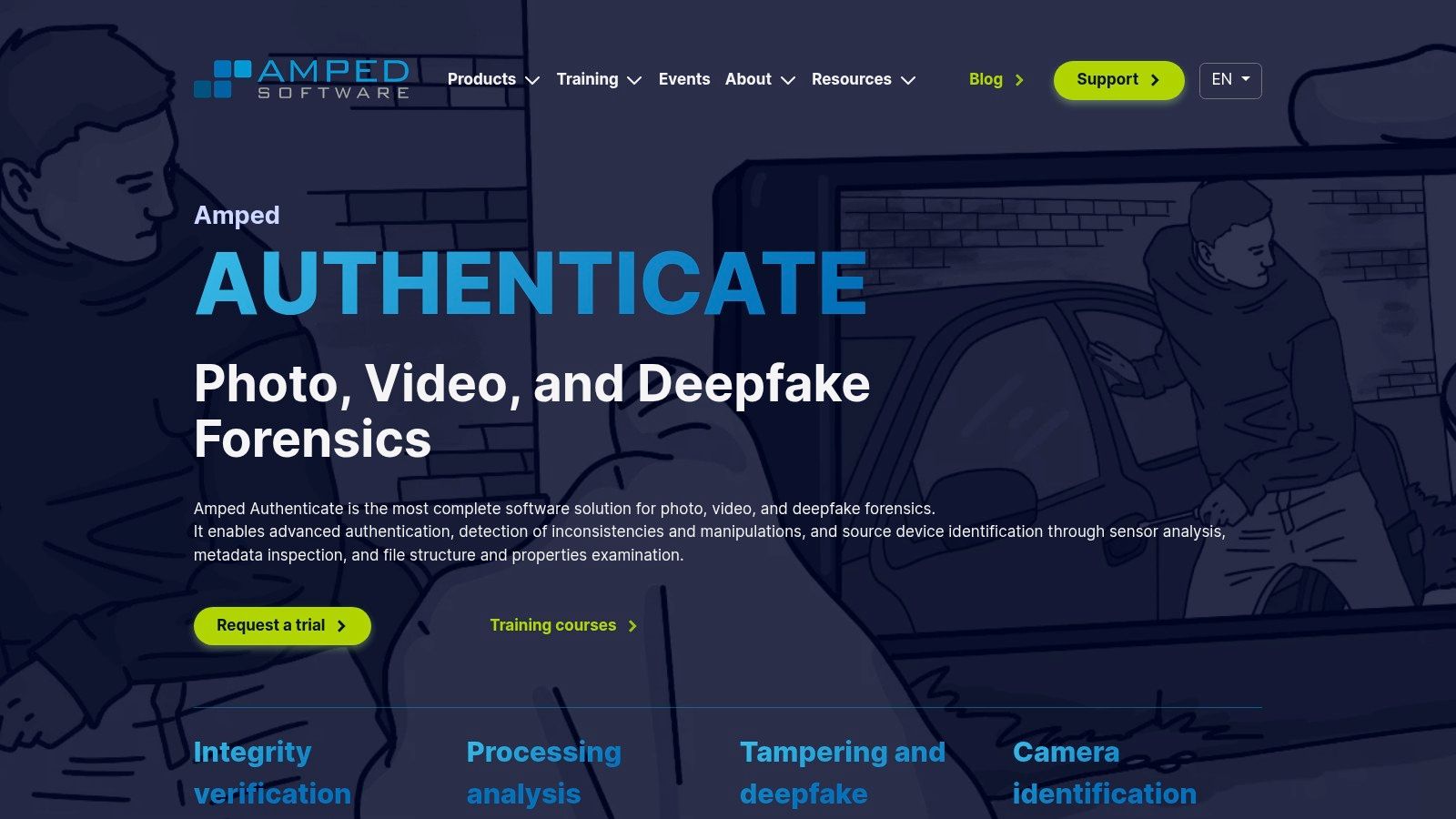
The platform is a natural fit for forensic examiners, legal teams, investigative journalists, and evidence units that need a documented authentication workflow. Its reports can include bibliographic references associated with filters, which helps an expert explain methods rather than present an unexplained score.
Interpret, don't overclaim
Authentication results require specialist interpretation. A codec inconsistency can be a clue, but it may also reflect ordinary editing, messaging-app recompression, or a legitimate export process. A device fingerprint can support a provenance claim, but it doesn't automatically prove who held the device or what happened before the file reached the examiner.
That makes Amped Authenticate a complement to a detector and an enhancement suite. Use it to examine integrity and origin, then use a separate platform when the case requires clarification, measurement, or reconstruction. The guide on how to authenticate video evidence provides useful workflow context, while the Amped Authenticate product page covers the specialist feature set.
8. Kinesense LE
Kinesense LE is built for teams facing too much footage and too little analyst time. Its purpose is to accelerate ingestion, search, activity review, redaction, and reporting across large CCTV collections rather than compete with the deepest enhancement suites.
The software can ingest proprietary formats, apply motion and activity filters, and condense long review tasks into a more manageable set of events. Bookmarking, analytics, redaction, and reporting keep the workflow connected from initial capture through case preparation. That makes it especially useful for law-enforcement teams processing extensive surveillance material after a major incident.
Volume changes the buying decision
A specialist enhancement platform is valuable when one clip needs detailed examination. Kinesense becomes more attractive when the recurring problem is finding the relevant moments across many hours or many cameras. It can help investigators prioritize what deserves close human review instead of asking analysts to watch every minute at normal speed.
The trade-off is granularity. Teams shouldn't expect the same level of forensic enhancement, measurement, or reconstruction available in Amped FIVE or Cognitech. Pricing and modular packaging can also be difficult to scope without describing the exact deployment, user count, analytics needs, and supported evidence sources.
The Kinesense Suite website is the place to validate current modules. Ask for a pilot using the organization's own CCTV exports, especially if footage includes variable frame rates, embedded timestamps, or multiple camera vendors. Review acceleration only helps if the system correctly handles the files that arrive every day.
9. Sensity AI
Sensity AI targets organizations that need multimodal synthetic-media screening at enterprise scale. Its platform covers video, images, and audio, with layered detectors for face manipulation, full synthetic content, and voice spoofing. It also combines machine-learning signals with file and metadata forensics, which is more useful than treating every suspicious clip as a face-swap problem.
Enterprise deployment questions
The platform offers API access, bulk exports, webhooks, and cloud or on-premises deployment options. Microsoft Teams integration supports meeting-analysis scenarios, making Sensity relevant to platforms, enterprise security teams, fraud operations, and regulated organizations that need to screen media inside an existing workflow.
The main concern is explainability and calibration. A confidence score from a black-box model shouldn't become an automatic block, disciplinary action, or evidentiary conclusion without a defined review process. Security teams should test false alarms against their own camera systems, conferencing compression, languages, accents, and legitimate post-production workflows.
Data handling also deserves contractual review. Sensitive legal evidence, internal meetings, and identity material may require an on-premises path or strict retention controls, even when a cloud API is easier to deploy. Visit Sensity AI to confirm current integrations, deployment options, documentation, and commercial terms.
10. Reality Defender
Reality Defender is oriented toward real-time and batch detection across video, image, and audio. Its SDKs and APIs make it relevant to fraud-prevention systems, communication platforms, marketplaces, and security operations that need to flag suspicious media while a transaction or meeting is still underway.
The platform supports live and file-based screening, with heatmaps or overlays intended to show where detection signals appear. Enterprise integrations and marketplace connections reduce the distance between a detector and the workflow that needs to act on its output. That focus distinguishes it from a traditional forensic suite, where an analyst usually opens a preserved file and builds a documented examination.
Real-time isn't automatically reliable
Live screening creates a different operational risk. A security team must decide what happens when the tool returns an uncertain result, when network conditions affect the media, or when an attacker changes the generation method. The safest implementation usually routes alerts to a human or a secondary control rather than automatically approving or rejecting a person.
Public pricing is limited, so buyers should ask for details about API quotas, latency expectations, retention, regional processing, audit logs, and on-premises requirements. Performance will also vary across generators and attack types, which means the organization's own test set matters more than a generic demonstration.
The Reality Defender platform is best evaluated as a component in a broader fraud or trust-and-safety architecture. It can provide rapid signals, but it shouldn't replace identity verification, call-back procedures, provenance checks, or independent evidence.
Top 10 Video Forensics Tools Comparison
| Product | Target audience | Core features / capabilities | Privacy & deployment | Speed & ease of use | Pricing & value |
|---|---|---|---|---|---|
| AI Video Detector | Journalists, legal teams, enterprises, platforms, educators | Multi-signal detection (frame, audio, temporal, metadata), GAN/diffusion/spectral/encoding checks, supports MP4/MOV/AVI/WebM ≤500MB | Privacy-first (no storage), cloud + API integrations, continuous updates | Results in seconds (clear confidence score), free basic no-signup checks, simple UX | Free basic tier, enterprise plans via sales; optimized for rapid verification |
| Amped FIVE | Forensic labs, law enforcement analysts | 150+ enhancement/measurement filters, deblur/denoise/super-resolve, stabilization, court-ready reports | Windows desktop, chain-of-custody logging, verified export settings | Powerful but steep learning curve for non‑specialists | Premium licensing targeted at labs/agencies |
| Axon Investigate (iNPUT‑ACE) | Investigators and agencies | Playback of many proprietary formats, batch convert/stitch, timeline/markers, case exports | Integrated with Axon Evidence ecosystem, enterprise support | Investigator-focused workflows, reduces lab dependence for routine tasks | License tied to Axon accounts; commercial pricing |
| Salient Sciences VideoFOCUS Pro | Police labs and review teams | Import 200+ formats, frame-by-frame review, GPU‑accelerated decode/encode, structured projects | Desktop with GPU support, flexible perpetual or subscription licensing | Balanced for novice→advanced users; interface can feel dated | Commercial, flexible licensing options |
| Cognitech Video Investigator 64 (TriSuite) | Trained forensic analysts, complex reconstructions | Advanced super‑resolution, deblurring, 3D scene/trajectory tools, photogrammetry, face/LPR workflows | High‑end desktop, hardware‑heavy modules | Extremely deep toolset; steep learning curve | Premium pricing; specialist hardware often required |
| Magnet DVR Examiner | Investigators needing DVR recovery | File‑system acquisition from DVRs, password bypass, recover deleted video, bulk export | Desktop tool focused on DVR files, support varies by model | Speeds evidence acquisition vs OEM tools; training available | Commercial licensing; focused product value |
| Amped Authenticate | Forensic authenticators and evidence specialists | PRNU/device fingerprinting, metadata & macroblock analysis, tamper/integrity checks, court reports | Desktop forensic suite, pairs with enhancement tools like FIVE | Purpose-built for admissible authentication; specialist interpretation needed | Commercial; positioned for evidentiary use |
| Kinesense LE (Suite) | Law enforcement teams processing large volumes | Rapid ingestion, smart motion/activity filters, bookmarking, redaction, analytics | Enterprise deployment, bespoke conversion support for proprietary formats | Great for triage and review acceleration; less granular enhancement | Modular pricing; scope can be complex |
| Sensity AI | Enterprises, platforms, security teams | Multimodal detectors (face, full synthesis, voice), API, confidence scores + visual explanations | Cloud and on‑prem deployment options, webhook/bulk exports | Enterprise-grade API; needs calibration for high-stakes use | Enterprise pricing (not public); on‑prem option for regulated sectors |
| Reality Defender (RD) | Fraud prevention, live communications, platforms | Real‑time & batch detection, SDKs/APIs, heatmaps/overlays, live call screening | Cloud/SDK integrations for real‑time screening, marketplace integrations | Developer-friendly, optimized for live fraud prevention | Commercial; pricing gated behind sales |
Build a Verification Workflow, Not a Tool List
The first purchasing question should be operational: where does the workflow slow down or become unreliable? If a newsroom needs a quick answer about a viral clip, start with rapid synthetic-media screening and then add source research and human corroboration. If evidence is trapped in a DVR, acquisition is the priority. If the dispute concerns whether a file was altered, use an authentication suite. If analysts need to clarify, measure, or reconstruct imagery, choose a forensic enhancement platform. If the team is overwhelmed by volume, investigation and search tools will create more value than another sharpening filter.
Forensic video analysis has become a formalized digital-forensics discipline. SWGDE guidance describes a workflow spanning file-format analysis, file-structure analysis, comparison, correlation, and image-sensor analysis, showing why visual inspection alone is inadequate for questioned footage. The guidance also supports a layered understanding of video authentication, where metadata, binary structure, frame values, and source-device characteristics can contribute to an examination. See the SWGDE best-practice guidance for digital video authentication when designing procedures for legal or law-enforcement work.
The market is expanding, but demand doesn't remove the need for validation. A 2024 summary cited by AFIP reported a 245% year-over-year increase in deepfake-related fraud attempts, while the global digital forensics market is projected to grow from USD 8.46 billion in 2026 to USD 15.37 billion by 2031, with a 12.68% CAGR, according to the AFIP video-forensics overview. These figures indicate growing investment, not that any individual detector is accurate for every file or attack.
Preserve before you process
Keep the original file untouched. Record its hash, acquisition time, source, transfer method, device condition, and every person who handled it. Create working copies for detection and enhancement, and make sure exports remain clearly identified as derived material.
Separate what the software does from what the analyst concludes. A detector may flag temporal inconsistency. An enhancement tool may make a region easier to inspect. Neither step, by itself, proves who created the file, whether the depicted event happened, or whether a person shown in the video committed an act.
Real-world reliability remains a serious concern. A 2026 review of 10 peer-reviewed studies found that tools reporting 95% to 99% benchmark accuracy fell to 54% to 75% on out-of-distribution data, while no reviewed study supplied confidence intervals for error rates and only 40% reported stratified false-positive and false-negative rates. The WJARR review reinforces why teams need uncertainty estimates rather than a benchmark score presented as certainty.
Before signing a contract, test each platform against your own media and document the result. Check:
- Supported formats: Include the exact DVR exports, messaging-app files, body-camera media, conferencing recordings, and mobile formats your team receives.
- Privacy and deployment: Confirm retention, regional processing, encryption, on-premises availability, access controls, and the policy for sensitive evidence.
- Reporting: Ask whether the system records hashes, processing steps, parameters, timestamps, user actions, and export history.
- Training and interpretation: Budget for analysts who can distinguish enhancement from invention and probabilistic detection from proof.
- Integration and scale: Test APIs, case-management connections, batch processing, webhooks, identity controls, and queue behavior under real workloads.
- Licensing: Clarify user limits, modules, support, hardware requirements, subscription terms, and what happens when a product is rebranded or acquired.
- Validation: Build an internal test set containing authentic, recompressed, edited, and synthetic media that resembles the files your organization typically handles.
Choose the smallest combination that closes your first bottleneck, then add complementary tools only when the workflow demonstrates a clear need. Preserve originals, document every decision, and require independent corroboration before a detector result becomes a publication, prosecution, security action, or public accusation.
If your team is reviewing suspicious video today, start by preserving the original and testing a small, representative set of files through the appropriate workflow. Use AI Video Detector for rapid, privacy-conscious screening, then contact the specialist vendors that match your acquisition, authentication, enhancement, or investigation requirements. A short pilot using your own evidence will reveal far more than a generic product demo.


