

Digital Forensics Software: 10 Tools Compared for 2026

A case file arrives with a suspicious phone, a disputed video clip, and a server image that needs preserving before anyone touches it. Your legal team wants to know whether the clip is genuine. Security wants to reconstruct the intrusion, while the examiner needs access to the phone without losing recoverable evidence.
Those aren't interchangeable jobs. Digital forensics software might acquire a disk, decode an app database, correlate events, or estimate whether media contains synthetic content. Buying a broad suite doesn't guarantee that you can access a particular handset or defend a video-authenticity conclusion.
Start by separating disk, mobile, network, and multimedia evidence. Then distinguish the buyer: a law enforcement laboratory needs different acquisition and reporting workflows from an enterprise response team, legal department, or newsroom.
- Disk evidence: Prioritize verified acquisition, filesystem interpretation, recovery, and traceable reporting.
- Mobile evidence: Confirm support for the actual device, operating system, app, and lock state.
- Network evidence: Preserve packet captures and relevant logs separately. None of these products should be assumed to replace dedicated packet-analysis tooling.
- Multimedia evidence: Separate finding and viewing a recording from establishing its provenance or assessing manipulation.
Physical condition matters before software selection, too. If the handset's display is damaged, the Perth guide to broken-screen data recovery addresses a different problem from forensic decoding: getting access to data without assuming the screen still works.
The options below serve different parts of that workflow. Compare them against the question you need answered, not against the longest feature list.
1. AI Video Detector
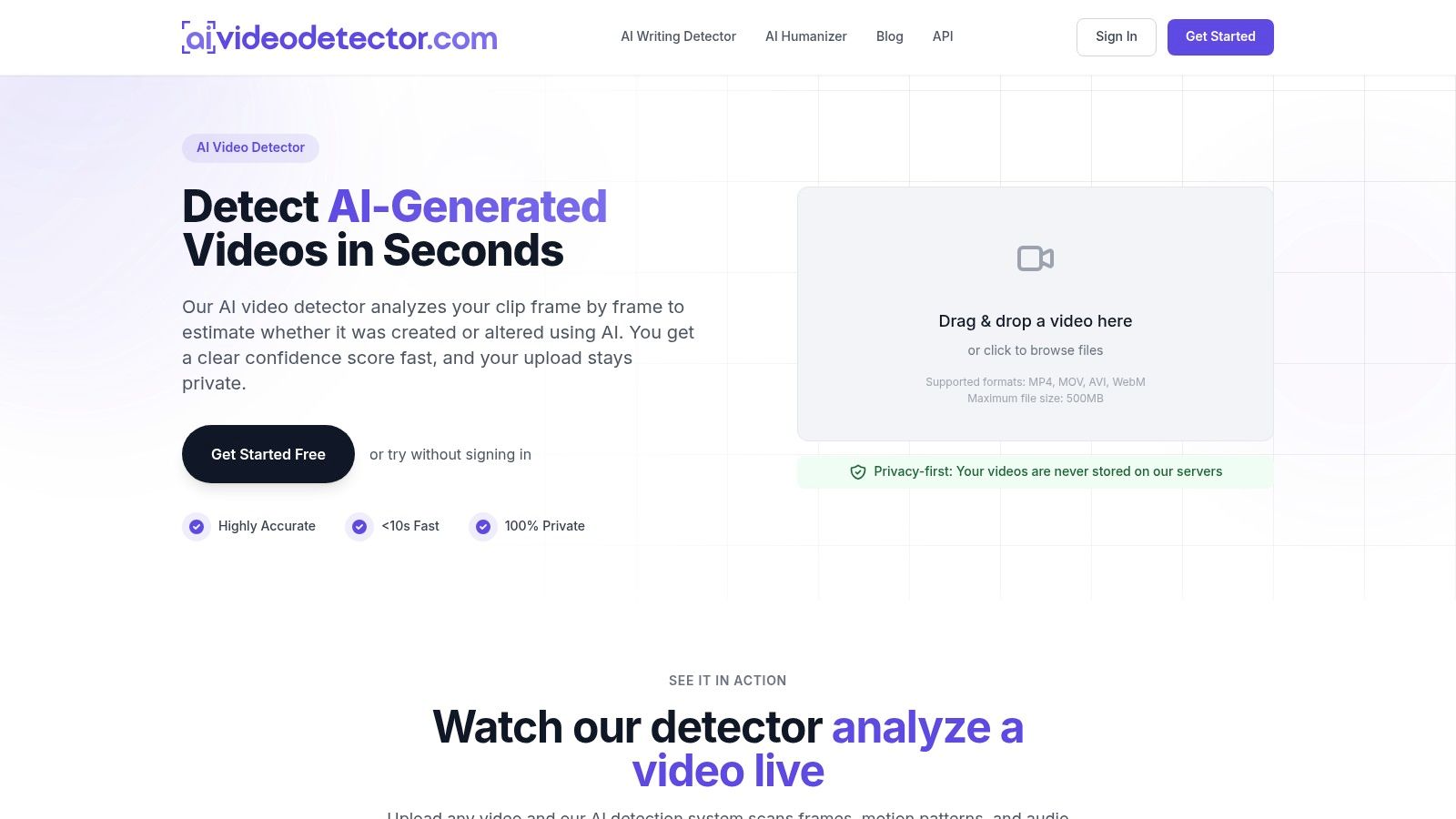
Best for multimedia triage by newsrooms, fraud teams, legal reviewers, and moderators. Our detector examines a clip frame by frame and returns a confidence score estimating whether it was created or altered using AI. It isn't a disk-imaging platform, mobile extraction suite, or substitute for an examiner's opinion.
Our analysis combines frame inspection, audio forensics, temporal-consistency checks, and metadata inspection. These checks look for signals including unnatural textures, inconsistent facial micro-expressions, synthetic audio patterns, flickering, and encoding irregularities.
Basic detection is free and doesn't require registration. Our privacy-focused workflow doesn't store uploaded videos, but an organization should still establish that it has authority to submit sensitive material to an externally hosted service.
Where the result helps and where it stops
Use the score to prioritize verification, not to declare evidence authentic or fabricated. A suspicious result should trigger source interviews, original-file requests, provenance checks, and independent examination; an unflagged result shouldn't end an investigation.
- Practical advantage: Combined visual, audio, temporal, and metadata checks offer more investigative context than judging a screenshot alone.
- Important limitation: We don't publish independent accuracy benchmarks. A confidence score shouldn't be interpreted as a validated probability of authenticity for every evidence category.
- Workflow fit: Editorial teams can integrate the detector into existing review processes, while our Pro plan supports detailed reports, batch processing, and API access.
Our guide to forensic video analysis software helps distinguish media examination from detection. For creative-production context, AIMVG's guide to 2026 video trends can help reviewers understand the changing production environment, but trend coverage isn't validation evidence.
Evidence rule: Preserve and hash the original before submission. Record the tested copy, processing date, available model information, score, and follow-up verification.
For disputed audio, the same boundary applies: spectral analysis can flag concerns, but it doesn't independently establish who spoke or what happened.
2. Magnet AXIOM
A message on a phone, a browser artifact on a laptop, and a cloud record may describe the same event. Magnet AXIOM suits investigators who need to examine those sources together rather than manage disconnected exports.
Its artifact search, timelines, connection analysis, and reporting make it a strong shortlist candidate for mixed-device law enforcement work. Enterprise buyers should distinguish the proposed edition and collection workflow from other products in Magnet's portfolio.
Buy the workflow, not the product-family name
The practical benefit is cross-source review. An examiner can follow a lead across evidence categories while keeping findings within a common case environment, rather than manually reconciling separate reports.
That breadth brings costs beyond licensing. Allow for processing hardware, storage, examiner training, and time spent checking how the software interpreted important artifacts.
- What works: Connecting computer, mobile, and cloud evidence within a structured investigative workflow.
- What needs confirmation: Acquisition methods, supported sources, integrations, and which edition includes relevant media-authentication capabilities.
- Where it stops: A readable video or extracted attachment doesn't establish that its contents are genuine.
Automation should reduce repetitive review, not hide interpretive decisions. In Magnet Forensics' 2024 enterprise DFIR survey, more than 40% of respondents said their organizations were implementing significant automation for digital-evidence processing and analysis.
During evaluation, ask the examiner to export an important finding with its source location and processing context. The digital forensics analysis guide provides useful context for separating collection, interpretation, and reporting. Request a quote that identifies required modules and renewals, not just an initial license.
3. Cellebrite Inseyets
Start with the handset, not a general promise of mobile support. Cellebrite Inseyets combines device access and extraction with decoding, analysis, cloud collection, and team workflows. It belongs on the shortlist when phones dominate the caseload.
The product family connects UFED-based acquisition with Physical Analyst review. That matters because successfully copying data and correctly interpreting app records are separate tasks, even when the examiner performs them within a connected workflow.
A strong fit for mobile-heavy forensic units
For a law enforcement laboratory, the attraction is a mobile-centered process from access through examination. Previewing, prioritization, and collaboration components can also help supervisors allocate devices across a unit.
An enterprise legal team may need a narrower collection. Before buying, establish whether the proposed workflow can collect the relevant business evidence without unnecessarily expanding access to personal material.
- Strength: Device extraction and app-data interpretation sit within a connected product family.
- Trade-off: Licensing, components, training, and deployment can become complex.
- Hard limit: Access isn't guaranteed for every model, operating system, security patch, or lock state.
Use representative devices during a demonstration. Ask what happens when extraction is partial, an app isn't fully decoded, or cloud collection requires credentials or provider cooperation.
An empty artifact view isn't proof that activity never occurred. Document acquisition limitations separately from analytical findings, and retain the underlying extraction for later reprocessing where appropriate.
Inseyets also isn't a network packet-analysis replacement. A phone may contain network-related artifacts, but reconstructing enterprise traffic still requires the relevant captures, infrastructure logs, and specialist analysis.
4. OpenText Forensic (EnCase)
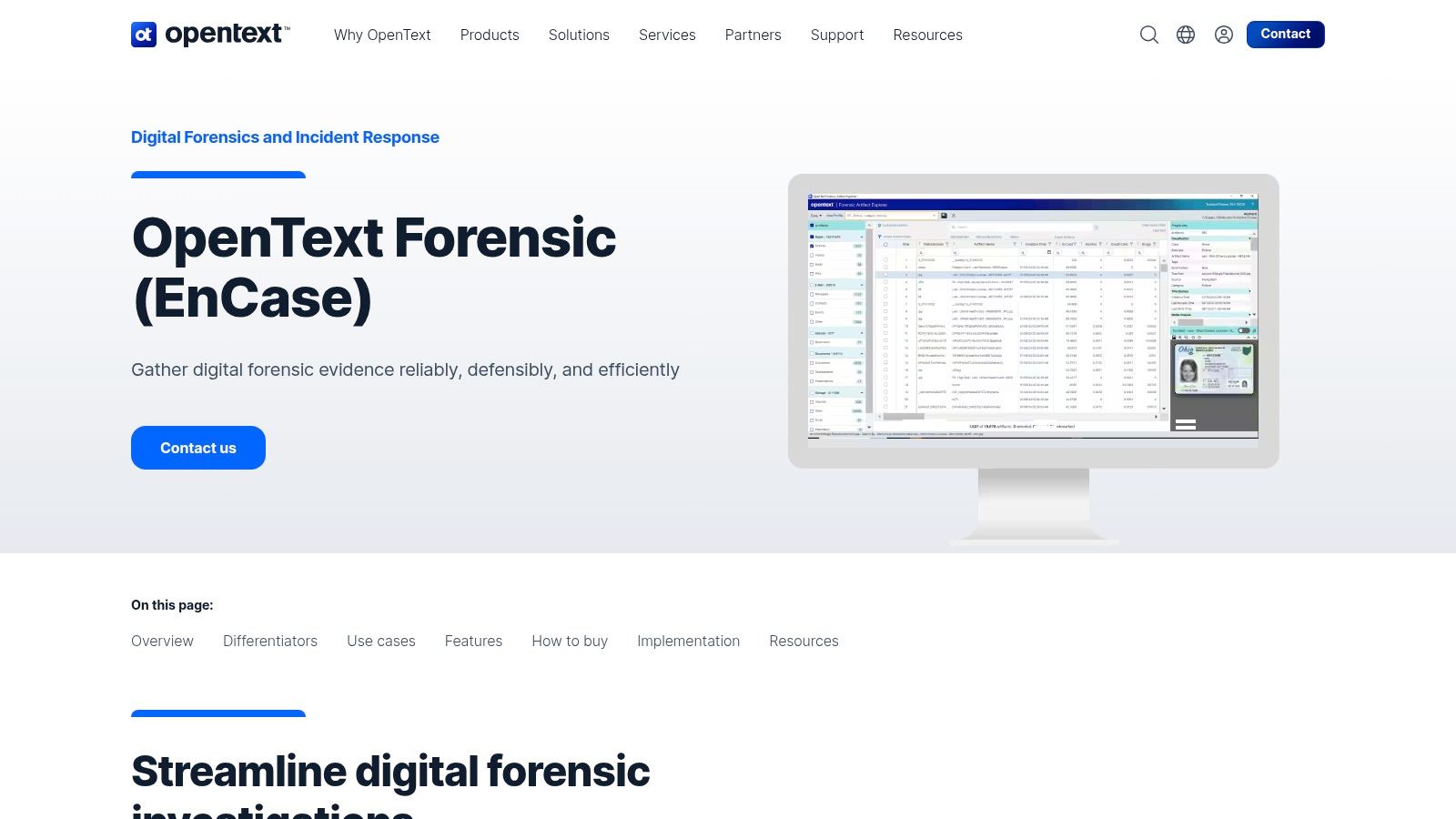
OpenText Forensic, formerly EnCase Forensic, suits teams that need controlled acquisition, structured examination, and configurable reporting. Its scope covers computer evidence, mobile artifacts, cloud sources, deleted or historical files, and artifact-centered review.
The difference between a mature investigative environment and automatic evidentiary reliability matters. A familiar product name does not remove the need to validate the function, version, and evidence type in use. NIST's scientific review of digital investigation techniques examines method validation across digital investigation work. Treat it as context for validation, not as blanket approval of current software or every module in a suite.
Best for controlled laboratory workflows
Artifact triage, indexing, timelines, automation, and custom reports support a repeatable examination process. Off-cloud or private-cloud deployment may matter where the organization needs direct control over evidence storage.
- Useful strengths: Acquisition, detailed examination, and reporting within an established forensic product family.
- Operational cost: Examiners need training to use its breadth without relying blindly on parsed views.
- Procurement question: Confirm which mobile, cloud, encryption-related, and add-on capabilities the quote includes.
Test reporting with a contested finding, not just a straightforward keyword hit. A reviewer should move from the conclusion to the relevant artifact and underlying source. Preserve settings and source references so another examiner can check the result. A well-formatted report is not the same as a reproducible examination.
For multimedia disputes, use the suite to preserve and contextualize the recording. Obtain specialist authenticity analysis when the recording itself is challenged. EnCase preserves and indexes media evidence well, but it does not settle whether a clip was generated or altered.
5. Exterro FTK
Don't confuse FTK with FTK Imager. Exterro's digital forensics software includes a full investigation platform alongside separate acquisition and preview options. The distinction matters when comparing both capabilities and budgets.
FTK is a candidate for organizations that need evidence processing, analysis, and review, particularly where forensic work connects with broader legal or e-discovery processes. Free FTK Imager offers an accessible acquisition and preview starting point, but it doesn't replace the full analysis environment.
Match the product to the handoff
Consider an enterprise investigation involving a former employee's workstation. The examiner may need to preserve the drive, identify relevant activity, and deliver selected findings to counsel without treating every collected item as responsive evidence.
That workflow calls for clear boundaries between acquisition, forensic interpretation, and legal review.
- FTK Imager: Useful for imaging and evidence preview when those are the immediate requirements.
- Full FTK: The more relevant comparison when processing, searching, examination, and review are required.
- Imager Pro: A separate offering whose additional collection and encryption-related functions need their own licensing assessment.
The practical advantage is a potential path between forensic investigation and legal workflows. The trade-off is procurement complexity: don't assume that every capability shown in a demonstration is part of the proposed package.
Use an evaluation case that includes excluded material, a relevant file, and a deleted artifact. Check whether the examiner can preserve source references while delivering an appropriately scoped review set.
The guide on how to authenticate evidence explains why preservation and interpretation need separate attention. FTK can support that process, but acquiring a recording doesn't prove the scene it depicts occurred.
6. Belkasoft Evidence Center X
An incident response team may need memory evidence before shutdown, computer artifacts afterward, and cloud records to explain account activity. Belkasoft Evidence Center X is a candidate for that mixed-source workflow.
It combines computer, mobile, memory, and cloud investigation with artifact review, timelines, connection graphs, multimedia review, and reporting. Its portable case-review option is also relevant when another investigator needs to inspect findings without using the primary examination workstation.
Breadth is useful only when exports retain context
The strongest reason to evaluate Belkasoft is the ability to move between summarized artifacts and lower-level file or database inspection. That supports an important habit: check the source when a parsed result becomes central to the case.
The trade-off is training and configuration. Broad coverage doesn't mean every acquisition method or specialist parser you need is included in every edition.
- For incident responders: Test the memory and computer workflow against your actual collection process.
- For forensic laboratories: Verify device support and the traceability of recovered artifacts.
- For case reviewers: Confirm what the portable reader preserves, displays, and allows them to export.
Europol's digital forensics gap analysis identifies incompatible formats, inconsistent validation, resource shortages, and specialist needs around cloud, vehicle, and IoT evidence. Those are workflow problems, not issues that disappear after purchasing a larger suite.
During evaluation, move a finding into the next system your team uses. Check timestamps, source identifiers, annotations, and attachment relationships. Multimedia categorization helps locate relevant material, but locating a suspicious recording and authenticating it remain different jobs.
7. X-Ways Forensics
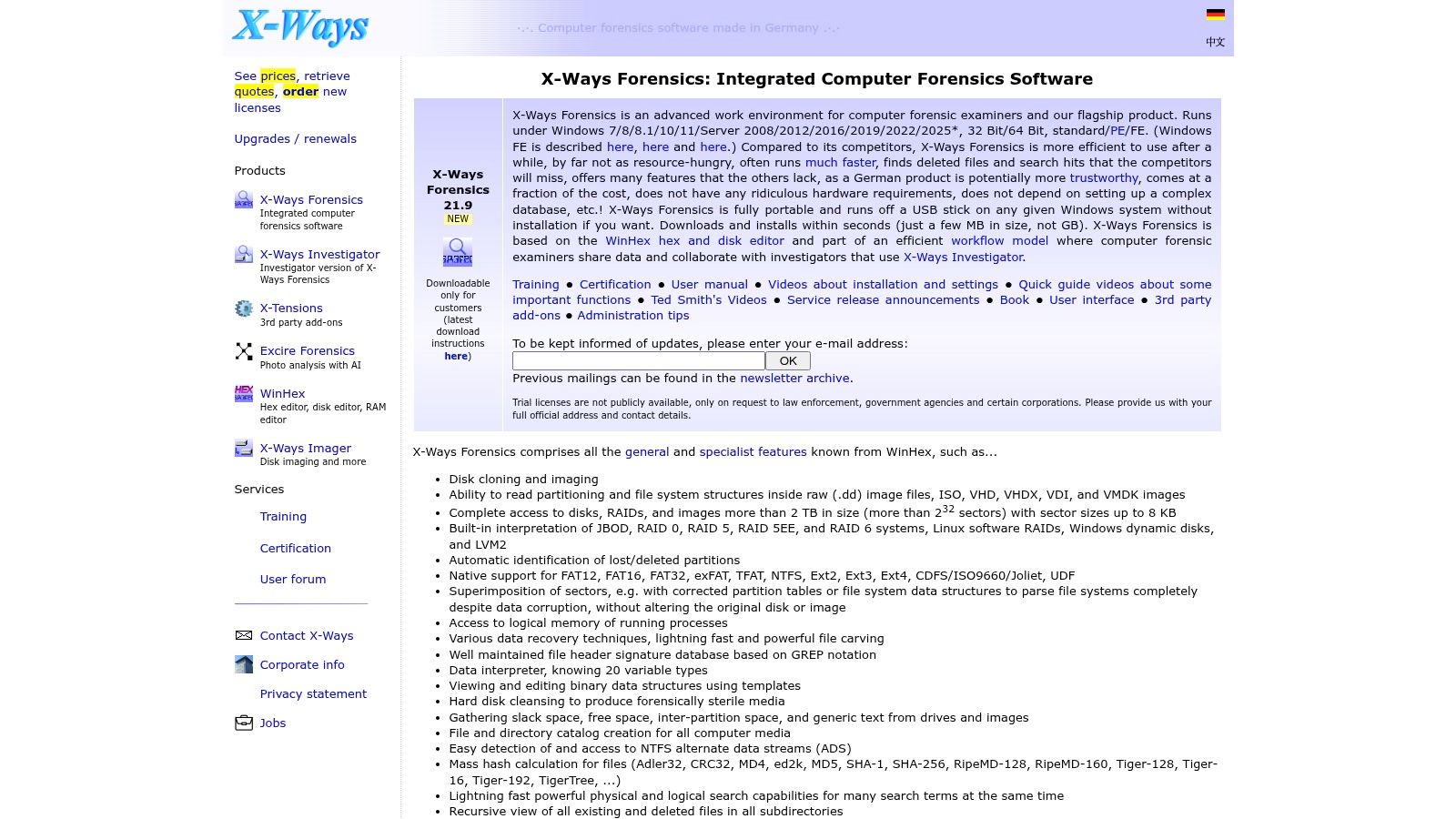
X-Ways Forensics is a strong shortlist candidate for experienced examiners who want detailed control over disks, filesystems, deleted data, and file content. Its Windows-based, portable workflow differs from a broad mobile-and-cloud investigation suite.
The appeal is low-level examination: imaging, cloning, filesystem analysis, RAID interpretation, searching, hashing, carving, and metadata review. Case management, annotations, bookmarks, and report preparation support the work around those technical functions.
Best when the filesystem is the question
If the question is whether a file existed, where its content remains, or how filesystem metadata relates to other activity, X-Ways deserves evaluation. It also offers an API for extensions and automation.
The dense interface is the trade-off. An examiner needs to understand the relevant structures and distinguish what the software recovered from what the available evidence establishes.
- Good fit: Disk-focused laboratories, consultants, and examiners who need detailed file-level control.
- Poor substitute: A primary platform for difficult mobile-device access or broad cloud collection.
- Evaluation priority: Recovery behavior, filesystem handling, export traceability, and repeatability on known samples.
NIST's Computer Forensics Tool Testing program develops specifications, procedures, criteria, and test sets for defined forensic functions, including acquisition and recovery. Apply that functional approach when evaluating X-Ways rather than treating the entire application as a single pass-or-fail proposition.
For static storage acquisition, use validated write protection where appropriate and verify the resulting image. Keep live acquisition separate in your procedure because interaction with a running system can change its state.
X-Ways can help establish where a video file was found. That isn't a conclusion about whether the video is synthetic.
8. Autopsy
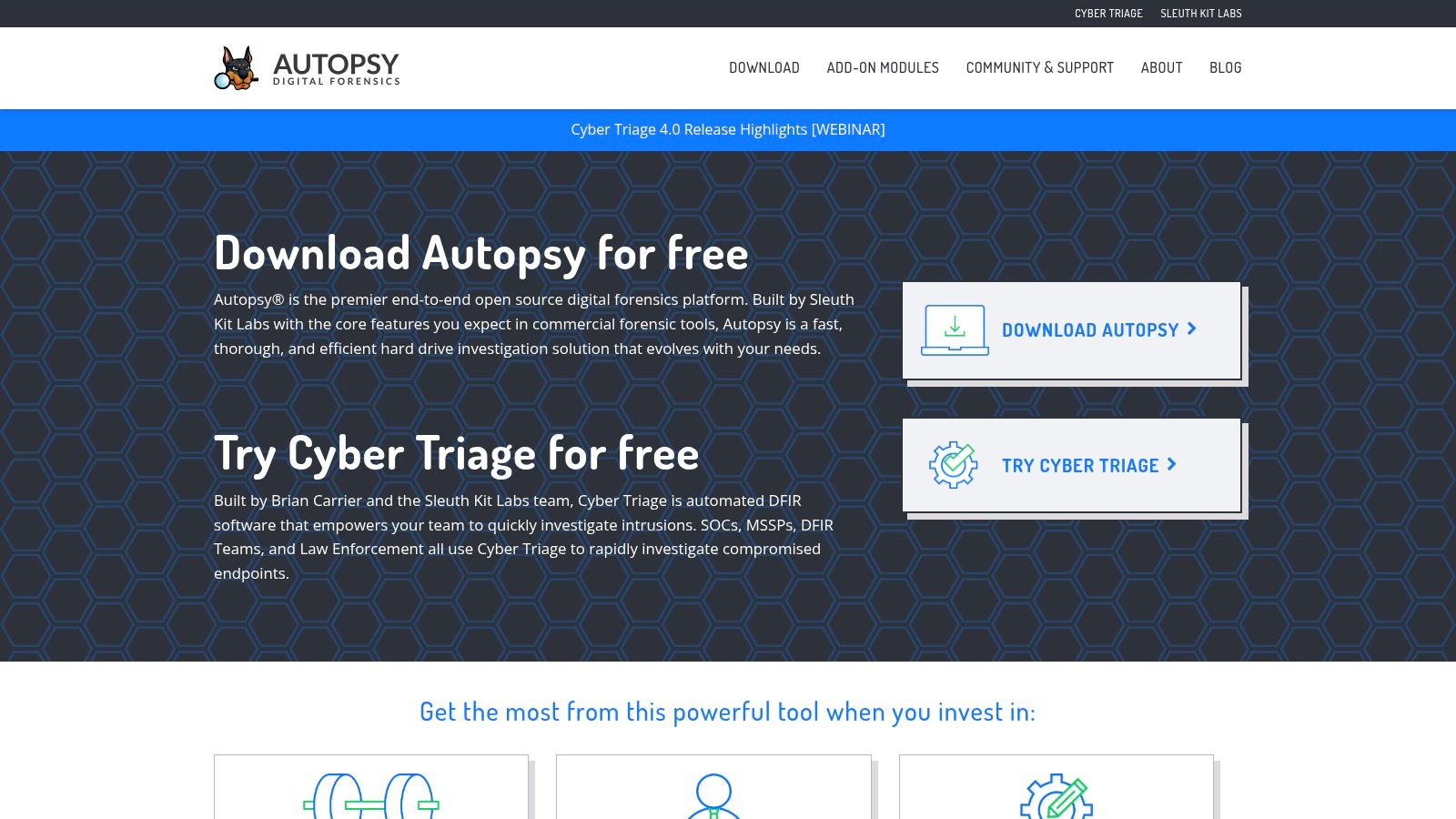
A limited software budget doesn't eliminate the need for a documented examination process. Autopsy offers a free, open-source graphical platform built around The Sleuth Kit, making it a practical candidate for disk and digital-media investigations.
Its plug-in architecture lets teams extend the workflow through modules. That flexibility suits technical organizations and training environments, but it also means the deployed module set needs to be treated as part of the forensic configuration.
Free licensing still requires quality assurance
Autopsy can be a sensible starting point for a small team that can invest in examiner skills, validation samples, and documented procedures. Training and subscription-based support are available when community resources alone don't meet operational requirements.
Don't mistake an accessible interface for permission to accept every classification without checking it. A benchmark of file-identification tools found that Autopsy correctly classified 90.6% of tested files, compared with 94.4% for Fidentify, within that test set.
- Advantage: No software purchase is needed to begin examining suitable evidence.
- Responsibility: Record the application version, modules, settings, and processing errors.
- Boundary: It doesn't replace specialist mobile acquisition tools when device access is the obstacle.
For a practical test, include files with misleading extensions, deleted content, and known timestamps. Check both the displayed result and the underlying source, particularly when a file's classification determines how it gets parsed.
Budget for storage, processing time, training, and review even when licensing is free. For legal or newsroom work, identify who will explain the findings and limitations before the first disputed case arrives, not after someone challenges the report.
9. Oxygen Forensic Detective
Import capability matters when the evidence wasn't collected in your preferred tool. Oxygen Forensic Detective supports acquisition, import, decoding, analysis, and reporting across mobile, computer, and cloud evidence.
Its timelines, mapping, link analysis, and media categorization make it relevant to investigators combining device records with other case material. Standalone and network licensing options provide different deployment paths for individual examiners and shared teams.
Test interpretation across imported evidence
The practical attraction is a common review environment for varied sources. The main caution is that an imported extraction still needs checking: successful ingestion doesn't establish that every field, relationship, timestamp, or attachment was interpreted correctly.
Use a known conversation and associated media during evaluation. Compare the displayed records with the source extraction, paying attention to timezone handling and the distinction between message, download, and filesystem timestamps.
- Law enforcement fit: Mobile-heavy investigations requiring relationships, locations, and cross-source review.
- Enterprise fit: Mixed account and device investigations, subject to collection authority and organizational security requirements.
- Trade-off: Device, source, operating system, and license affect available capabilities.
A map is particularly easy to overinterpret. Establish whether a displayed location represents a device observation, embedded media metadata, an account record, or another artifact before describing it as someone's physical presence.
Ask for a quote tied to your required collection methods and concurrent-user needs. Procurement should also assess deployment, security, and supply-chain requirements.
Media categorization isn't media authentication. Oxygen can help an investigator find a relevant recording and connect it with surrounding activity, but disputed video or audio still requires provenance review and specialist examination.
10. OSForensics
OSForensics suits computer-focused evidence discovery and triage. Its search, indexing, hash matching, file-signature comparison, email examination, memory-artifact review, and binary inspection are relevant when the immediate question is what a computer contains.
Publicly listed pricing makes initial procurement easier to scope than a quote-only buying process. A trial also gives the examiner an opportunity to test the selected license against the required analysis and reporting tasks.
A focused option for computer investigations
Consider a security team examining a workstation after suspected document theft. Search and indexing can help locate filenames, email content, and related artifacts, while hash matching can identify known files.
The examiner must still distinguish discovery from proof. Finding a document doesn't independently establish who opened it, whether it left the organization, or whether the visible timestamps describe the event under investigation.
- Useful strengths: Computer triage, file discovery, hash comparison, and examination of several artifact categories.
- Buyer advantage: A clearer public buying path and an opportunity to evaluate before committing.
- Important limit: It isn't a replacement for specialist mobile extraction, full cloud collection, or packet analysis.
Test reporting as carefully as searching. Relevant findings should retain enough source information for another examiner to locate and check them, rather than appearing only as copied screenshots.
Buying advice: A tool that finds the file quickly is useful. A workflow that explains where it came from and what it establishes is defensible.
OSForensics may be enough for a defined computer-evidence task. When the investigation expands into locked phones, distributed cloud accounts, or disputed recordings, add the relevant specialist capability rather than stretching a computer-focused tool beyond its role.
How the Ten Tools Compare on Pricing, Free Access, and Best Fit
Pricing rarely compares like for like. A free imaging utility, a $19 monthly detector, and a quote-based laboratory suite solve different problems at different scales. The table records the public buying path and the evidence type each tool handles.
| Item | Pricing Model | Free Option | Best For | Media Authenticity Focus |
|---|---|---|---|---|
| AI Video Detector | Free basic detection; Pro $19/month | Yes, no sign-up required | Quick, privacy-focused video checks | Frame, audio, motion, temporal consistency, metadata; confidence score |
| Magnet AXIOM | Quote-based licensing | Trial access available | Cross-source digital investigations | Video authentication and synthetic-media analysis in relevant editions |
| Cellebrite Inseyets | Commercial licensing; quote required | No free option advertised | Mobile-heavy forensic caseloads | Mobile evidence analysis; no specific media-authentication focus stated |
| OpenText Forensic (EnCase) | Quote-based licensing | No free option advertised | Structured investigations and reporting | General evidence acquisition and analysis; no specific media-authentication focus stated |
| Exterro FTK | Commercial licensing; quote required | Free FTK Imager for imaging and preview | Forensic workflows linked to e-discovery | General evidence review; no specific media-authentication focus stated |
| Belkasoft Evidence Center X | Pricing varies by edition; quote required | Free trial available | Computer, mobile, memory, cloud investigations | Picture and video analysis |
| X-Ways Forensics | Commercial licensing; described as comparatively affordable | Limited trial by request to eligible organizations | Experienced examiners analyzing computer evidence | File, metadata, deleted-data examination; no specific media-authentication focus stated |
| Autopsy | Free and open-source; optional paid support | Yes | Budget-conscious teams and forensic skills development | Disk and digital-media investigations; no specific media-authentication focus stated |
| Oxygen Forensic Detective | Standalone or network licensing; quote required | 15-day trial available | Mobile, computer, cloud evidence investigations | Media categorization; no specific authenticity focus stated |
| OSForensics | Publicly listed pricing | Free trial available | Computer-focused evidence discovery and triage | Search and examination of computer evidence; no specific media-authentication focus stated |
Read the free column as an evaluation budget, not a capability match. A no-cost tier lets a newsroom test a submitted clip before paying. A suite trial lets an examiner run import, processing, and reporting on sample evidence. Quote-based tools move cost into deployment and training. For video or audio authenticity, the detector is the narrow option. For disk, mobile, or cloud evidence, a full suite earns its price.
Matching the Tool to the Question You Need Answered
Start with the evidence type and the decision it must support. A laboratory trying to recover messages from a locked phone has a different problem from counsel reviewing a preserved disk or a newsroom assessing a suspicious interview clip. Shortlist a small group of suitable tools, then test them on representative sample evidence before buying.
For mixed-source laboratory work, Magnet AXIOM merits consideration. Cellebrite Inseyets and Oxygen Forensic Detective are relevant to mobile-heavy caseloads, while Autopsy and X-Ways deserve attention when disk examination is central. OpenText Forensic, FTK, Belkasoft, and OSForensics offer different combinations of acquisition, examination, review, and reporting, but their suitability depends on the actual workflow.
Evaluate the whole evidence path
Give vendors an evaluation task with known answers, incomplete records, and deliberately awkward files. Ask the examiner to collect or import the evidence, explain processing errors, verify an important artifact, and produce a reviewable report.
- Validate the interpretation: Check source artifacts, timezone handling, deleted-record treatment, and parser limitations.
- Test the handoff: Export findings into the legal, case-management, or incident-response system that receives them.
- Price the operation: Include workstations, storage, training, renewal terms, specialist review, and revalidation after meaningful updates.
Network investigations need their own evidence plan. Endpoint artifacts may explain a connection, but they don't replace packet captures or infrastructure logs that were never collected. Similarly, cloud collection depends on access, provider behavior, retention, and collection authority, not just a suite's feature list.
Keep authenticity separate from collection
For video and audio, preserve the original and examine provenance before treating a detector output as a conclusion. Our free basic detection doesn't require registration, making it a practical first check when submission is authorized, but neither a general forensic suite nor a dedicated detector settles every authenticity dispute.
Legal-forensics research on deepfake evidence identifies the importance of provenance metadata, hashing, multi-method analysis, explainable outputs, validation, chain of custody, repeatability, and expert reporting. It also emphasizes communicating uncertainty rather than presenting a binary verdict.
Record what was tested, which processing steps were applied, what the system reported, and what independent checks followed. Hash each retained derivative and document its relationship to the preserved original. Agreement between opaque detectors isn't automatically stronger evidence if another examiner can't reproduce or explain the process.
Choose software that helps you answer a defined question and show your work. The strongest purchase isn't necessarily the broadest suite; it's the combination your team can operate, validate, and explain under challenge.
Preserve your suspicious clip, calculate its hash, and confirm that your organization permits external analysis. Then run a free basic check with AI Video Detector, retain the result with your case notes, and use it to direct provenance checks or specialist review before making an editorial, legal, or security decision.


