

WebM File Format: Codecs, Support and Checks

WebM is an open Matroska-based container for the web, not a single codec, and a valid file may carry VP8, VP9 or AV1. The extension alone doesn't tell you whether a file will play on a particular device or what details you can still inspect later.
That distinction matters if you're choosing an export, troubleshooting playback, or checking a clip someone sent you. Think of the container as a shipping box: it organizes the tracks, but the video and audio inside determine how a player handles them. A .webm name is a useful clue, not a compatibility or authenticity guarantee.
What a WebM File Actually Contains
WebM is a media container, not a compression algorithm. The container is the box; codecs are the methods used to encode the picture and sound placed inside it. WebM uses a constrained, Matroska-based structure designed for web video.
The quick identifiers are the .webm extension and the MIME types video/webm and audio/webm. The format was introduced on May 19, 2010, as an open, royalty-free route for HTML5 video. Google launched the project with Mozilla, Opera, and more than 40 other publishers, software companies, and hardware vendors participating in the initial effort, according to Mozilla's account of WebM's launch.
Keep this codec guide handy when you're comparing files:
| Role | Codec | In the spec | What to remember |
|---|---|---|---|
| Video | VP8 | Required support since 2010 | Original web codec, typically 8-bit |
| Video | VP9 | Required support since 2013 | Profile 0 is 8-bit; Profile 2 is 10-bit |
| Video | AV1 | Allowed, not part of the required core | Can improve quality per bit, but takes more work to encode and decode |
| Audio | Vorbis | Required support since 2010 | Original audio pair for VP8 |
| Audio | Opus | Required support since 2013 | Common audio choice for newer web delivery |
| Text | WebVTT | Optional text track | Carries captions or other cues, not the picture |
The original WebM design paired VP8 video with Vorbis audio. A later update added support for VP9 video and Opus audio, and subsequent specifications also allowed AV1 video. The Adobe WebM container overview distinguishes the required codec support from AV1's optional presence. That distinction is useful: a file may be valid WebM without using the same codec combination as another valid WebM file.
Say you receive two WebM clips with the same dimensions. One might contain 8-bit VP8 video, while another uses VP9 Profile 2 at 10-bit. Their file extensions match, but their decoding needs and visible compression artifacts can differ. The extension also doesn't tell you a file's bitrate, frame rate, chroma format, audio setup, or exact profile.
The container and its required codecs are available under open licenses and were designed for modern web environments. But open and valid don't mean universally playable. Before judging playback, quality, or origin, identify the video and audio codecs and inspect the stream details.
Which WebM Codecs Play on Each Device
A browser that "supports WebM" works like an interpreter who knows a language family but not every dialect. Opening the container is the easy part. Decoding the specific codec, profile and audio track inside is where playback succeeds or fails.
| Platform | VP8 plus Vorbis | VP9 plus Opus | AV1 in WebM | Practical fallback |
|---|---|---|---|---|
| Chrome | Yes | Yes | Widely supported on current builds | None usually needed |
| Firefox | Yes | Yes | Widely supported on current builds | None usually needed |
| Edge | Yes | Yes | Widely supported on current builds | None usually needed |
| Safari on macOS | Yes on recent versions | Yes on recent versions | Limited to newer hardware | MP4 on older systems |
| iOS | Yes on recent versions | Yes on recent versions | Limited to newer devices | MP4 on older devices |
| Android | Yes | Generally yes | Limited on many devices | MP4 if hardware decoding is uncertain |
| Smart TVs and desktop players | Common on TVs running Android, spotty elsewhere | Common on TVs running Android, uneven elsewhere | Recent sets and players only | MP4 |
The MDN guide to media containers documents broad VP8 and VP9 support alongside version-dependent exceptions. Safari plays WebM with VP8 and VP9 on recent macOS and iOS releases, so Apple support is real but tied to the operating system version rather than the extension. AV1 tells a different story: it leans on newer decoding hardware, which is why it stays limited on Apple devices and inconsistent across Android phones.
For a Chrome-, Firefox-, or Edge-first web page, VP9 with Opus is a practical open-web choice. Reach for AV1 when its quality-per-bit advantage matters and your audience's hardware can decode it. VP8 with Vorbis still earns its place when an older tool or workflow cannot produce newer combinations.
One codec rarely covers every viewer.
If Safari on an older system is part of your audience, serve an MP4 fallback instead of assuming a valid WebM will play. Televisions and desktop players add another layer, since their built-in decoders differ by platform and chipset. Test the exact file on the actual target, and for a closer look at what a stream reports about itself, see this guide to video codec analysis.
Playback fixes can also erase evidence. Re-encoding or converting a clip may change metadata, frame timing, or audio alignment, so keep the original file whenever those details could matter.
When WebM Beats MP4 and When It Does Not
Choose WebM for Chrome-first web delivery or when you need an alpha-channel video layered over a web page. Choose MP4 when broad playback, editing, or handoff compatibility matters more than a WebM-specific feature.
| Decision | WebM | MP4 |
|---|---|---|
| Licensing posture | Container and required codecs are offered royalty-free | Longstanding patent-licensed codec ecosystem |
| Best audience | Chrome, Firefox, Edge, and open-web pages | Broad phone, editor, and platform support, including Apple devices |
| Transparency | Common path for alpha web video | Poor fit for a true alpha channel |
| Editing and handoff | Support in editing tools and uploaders can be uneven | Common interchange choice |
| Streaming package | Works with the WebM Media Source byte stream | Common choice for HLS and fragmented MP4 |
| Quality per bit | VP9 or AV1 can be efficient; AV1 takes longer to encode | Depends on the codec and export settings |
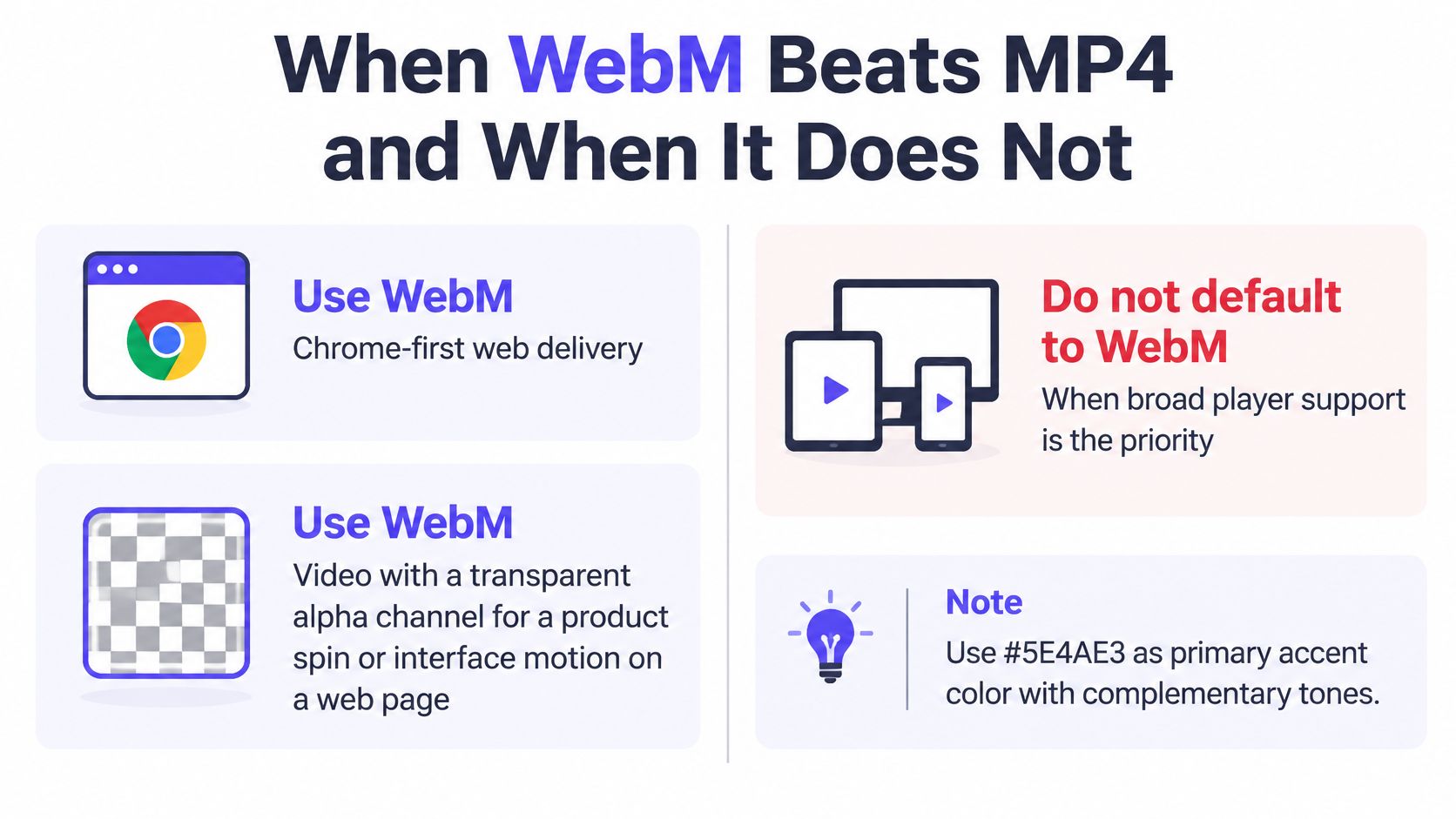
WebM's original purpose was an open, royalty-free alternative for HTML5 video, while MP4 belongs to a longstanding patent-licensed codec ecosystem. In practice, the right choice depends on where the file needs to go. A product animation on a web page may benefit from WebM with transparency, while a clip intended for an iPhone, editing timeline, or social platform may be easier to share as MP4.
The U.S. Library of Congress format description reports that its digital collections held more than 4,300 files with the .webm extension, totaling 14 GB, as of May 2023. That collection shows WebM has a place in digital holdings, but a format's presence in an archive doesn't make it the right delivery choice for every player or workflow.
Neither container makes an image more real. A file can be a WebM derivative or an MP4 export and still show authentic, edited, or synthetic content. For collaboration, keep an MP4 master or handoff copy when your tools and recipients expect it, then publish a WebM derivative where its open-web playback or transparency suits the page.
Simple rule: use WebM when its specific features suit the destination; use MP4 when broad compatibility is the priority.
Export Settings That Survive Real Players
A useful export is one that plays for the intended audience and preserves details you may need to check later. Use this path as a starting point, then test the finished file on the devices that matter.
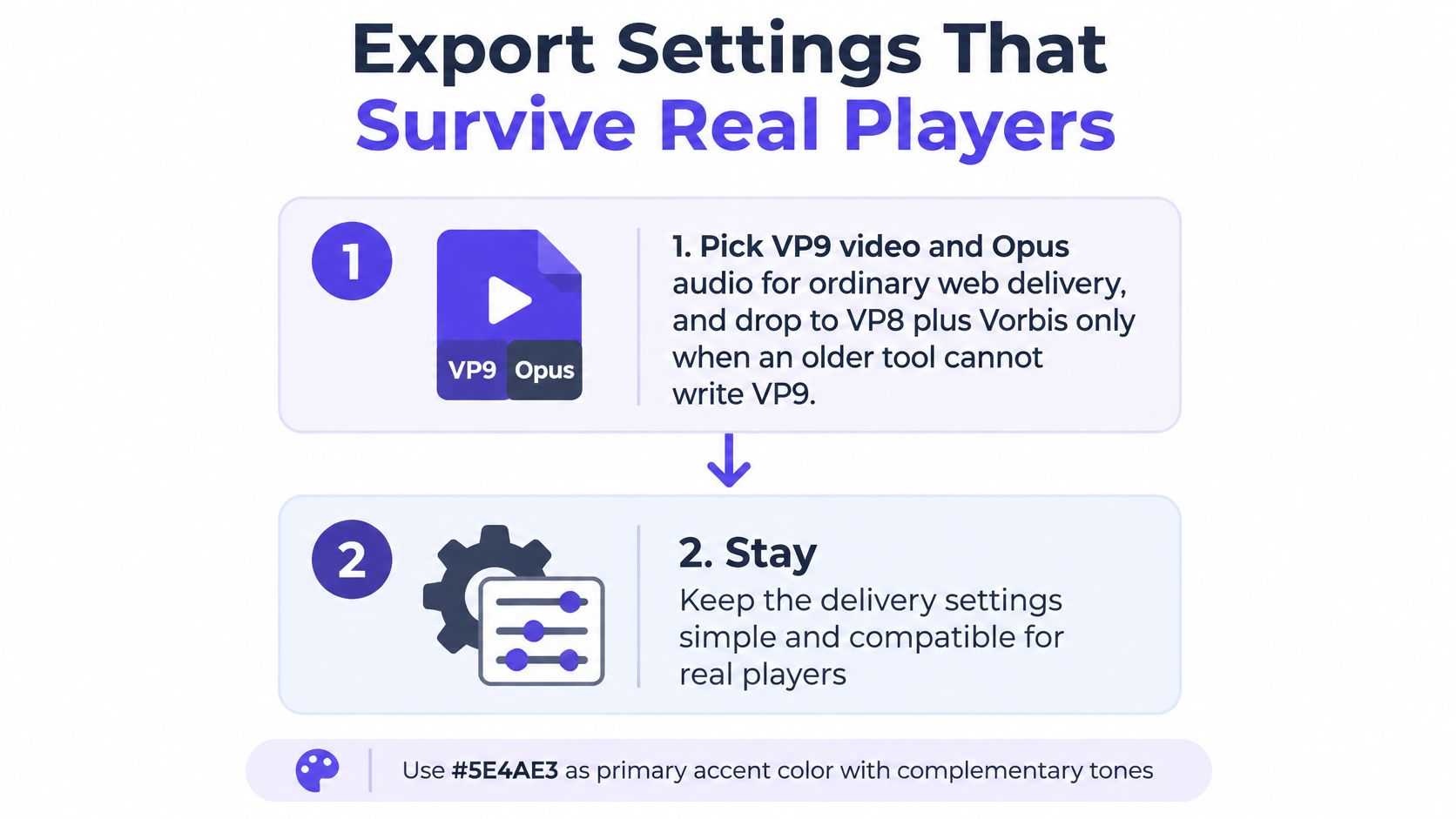
Choose VP9 video and Opus audio for ordinary web delivery. Fall back to VP8 with Vorbis only if an older tool can't write VP9; this avoids exporting a newer stream your workflow can't produce or manage.
Use 8-bit 4:2:0 Profile 0 for straightforward delivery. Choose 10-bit Profile 2 only when your graded master needs it and the target players can decode it, so you don't send viewers a file that only some systems can open.
Choose AV1 selectively. Use it when the potential quality-per-bit benefit justifies a longer encode and you've confirmed browser or hardware decoding; otherwise, the decoder limits can turn an efficient export into an unplayable one.
Preserve the source frame rate and resolution when the clip may be reviewed later. Changing the frame rate can alter the timing pattern that a reviewer needs to examine.
Set a reasonable quality target or bitrate cap. Avoid producing a file far larger than the page needs, but check the result at the size and on the display where people will watch it.
Include the cues your playback workflow needs. Missing cues can make a long clip harder to seek, especially in a browser workflow that relies on indexed access.
Create a matching H.264 MP4 with AAC when Safari, iOS, or editing tools are part of the delivery plan. That gives those viewers and collaborators an alternative without replacing the WebM version.
Test both files before publishing. Play the WebM in a target browser such as Chrome and check the MP4 on an iPhone if iOS viewers matter; this catches playback problems before the page goes live.
Keep both outputs from the same master when you need them: one WebM for open-web delivery and one MP4 fallback. If a WebM someone sent you won't open, first identify its video codec, profile, and audio track. A valid container can still lack a decoder on your device, and changing or transcoding the file may alter information a later review could use.
How WebM Structure Reveals Processing History
A .webm filename, MIME type, or valid container can't establish whether a clip is authentic or synthetic. The same structure can hold a camera recording, a careful edit, or a generated picture encoded with different settings.
A WebM byte stream is organized using EBML. It begins with an EBML Header and Segment header, followed by Segment Information and Track elements, then media Clusters. The W3C WebM byte-stream requirements describe this structure and the role of timestamps and EBML lacing. Timestamps use track time units, so they describe media timing rather than a real-world recording date. Lacing groups frames and encodes frame sizes compactly.
Track metadata provides useful clues about what you're examining. The WebM container documentation explains that a track's CodecID identifies its codec, while VP9's CodecPrivate parameters can describe profile, bit depth, and chroma subsampling. A thorough check should record these fields along with dimensions, timestamps, and audio codec. Enumerate text tracks too: WebVTT can carry captions or other auxiliary text.
| Field | What it records | What it reveals |
|---|---|---|
| CodecID | Codec of each track | Which decoder must run |
| CodecPrivate for VP9 | Profile, bit depth, chroma subsampling | For example, 8-bit Profile 0 versus 10-bit Profile 2 |
| Cluster and Block timestamps | Track time units and block order | Rebuilt presentation order and gaps |
| EBML lacing | Packet grouping and size differences | Abrupt packet or duration changes |
| Cues | Seek index | Whether a long clip may be missing seek cues |
| WebVTT track | Captions or other text cues | Auxiliary text not present in the picture |
Read the timestamps to rebuild playback order. Byte order isn't necessarily presentation order. Gaps, non-monotonic timestamps, unusual Cluster boundaries, missing cues, or abrupt changes in lacing and packet duration can point to editing, transcoding, interrupted recording, or a malformed export. Those are signs of processing history, not proof of generative manipulation.
Start by parsing the initialization segment to validate declared tracks and dimensions. Then decode the relevant Clusters and compare video timing with audio timestamps. Preserve bit depth during extraction: converting 10-bit video to 8-bit can erase subtle generation or recompression traces. When you're setting up a review process, this guide to metadata requirements can help you think through which fields to capture.
Forensic rule: report timing and codec anomalies alongside visual findings, and treat an anomaly as a lead to investigate, not a verdict.
Check a WebM File Before You Trust It
Before you publish or rely on a WebM clip, take two separate actions. Confirm playback on the intended devices, then check the content itself. A successful open only shows that a player handled the file; it doesn't prove who made the video or whether its content is genuine.
For delivery, test the exact codec pair on the target devices. If Safari or iOS viewers matter, keep a matching MP4 available. If you're checking a news tip, evidence file, training video, or footage that could prompt a decision, don't stop at the extension. A format-aware review should consider container and codec metadata as well as what appears in the frames, audio, and motion over time. You can also read about video compression artifacts to understand why encoding traces need to be interpreted carefully.
AI Video Detector accepts WebM alongside MP4, MOV, and AVI. Its Metadata Inspection analyzes the container, codec, and encoding, while frame, audio, and temporal checks examine other parts of the clip. Uploaded videos are processed in real time and aren't stored on the company's servers. Record the codec and profile alongside any review result, and interpret timing oddities as evidence of processing history unless other checks support a stronger conclusion.
The decision is straightforward: publish a WebM only after testing that exact file on its target devices, and assess authenticity with a format-aware check rather than trusting the extension or the fact that it opened. If you're reviewing a clip now, preserve the original, note its codec and profile, and run a check before acting on what it appears to show.
For a format-aware review, upload the original WebM to AI Video Detector and note its codec and profile alongside the result.