

Most Reliable Free AI Detector: 7 Tools Tested for 2026

A journalist receives a viral clip of a public figure making an explosive claim. The footage looks clean, the source is anonymous, and the newsroom has minutes to decide whether to publish. A false video can damage credibility; waiting too long can cost the story.
That is the practical problem behind the search for the most reliable free AI detector. A detection score is a probability, not proof, and no detector is 100% accurate. The right tool depends on the material and the decision at stake: video and deepfake verification call for different checks than AI-written text.
This guide compares seven free tools across two jobs most roundups blur together: video and deepfake verification versus AI text detection. For context on the limits of scores, see how accurate AI detectors really are.
1. AI Video Detector
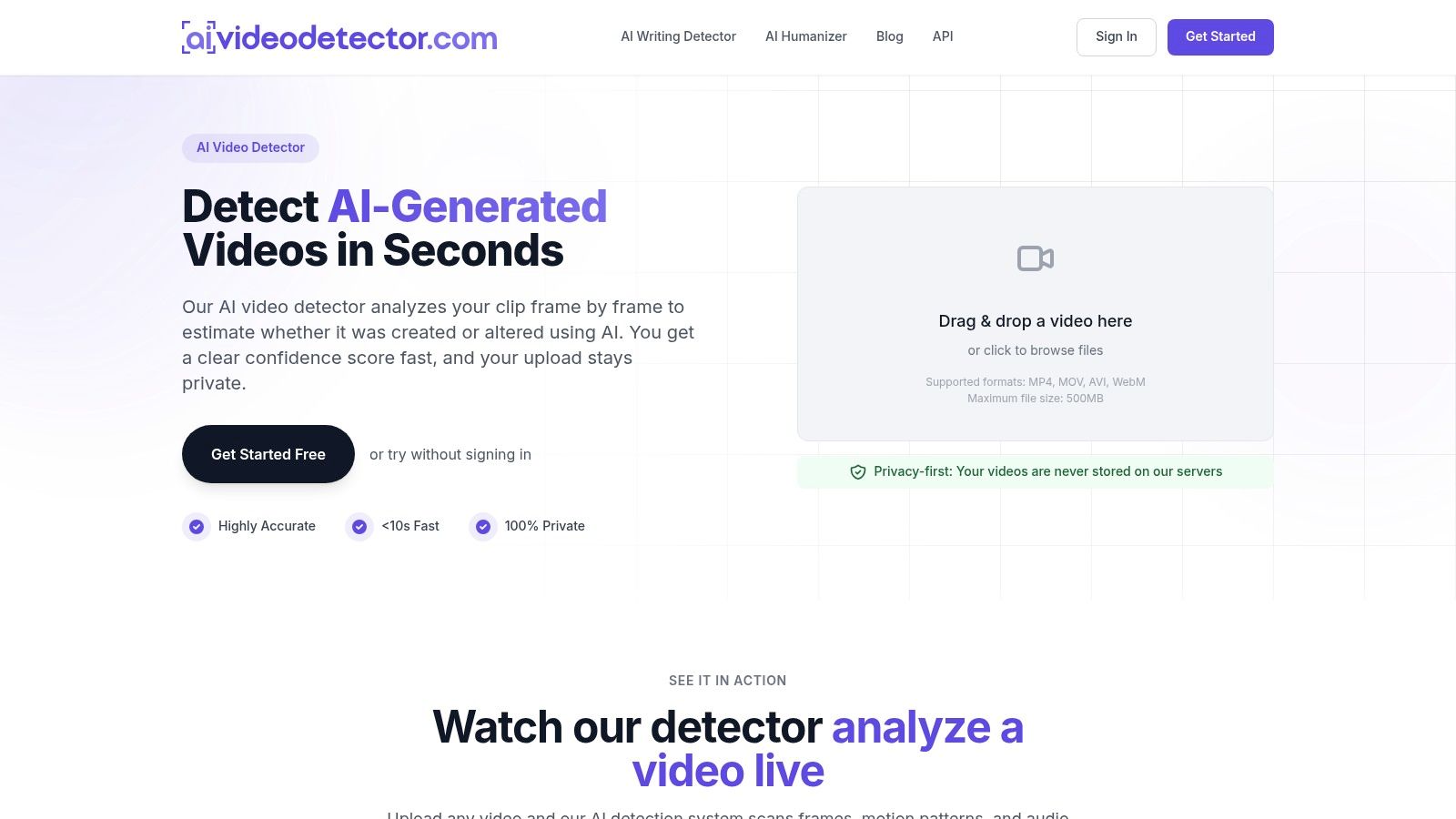
A newsroom checking a viral clip needs a different tool from an editor checking an essay. AI Video Detector analyzes video rather than AI-written text, reviewing clips frame by frame and assessing audio and temporal patterns. Its results include a confidence score, which estimates the likelihood of AI generation or alteration rather than proving a clip's origin.
The analysis looks for patterns associated with modern video generation, including diffusion artifacts, unnatural textures, inconsistent facial micro-expressions, synthetic audio spectral patterns, and temporal flickering. A still frame can look convincing while motion across a clip reveals inconsistencies. Removing a watermark does not establish a video's origin; why watermark removal cannot be verified as an authenticity test follows from that distinction.
What it handles well
- Formats and size: Supports MP4, MOV, AVI, and WebM files up to 500MB.
- Speed without signup: Basic detection is free, requires no registration, and is described as taking under 90 seconds.
- Privacy: The free plan includes privacy-first analysis with no image storage. The AI Video Detector Services are hosted in the United States.
This makes the tool relevant to newsroom vetting, legal evidence review, fraud prevention, social media moderation, and classroom content checks. Its models are trained on millions of samples and are continuously updated as generation techniques evolve. The detector can also fit into existing editorial workflows.
For high-stakes decisions, treat the score as one signal, not a verdict. Pair it with provenance checks and corroborating evidence, especially when a clip may affect someone's reputation or serve as evidence. AI Video Detector is a video-specific option for verification scenarios; text detectors such as the tools that follow address a different task.
2. Pangram
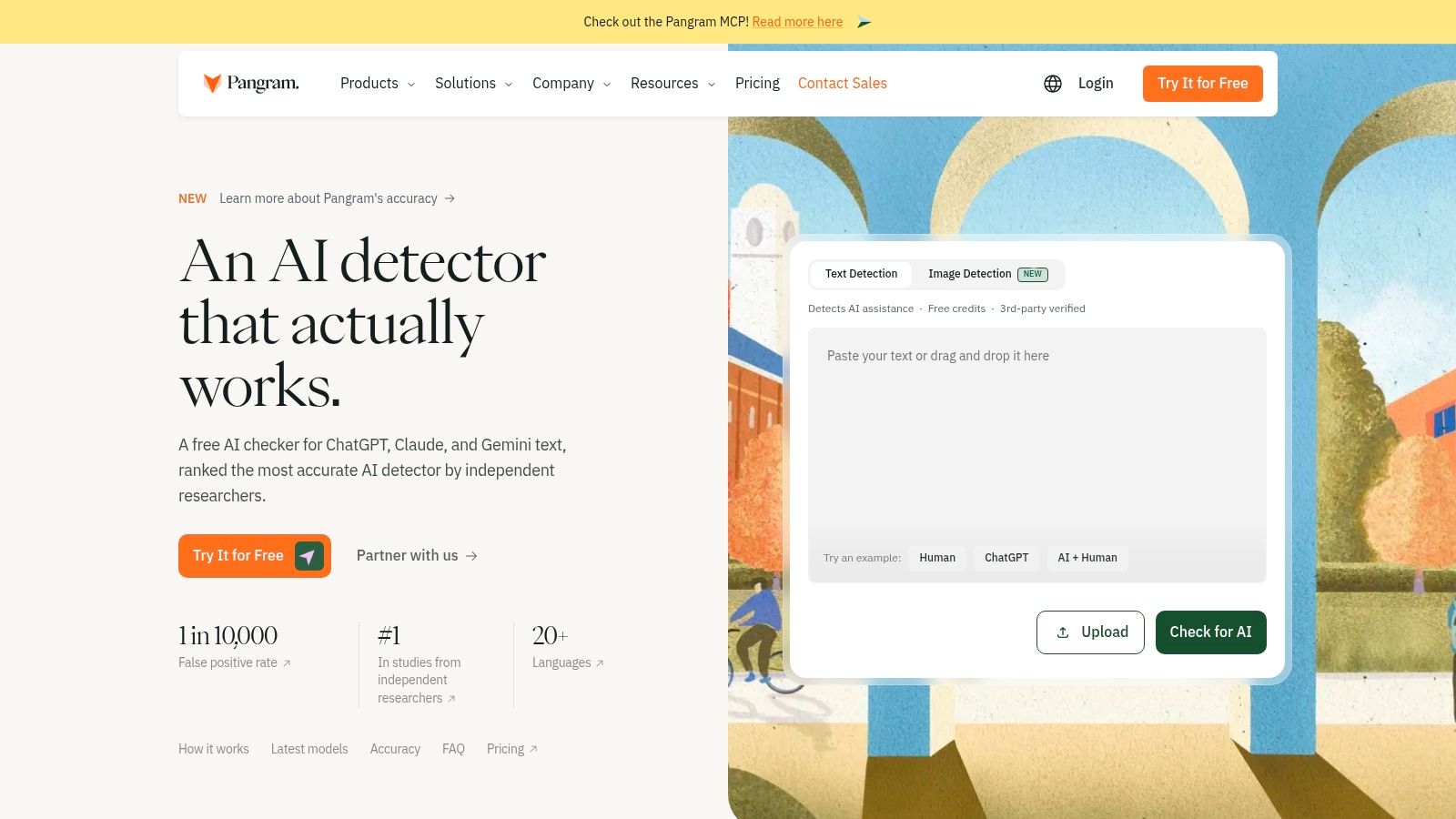
For classroom and editorial reviews, false positives can carry more weight than missed flags. In a 2025 University of Chicago working paper, researchers tested detectors on 1,992 human-authored passages and found near-zero false-positive rates for Pangram on medium- and long-form text. That finding makes it a candidate for screening, not proof that any individual result is correct.
Pangram's free plan lists up to 2,000 words per day, and its site advertises 20 free checks per day. The tool supports document uploads and OCR for scanned documents, with a browser extension and Google Docs integration for checking text in those workflows. Its pricing page also says it detects AI-written text in 20+ languages.
Where it fits and where it strains
Educators, editors, and publishers working in Google Docs may find the integrations convenient. Pangram stores scan history on its servers, so review its privacy terms before submitting sensitive student work, legal drafts, or embargoed copy. Dashboard access requires a free account.
Practical rule: Judge a text detector by its false positives on writing like yours, not by the biggest accuracy number on its homepage.
Genre, editing, and text length can all affect results. Treat a flag as a prompt to review the writing and its revision history, not as proof of who authored it.
3. Copyleaks
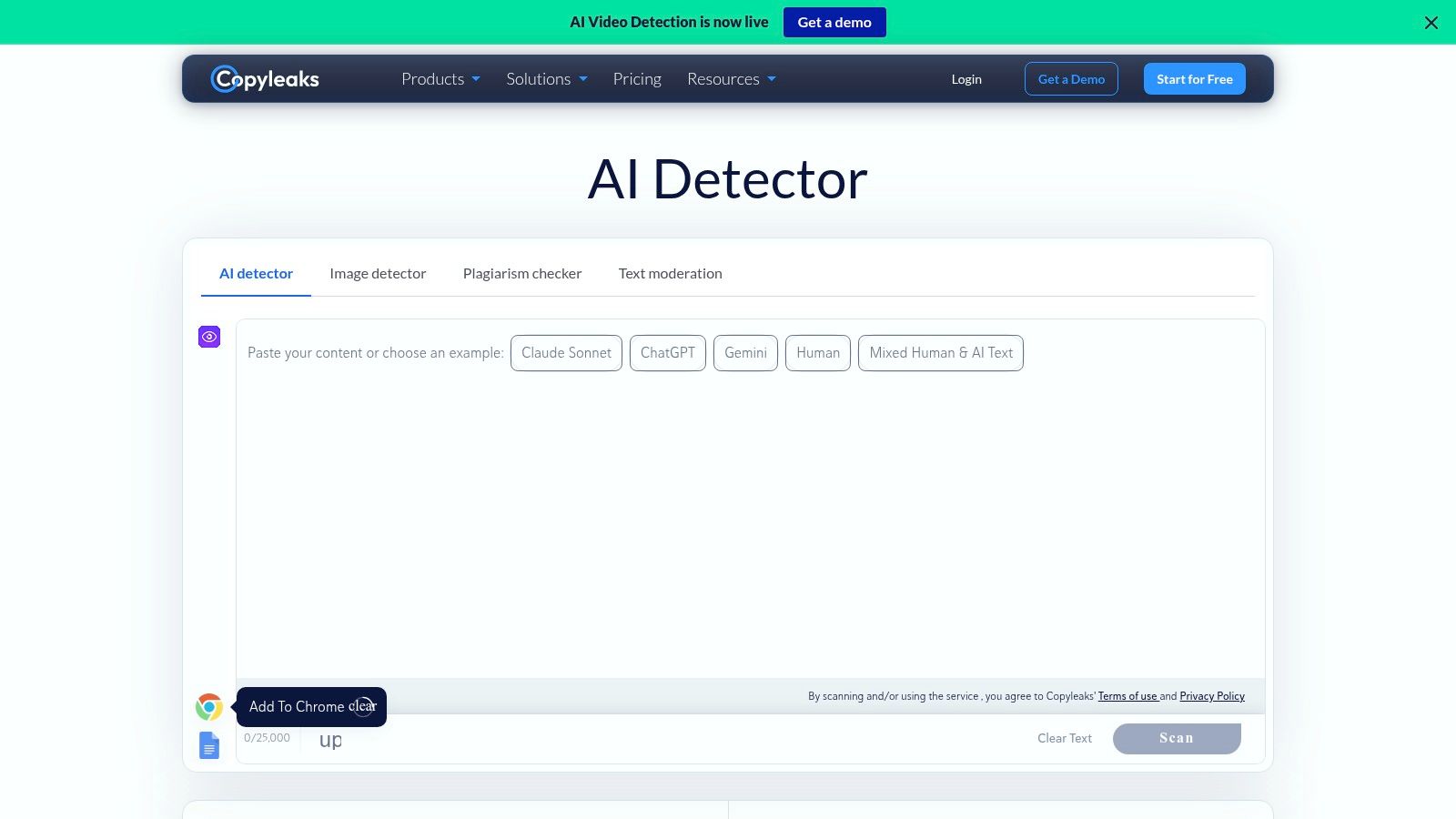
Long documents break many free checkers. Copyleaks advertises free scans of up to 25,000 characters, which makes it more practical for full articles, reports, and student papers than snippet sized tools. A free account provides additional monthly credits.
It flags AI generated text and passages it considers mixed human and AI content, a useful distinction because real submissions are rarely all one thing. The same product family includes a separate plagiarism detector, plus API and education or enterprise integrations, so a school or publisher can run both checks in one workflow.
Keep vendor enthusiasm in proportion. A 2023 peer reviewed review in Springer reported false positive rates ranging from 0% for one tool to 50% for another across evaluated detectors, with errors rising on machine translated text. One clean test set where a tool produced no false positives doesn't guarantee your next essay, translation, or heavily edited draft behaves the same way.
Free use is limited and credit based, and Copyleaks can still misclassify human writing or miss edited AI text. I reach for it when length and plagiarism checking matter together, then I verify anything borderline with a second detector and source checking.
4. GPTZero
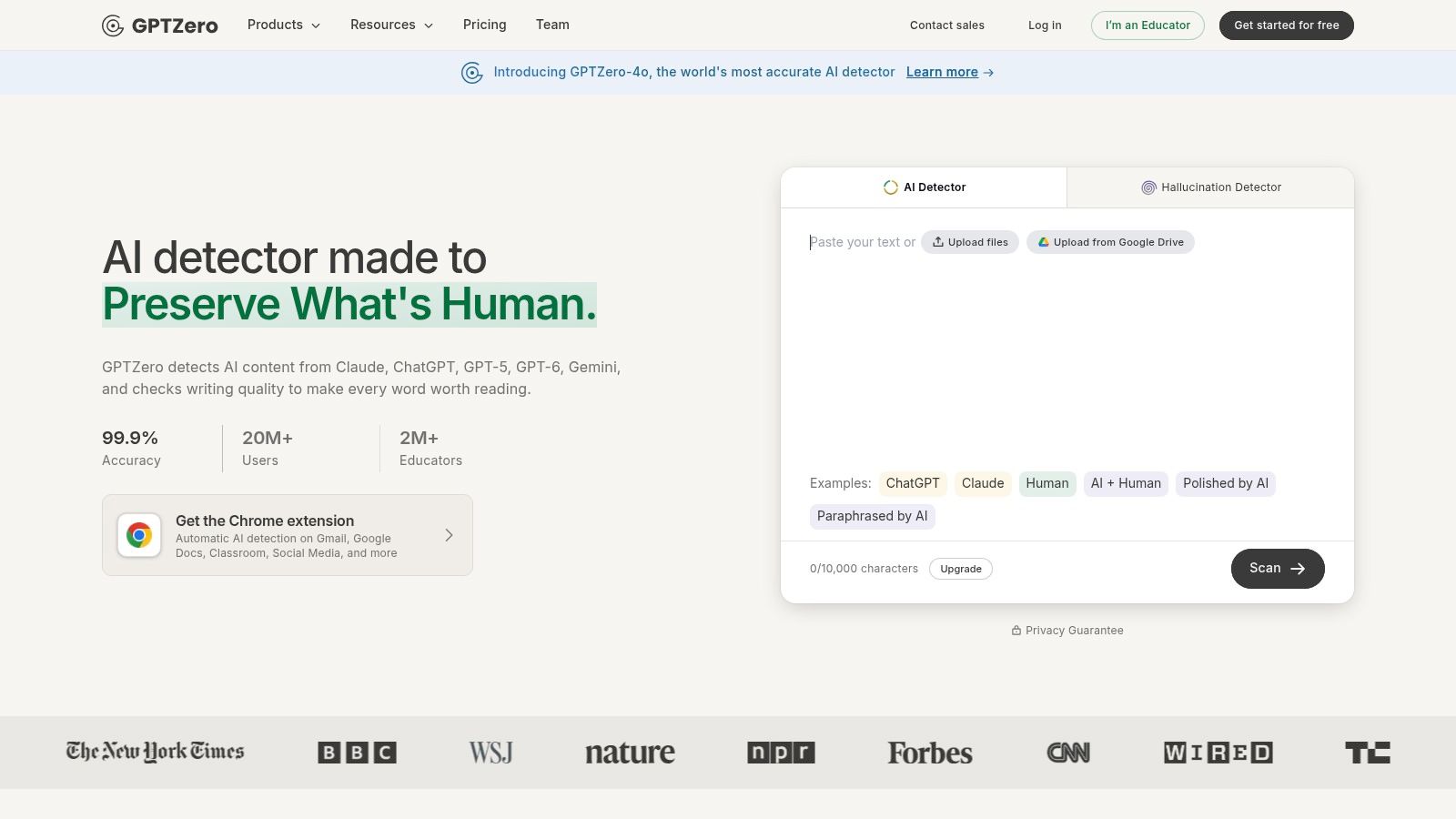
GPTZero earns its place in classrooms because it shows its working. Alongside an overall score, an advanced scan provides sentence level highlighting, so a teacher can point to specific passages and ask how they were written instead of waving one alarming percentage.
The free plan includes 10,000 words per month and up to 10,000 characters per scan, supports batch uploads of up to three files, and includes one free advanced scan. A browser extension and Microsoft Word add in help if your reviewing happens inside documents rather than a web dashboard. Teachers comparing approaches can also read this guide to AI checker tools for teachers for classroom specific workflow ideas.
Polished human writing is the trap here. A 2024 experimental study in Taylor and Francis found a free detector classified a median of 27.2% of academic articles as AI generated, even though those articles were published between 2016 and 2018 as a human written control group. Formal scholarly prose resembles what detectors expect from machines.
You'll need an account for the fuller allowance and integrations, and scan limits bite on long theses. GPTZero itself frames detection as a signal for inquiry. Follow that lead. Check drafts, ask for process evidence, and never build a misconduct case on a score alone.
5. Originality.ai
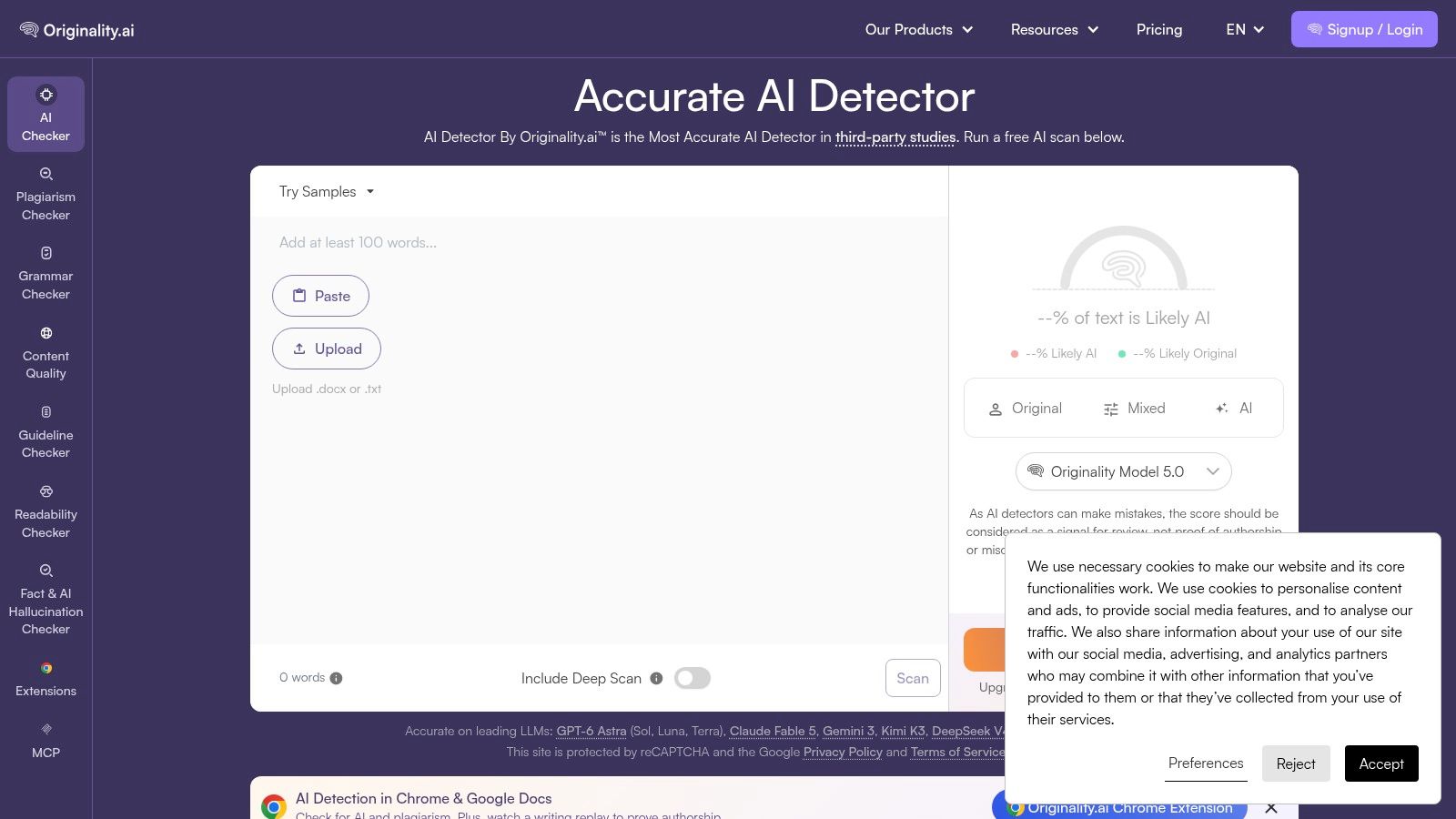
Publishers don't just ask whether text sounds synthetic. They ask whether it's copied, readable, and safe to ship. Originality.ai is built for that wider editorial screening job, with paid plans combining detection with plagiarism and readability tools.
The free checker is a taster, allowing up to three scans per day with up to 2,000 words per scan. It accepts pasted text and document uploads, and its product page also describes URL scanning. That's enough to screen a freelancer sample or spot check a suspicious section, not enough to run a content desk.
A published benchmark tells you how a model behaved on someone else's samples. It says nothing certain about the document on your desk today.
To its credit, the company publishes model documentation and benchmark information you can inspect, which beats a bare marketing claim. A broader reality check on whether AI detectors are accurate is worth reading before you treat those figures as a guarantee for an individual scan.
One privacy point deserves emphasis. Text submitted through the free detector may be used for training, according to Originality.ai. Don't paste client embargoes, unpublished manuscripts, or confidential reports into a free tier with those terms. For content teams who understand the limits, the combined toolkit is the attraction. For occasional private checks, look elsewhere first.
6. QuillBot AI Detector
Sometimes you don't need a forensic workflow. You need a quick first pass before you submit, publish, or send a draft back. QuillBot AI Detector fills that gap inside a writing suite many students and editors already use.
Free use allows up to 1,200 words per scan and six scans per day. It returns an overall estimate with sentence level highlights and explainer cards, so you can see which lines look formulaic rather than guessing. It sits alongside QuillBot's grammar and writing tools, and the detector page cites the RAID benchmark.
Length is the catch. QuillBot recommends at least 80 words and says longer text tends to provide more useful results. Very short, formal, or heavily edited passages give any detector little signal to work with, and outputs get noisy fast. That limitation is not new, as this history of the GPT 2 output detector shows how early classifiers already struggled outside narrow conditions.
Independent results support modest expectations. The authors of Almost AI, Almost Human reported most of 12 detectors achieved 70% to 88% accuracy with false positive rates of 1% to 8% in their 2025 study. Useful screening, yes. Final verdict, no. Detailed explanations are also limited on the free tier, so use QuillBot to decide what deserves a closer human read.
7. Sapling AI Detector
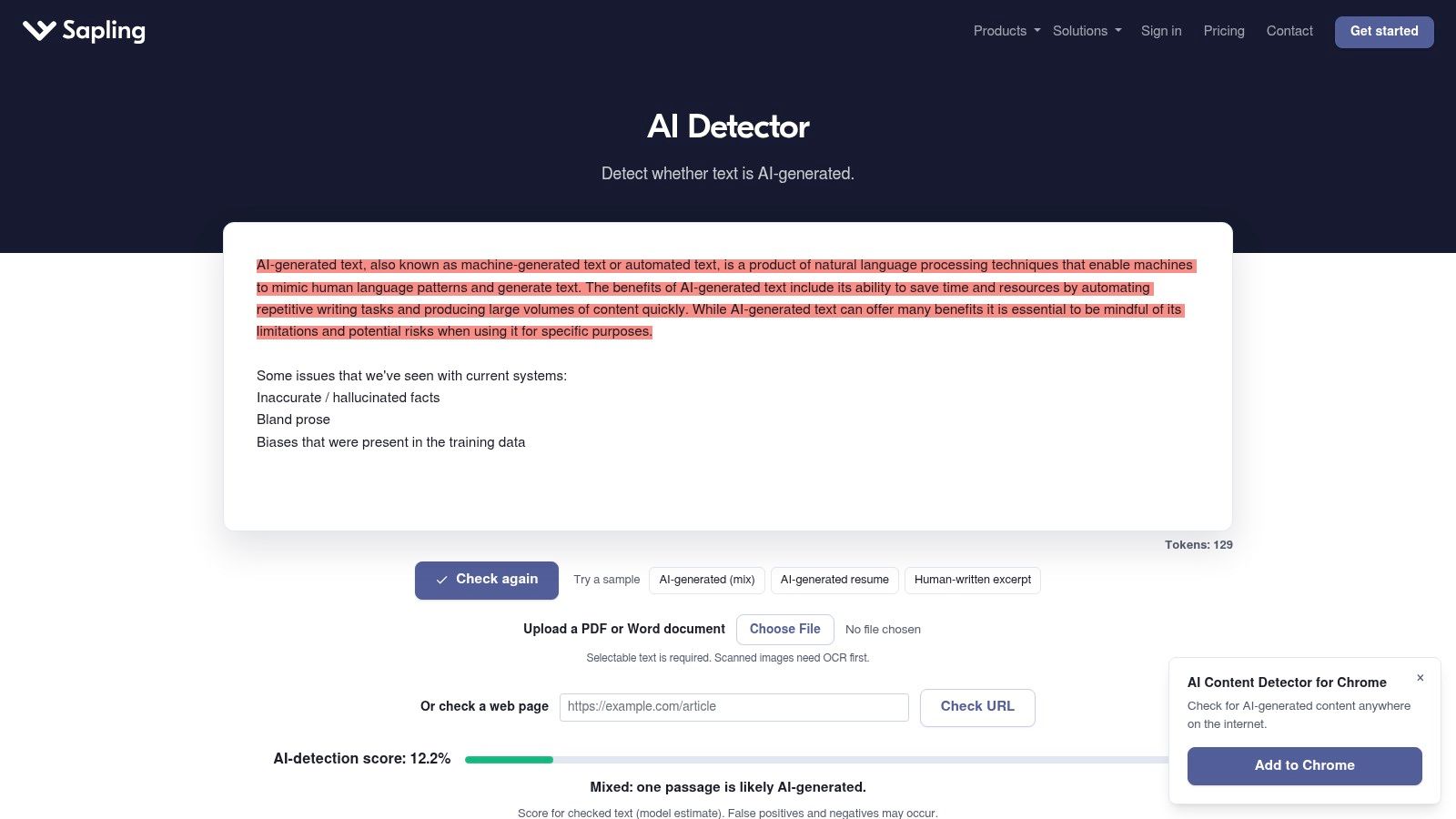
Sapling AI Detector is the lightest tool here, and it doesn't pretend otherwise. The free web detector checks up to 2,000 characters per scan, which suits a suspicious paragraph, a short cover note, or a product description. It won't handle a full essay or long article in one pass.
Developers are the other audience. Sapling offers API access with a free trial quota for new API keys, so a team can test programmatic detection inside its own product before committing. Browser and document related options exist across its products, and paid plans allow longer scans.
Credit Sapling for stating its own weakness plainly. Its guidance warns that short, generic, or essay like text can be more prone to false positives. That warning aligns with a 2025 University of Oklahoma research guide summarizing reported false positive rates of 15% to 50% across tools and cautioning against detectors as stand alone evidence of misconduct.
Newer models and evasion make the ground shift further. A 2025 ACL study evaluating leading detectors across new datasets, domains, modern language models, and evasion strategies reported considerable unreliability in realistic conditions.
Use Sapling for fast snippet triage and developer experiments. Don't use it to judge long form work in chunks and call the stitched result reliable.
Free AI Detector Tools at a Glance
| Tool | Media Type | Free Limit | Privacy Handling | Best For |
|---|---|---|---|---|
| AI Video Detector | Video | Basic detection is free; files up to 500MB | Says uploaded videos are not stored on its servers | Checking suspicious videos using frame, audio, motion, and metadata analysis |
| Pangram | Text | Up to 2,000 words or 20 checks per day | Scan history is stored on its servers | Checking documents in context with browser and Google Docs integrations |
| Copyleaks | Text | Scans up to 25,000 characters; extra credits require a free account | Privacy details not specified | Longer text checks alongside plagiarism detection |
| GPTZero | Text | 10,000 words per month; up to 10,000 characters per scan | Privacy details not specified | Educators and writers reviewing text with sentence-level highlights |
| Originality.ai | Text | 3 scans per day; up to 2,000 words per scan | Says free-detector submissions may be used for training | Occasional editorial screening and content-team workflows |
| QuillBot AI Detector | Text | 6 scans per day; up to 1,200 words per scan | Privacy details not specified | First-pass checks with sentence-level clues |
| Sapling AI Detector | Text | Up to 2,000 characters per scan | Privacy details not specified | Short text snippets and developer API evaluation |
Which Free AI Detector Should You Actually Use
Match the tool to the medium first, then to the scenario. For video and deepfake content, AI Video Detector stands out with free, no signup analysis that never stores uploaded videos, confidence scores in about 90 seconds, and support for MP4, MOV, AVI, and WebM up to 500MB. That's built for newsroom vetting, evidence review, and fraud prevention, where a text detector is the wrong instrument.
For text, pick by task. Choose GPTZero or Pangram for regular educational review, where sentence level evidence and low false positives matter. Choose Copyleaks for long documents and combined plagiarism screening. Choose QuillBot or Sapling for quick short checks, and keep Originality.ai for publisher style screening when its daily free cap is enough.
A workflow you can defend
- Never act on a single score: Run a second tool and treat disagreement as information, not inconvenience.
- Check provenance: Inspect metadata, original files, revision history, and source accounts before you judge the content alone.
- Ask for process evidence: Drafts, notes, raw footage, and edit timelines separate honest creators from fabricated submissions faster than percentages do.
- Document your reasoning: Record what you checked, not just the number a tool returned.
Decision standard: A detector score earns you an investigation. It never earns you a conclusion.
Reliability in 2026 means knowing exactly where a tool fails and building your process around those failures. The most reliable free AI detector for your work is the one whose limits you understand, whose privacy terms fit your material, and whose output you corroborate before anyone gets published, disciplined, charged, or paid.
Upload the suspicious clip sitting in your inbox to AI Video Detector today, get a private confidence score in about 90 seconds with no signup and no video storage, then pair that result with a provenance check before you publish, submit, or act on it.


