

10 AI Checker Teachers Can Use Safely: 2026 Guide

No AI checker can prove who wrote a passage or created a video. A score can point to material worth reviewing, but it can't establish authorship, intent, or misconduct. Teachers need tools that surface evidence for a conversation, not verdicts that replace one.
That distinction matters in classrooms, where a false accusation can damage trust and a detector can miss text that has been revised or blended with a student's own writing. Turnitin's original announcement described its result as an evaluative signal, not conclusive proof, and expected educators to review the work and discuss concerns with students. Its 2023 launch made AI detection available through existing workflows to more than 10,700 educational institutions and over 2.1 million educators worldwide, according to Turnitin's launch announcement.
The practical question isn't which detector claims the highest accuracy. It's where a tool fits in your workflow: quick screening of a short passage, institutional review inside a grading system, or specialized verification of a video. Each option brings different trade-offs in privacy, integration, and the kind of evidence it can provide.
The ten tools below are organized around those decisions. Use a text checker to identify passages you want to examine, then compare them with drafts, classroom writing, and the student's explanation. Use video analysis for a suspicious clip, not as proof of who created or shared it. Keep a human decision at the center.
1. AI Video Detector
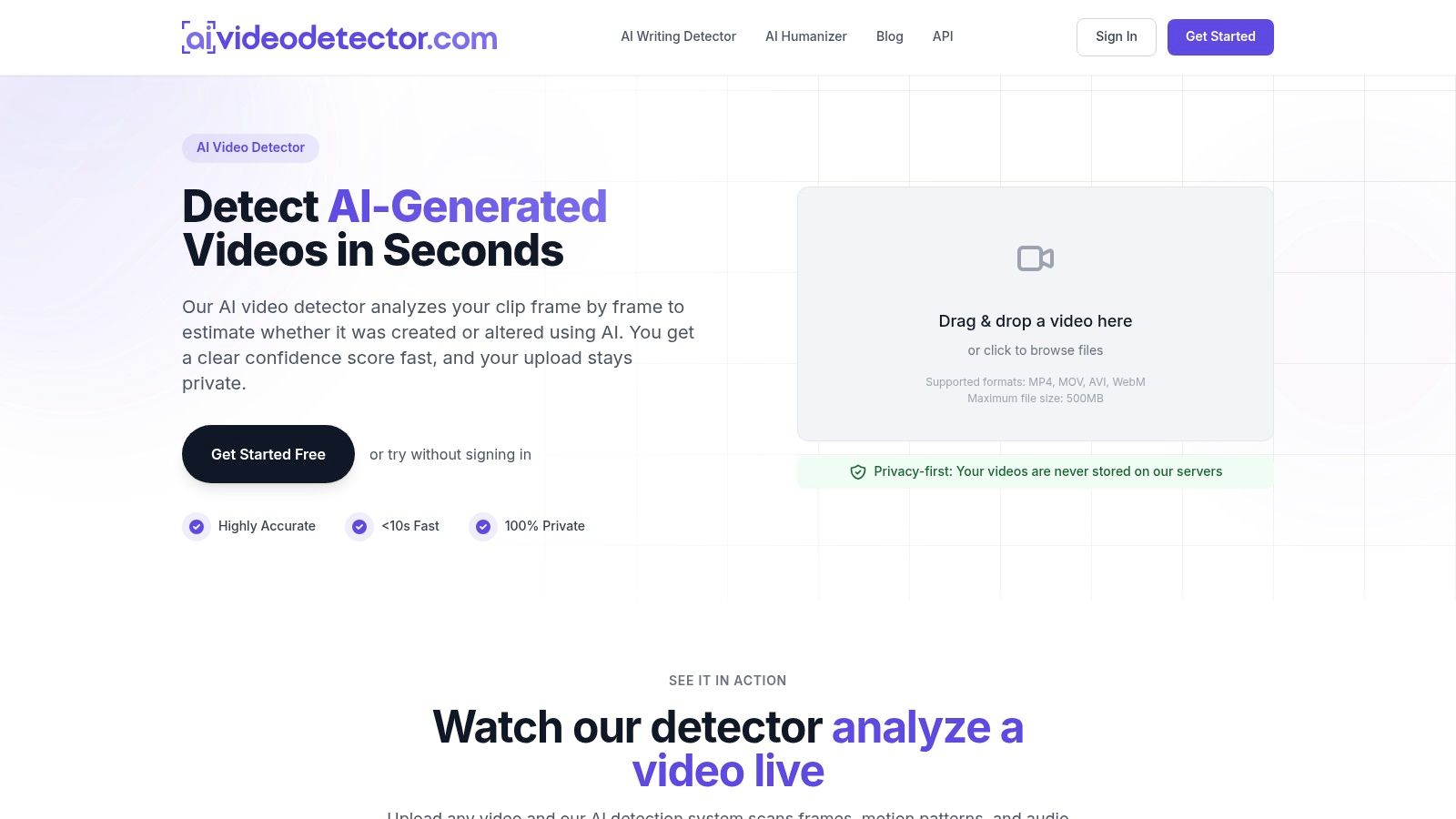
A video needs a different check from an essay. AI Video Detector analyzes clips frame by frame to estimate whether they were created or altered using AI, then provides a confidence score. Its analysis also examines audio, changes over time, and file metadata, looking for signals such as synthetic audio patterns, motion discontinuities, and encoding irregularities.
Where it fits in a school workflow
The browser-based tool supports MP4, MOV, AVI, and WebM files up to 500 MB. The provider says analysis takes under 90 seconds and uploaded videos aren't stored. Basic detection is available without signup, which can help when a teacher needs to screen a clip submitted as evidence or shared in class.
A confidence score can guide what to check next, but it cannot identify who made a clip or establish whether a student knowingly misrepresented it. For a consequential decision, compare the score with the original source and contextual details, and seek expert review when appropriate. Preserve the original file if the issue may have disciplinary consequences.
Practical rule: Treat the score as an authenticity signal, not a verdict about the student.
Use AI Video Detector for video verification, not as a substitute for a text checker. Explain to students what the result can show, and keep the decision about their work grounded in the clip's context.
2. GPTZero
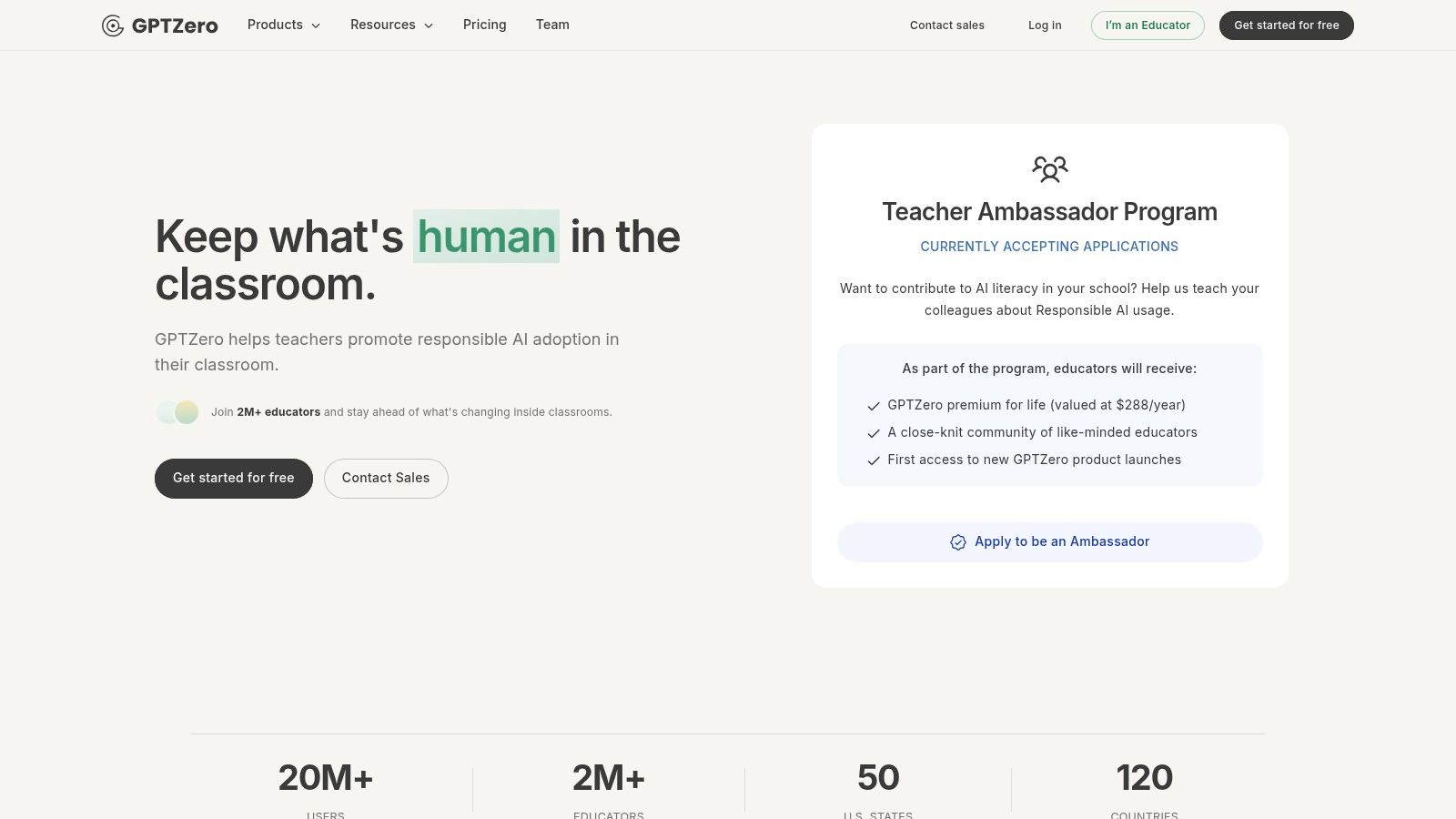
GPTZero is an educator-oriented option for checking student writing and supporting conversations about AI use. Teachers can scan text and review detection results alongside writing-analysis features, with educator resources available for classroom use. There's a free way to get started, while individual, team, and organization options support different scales of use.
That classroom framing is useful, but the score still needs context. In a nationally representative Center for Democracy & Technology poll of public-school teachers, more than 40% of U.S. grade 6–12 teachers said they used AI-detection tools during the previous school year, while only about one-quarter said they were very effective at determining whether assignments were written by students or generative AI, according to NPR's reporting on teachers and AI in schools. Adoption doesn't make a detector a reliable authorship test.
Best use and trade-off
Use GPTZero as a first-pass prompt for review, especially when you want a tool explicitly oriented toward educators. If a scan flags a passage, compare that specific writing with a student's previous work, drafts, and ability to explain the ideas. A fluent or unusually polished paragraph is not evidence on its own.
Paid-plan details can depend on seat count and billing choices, so a teacher choosing it for regular use should confirm the current fit for their workflow. Before uploading student work, follow school policy and check what information the service retains. The same caution applies to any standalone checker: a result can help focus attention, but it can't establish who wrote the text.
For a broader discussion of the limits behind detector scores, see this guide to whether AI detectors are accurate. Use that context to set expectations with students, not to turn a scan into a shortcut for investigation.
3. Winston AI
Winston AI gives teachers a way to paste text or upload a Word document and inspect an overall result alongside sentence-level highlights. That format can be more useful than a single document score when you need to identify which passage to discuss. Its teacher guidance frames the tool as a second reader and recommends comparing the result with drafts or in-class writing before raising a concern.
The practical strength is passage-level review. If a report highlights one paragraph, start there. Ask the student to explain the claim, describe how they developed it, or show the source material and revision history. Don't treat highlighted wording as proof. Independent discussion of detector reliability reports that performance can fall after AI-generated text is edited, with some evaluations reporting much lower detection rates under particular conditions; the Turnitin explanation of sentence-level false positives also distinguishes sentence-level flags from document-level results.
When it's a fit
The service supports multiple languages and shareable reports, with paid plagiarism-checking options. It offers 2,000 free credits, while its Advanced plan is listed at $20 per month when billed annually; school plans are custom-priced. Those details make it possible to try the workflow before deciding whether ongoing use justifies a paid plan.
Credit-based usage can make frequent classroom screening less convenient, and school-wide access involves a sales conversation. That's a real trade-off against a tool already included in an institution's grading system. For individual teachers who want highlighted passages to guide a student discussion, Winston AI can fit as a review aid, provided the school permits uploading the work.
4. Turnitin Originality
Turnitin Originality is an institutional workflow, not a standalone consumer checker. It adds an AI-writing indicator to Turnitin's academic-integrity environment, where reports can highlight qualifying text that may be AI-generated or AI-modified. For schools already using Turnitin, the advantage is that instructors can review the indicator alongside the institution's existing Similarity workflow.
Access depends on an eligible institutional license and administrator setup. Teachers should check the product's availability through their school's Turnitin administrator before building a process around it. The product also has minimum and maximum submission word-count requirements, so it won't necessarily accept every short response or assignment format.
Keep the report in its lane
Turnitin's own launch framing treated an AI-writing percentage as a signal for review, not conclusive proof. That distinction should shape classroom practice: a flagged passage is a reason to examine drafts, writing history, and the student's understanding, not a standalone basis for adverse action. If you need background for explaining the difference between an indicator and a verdict, this article covers whether Turnitin can detect ChatGPT.
A familiar grading workflow can reduce friction, but integration doesn't remove the need for judgment. Reports may be subject to language and submission requirements, and the school's policies determine who can access them and how they're used. Choose Turnitin when your institution already supports it and has clear procedures for review and appeal. If there's no institutional license, this isn't a tool a teacher can adopt alone.
5. Copyleaks
Copyleaks is built for schools that want AI-writing detection and plagiarism checks within a learning-management workflow. Its listed integrations include Canvas, Google Classroom, Moodle, Blackboard, and Schoology. Reports, instructor controls, and administrative features can help schools place checking inside grading procedures rather than asking each teacher to move student work among separate websites.
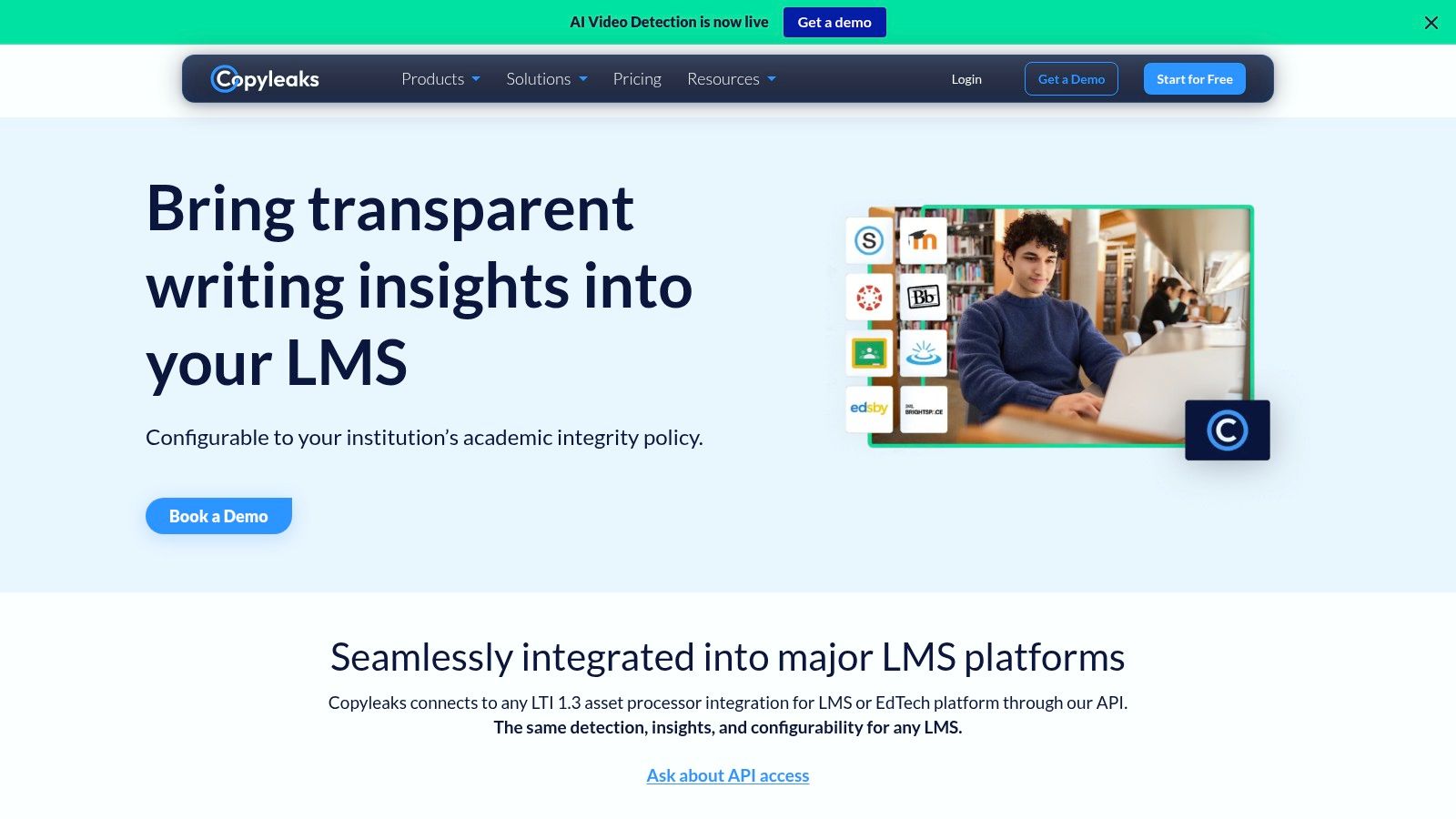
The combined setup is the main draw: teachers can review AI-writing and plagiarism-related results in a system that may already be part of their routine. Copyleaks also describes cross-language plagiarism detection and source-code checks, which may matter in courses that assess programming or work with multilingual sources. These features don't change the basic rule: a detected pattern needs interpretation, and a flagged result should not trigger automatic discipline.
A school-level decision
Limited free credits are available to new users, but institutional or LMS pricing may require a conversation with sales. That makes Copyleaks more practical as a school or department decision than as an individual teacher's quick one-off check. Administrators should test the integration with the kinds of assignments teachers collect and decide how results will be shared with students.
Before rollout, define who may see reports, how teachers document follow-up, and what students can do if they disagree. An LMS connection makes a checker easier to use, but it can also make a weak process easier to apply at scale. Buy the workflow, not just the detector.
6. Pangram
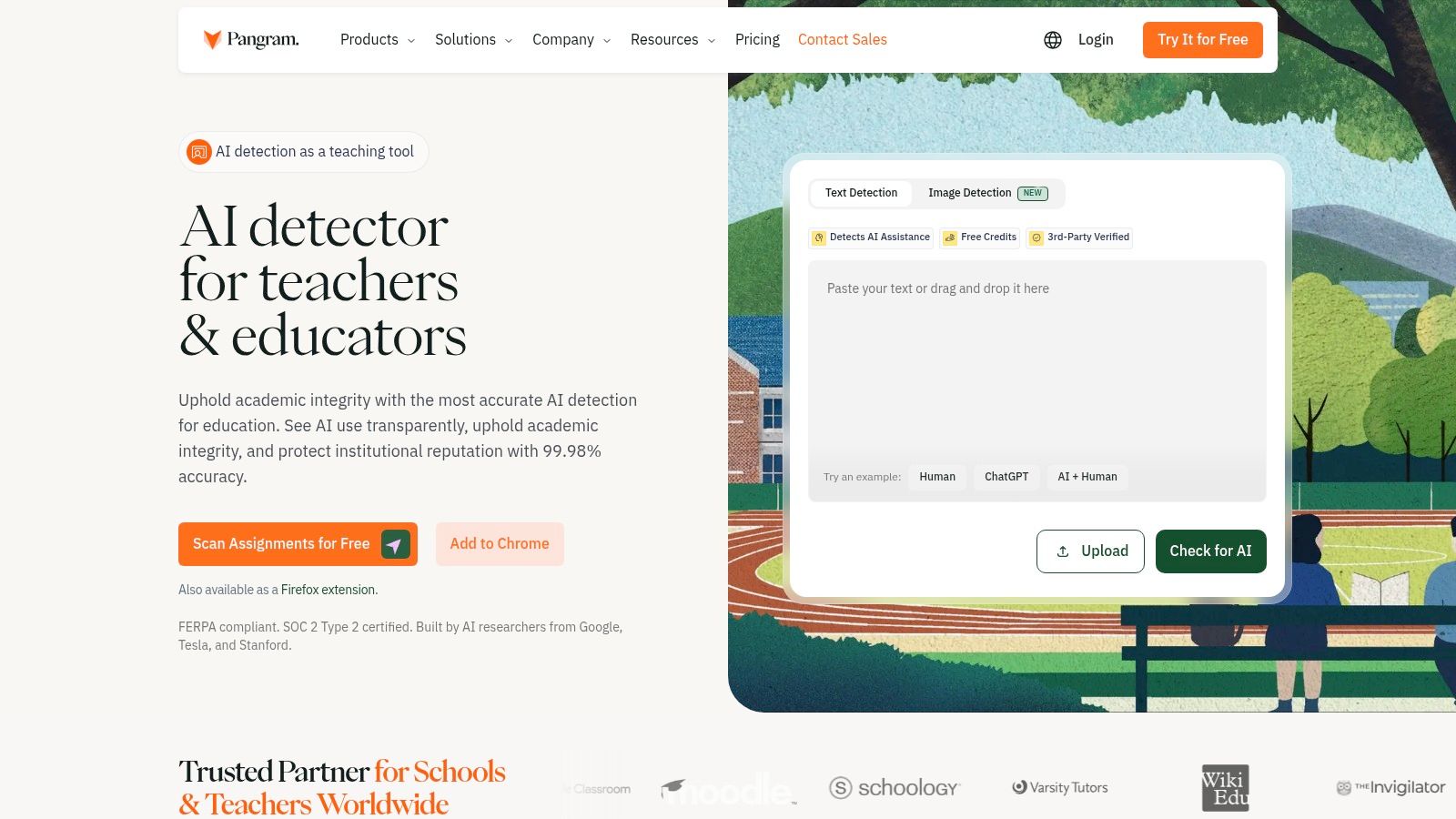
Pangram's teacher-facing checker emphasizes sentence-level analysis, including attempts to identify fully AI-generated text and mixed or AI-assisted writing. That distinction can help when a student has used a tool to revise only part of an assignment, although a sentence label can't reliably settle how that writing was produced. Use the report to identify questions, not to assign blame.
The service also advertises plagiarism checks, source links, browser extensions, and school integrations. Free credits are available to try it, and its educator-oriented features may suit a teacher who wants to examine individual passages rather than rely only on a document-wide result.
Interpret mixed-authorship signals carefully
Pangram makes vendor-reported accuracy claims, which shouldn't be mistaken for independent validation on your students' writing. A detector can be evaded, and a highlighted sentence can be misread, especially when a student has revised, paraphrased, or worked in a language that differs from the tool's strongest conditions. When a report identifies mixed authorship, ask what work the student did and what assistance they used, then compare the answer with the assignment rules.
This tool may be useful for a teacher who needs granular review and school-workflow options. Its complexity isn't a reason to assign more weight to the score. A sentence-level label is a starting point for checking process evidence, not a verdict about a student.
7. Originality.ai
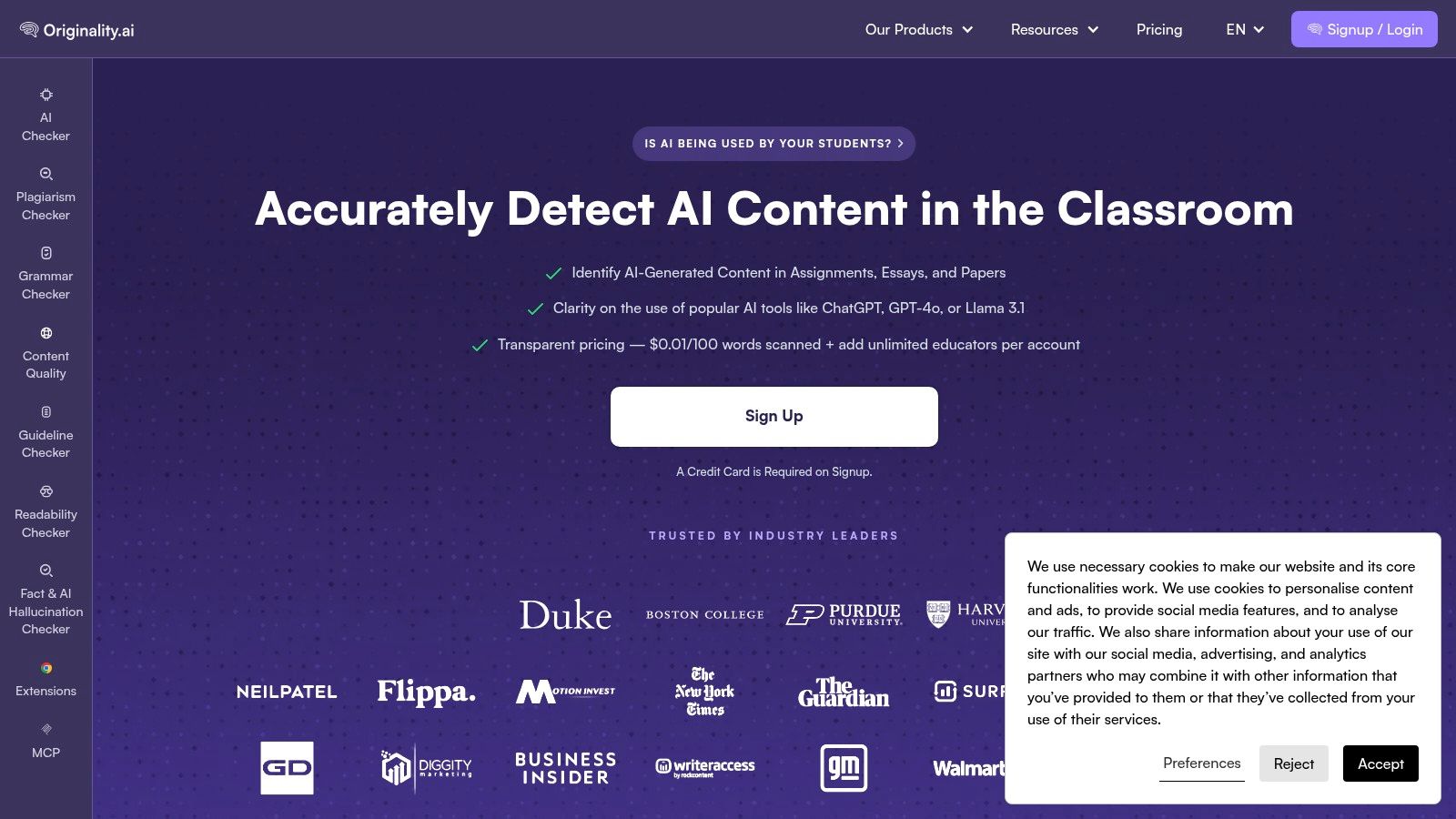
Originality.ai offers an education-focused checker for essays, assignments, and research papers. Its education page lists usage-based scanning at $0.01 per 100 words and says multiple educators can be added to one account. That metered approach may appeal to a team that wants to estimate costs by volume rather than commit to a per-seat subscription.
The price is easy to understand, but scans can add up when teachers review large classes or long assignments. The education page also says signup requires a credit card, which makes this less frictionless for a teacher who only wants to test an occasional passage. The service acknowledges that false positives occur and advises against using a score as the only indicator of cheating.
Use it when metered billing suits the work
Separate plagiarism and content-checking tools may be helpful when teachers already need those checks, but don't let a combined report blur different questions. Similarity to a source, AI-like phrasing, and a student's knowledge of the assignment are not interchangeable findings. Review each result on its own terms and connect any concern to the school's written expectations.
For a department, the multi-educator account may make coordination easier, while usage-based scanning can help control costs if the team reviews selectively. It's less attractive if teachers expect to scan every assignment routinely. Set a clear threshold for when a scan is warranted, and don't use the result as a substitute for drafts or discussion.
8. Scribbr AI Detector
Scribbr's free checker is a convenient option for a short, informal review. It accepts submissions of up to 1,200 words without requiring signup and provides paragraph-level feedback that can indicate human-written, AI-generated, or AI-refined text. That makes it simple to try when a teacher wants another signal on a passage without adding an institutional system.
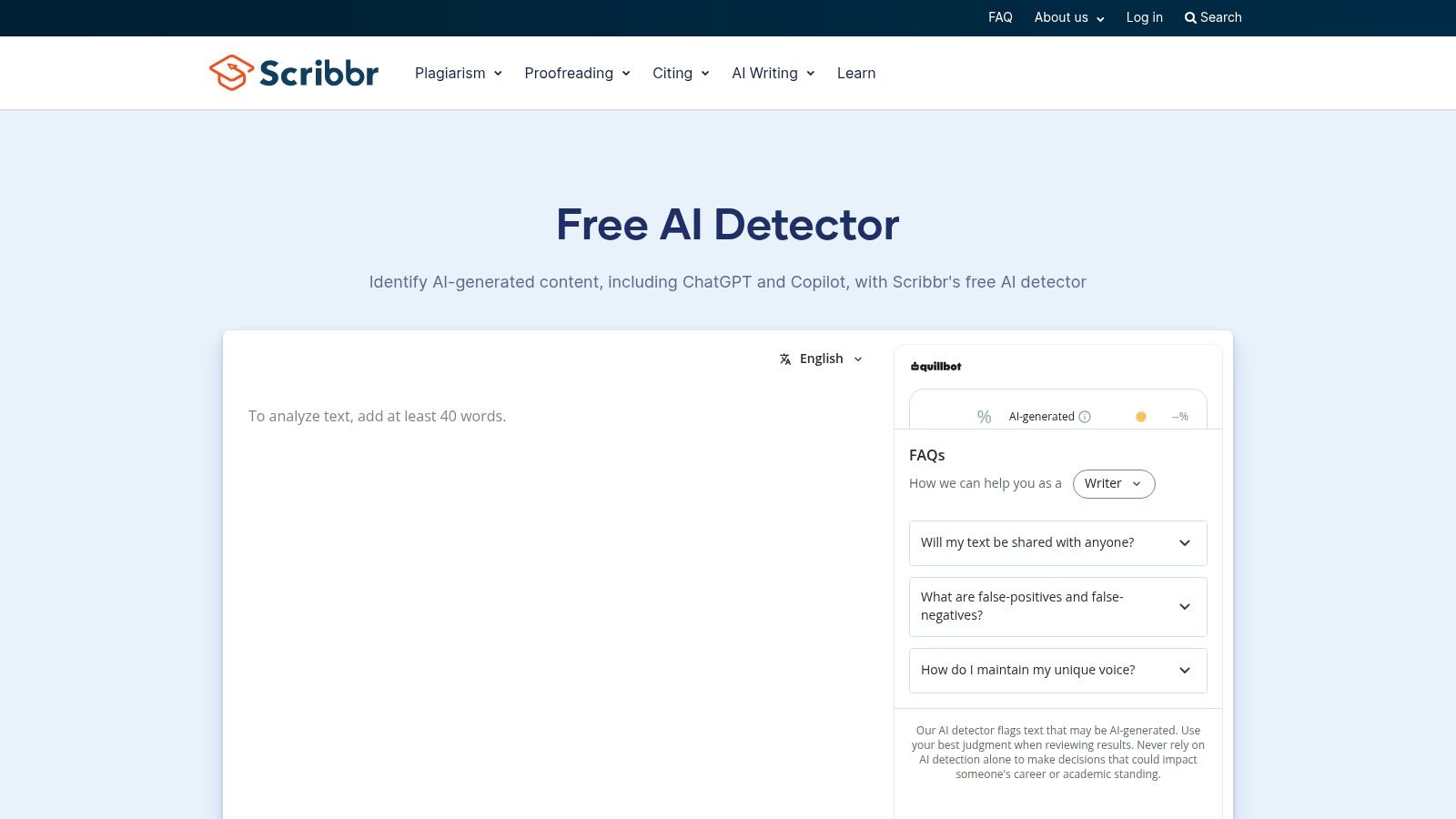
The word limit and lack of an LMS workflow define its role. It can help with a short response, but it won't manage a school's review records or fit neatly into every grading process. Scribbr cautions that no detector is fully accurate and presents its result as guidance rather than a final assessment. Treat paragraph-level feedback as a way to choose what to ask about, not as a finding about authorship.
Good for a quick second look
Free and premium versions differ in model coverage and capabilities, so don't assume an occasional free scan is equivalent to a paid or institutional product. Also follow your school's rules about uploading student work, even when a tool doesn't require an account. A passage being short doesn't make it non-sensitive.
If you're discussing suspected AI use with a student, focus on process: ask how they planned the response, which sources they used, and what revisions they made. This guide to how to tell if someone used ChatGPT can support that conversation, but no checklist can replace evidence from the assignment itself.
9. QuillBot AI Detector
QuillBot's AI checker can help screen short pieces of writing. The free version has per-scan and daily caps, which Premium raises; check the current limits before relying on it for a class routine. It estimates AI likelihood, highlights sentences, and gives feedback on flagged passages, helping teachers see which parts need closer review.
Those features suit an occasional check, not high-volume grading. QuillBot also lacks the LMS administration and school-wide review tools an institutional process may require.
A useful prompt, not a conclusion
When a sentence is highlighted, ask the student to explain its argument, vocabulary, and sources. Compare it with other writing only when you have a fair basis, such as an in-class response to a similar task. Writing can vary across subjects, formats, time constraints, and levels of support, so a change in style needs context.
For a small number of short passages, the free version may be convenient. For school-wide use, choose a platform that supports consistent access, privacy controls, and a transparent review path. Don't let an easy scan turn into an automatic accusation.
10. ZeroGPT
ZeroGPT is a browser-based option for quick, informal checks without a school installation. The site also offers writing-related tools, including a plagiarism checker and paraphraser, with paid services and account options. That makes it easy to access when a teacher wants another signal on a passage, but convenience shouldn't decide whether student work is uploaded.
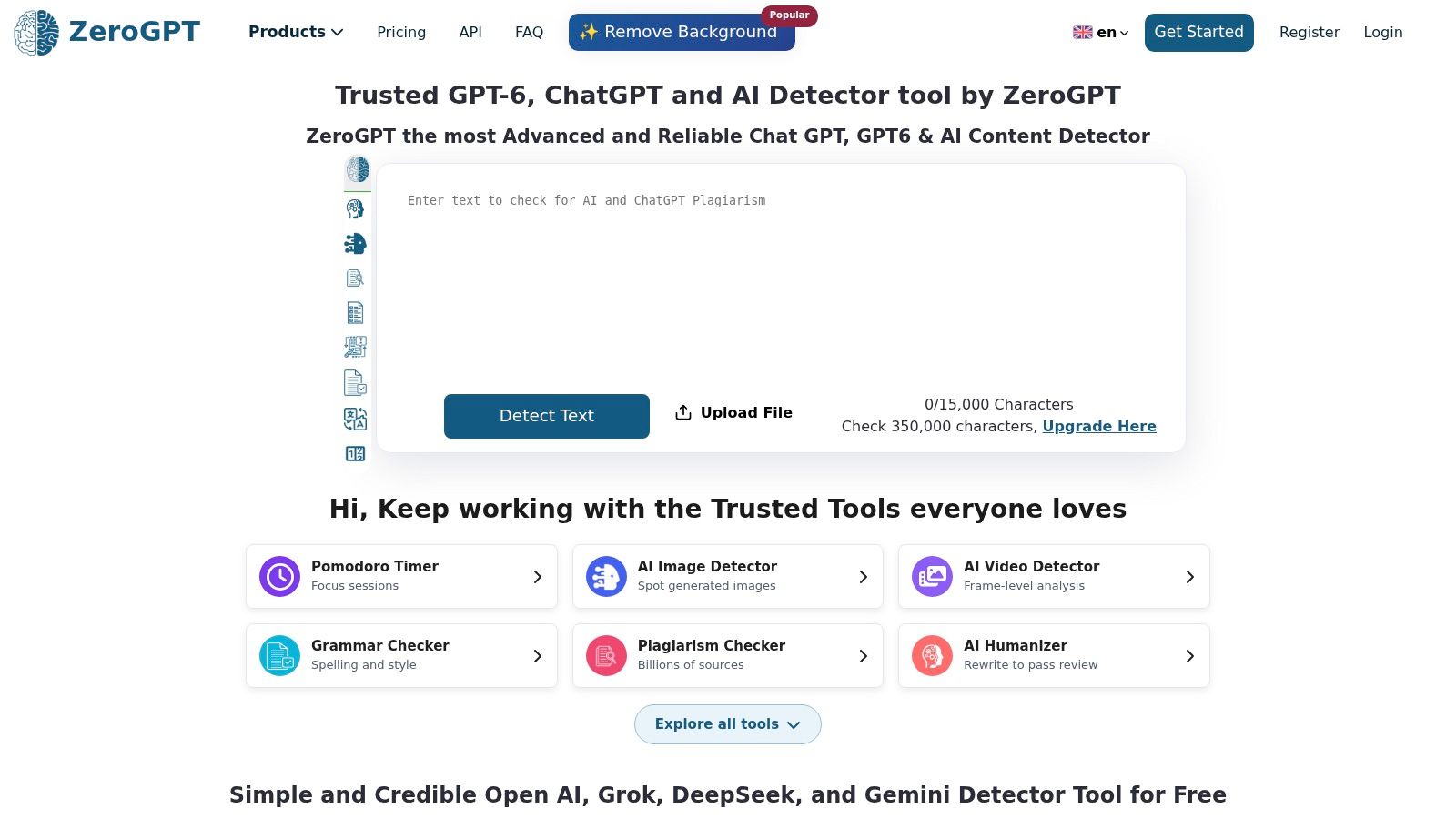
The main limitation is the absence of an institutional LMS workflow. Teachers need to check current plan limits and data terms before submitting student writing, and the result still needs corroboration. A browser report can't establish authorship any more than a score inside a learning platform can.
Keep informal checks informal
ZeroGPT can be one additional signal when you're reviewing a specific concern, but don't use it as the sole reason to lower a grade, report misconduct, or confront a student. Compare the writing with drafts, revision history, sources, and what the student can explain. If those elements don't support the concern, a detector's estimate isn't enough.
For schools, the lack of administrative controls means individual teacher use can become inconsistent. Set a shared rule before staff begin uploading work: which tools are approved, what evidence is required before contacting a student, and how the student can respond. A quick check should lead to a careful review, not a quick verdict.
How the 10 AI checkers compare on access, cost model, and main caveat
Access and price determine whether a checker fits a teacher's routine, while the caveat shows how much weight to give its result. This comparison groups the tools by practical use rather than ranking their claimed accuracy.
| Item | Best for | Free access | Access model | Main caveat |
|---|---|---|---|---|
| AI Video Detector | Checking suspicious or potentially manipulated videos | Free basic checks; no signup | Web-based video upload; files up to 500 MB | A confidence score estimates whether a clip was created or altered using AI; it does not prove who made it |
| GPTZero | Educators reviewing student writing | Free access available | Web checker with paid individual, team, and organization plans; API access | A detector score cannot establish authorship |
| Winston AI | Teachers reviewing text with sentence-level highlights | 2,000 free credits | Web checker with credit-based paid plans; custom school plans | Frequent use may require payment; results need human review |
| Turnitin Originality | Schools using Turnitin for academic-integrity workflows | Access requires an eligible institutional license | Requires an eligible institutional license | Availability depends on the institution; reports should not determine adverse action alone |
| Copyleaks | Schools integrating AI and plagiarism checks into grading workflows | Limited free credits for new users | Web service with LMS integrations; institutional pricing through sales | Results need human review; institutional pricing may require a sales conversation |
| Pangram | Teachers assessing sentence-level and mixed AI authorship | Free credits available | Web checker with browser extensions and school integrations | Vendor accuracy claims need corroboration |
| Originality.ai | Educators who prefer usage-based scanning | No free tier; usage-based pricing starts at $0.01 per 100 words | Usage-based pricing; education page lists $0.01 per 100 words | False positives occur; signup requires a credit card |
| Scribbr AI Detector | Students and educators checking short passages | Free up to 1,200 words per submission; no signup | Web checker with free and premium versions | Word limit applies; no institutional LMS workflow |
| QuillBot AI Detector | Occasional checks of short assignments | Free up to 1,200 words per scan and six scans per day | Web checker with paid Premium access | Results are estimates, not proof |
| ZeroGPT | Quick, informal browser-based text screening | Basic browser use is free; check the site for current plan limits and data terms | Browser-based service with paid options and accounts | Check current limits and data terms before uploading student work |
Turning Detector Results Into Fair Classroom Decisions
A fair review sequence starts with a modest claim. A detector can identify writing or media that deserves attention; it can't prove who created it, whether a student used a prohibited tool, or what they intended. Turnitin's early institutional figures show how quickly screening became part of academic-integrity workflows: by June 30, 2023, the company said its detector had reviewed more than 65 million papers. Those are one provider's operational figures, not a count of cheating, and Turnitin itself cautions against treating flags as proof in its report on papers reviewed.
Use a consistent sequence instead:
- Screen selectively. Choose a tool that fits the material. Use a text checker for a passage, an institutional platform when your school supports it, and video analysis for a clip.
- Inspect the specific evidence. Read the flagged sentences or review the video evidence. Don't rely on an overall score without examining what prompted it.
- Compare with process records. Look at drafts, revision history, citations, in-class writing, and the student's explanation. Consider language background and writing support before interpreting a change in style.
- Talk before concluding. Describe the concern neutrally, ask the student how they produced the work, and give them a chance to respond. Follow school policy and document the basis for any decision.
Privacy belongs in the same process. A 2025 Center for Democracy & Technology survey of teachers, students, and parents reported greater concern about student-data privacy and security in schools using AI for multiple purposes, according to the CDT survey report. Before uploading essays, use approved tools, minimize identifiable information, check retention and deletion terms, limit who can access results, and make the appeal process clear. A detector that saves time but exposes student work without a defined purpose is not a sound classroom shortcut.
For video, the same reasoning applies. AI Video Detector offers free basic checks with no signup, while its Pro plan adds unlimited analyses, detailed reports, batch processing, and API access for teams with higher volume. A confidence score can help prioritize review, but serious decisions still call for corroborating evidence and a human assessment.
I recommend that schools choose tools by workflow fit and safeguards, not by headline accuracy claims. Give teachers a shared review procedure, tell students how detection may be used, and never make a detector score the sole basis for punishment. For a broader view of classroom software options, compare teacher AI tools. Start by agreeing on the review steps with your department, then select only the tools that support them.