

Boost Your Class with media literacy lesson plans: Top 7 for K-12

In an era of AI-generated content and sophisticated deepfakes, teaching students to critically evaluate digital information is more vital than ever. The challenge extends beyond merely spotting 'fake news'; it involves cultivating a resilient mindset to navigate complex digital ecosystems, understand algorithmic influence, and verify authenticity in everything from news articles to video clips. Moving students from passive consumption to active, critical engagement requires a new playbook.
This guide provides exactly that: a curated roundup of seven exceptional resources offering comprehensive media literacy lesson plans. We cut through the noise to bring you classroom-ready toolkits designed for immediate implementation. Each entry is a complete package, detailing actionable activities, assessment rubrics, and differentiation strategies suitable for K-12 and adult learners.
You will discover a diverse collection of platforms, from the structured curricula of Common Sense Education and the interactive modules of The News Literacy Project's Checkology, to specialized tools like AI Video Detector that introduce cutting-edge verification skills into your classroom. We provide direct links and clear overviews for each resource, helping you quickly identify the best fit for your specific educational goals. Prepare to find practical, effective media literacy lesson plans that will equip your students with the essential skills they need to become discerning, responsible digital citizens. This collection is your shortcut to building a robust instructional framework for the critical thinking skills required in 2026 and beyond.
1. AI Video Detector
AI Video Detector offers an indispensable, privacy-first tool for modern media literacy lesson plans, providing a direct, hands-on method for students to engage with the complex topic of AI-generated video and deepfakes. This platform empowers educators to move beyond theoretical discussions by allowing students to actively verify video authenticity, a critical skill in today's saturated digital environment. Its design prioritizes confidentiality and ease of use, making it an ideal resource for classroom settings where protecting student data is paramount.
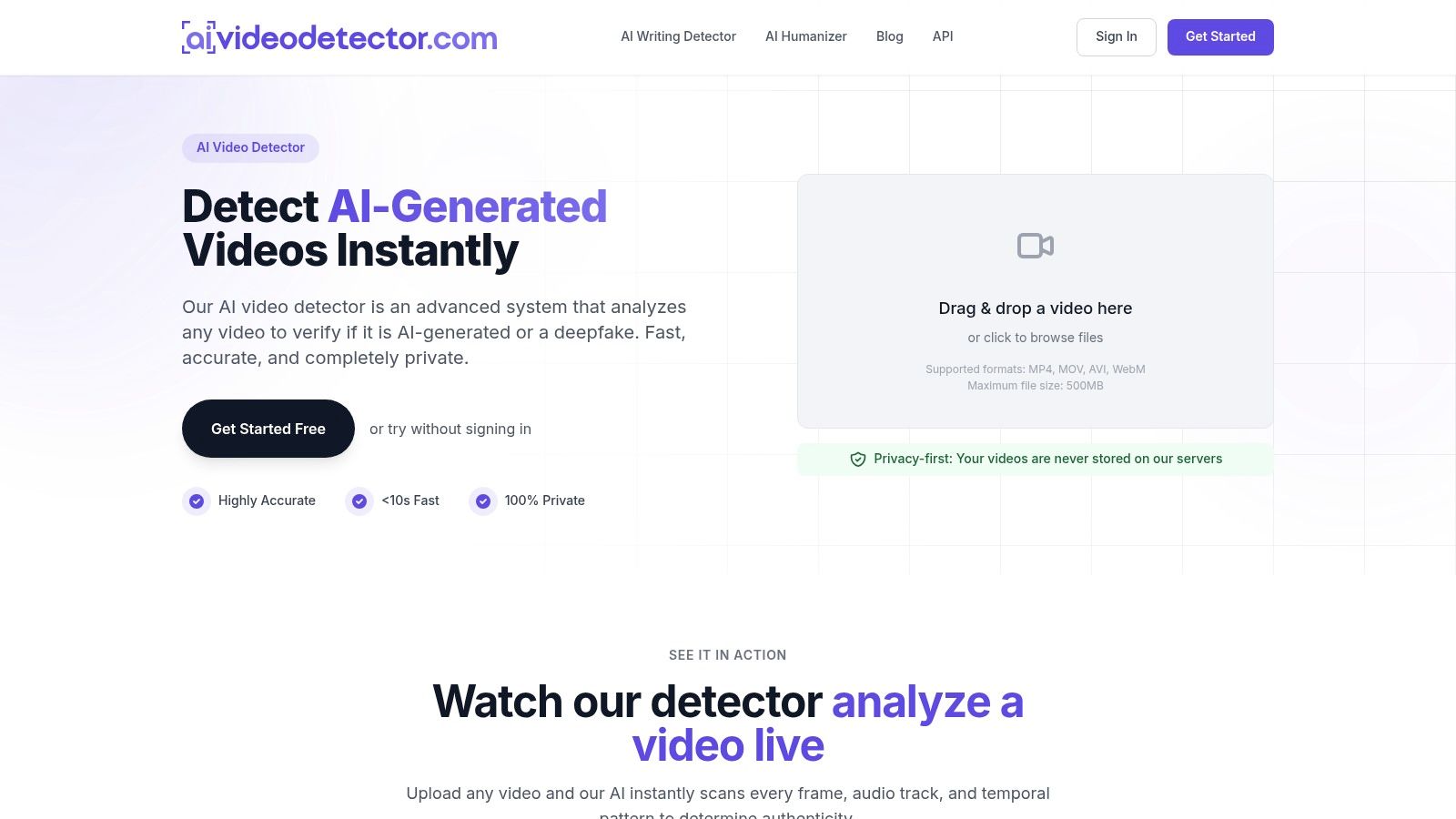
The platform distinguishes itself with a sophisticated, multi-signal analysis that inspects video content far more deeply than human observation ever could. Instead of relying on a single detection method, it simultaneously examines four distinct forensic signals. This comprehensive approach provides a robust and reliable authenticity assessment, which is crucial for high-stakes verification in fields like journalism and law, and equally valuable in an educational context.
Key Features & Classroom Applications
AI Video Detector’s feature set is uniquely suited for building powerful media literacy lesson plans. The live analysis visualization provides a compelling, real-time look into the detection process, helping students grasp abstract concepts like pixel manipulation and audio anomalies. This transparency demystifies the technology behind deepfakes, transforming a complex subject into an engaging and interactive learning experience.
- Multi-Signal Analysis: The system combines four independent checks for a comprehensive verdict:
- Frame-Level Pixel Analysis: Scans for subtle artifacts left by Generative Adversarial Networks (GANs) and diffusion models.
- Audio Forensics: Detects spectral irregularities and inconsistencies common in AI-synthesized speech.
- Temporal Consistency Checks: Identifies unnatural motion or flickering between frames that signal digital manipulation.
- Metadata & Container Inspection: Examines the file's underlying data for signs of tampering or unusual encoding patterns.
- Privacy-First Workflow: A standout benefit for schools is the platform's commitment to privacy. Basic use requires no registration, and uploaded files are never stored, minimizing data risks and ensuring compliance with student privacy policies.
- Speed and Accessibility: Analyses are remarkably fast, typically completing in under 90 seconds. This efficiency allows educators to incorporate live demonstrations and student-led investigations directly into a single class period without disruption. The platform supports common video formats (MP4, MOV) up to 500 MB.
Practical Implementation in Lesson Plans
Integrating AI Video Detector into a curriculum provides a tangible way to teach source verification and critical thinking. An educator can design a lesson where students are tasked with analyzing a mix of authentic and AI-generated videos, using the tool to test their hypotheses. This hands-on activity reinforces the core principles of media literacy: questioning sources, seeking evidence, and understanding the technology shaping our information landscape.
Classroom Tip: Create a "Digital Detective" activity. Provide students with a curated set of recent viral videos and have them use AI Video Detector to investigate their authenticity. They can then present their findings, citing the tool's confidence scores and explaining which forensic signals indicated manipulation.
The platform's focus on educational content verification makes it an exceptional resource for developing these skills. Educators can find more specific guidance and classroom examples by exploring the use cases detailed on the website.
Strengths and Limitations
| Pros | Cons |
|---|---|
| Comprehensive Detection: Multi-signal analysis offers a robust and reliable assessment of video authenticity. | Not Infallible: As with all forensic tools, results are probabilistic and should be one part of a larger verification process. |
| Excellent for Privacy: No-signup, no-storage policy is ideal for educational environments. | File & Use Limits: The free tier has a 500 MB file size limit, and pricing for institutional or high-volume use requires direct contact. |
| Fast & User-Friendly: Quick results and a simple interface make it easy to use in live classroom settings. | |
| High Educational Value: Live visualization helps demystify complex AI concepts for students. |
Ultimately, AI Video Detector serves as more than just a tool; it is a foundational component for any media literacy curriculum aiming to equip students with the practical skills needed to navigate the challenges of AI-generated content.
Website: https://www.aivideodetector.com
2. Common Sense Education — News & Media Literacy Collections
For educators seeking a comprehensive, standards-aligned curriculum that is both free and widely trusted, Common Sense Education is a gold-standard resource. It offers a robust Digital Citizenship Curriculum, with a specific and deep focus on news and media literacy lesson plans suitable for grades K–12. The platform excels at providing turnkey, classroom-ready materials that address the modern information landscape with remarkable currency and depth.
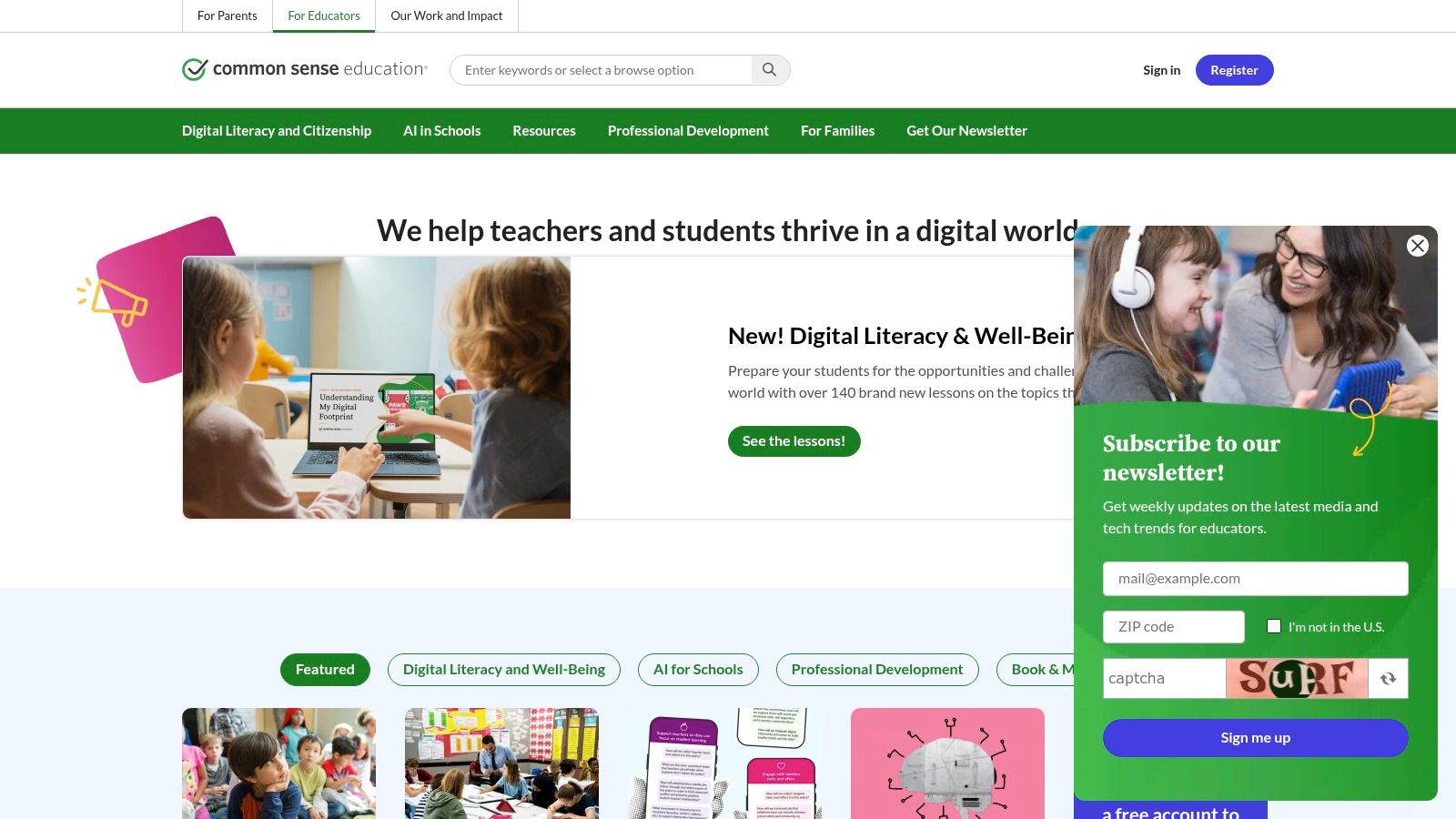
What sets Common Sense Education apart is its structured, sequential approach. Lessons are organized into logical, grade-banded units that build upon each other, allowing schools or individual teachers to implement a cohesive, year-over-year media literacy program. The content is continuously updated to address emerging challenges like deepfakes, algorithmic bias, and generative AI, ensuring students are equipped with relevant, practical skills.
Key Features and Offerings
The platform’s strength lies in its ready-to-use lesson packs, which include everything an educator needs to get started. These comprehensive resources feature student-facing videos, interactive activities, downloadable handouts, and slide decks.
- Grade-Banded Lessons: Content is tailored for K–2, 3–5, 6–8, and 9–12, ensuring age-appropriate language and concepts.
- Themed Collections: Dive deep into specific topics with curated lesson collections like "News & Media Literacy" or "Digital Footprint & Identity."
- Teacher & Family Resources: Each lesson comes with detailed teacher guides, assessment materials (like rubrics and quizzes), and even resources to engage families in these important conversations.
- Professional Development: Educators can access free professional development, webinars, and articles to deepen their own understanding and teaching practices.
Practical Implementation
To get the most out of Common Sense Education, start by exploring the lesson collections aligned with your grade level. For example, a middle school teacher might use the "Finding Credible News" lesson to teach lateral reading, while a high school educator could use the "Challenging Confirmation Bias" activity. The lessons on altered media are particularly strong, providing a solid foundation for understanding the complex technologies involved. This knowledge can be expanded using tools and techniques from the world of forensic video analysis software, which provides deeper insights into video integrity.
Pro Tip: Create a free educator account to save and organize your favorite lessons, track student progress with interactive tools, and receive updates when new content is released.
| Feature Comparison | Common Sense Education |
|---|---|
| Cost | Completely Free |
| Grade Levels | K–12 |
| Content Format | Lesson plans, videos, activities, assessments |
| Key Topics | Misinformation, algorithms, deepfakes, bias |
| Customization | Limited (CC BY-NC-ND license) |
While its Creative Commons license restricts remixing, the sheer quality and comprehensiveness of the materials make it an essential bookmark for any educator serious about teaching media literacy.
Website: https://www.commonsense.org/education
3. The News Literacy Project — Checkology
For educators looking for a dedicated, interactive platform specifically designed for news literacy, The News Literacy Project's Checkology is a premier choice. This browser-based virtual classroom is built from the ground up to teach students in grades 6–12 the critical thinking skills needed to be smart, active consumers of news and information. It moves beyond static lesson plans, offering a dynamic learning experience led by real-world journalists and experts.
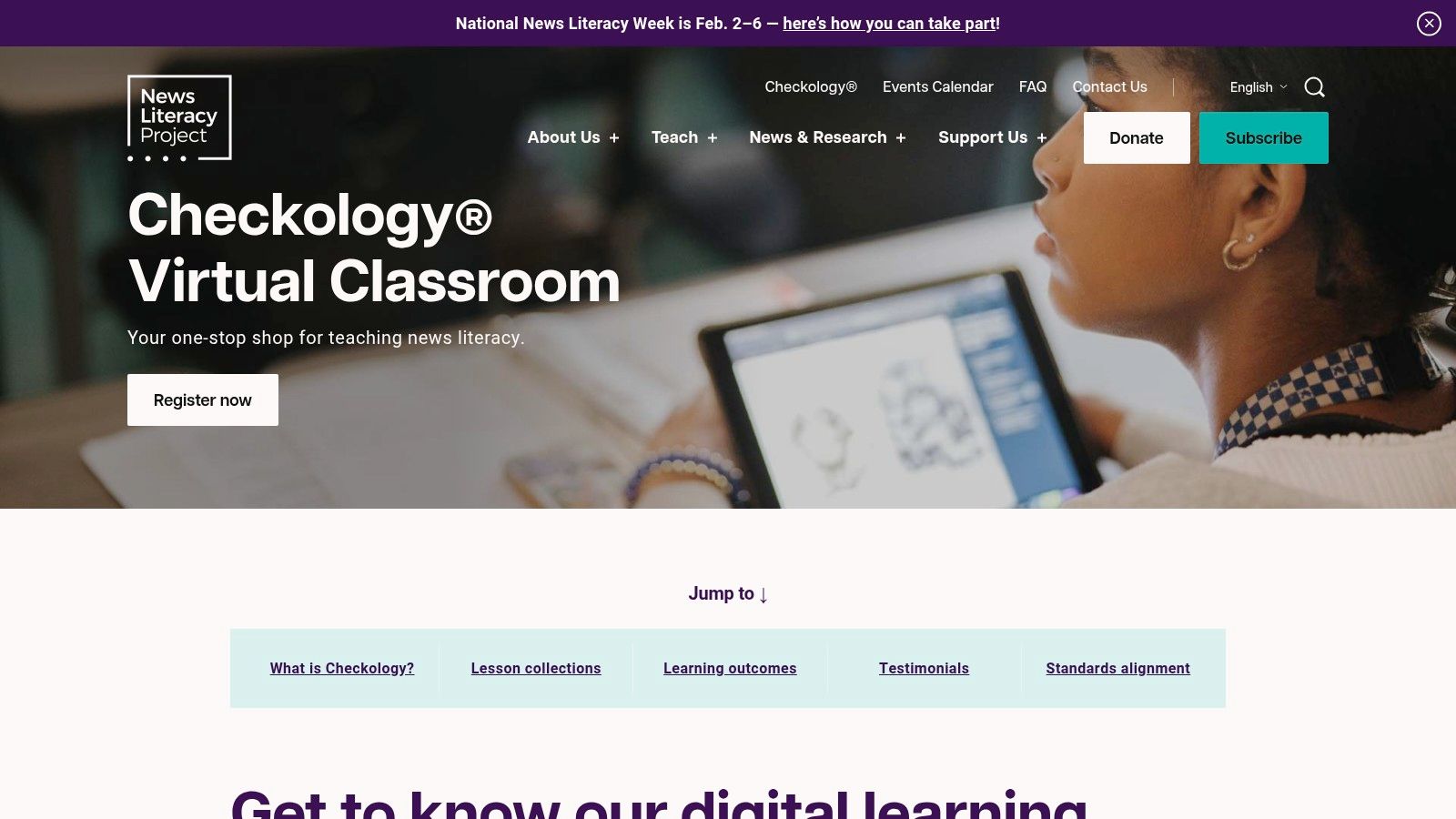
What makes Checkology stand out is its evidence-based approach and singular focus on news literacy. The platform’s lessons are structured, sequential, and filled with current, real-world examples that resonate with students. Instead of just presenting concepts, it immerses learners in interactive challenges, allowing them to practice skills like identifying misinformation, understanding journalistic standards, and recognizing different types of bias in a controlled, educational environment.
Key Features and Offerings
The platform is designed for easy classroom integration, providing educators with robust tools for managing students, tracking progress, and assessing learning. Each multimedia lesson functions as a self-contained module, making it flexible for various implementation models.
- Expert-Led Multimedia Lessons: Engaging courses are taught by professional journalists and subject-matter experts from organizations like The New York Times, The Wall Street Journal, and The Washington Post.
- Interactive Learning: Students actively participate through exercises, practice scenarios, and assessments that reinforce core concepts.
- Classroom Management Tools: Educators can create classes, roster students, assign specific lessons, and monitor individual and class-wide progress through a dedicated dashboard.
- Research-Informed Content: The curriculum is based on research and has demonstrated measurable gains in students' news literacy skills.
Practical Implementation
Checkology is best used as a core component of a media literacy unit. An educator could begin with the foundational "Understanding Bias" lesson before moving to more complex topics like "Arguments & Evidence." The platform’s structure allows teachers to either assign the entire course sequentially or select individual lessons to supplement existing curricula. For instance, the "Conspiratorial Thinking" lesson provides an excellent framework for discussing how viral falsehoods spread, a concept closely related to the challenges posed by synthetic news footage.
Pro Tip: Use the platform’s pre- and post-assessments to measure student growth effectively. The data from the dashboard can help identify which concepts the class is struggling with, allowing for targeted re-teaching.
| Feature Comparison | The News Literacy Project — Checkology |
|---|---|
| Cost | Completely Free (account required) |
| Grade Levels | 6–12 |
| Content Format | Interactive virtual lessons, videos, assessments |
| Key Topics | Journalistic standards, bias, misinformation, algorithms |
| Customization | Moderate (can assign specific lessons) |
While it requires account creation and some initial setup to roster classes, its purpose-built design and high-quality, expert-led content make it an invaluable tool for any secondary educator serious about teaching news and media literacy lesson plans.
Website: https://get.checkology.org/
4. iCivics — News Literacy and Media & Influence Units (including NewsFeed Defenders)
For educators aiming to connect media literacy directly to civic responsibility, iCivics offers a powerful and engaging suite of free resources. Founded by Justice Sandra Day O’Connor, the platform is renowned for its high-quality civics education materials, and its news literacy curriculum is no exception. It frames the skills of source evaluation, bias detection, and misinformation spotting as essential duties of an informed citizen in a democracy.
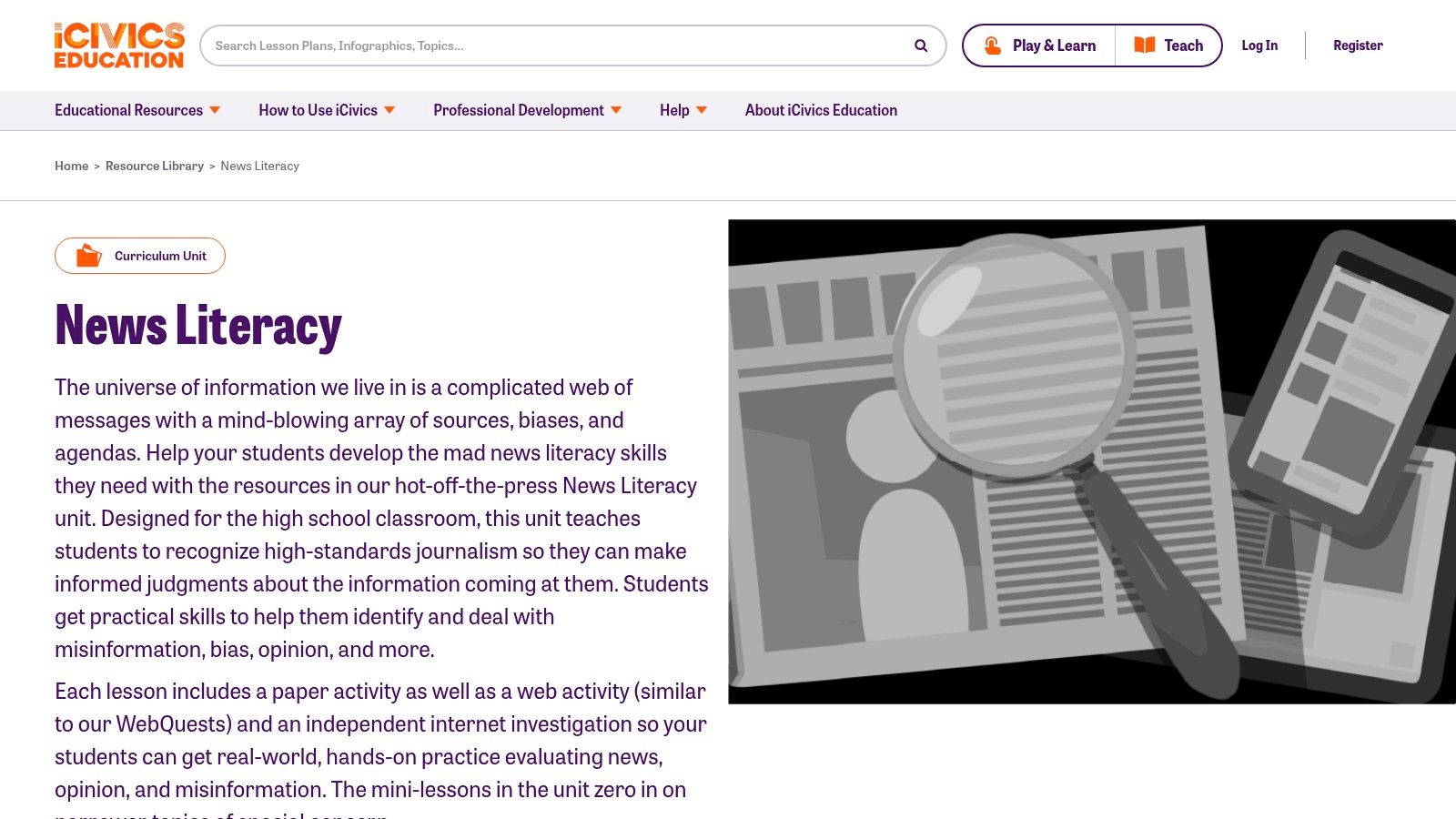
What makes iCivics stand out is its seamless integration of game-based learning. The cornerstone of its media literacy offering is "NewsFeed Defenders," an interactive game where students act as journalists for a social media site. They must evaluate posts for credibility, flag false information, and grow their site's traffic and reputation. This hands-on, gamified approach transforms abstract concepts into a memorable, practical challenge that resonates with middle and high school students.
Key Features and Offerings
iCivics provides comprehensive units that can be taught in full or used as individual, bite-sized activities. The materials are designed for easy implementation in social studies, civics, or English Language Arts classrooms, with clear instructions and support for teachers.
- Complete Curriculum Units: The "News Literacy" and "Media and Influence" units offer full lesson plans, complete with PowerPoints, student readings, and activities.
- Game-Based Learning: The award-winning NewsFeed Defenders game provides an engaging environment for students to apply their verification skills in a simulated context.
- Flexible Mini-Lessons: For teachers short on time, iCivics offers shorter "mini-lessons" that can be slotted into a single class period to cover specific topics like advertising or media bias.
- Downloadable & Digital Materials: Resources are available as fillable PDFs and feature integrations with Google Classroom and Kami, catering to both print and digital classroom environments.
Practical Implementation
Start by using the NewsFeed Defenders game as an introductory hook to get students excited about the topic. The game provides a natural entry point for discussing the challenges of modern information feeds. From there, use the corresponding lesson plans to build a deeper understanding of key concepts. The "The Media's Role" lesson is an excellent foundation for any civics class, while the "Bias, Symbolism, and Propaganda" lesson provides critical tools for analyzing persuasive messaging.
Pro Tip: Use the teacher guides that accompany each lesson. They include standards alignment, step-by-step instructions, answer keys, and extension activities, significantly reducing your prep time.
| Feature Comparison | iCivics |
|---|---|
| Cost | Completely Free |
| Grade Levels | 6–12 |
| Content Format | Lesson plans, games, web activities, PDFs |
| Key Topics | Misinformation, source evaluation, bias, media influence |
| Customization | High (materials are downloadable and editable) |
While its focus is more on civic consumption than media production, iCivics offers some of the most engaging and well-structured media literacy lesson plans available, making it an indispensable resource for social studies and civics educators.
Website: https://www.icivics.org/curriculum/news-literacy
5. PBS LearningMedia (and PBS NewsHour Classroom)
For educators who want to connect media literacy concepts directly to current events and trusted public-media content, PBS LearningMedia is an invaluable free resource. This massive digital library offers over 100,000 standards-aligned resources for K-12 classrooms, with a significant collection of materials specifically designed to build news and media literacy skills. The platform's major strength lies in its partnership with PBS NewsHour Classroom, which provides timely, relevant lesson plans tied to the daily news cycle.
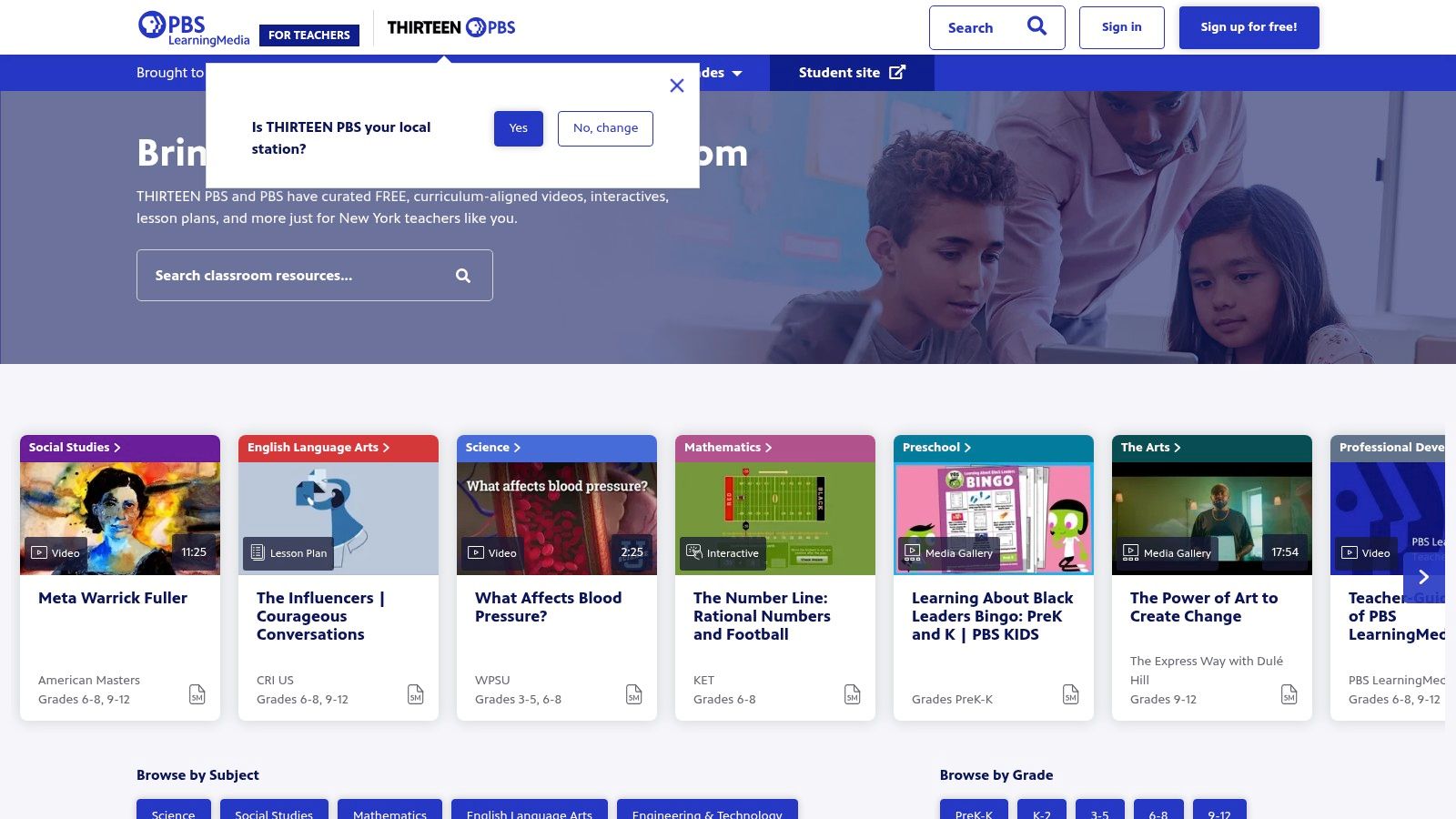
What makes PBS LearningMedia unique is its ability to ground abstract media literacy concepts in real-world examples drawn from PBS's high-quality journalism. Instead of just talking about bias, students can analyze clips from Frontline or NewsHour. This approach makes the learning immediate and impactful, leveraging the credibility and editorial standards of public media to create powerful teaching moments that resonate with students.
Key Features and Offerings
The platform excels at providing a diverse array of resource types, from short video clips to full, comprehensive lesson plans. The NewsHour Classroom section is particularly noteworthy for its "Daily News Lessons," which offer a turnkey solution for discussing breaking news through a media-literate lens.
- 100,000+ Digital Resources: A vast library including videos, interactives, audio clips, and documents from PBS stations and partners like NOVA and Ken Burns.
- NewsHour Classroom Lessons: Timely lessons tied to current events, complete with learning objectives, discussion questions, activities, and downloadable handouts.
- Curated Collections: Explore dedicated collections focused on topics like "Media Literacy" or "Civics and Government" to easily find relevant content.
- Standards Alignment & Integration: Resources are aligned to state and national standards, and the platform offers integration with tools like Google Classroom for easy assignment.
Practical Implementation
To effectively use PBS LearningMedia, start by searching for a current event you plan to discuss in class. There is likely a corresponding NewsHour Classroom lesson plan ready to go. For example, a high school civics teacher could use a lesson on election coverage to teach students how to identify different types of media bias. An elementary educator might use a video from the "Above the Noise" series to introduce the concept of algorithms and filter bubbles in a student-friendly way. The sheer volume of video content makes it an excellent source for authentic media examples.
Pro Tip: Use the platform's creation tools, like the "Storyboard" or "Quiz Maker," to build custom activities around PBS video clips. This allows you to tailor the content precisely to your students' needs and learning objectives.
| Feature Comparison | PBS LearningMedia |
|---|---|
| Cost | Completely Free |
| Grade Levels | PreK–12 |
| Content Format | Lesson plans, videos, interactives, documents |
| Key Topics | Current events, journalism ethics, civics, bias |
| Customization | Good (with creation tools like Storyboard) |
While the sheer volume of content can sometimes be overwhelming and the pedagogical styles may vary between producers, the platform’s connection to current, real-world journalism makes it a top-tier destination for relevant media literacy lesson plans.
Website: https://pbslearningmedia.org
6. Teachers Pay Teachers (TPT)
For educators needing immediate, topic-specific resources created by fellow teachers, Teachers Pay Teachers (TPT) is an unparalleled marketplace. It hosts a vast, user-generated library of media literacy lesson plans, activities, and full-unit bundles. Instead of a top-down curriculum, TPT offers a bottom-up approach where you can find creative, classroom-tested materials for nearly any niche, from analyzing persuasive techniques in advertisements to deconstructing camera angles in film.
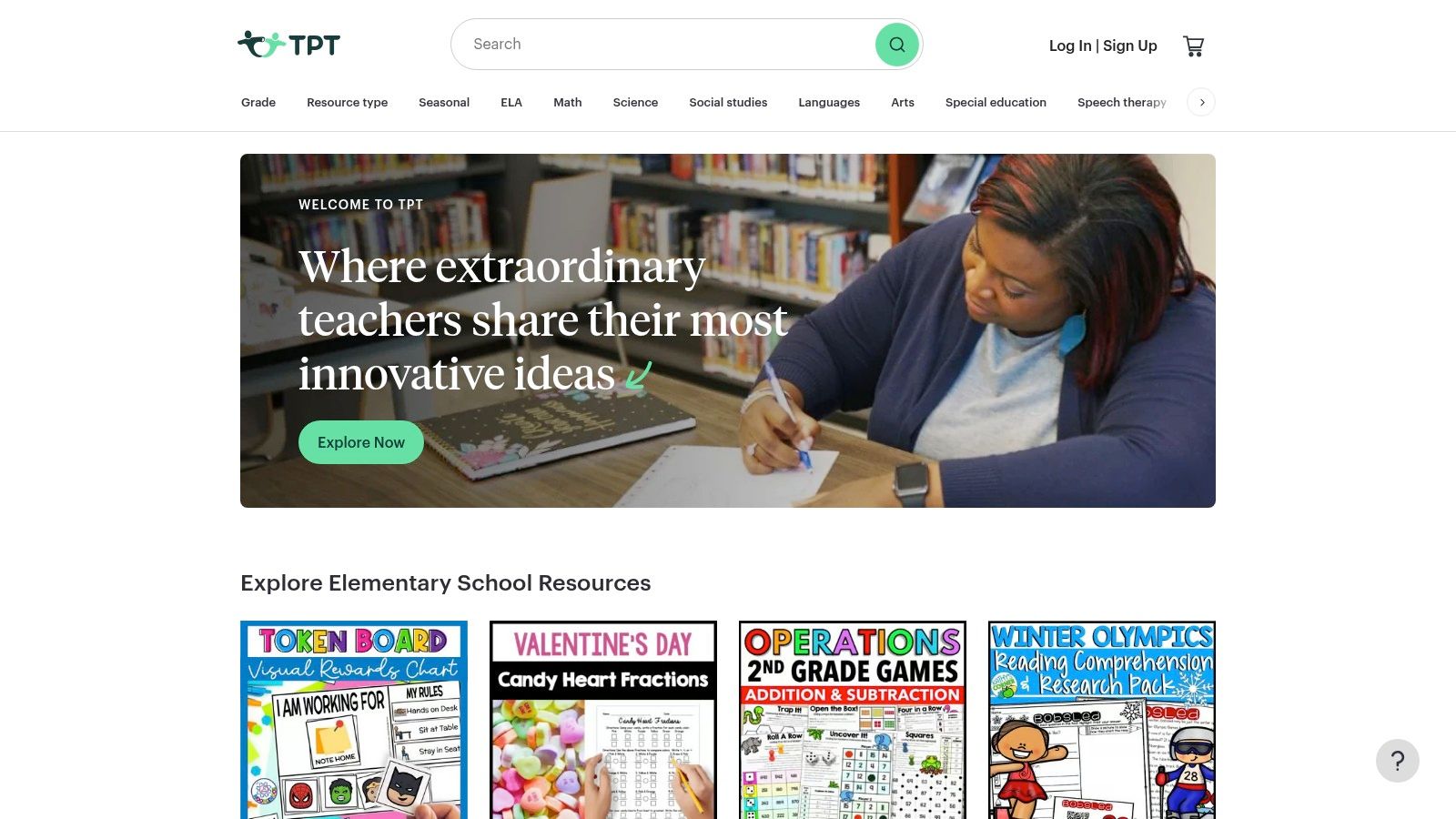
What makes TPT a standout resource is its sheer volume and specificity. While institutional platforms offer standardized curricula, TPT allows you to find a single, perfect lesson on a topic like "clickbait headlines for 4th graders" or "spotting propaganda on social media for high schoolers." The resources are often available as instant digital downloads and frequently include editable slide decks, student handouts, and assessments, saving educators valuable prep time.
Key Features and Offerings
The platform thrives on its extensive catalog and powerful filtering system, which helps educators pinpoint exactly what they need from thousands of creator-uploaded resources. The quality is peer-reviewed through a robust rating and comment system.
- Massive Catalog: Search thousands of media literacy lesson plans, posters, digital escape rooms, and project-based assessments.
- Powerful Filtering: Narrow results by grade level (Pre-K to 12+), price (including a large selection of free resources), subject, and file type (Google Slides, PDF, etc.).
- Seller Reviews and Previews: Gauge the quality and suitability of a resource before purchasing by reading teacher reviews and looking at detailed product previews.
- Niche Topics: Find materials on highly specific skills, such as identifying logical fallacies, understanding native advertising, or analyzing algorithmic bias in search results.
Practical Implementation
The key to using TPT effectively is to leverage its search filters and to read seller reviews carefully. Start with a specific search term like "fake news lesson plan" and then filter by your grade level and a high rating (4.5 stars or above). Many sellers bundle lessons into comprehensive units that can be used to structure an entire quarter. For instance, you might find a complete unit on media bias that includes introductory PowerPoints, interactive notebook activities, and a final assessment project.
Pro Tip: Follow your favorite teacher-authors on TPT. This allows you to receive notifications when they upload new media literacy resources or put their existing materials on sale.
| Feature Comparison | Teachers Pay Teachers (TPT) |
|---|---|
| Cost | Free & Paid (Varies by Seller) |
| Grade Levels | Pre-K–12+ |
| Content Format | Lesson plans, units, activities, posters, slide decks |
| Key Topics | Ad techniques, propaganda, bias, source evaluation |
| Customization | Varies (Many resources are editable) |
While the quality can vary between sellers and licensing is typically for a single classroom, the incredible breadth and immediate availability of resources make TPT an essential tool for any educator looking for targeted, ready-to-deploy media literacy lesson plans.
Website: https://www.teacherspayteachers.com/
7. The New York Times — Learning Network
For educators who want to anchor their media literacy lesson plans in the immediacy of current events, The New York Times Learning Network is an unparalleled resource. It leverages the vast journalistic assets of The New York Times-from articles and images to videos and graphs-to create timely, relevant teaching materials. This platform is particularly powerful for middle and high school teachers aiming to connect media literacy concepts directly to the world students are witnessing, turning breaking news into teachable moments.
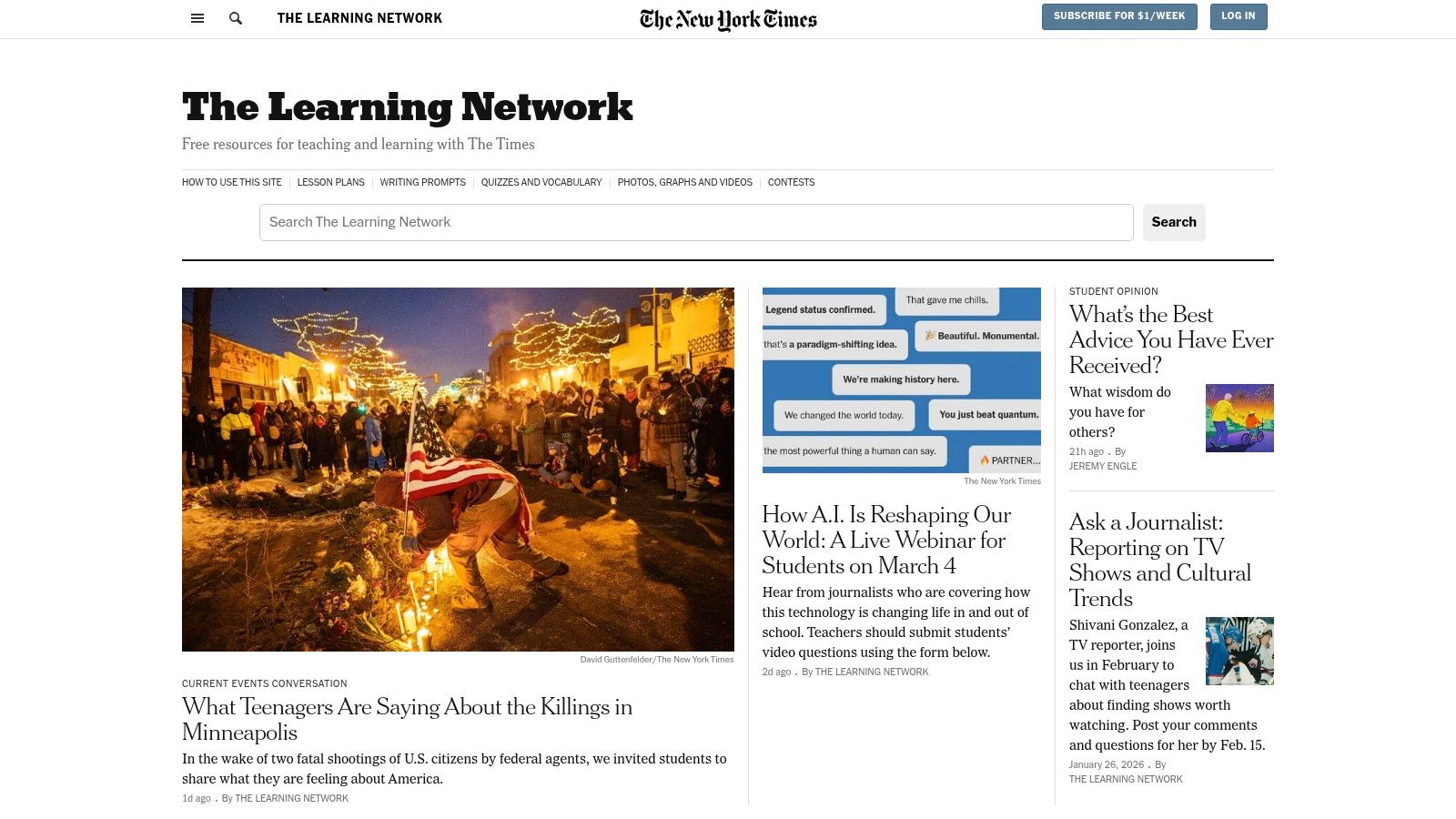
What makes the Learning Network stand out is its authenticity and relevance. Instead of relying on simulated examples, it uses real-world journalistic content to teach skills like source evaluation, identifying bias, and understanding persuasive techniques. By grounding lessons in the high-quality reporting of a major newsroom, it provides students with authentic contexts for developing critical reading, argumentation, and verification skills, bridging the gap between classroom theory and real-world media consumption.
Key Features and Offerings
The Learning Network publishes over 1,000 free teaching resources each school year, many of which are directly applicable to media literacy instruction. The content is designed to be plug-and-play for busy ELA and social studies teachers.
- Current Events-Based Lessons: New lessons and writing prompts are published almost daily, tied directly to recent Times content.
- Media Literacy Focus: Regular features like "What's Going On in This Picture?" and "Film Club" prompts help students deconstruct visual media and narrative techniques.
- Skill-Building Activities: Lessons focus on developing core skills such as evaluating evidence, recognizing author's purpose, and analyzing arguments in news articles.
- Student Contests: Engaging contests invite students to submit their own arguments, reviews, and narratives, providing an authentic audience for their work.
Practical Implementation
To effectively use the Learning Network, teachers can integrate its daily content into their regular class routines. A social studies teacher might start a class by analyzing the "Article of the Day," focusing on its sourcing and structure. An English teacher could use a "Text to Text" pairing to compare a Times article with a piece of literature, exploring thematic connections and authorial choices. The platform's constant stream of new material ensures classroom discussions remain fresh and engaging.
Pro Tip: Bookmark the "Lesson of the Day" and the weekly news quizzes. These recurring features are excellent bell-ringers or warm-up activities that consistently build media analysis habits.
| Feature Comparison | The New York Times Learning Network |
|---|---|
| Cost | Free (limited to 5 lessons/month; more with subscription) |
| Grade Levels | 6–12 (primarily) |
| Content Format | Lesson plans, writing prompts, multimedia, contests |
| Key Topics | Current events, source evaluation, argument, visual literacy |
| Customization | High (materials can be adapted for various contexts) |
While the paywall can be a limitation for nonsubscribers, the sheer volume and quality of the free materials make it an essential resource for teaching media literacy with up-to-the-minute relevance.
Website: https://www.nytimes.com/section/learning
7-Point Media Literacy Lesson Plan Comparison
| Resource | Implementation complexity | Resource requirements | Expected outcomes | Ideal use cases | Key advantages | Key limitations |
|---|---|---|---|---|---|---|
| AI Video Detector | Low for end users; moderate for API integration | Uploads up to 500 MB; web tool (no signup) and API for enterprise | Multi‑signal authenticity report with confidence scores and visualizations in <90s | Newsroom verification, legal/evidentiary checks, enterprise fraud/moderation, forensics | Privacy‑first uploads; frame/audio/temporal/metadata analysis; fast results and API | Probabilistic (not definitive); file size cap; enterprise pricing/SLAs not public |
| Common Sense Education — News & Media Literacy Collections | Very low — turnkey lesson sequences | Classroom time; optional teacher account; CC BY‑NC‑ND license on materials | Standards‑aligned K–12 sequences, assessments, and teacher supports | K–12 media literacy curriculum, whole‑class sequences, digital citizenship | Free, continuously updated, widely trusted by U.S. schools | License limits remixing/customization; may need extra depth for advanced HS journalism |
| The News Literacy Project — Checkology | Moderate — account, rostering, and setup required | Browser access, teacher/student accounts, classroom rostering tools | Interactive lessons with tracking and measurable student gains | Middle and high school news‑literacy units and targeted modules | Research‑informed, journalist‑led content; progress tracking and classroom management | Best suited to grades 6–12; initial setup needed |
| iCivics — News Literacy & NewsFeed Defenders | Low to moderate — downloadable units; account for saving | Web access, printable PDFs, Google/Kami integrations | Engaging civics‑linked media‑literacy skills and practice via game | Civics/ELA/social studies classes (grades 6–12); game‑based practice | Free, game‑based learning, easy to integrate and download | Emphasis on civics/politics; may lack media production depth |
| PBS LearningMedia (and PBS NewsHour Classroom) | Low — search and assign materials; curation advised | Reliable internet and video access; account for assignments | Timely, standards‑aligned multimedia lessons tied to current events | Current‑events lessons, standards‑aligned instruction, media literacy tied to news | Large trusted public‑media library; timely, real‑world connections | Variable depth/producer style; some materials need stable internet |
| Teachers Pay Teachers (TPT) | Low — browse, purchase, and download; vetting recommended | Budget for paid items; teacher account to buy/save resources | Immediate access to targeted, editable lesson files and assessments | Rapid lesson prep, niche or grade‑specific materials, custom activities | Unmatched breadth and immediacy; many editable resources | Quality varies by seller; licensing often limited to single teachers |
| The New York Times — Learning Network | Low — ready lessons tied to Times content; subscription may be needed | Internet access; possible school/district subscription for full access | Up‑to‑date, newsroom‑based lesson plans and writing prompts | Middle/high school current‑events, ELA, and media‑analysis lessons | Authentic journalism sources; frequent new materials and prompts | Paywall/usage limits for nonsubscribers; some resources restricted |
Building a Generation of Critical Digital Navigators
The journey through the diverse landscape of media literacy lesson plans reveals a fundamental truth: teaching students to navigate the digital world is as essential as teaching them to read and write. The collection of resources detailed in this article, from the cutting-edge capabilities of AI Video Detector to the comprehensive curricula offered by Common Sense Education and The News Literacy Project, provides a robust foundation for this critical work. We have moved far beyond simply telling students not to believe everything they see online. Today's educational imperative is to equip them with the practical skills, analytical frameworks, and technological tools necessary to dissect, evaluate, and responsibly engage with the information they encounter every single moment.
The lesson plans and platforms explored, including iCivics, PBS LearningMedia, and The New York Times Learning Network, are not just collections of activities. They are blueprints for building cognitive resilience in our students. By implementing these resources, you are empowering learners to question sources, recognize sophisticated manipulation techniques, understand the influence of algorithms, and appreciate the nuances of different perspectives. This is the core of modern citizenship.
Selecting the Right Tools for Your Classroom
Choosing the most effective media literacy lesson plan or tool depends entirely on your specific educational context. There is no one-size-fits-all solution, but there is a right fit for every need.
- For Foundational Skills & Curriculum Integration: If you need a comprehensive, standards-aligned curriculum that can be integrated across subjects, Common Sense Education’s News & Media Literacy Collections are an unparalleled starting point. Their K-12 scope ensures a logical progression of skills.
- For Interactive, Gamified Learning: To boost student engagement through self-paced, interactive modules, The News Literacy Project’s Checkology platform is an exceptional choice. Similarly, the NewsFeed Defenders game within the iCivics unit offers a dynamic way to practice identifying credible information.
- For Addressing Cutting-Edge Threats: When tackling the most current digital challenges, such as AI-generated deepfakes, integrating a tool like AI Video Detector is crucial. You can pair its use with lessons from any provider to give students hands-on experience with modern verification technology.
- For Timely, Real-World Content: To connect media literacy concepts to current events, both PBS NewsHour Classroom and The New York Times Learning Network provide a constant stream of relevant, high-quality materials that make abstract concepts tangible and immediate.
- For Specialized or Niche Topics: If you are looking for a specific lesson on a niche topic, like advertising tactics or social media’s impact on mental health, the vast marketplace of Teachers Pay Teachers offers countless educator-created resources that can fill curricular gaps.
Your Next Steps: From Plan to Practice
Moving from inspiration to implementation is the most critical step. Here is a practical roadmap to get you started:
- Assess Your Needs: Begin by identifying the biggest media literacy challenges your students face. Is it distinguishing news from opinion? Spotting misinformation on social media? Understanding algorithmic bias?
- Start Small: You do not need to overhaul your entire curriculum at once. Select one lesson or tool from this list that addresses a high-priority need. A single impactful lesson on verifying a viral video can be a powerful catalyst.
- Integrate, Don’t Isolate: Weave media literacy into your existing subject matter. A history class can analyze primary sources found online, a science class can evaluate the credibility of health claims, and an English class can deconstruct persuasive language in digital ads.
- Embrace the Technology: Introduce students to verification tools directly. A hands-on activity where they use a tool like AI Video Detector to analyze a video clip will be far more memorable than a lecture about deepfakes.
By thoughtfully selecting and implementing these media literacy lesson plans, you are doing more than just teaching a subject. You are cultivating a generation of discerning, empowered, and responsible digital navigators who are prepared not only to consume information critically but to create and share it ethically. The future of our informed democracy rests on the skills you build in your classroom today.