

AI That Can Watch Videos: 10 Tools Compared for 2026

A reporter opens a 90-minute file from an anonymous source and has twenty minutes before deadline. A training lead needs the decisions buried in three hours of meetings. A compliance officer has to decide whether a viral clip was generated before anyone forwards it. All three need to understand the footage without sitting through every minute.
That is what AI that can watch videos is for. You turn a recording into a question, a summary, or a confidence score you can challenge. Watching, in this sense, means connecting speech, identity, and outcome across time, not labeling one still frame.
The Video-MME benchmark from Epoch AI contains 900 videos totaling approximately 254 hours and 2,700 expert-annotated questions. Clips run under two minutes, medium videos last 4 to 15 minutes, and long videos last 30 to 60 minutes. Performance generally declines as sequences get longer. Categories include knowledge clips, film and television, sports, and everyday recordings, so object spotting alone will not answer a newsroom question.
I sort the ten tools by the job. Summaries and Q&A cover meetings and lectures. Library search covers many files. Authenticity is its own job, and a score is not a verdict. If you are still comparing summarizers, the SummarizeVideoToText directory profile is a plain bookmark before you pick a workflow.
1. AI Video Detector
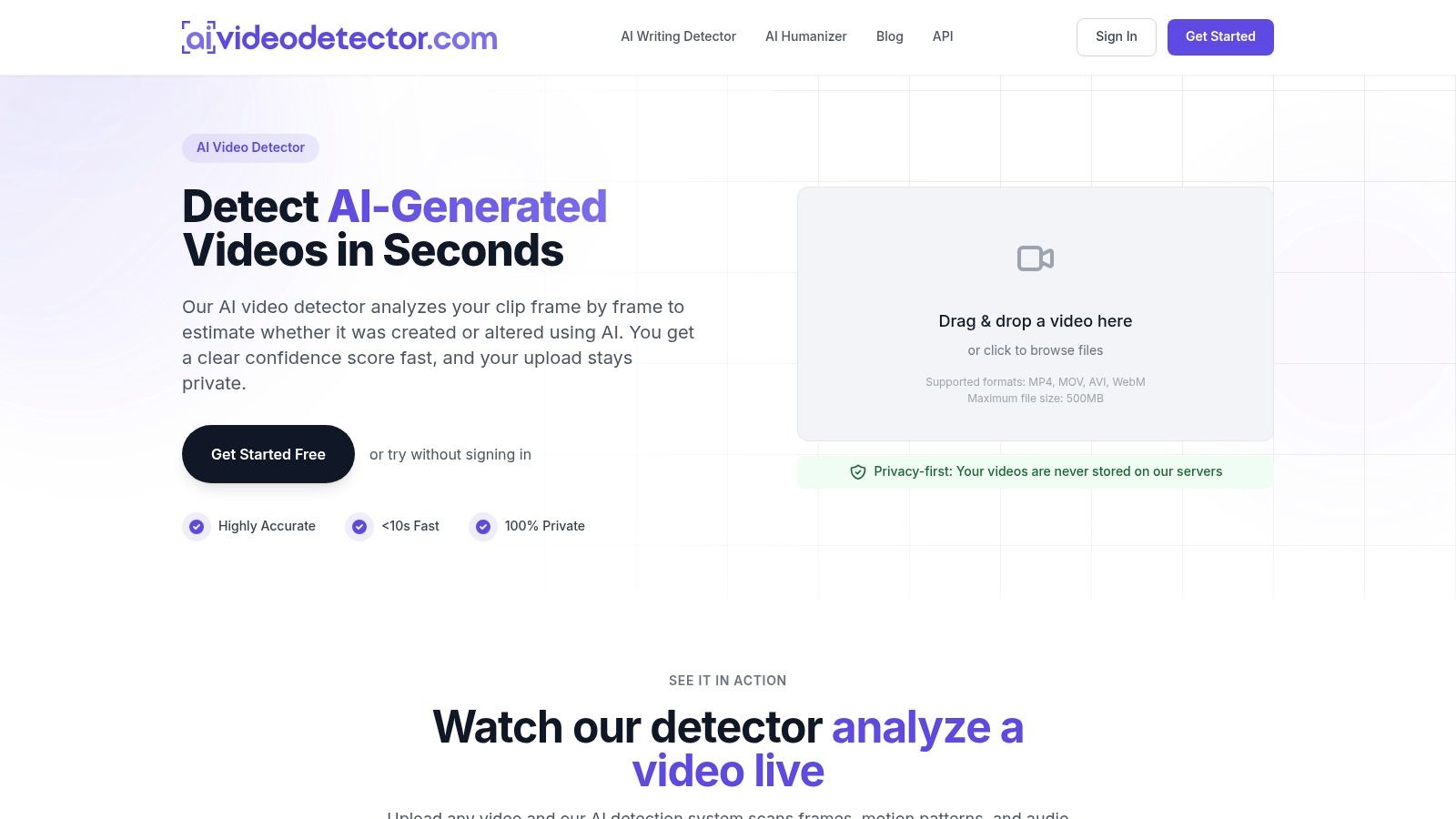
When the question is whether a clip is real, start with a detector. AI Video Detector runs four checks on an upload: frame-level analysis, audio forensics, temporal consistency, and metadata inspection. It looks for GAN fingerprints, diffusion artifacts, spectral anomalies, motion discontinuities, and encoding irregularities, then returns a confidence score. It accepts MP4, MOV, AVI, and WebM up to 500MB, by drag and drop or file browse. Basic detection needs no registration, and uploaded videos are not stored.
What the score is allowed to decide
A confidence score is an estimate. One recent detection benchmark found a commercial detector at a video AUC of 77.98% with a false-alarm rate of 65.96%, so many authentic videos can be marked fake. Compression on services such as YouTube and Facebook can also strip the low-level clues detectors rely on. Treat the score as a reason to review.
Practical rule: Keep the original file, record the score, and send any ambiguous clip to a person before a newsroom, court, or fraud team acts on it.
- Newsroom triage: Screen a user-submitted tip before it runs and mark published footage with an authenticity badge.
- Impersonation and fraud: Flag a suspicious executive video or video-call scam before money moves.
- Evidence and training: Give legal teams, educators, and platform moderators a first pass on disputed clips.
Product information puts analysis at under 90 seconds. The page says thousands of journalists, researchers, and everyday users use the tool. For legal evidence, fraud review, or a clip headed for publication, keep the original file and let a person make the final call.
2. Google Gemini API
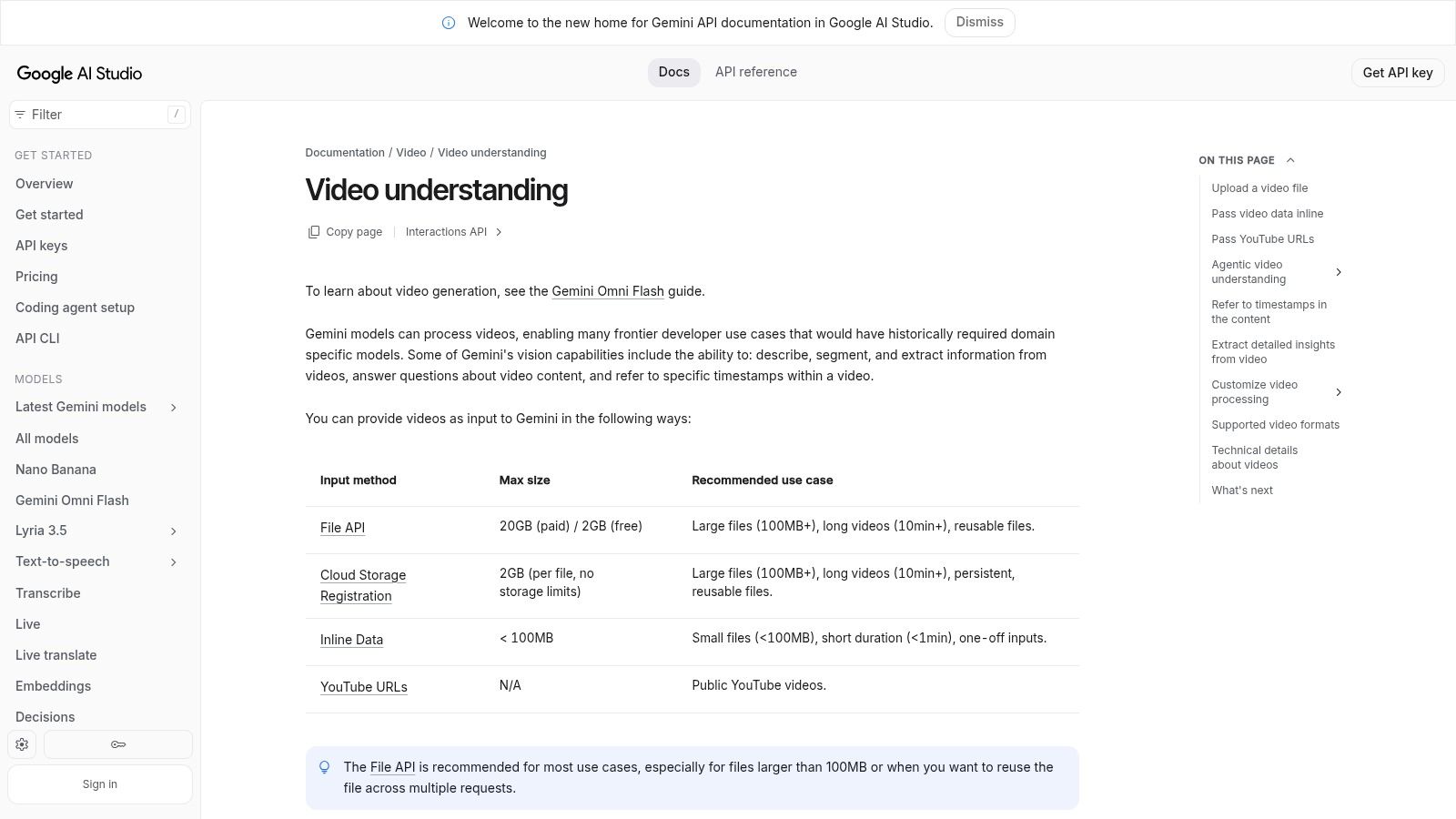
Build the watcher into your own app, and the Google Gemini API is the piece I would wire first. You send MP4, MOV, AVI, or WebM, or a public YouTube URL, then ask what happened, segment a scene, and pull timestamps. Some models handle longer video. A free API tier covers some usage, and the bill follows the model you pick.
Longer stories are where the promise thins. LvBench reports that Gemini 1.5 Pro reached 81.3% on the shorter VideoMME benchmark and 71.5% on its movie set, a drop of 9.8 points. Fixed-rate frame sampling still skips fast motion. You are writing software here, not opening a finished consumer page. Read can AI analyze videos before you budget tokens for a production Q&A feature.
I would not ship a newsroom verdict on one API call. Use Gemini to locate the moment, then make an editor replay it.
3. VideoInsights.ai
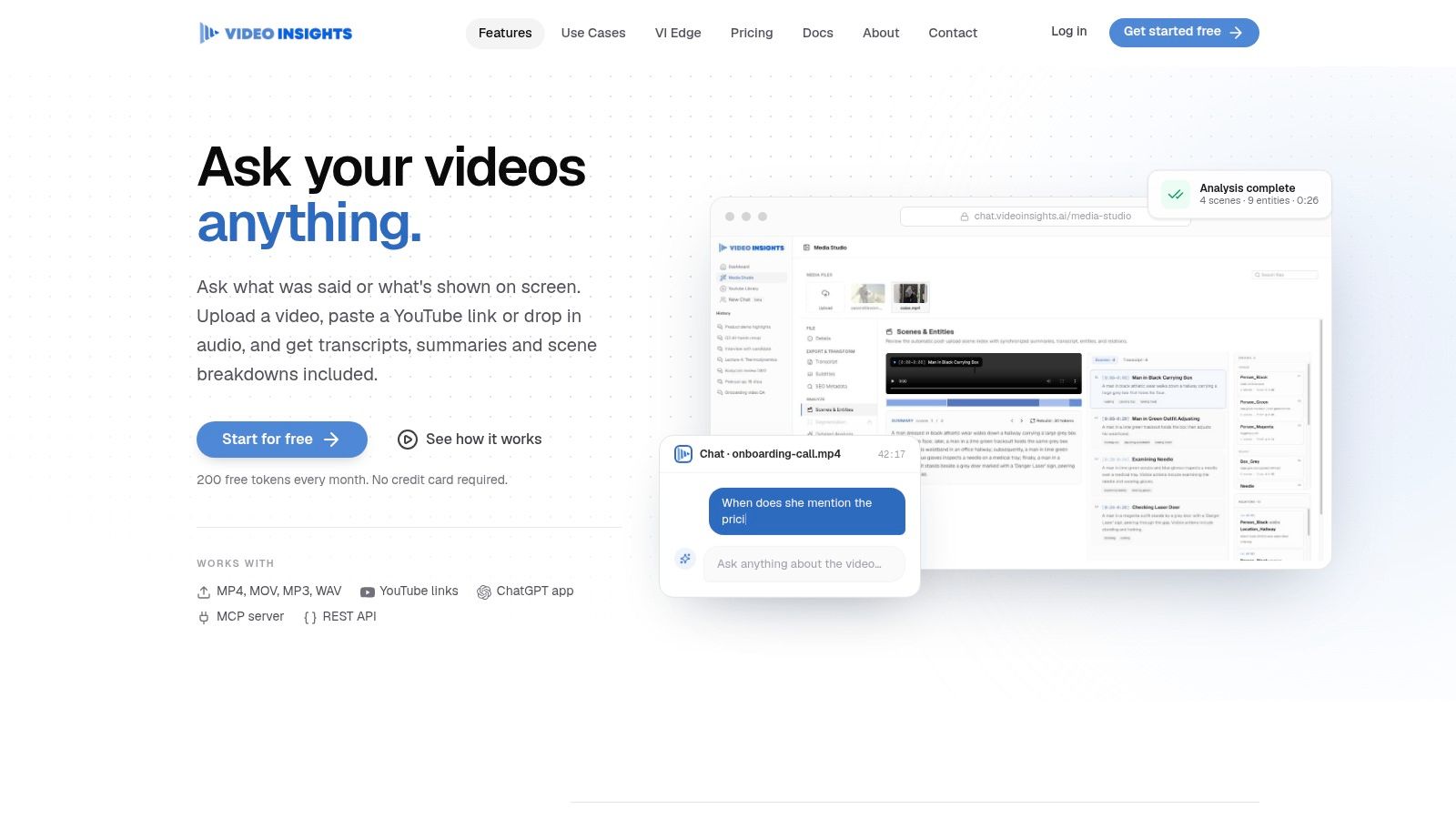
Paste a YouTube link, or drop in video or audio, and VideoInsights.ai answers from speech and, if you pay for it, from the picture. You get transcription, summaries, scene breakdowns, and clickable timestamps through the browser or the API. A free tier includes a monthly allowance. Paid plans change with token allowance and media length.
Visual analysis burns far more tokens than audio-only work. Stay on audio when the meeting decision is in the words. Turn vision on when a slide or product shot is the evidence, then click the timestamp before you quote it. Uploaded media is kept only for a limited period that depends on the plan, so this is not your archive.
If the deliverable is a written recap rather than a chat, an AI video summarizer is the closer match than a general detector.
4. ScreenApp
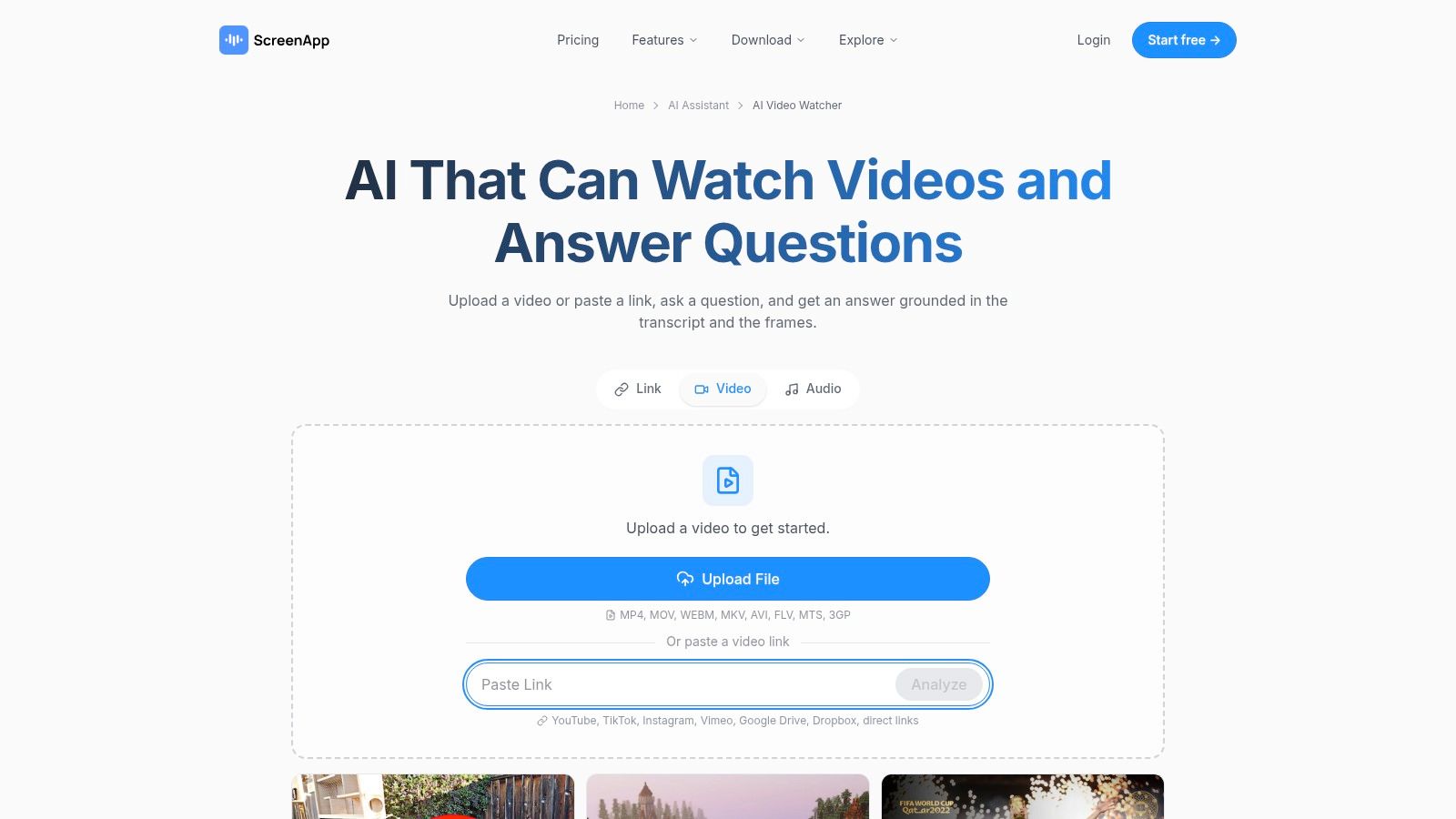
ScreenApp is the tool I use when the same person records the meeting and later has to answer questions about it. Upload a file or paste a public link. Answers draw on the transcript and the frames, and you can export PDF, DOCX, TXT, SRT, and VTT along with chapters and a summary. The free plan needs no card, but it limits how many recordings you make and how long they run.
Sparse frames are a weak way to "watch." On InstructionBench, GPT-4o reached only 53.42% accuracy even with 16 frames. Ask ScreenApp for the decision, then open the timestamp instead of trusting a paragraph that sampled a handful of pictures. The site publishes security notes, including encryption and a statement that recordings are not used to train public AI models. That matters for a deposition or an internal review. The recording suite is extra weight if you only have one public link.
File the result as notes, not as a vibe. An AI note taker from video is the job, and the export is what you keep.
5. AskVideo.ai
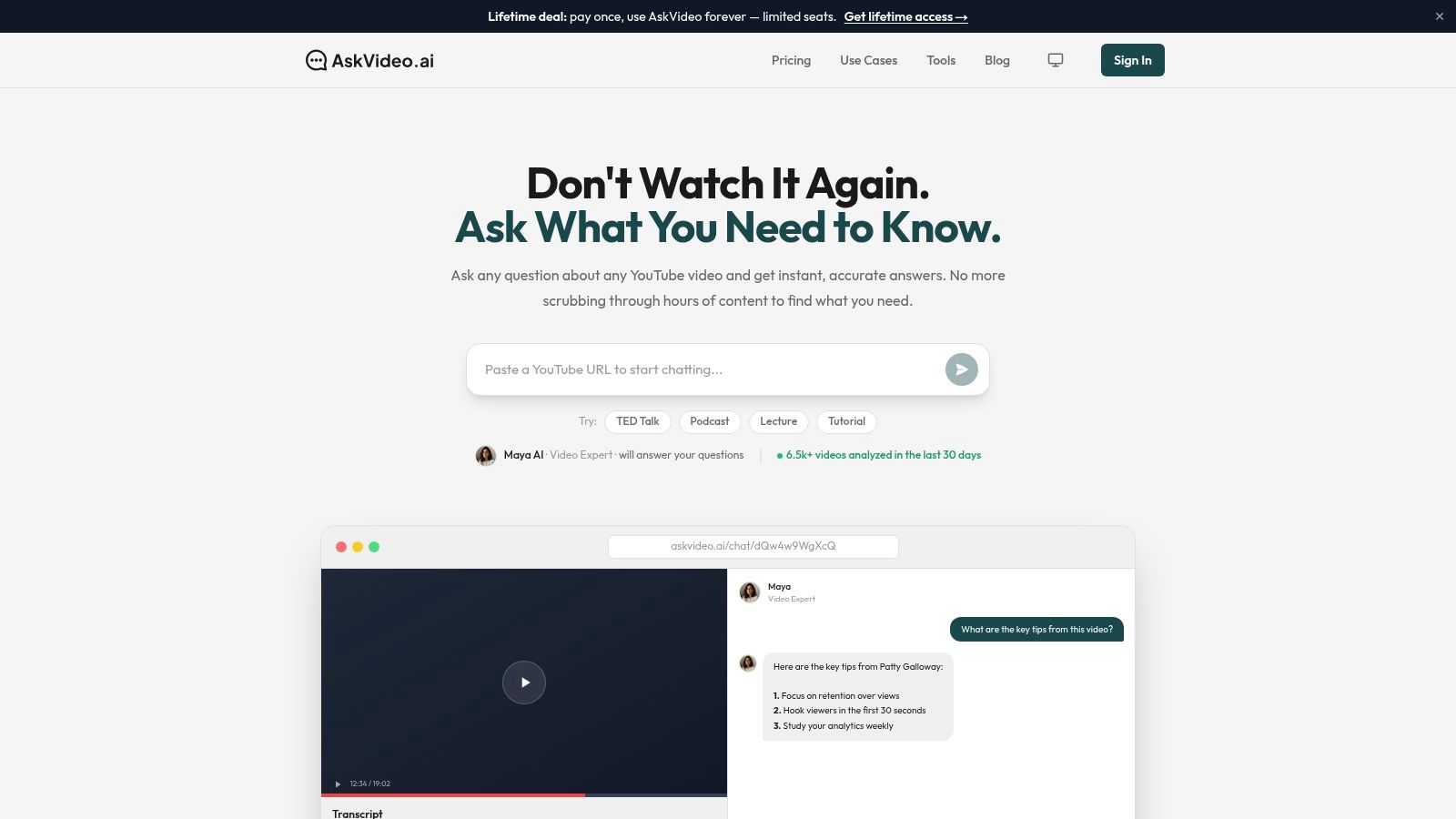
Say the evidence is already on YouTube: a lecture, a podcast, a webinar. AskVideo.ai wants the link, then returns timestamped answers, summaries, and a transcript. A free plan and a developer CLI cover light use. Paid plans add file uploads. Higher tiers add collections and search across videos.
Where the free path stops
- YouTube first: The main workflow is a public link, not your private drive.
- Uploads are metered: Listed plans cap file-upload minutes.
- Libraries cost more: Collections and cross-video search sit on higher tiers.
I recommend it when one public video holds the fact you need and you will click through to check the line. I would not pick it as the system of record for a case file or a course archive. Once the question spans dozens of uploads, you have outgrown the simple chat.
6. Akora
Akora is the pick when the question is about a chart, a slide, or an object, not only the soundtrack. You upload MP4, MOV, AVI, or WebM up to a stated 2 GB, or you paste a public YouTube link. It returns transcripts, summaries, visual descriptions, and answers tied to a moment. Mark a region of a frame and ask about that region.
Two free videos, no card, are enough to test the marking trick on a lecture slide you already understand. The paid monthly plan is framed as unlimited videos with full features. There is no bulk-library search here, and the public materials do not describe a developer API. Use it for a handful of important files. Do not use it to index a semester of footage.
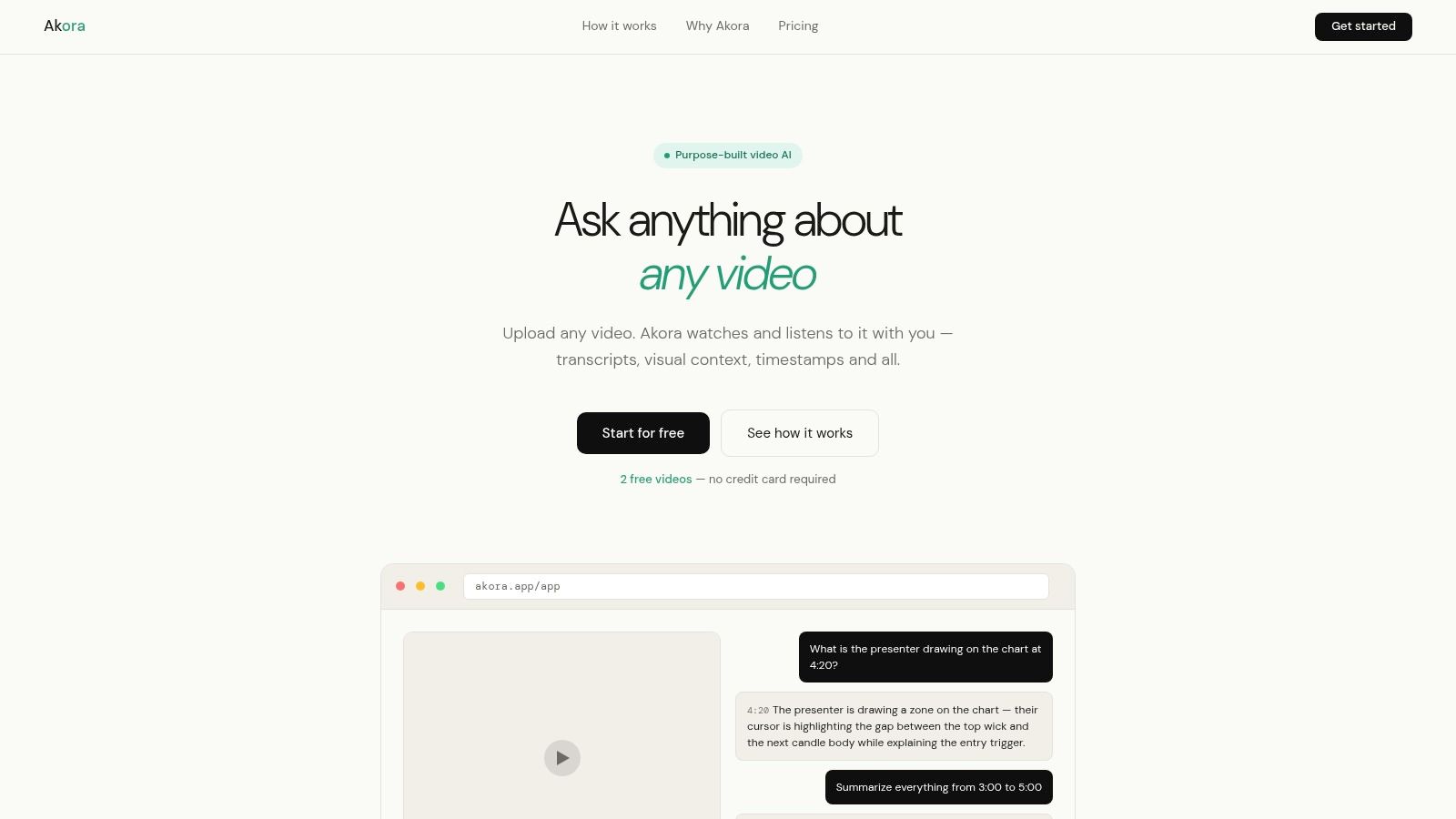
Mark the cell on the slide, then ask what changed. A whole-frame caption will invent context the mark would have excluded.
7. Taption
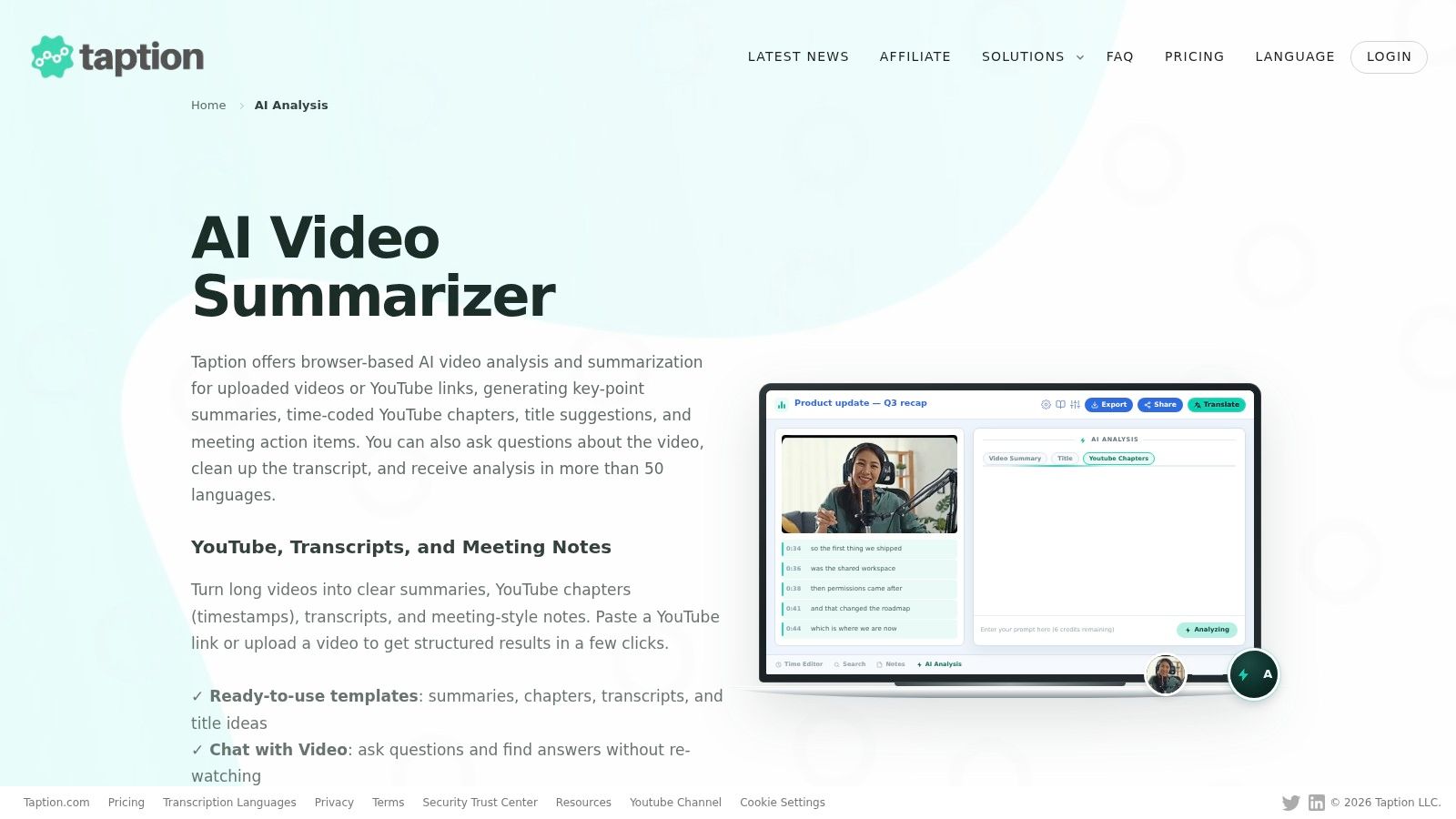
Lectures, interviews, and creator cuts are Taption's home ground. You upload a video or paste a YouTube link and get summaries, key points, time-coded chapters, and meeting notes. Chat with Video answers questions about decisions and details. Analysis is offered in more than 50 languages, and you can edit and export transcripts and subtitles. A free trial does not require a card.
AI analysis draws on a separate credit allowance, so a long subtitle job and a long Q&A session do not share one bucket. Check that split before you assign a class or a newsroom batch. The language and transcript tools are strong. Detailed visual-scene work is the weak side. If the story is on screen and nobody says it, look elsewhere.
8. Valossa Assistant
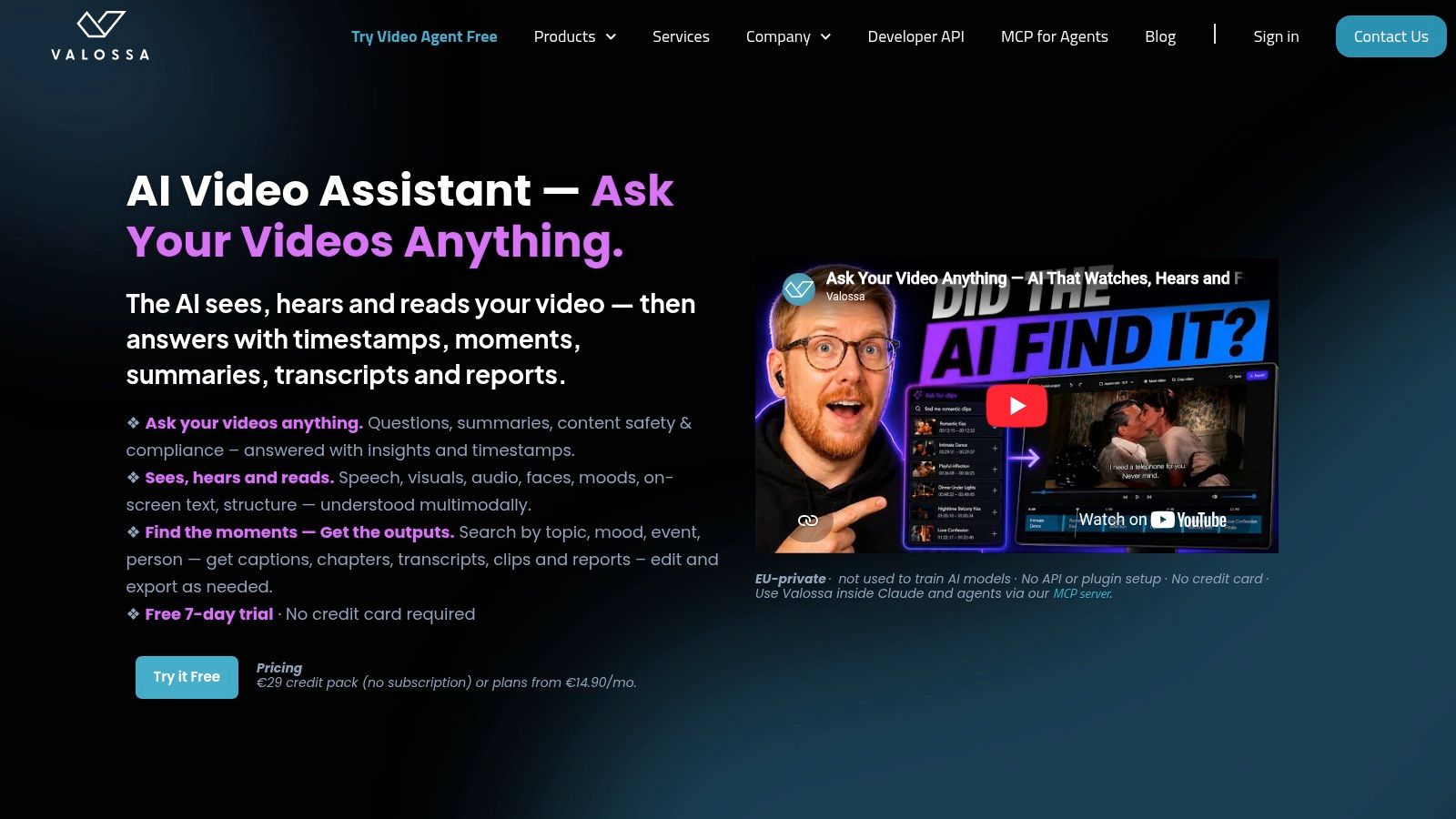
Media teams do not only want a paragraph. They want a moment they can cut. Valossa Assistant reads speech, visuals, on-screen text, objects, and people, then answers in plain language, searches the analyzed video, writes summaries and reports, and helps assemble clips. An MCP connection hooks it to Claude and other agents. A seven-day trial needs no card.
Why one global verdict fails on long footage
Humans still beat models on extreme length. On LVBench, human accuracy across reported categories ran from 87.4% to 98.4%, while Gemini-2.5-Pro averaged 67.4%. I want timestamps on every observation and overlapping windows, not one model sentence about the whole file. Valossa's production surface is more than a casual viewer needs. Price the seat against how many hours you will cut.
9. TwelveLabs
One clip is a chat. A library is an index. TwelveLabs is a developer platform for indexing video, running semantic search, segmenting footage, and generating text from collections. The managed offering includes storage, transcription, thumbnails, and technical metadata. APIs plus a free plan let you test before you commit to paid or enterprise terms.
Estimate storage, indexing, and analysis allowances before you sign. A surprise bill usually comes from hours you indexed and then queried again, not from the first demo. There is no simple consumer chat here. If your team cannot maintain an API integration, pick a browser tool instead. If you are building search across a catalog of shows, hearings, or training films, this is the shape that fits.
10. Echosaw
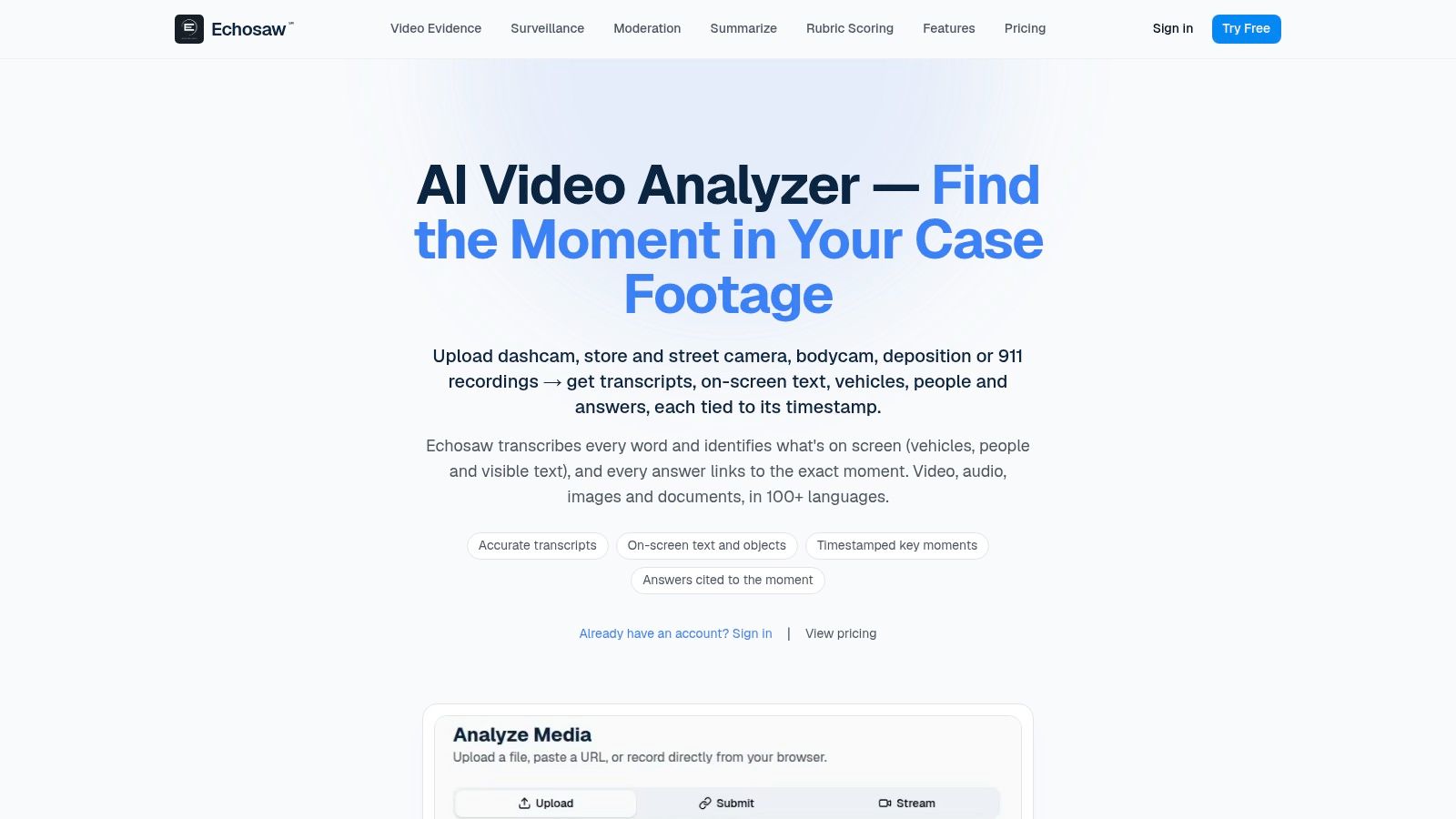
Echosaw indexes video, audio, documents, and public URLs, reads on-screen text, and ties answers to media moments. You can work in the web app, through a REST API, or through an MCP server. A separate workflow searches exported surveillance footage. The site lists encryption and says media is not used for model training unless you opt in.
Subscription cost is not the whole bill. Metered analysis charges depend on duration and plan, so a week of camera exports can dwarf the seat price. Confirm plan limits before you point it at specialized surveillance files. I would use it to search a media library you already exported, and I would still keep chain of custody outside the tool.
How the 10 AI video tools differ by use case, input, free access, and main limitation
The right row depends on the job. Six of these tools answer questions about a recording or a public link, three index and search media libraries at scale, and one checks whether the footage itself is real. The limitation column matters more than the feature list: it tells you where each tool breaks on real footage.
| Item | Best For | Input Sources | Free Access | Main Limitation |
|---|---|---|---|---|
| AI Video Detector | Checking whether a video may be AI-generated or manipulated | Video uploads | Free basic checks; no signup | Confidence score is not definitive proof; no independent accuracy benchmarks |
| Google Gemini API | Developers building video-understanding applications | Video files and public YouTube URLs | Free tier for some usage | Requires development work; frame sampling can miss fast-moving details |
| VideoInsights.ai | Video Q&A with transcription and timestamped answers | Video and audio uploads; YouTube links | Free tier with a monthly allowance | Visual analysis uses more tokens; media retention varies by plan |
| ScreenApp | Video Q&A combined with recording and transcription tools | Video uploads; links from public platforms | Free plan; recording limits apply | Free limits on recording count and length |
| AskVideo.ai | Finding details in public YouTube videos | Public YouTube videos; uploads on paid plans | Free plan | Mainly focused on YouTube; upload minutes are limited on listed plans |
| Akora | Asking questions about video moments or specific visual details | Video uploads; public YouTube links | Two free videos | Free offer is limited; no developer API described |
| Taption | Transcription, subtitles, and analysis for meetings, lectures, and interviews | Video uploads; YouTube links | Free trial; no credit card required | AI analysis has a separate credit allowance |
| Valossa Assistant | Media teams needing multimodal search and production workflows | Videos for analysis | Seven-day trial; no credit card required | Production features may be excessive for casual users; check pricing and capacity |
| TwelveLabs | Developers searching and analyzing video libraries at scale | Indexed video collections | Free plan for testing | Developer platform, not a simple consumer chat interface |
| Echosaw | Searching and analyzing media libraries, including surveillance footage | Video and audio files, documents, public URLs | Paid subscription; metered analysis charged extra | Metered analysis charges add to subscription costs |
Read the Free Access column as a spectrum, not a yes-or-no. AI Video Detector lets you analyze a clip without an account, Akora caps you at two videos, and the trials from Taption and Valossa expire by time rather than volume. For the paid platforms, the limitation column flags where the cost sits: Echosaw charges metered analysis on top of the seat, and Taption meters AI analysis credits separately from transcription.
Match the Tool to the Question Before You Trust the Answer
Name the job before you name the product. A summary of a recording, a question across a library, and a judgment about whether a clip is real are three different tasks. Gemini, VideoInsights, ScreenApp, AskVideo, Akora, and Taption cover the first. TwelveLabs, Echosaw, and Valossa cover search and production across many files. Authenticity belongs with a detector that returns a confidence score and still sends high-stakes calls to a person.
Test every candidate on a clip you already know, including one real file and one you suspect. Read the retention policy before you upload a source or a deposition. Keep the timestamp, the export, or the score beside anything you publish. A result with no evidence trail is a rumor with better formatting.
Generators move faster than a one-time demo. A recent study of detection decay found models trained on existing data suffered a recall drop of more than 30% against deepfakes made with techniques that appeared only six months later. The same review notes that benchmark scores above 95% in controlled settings do not reliably transfer across datasets, devices, or adversarial conditions. Screen recordings add their own damage: Moiré artifacts reduced detection accuracy by up to 25.4% on one benchmark. Re-scan after compression, cropping, dubbing, or a month of new generators, and print the tested conditions next to every score.
A detector result is evidence for review. It is not conclusive proof, and a wrong rejection of genuine footage can cost as much as accepting a synthetic one.
Summary tools fail when the fact is visual and the transcript is empty. Library tools fail when you never indexed the file. Detectors fail when you treat a probability as a verdict after someone re-encoded the clip. Match the tool, keep the trail, and do not let a fluent paragraph outrank the frames.
Upload one clip you already understand and run a free basic check with no registration at AI Video Detector. Compare the confidence score with what you know is in the file, then keep that score next to the original if you publish or escalate. Questions about a case file can go to ivan@writehuman.ai or 801 North Quincy Street, 520, Arlington, VA 22203.
