

AI Detector for Teachers: 10 Tools That Earn Your Trust

The essay in front of you doesn't sound like the student who wrote the last three. The vocabulary is broader, the sentences march in tidy rows, and the thesis lands exactly where your rubric says it should. Then there's the group's recorded presentation: evenly lit, smooth, with mouths that sit half a beat behind the audio.
You paste the essay into a detector and get a number. Now what? That's the question worth answering, and it isn't "which detector is best." It's which tool fits the way you review student work, and how far a score can carry you before you need evidence of your own.
Detectors are already in the building. A Center for Democracy and Technology survey reported that 43% of U.S. teachers serving grades 6-12 regularly used AI-detection tools during the 2024-2025 school year, as The Verge reported. Adoption isn't accuracy. Detection and feedback are different jobs too, so if the routine marking load is what's crushing you, see AI marking in action and keep detection for the cases that need it.
Ten tools follow, grouped by how teachers really use them: quick spot checks, LMS-integrated workflows, department-wide deployments, and video verification. Choosing an AI detector for teachers comes down to that fit, not to a leaderboard. One ground rule runs through every entry: a score is an indicator to investigate, never a verdict.
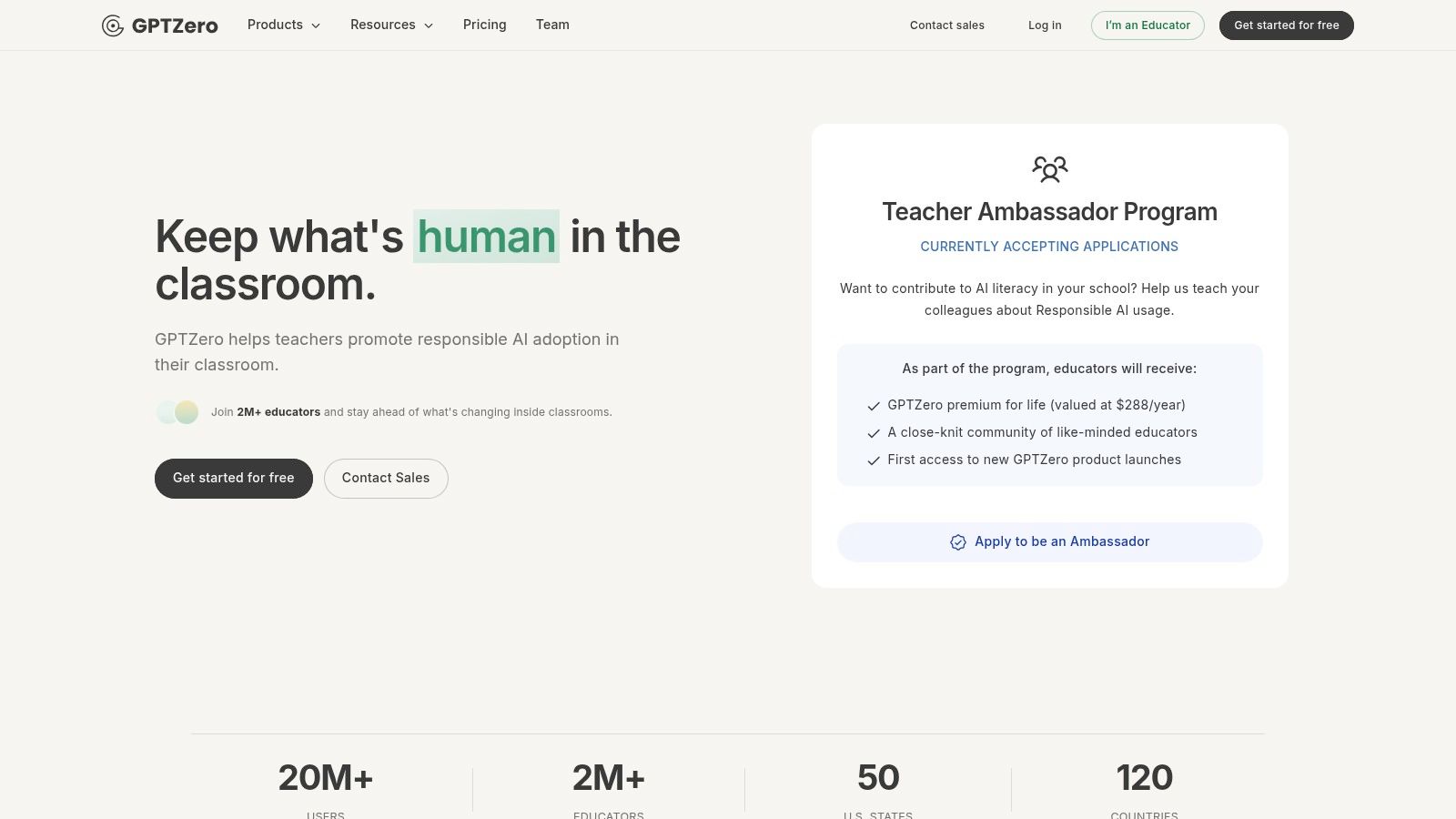
1. GPTZero
GPTZero is the natural first stop when you don't have an institutional licence and need an answer this week. It's built for teachers, down to the classroom materials on its education page, and you can run a class set through it within ten minutes of signing up.
- Batch uploads: Send a whole set through one report rather than pasting essay by essay.
- Integrations: Google Docs, Google Classroom, and Canvas, so work arrives from where students already write.
- Writing-process review: Google Docs tools that show how a document was assembled.
- School and department plans: Centralised administration once a team wants shared settings.
The process view is the part I'd pay for. A score describes what a document looks like; a revision trail describes how it got there, and that's the evidence you can put in front of a student and a parent without flinching.
Where it falls short. Free and paid tiers differ sharply in usage, and institutional features sit behind a sales call. The headline number is a probability applied to a whole class, and probabilities behave badly across diverse cohorts. In a controlled study of seven widely used detectors, authentic TOEFL essays written by non-native English speakers carried an average false-positive rate of 61.3%, and at least one tool flagged 97.8% of them (arXiv study of GPT detectors).
Here's the report view most teachers meet first.
If you want the longer argument behind those percentages, how accurate AI detectors really are covers the false-positive problem in detail.
Website: GPTZero for educators
2. Turnitin AI Writing Detection
A student submits an essay through the LMS at 11:58 p.m., and by morning the Turnitin report shows a similarity score sitting next to an AI indicator you haven't opened yet. That placement inside a workflow secondary schools and universities already run is the tool's entire advantage. Nobody learns a new system, and no work gets pasted into a second checker.
Read the passage, not the percentage. Highlighted text is where your professional reading starts, and Turnitin's own caution that results may be inaccurate belongs in your notes before you sit down with a student.
Adoption of these tools has run well ahead of confidence in them. Teachers who lean on detectors day to day tend to report more students getting in trouble over AI than colleagues who rarely use them, and plenty still say they can't reliably tell student writing from generated output on sight. That gap is a policy problem rather than a detection problem, so a clear appeal route matters more than any accuracy claim on a vendor page.
What the report gives you:
- Integrated report: The AI indicator appears on the submission you're already grading.
- Highlighted passages: Qualifying text is marked, so your reading starts at the paragraph that triggered it.
- A separate indicator: The AI percentage is distinct from the similarity score, a distinction students and parents blur constantly.
- Document rules: Specified file types and languages, with minimum and maximum word counts that rule out short responses. A 90-word short answer may fall outside the tool's range entirely.
Whether Turnitin can detect ChatGPT walks through what the report shows and what it leaves out.
Website: Turnitin
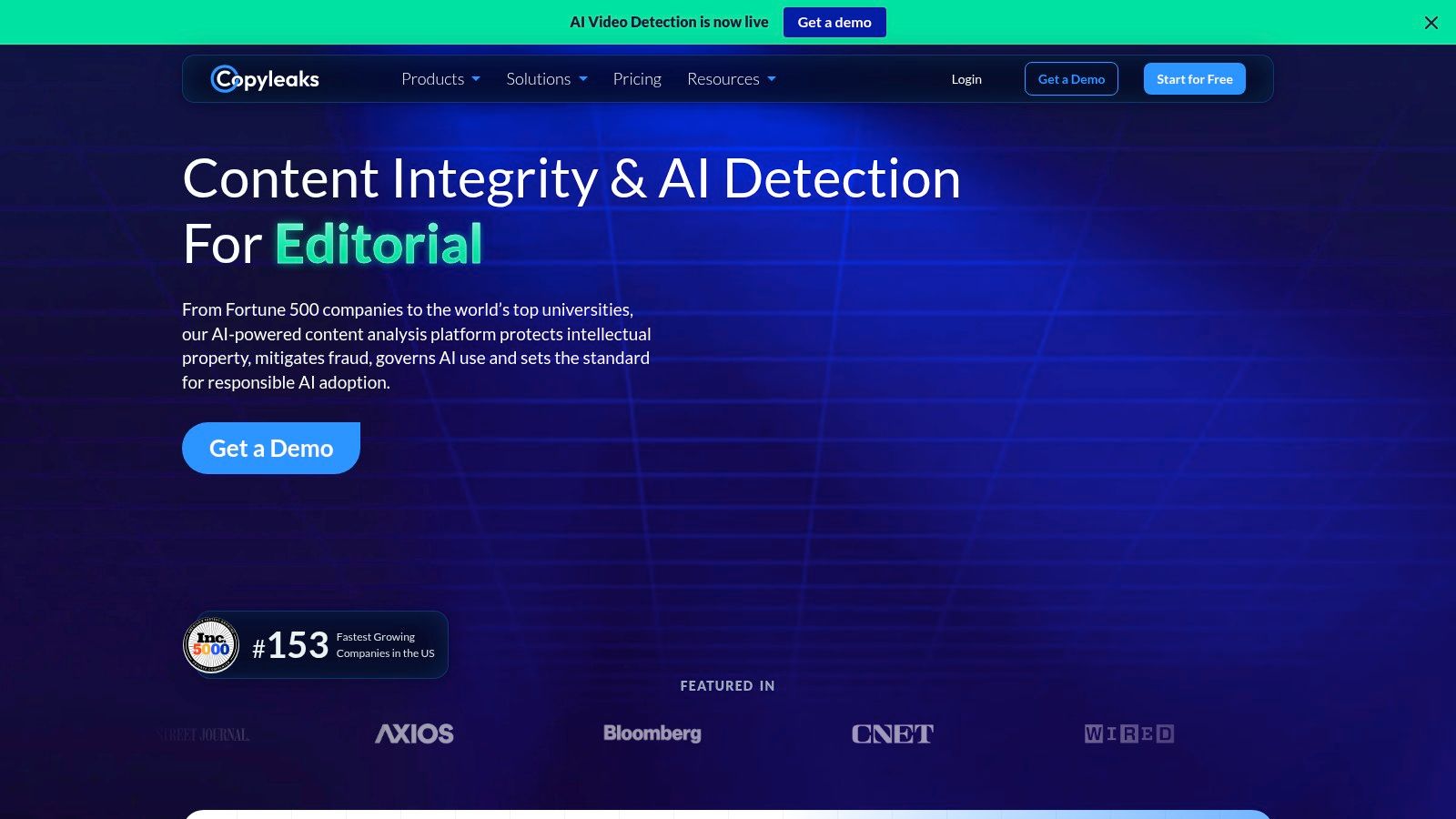
3. Copyleaks
Copyleaks is the one I'd shortlist for a school buying an integrity platform rather than a text checker. Detection and plagiarism matching arrive in the same report, and the education tier plugs into the systems schools already run.
- One platform, two checks: AI detection and plagiarism matching in a single pass.
- LMS integrations: Canvas, Moodle, Blackboard, and D2L Brightspace.
- Institutional reporting: Analytics at student, course, and institution level, with grade and feedback sync.
- Multiple languages: AI detection in several languages, per its pricing page.
The trade-off is that education pricing is quoted rather than listed, and setup is a project rather than an afternoon. That's fine for a district and wrong for one teacher with a stack of essays due Friday.
The honest caveat on accuracy. In an exploratory study of 10 authentic college-student essays, Copyleaks and ZeroGPT each classified five as AI-generated and five as human-written, so 50% of the genuine essays were flagged in that small sample (2025 review in the European Journal of Education). Small sample, real warning: a flag rate that high in a ten-essay test tells you to trial the tool on your own students' writing before a number ever reaches a disciplinary meeting.
The setup dashboard is where most of the term's work lands.
Website: Copyleaks
4. Winston AI
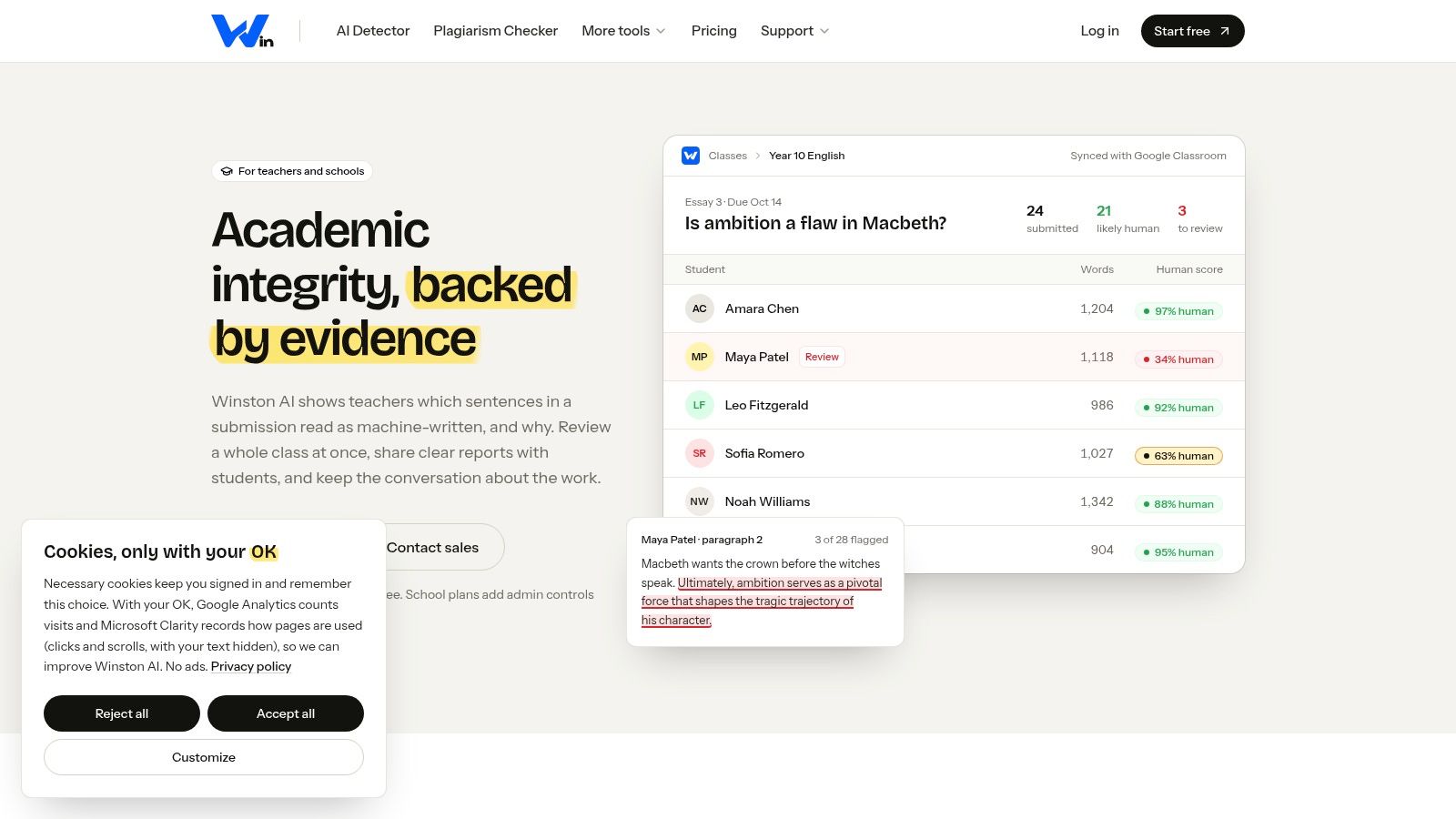
Winston AI earns its place on one design decision: sentence-level results. Instead of a single score for a 900-word essay, you see which sentences triggered the model, and that changes how you read the report.
- Sentence-level detection: Flagged sentences marked individually rather than averaged into one figure.
- File uploads: Documents on standard plans, with some paid tiers handling images and handwriting.
- Shareable reports: Useful when a department head or an appeals panel needs the same view you had.
- Institutional options: Shared credits, single sign-on, and LMS integration on school and university plans.
Reading a flagged sentence beats staring at a percentage. It lets you compare that line against the student's usual phrasing, and it forces the tool to show its working rather than assert a conclusion.
What to watch. Free access lets you try the service, but higher volumes and advanced features need a paid plan, and institutional pricing comes by quote. A sentence marker isn't authorship evidence either. A student who edits a rough draft into formal register can light up the same sentence a chatbot would produce, and that's the case you'll meet most often.
The report layout makes flagged sentences easy to isolate before a conversation.
Website: Winston AI for education
5. Pangram
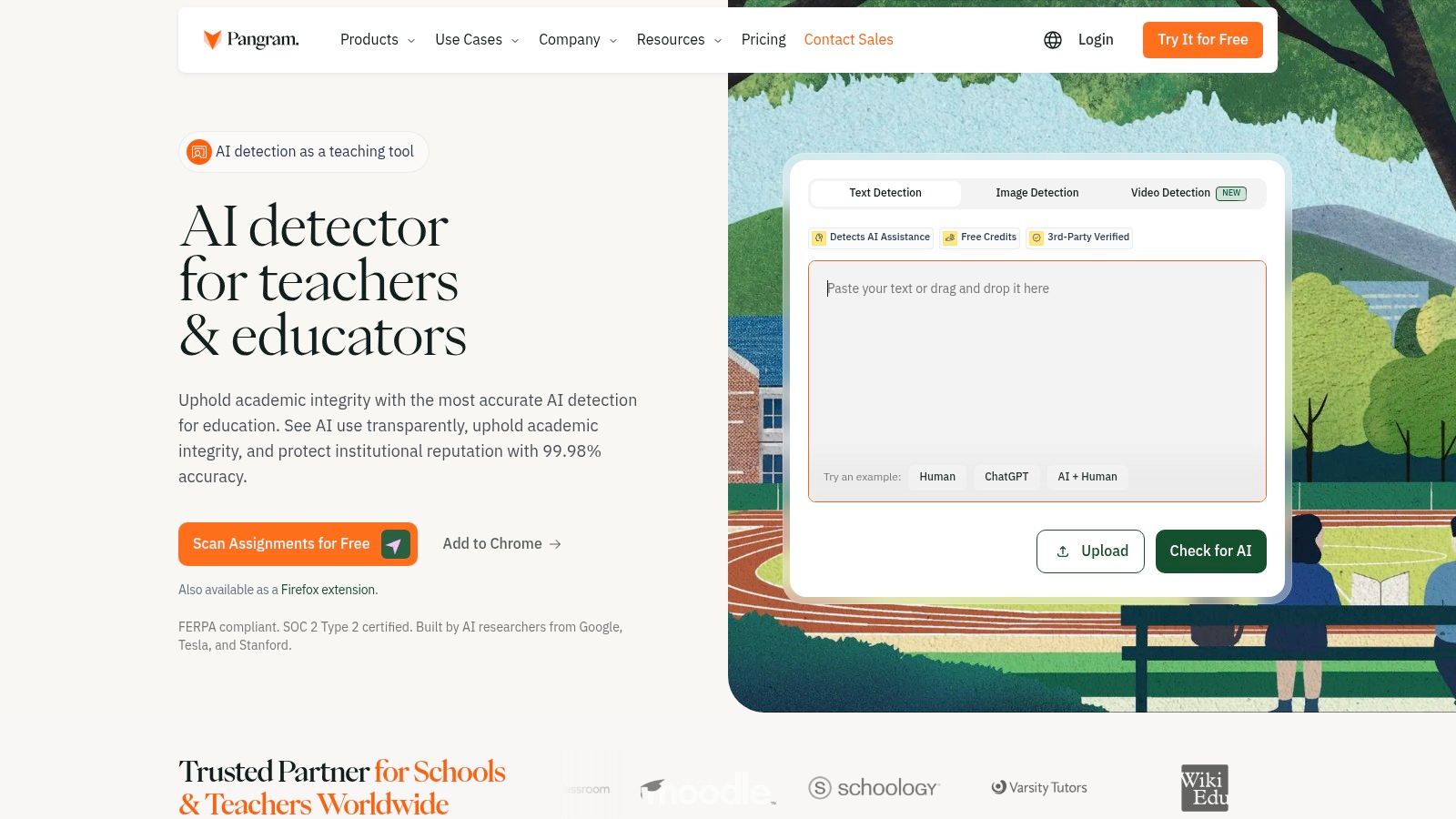
Pangram's educator page is unusual because it treats teachers as a use case rather than a discount tier. It scores text and links matching passages to sources, so you can chase a copying question and an authorship question in the same pass.
- Teacher-focused plans: An education offering rather than a general API product.
- Scores with source links: Matching text arrives with links you can open and check yourself.
- Browser extension: Check text on a page without copying it out first.
- Per-word pricing: An option for occasional checking rather than a fixed subscription.
Per-use pricing suits the teacher who runs twenty checks a term and resents a monthly fee. It also makes cost visible in a way flat subscriptions hide, which helps when a department argues about whether the tool earns its place.
A source match and an AI score answer two different questions. One asks where the words came from, the other asks how likely they are to be machine-generated. Neither tells you who did the thinking.
Where it stops. A score or a source link doesn't prove how a submission was written, and both failure modes happen: content flagged wrongly and content that slips through. Check the education features and current pricing against your school's needs before you build a term around it.
The workspace keeps scores and source matches in one place.
Website: Pangram for teachers
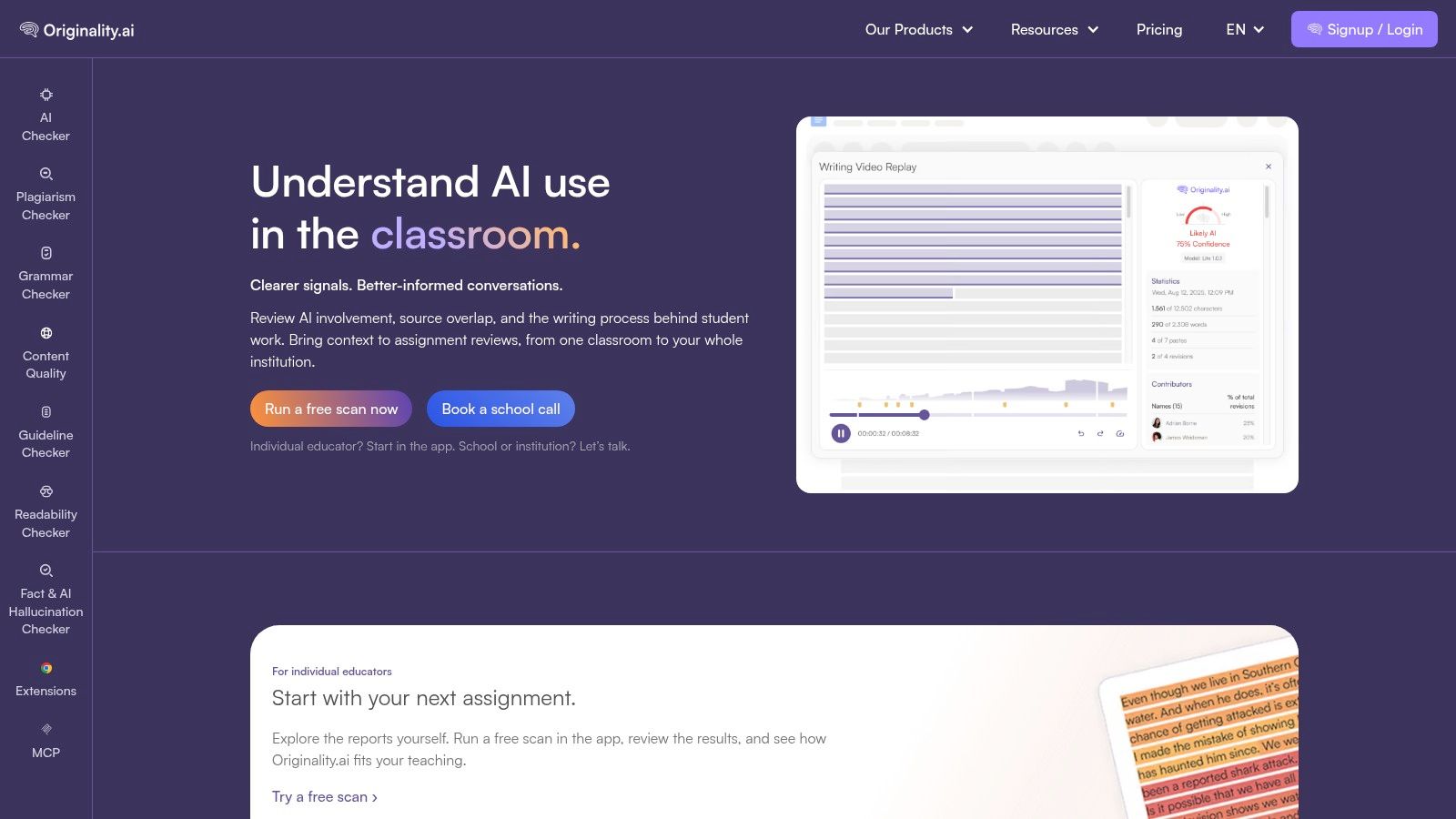
6. Originality.ai
Originality.ai prices detection by the word and lets multiple educators share one account, which changes who it suits. A single teacher checking three essays a week is overpaying. A department scanning every submission across five courses is not.
- Education option: Built for reviewing student submissions, with per-word pricing.
- Detection plus plagiarism: Both checks on applicable plans, along with readability tools.
- Shared educator access: Several staff on a single account.
- Team and API features: Higher tiers, useful if your school wants results inside its own system.
Usage-based costs are easy to underestimate. Scan a whole cohort every fortnight and the meter runs, so estimate your annual volume before you commit rather than after the first billing cycle.
What independent testing says about the whole category. An evaluation of two commercial detectors on 192 human, AI-generated, hybrid, and student-authored texts put overall accuracy at 0.69 for the stronger system and 0.61 for the other, with macro-average recall of just 0.60 and 0.51, and both did worst on hybrid writing (benchmark study in AI and Ethics). The same study reports that instructors correctly identified ChatGPT-generated work only about 70% of the time. You are not the weak link when a score disagrees with your reading.
The scan view is built for volume rather than single essays.
Website: Originality.ai for education
7. Scribbr AI Detector
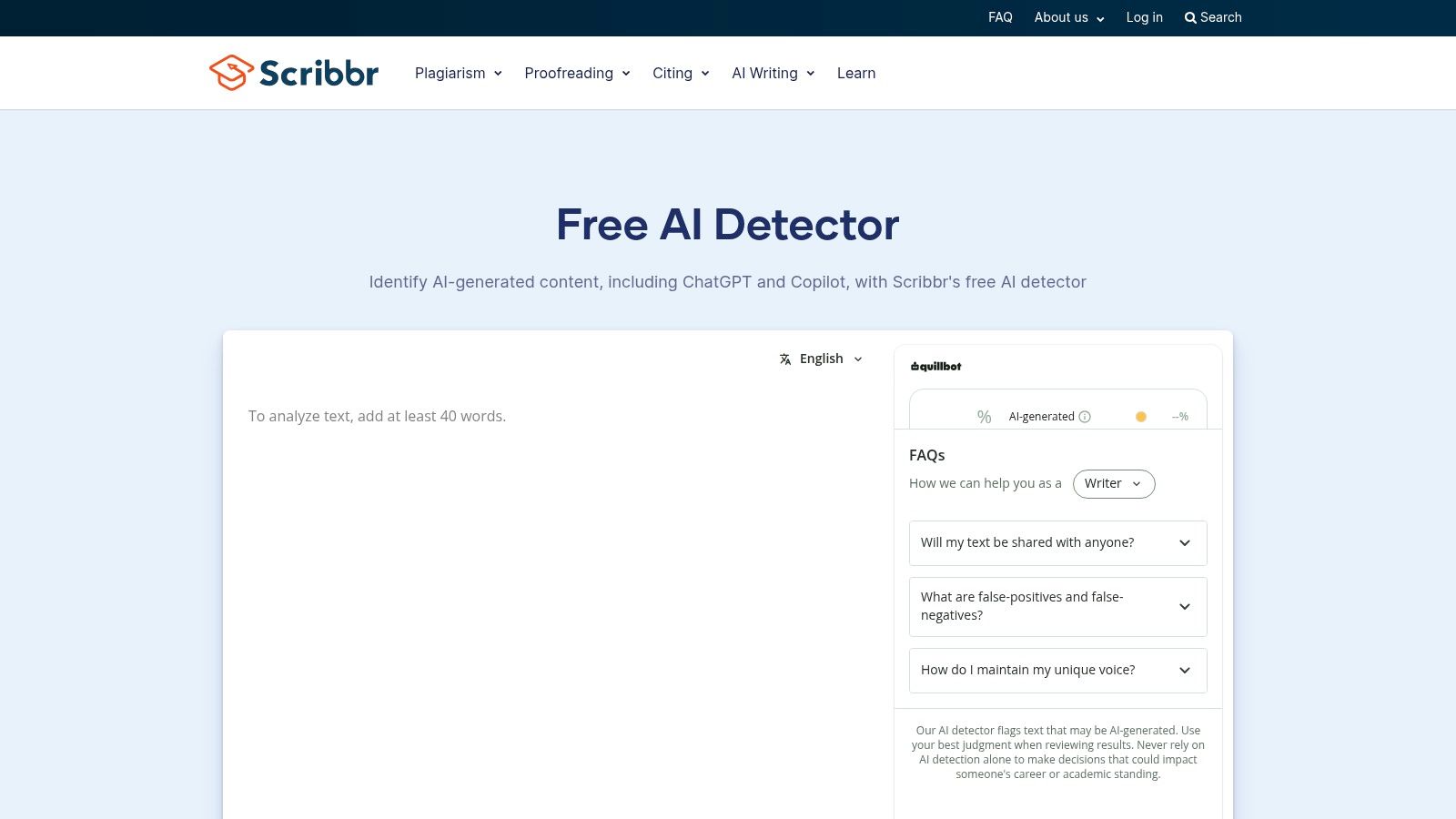
Sometimes you need one answer at 11pm, not a workflow. Scribbr's detector runs free in a browser tab with no account, which is why it ends up in so many teachers' bookmarks.
- No signup: Paste text and read the result.
- Graded categories: Results separate AI-generated, AI-refined, and human-written text, which is more useful than a binary label.
- Longer documents on premium: A paid tier for work beyond the free length limit.
- Related services: Plagiarism checking alongside the detector.
The AI-refined category is the detail I'd point a colleague to first. Most of the awkward cases in a normal term aren't wholesale generation; they're a student who wrote a draft and had a model rewrite it. A tool that separates those two things gives you a more honest conversation than "your essay is 87% AI."
Practical rule: use the graded label to decide which question to ask. "Did you write this?" and "Did you rewrite this with help?" need different conversations, and only one of them is usually a misconduct matter.
What it can't do. The free tier caps document length, Scribbr's own guidance describes results as indicators rather than conclusions, and a browser checker leaves no audit trail. For a documented review you need the score saved somewhere next to drafts and dates.
The result page is plain, which is most of its appeal at that hour.
Website: Scribbr AI Detector
8. QuillBot AI Detector
A student pastes their essay into the same site they used to paraphrase a paragraph, gets a low AI score, and brings you the screenshot as evidence. That scene plays out often, because QuillBot is the checker students already know. For a teacher it's quick and informal, a first pass before anything official happens, and that's the right way to treat it.
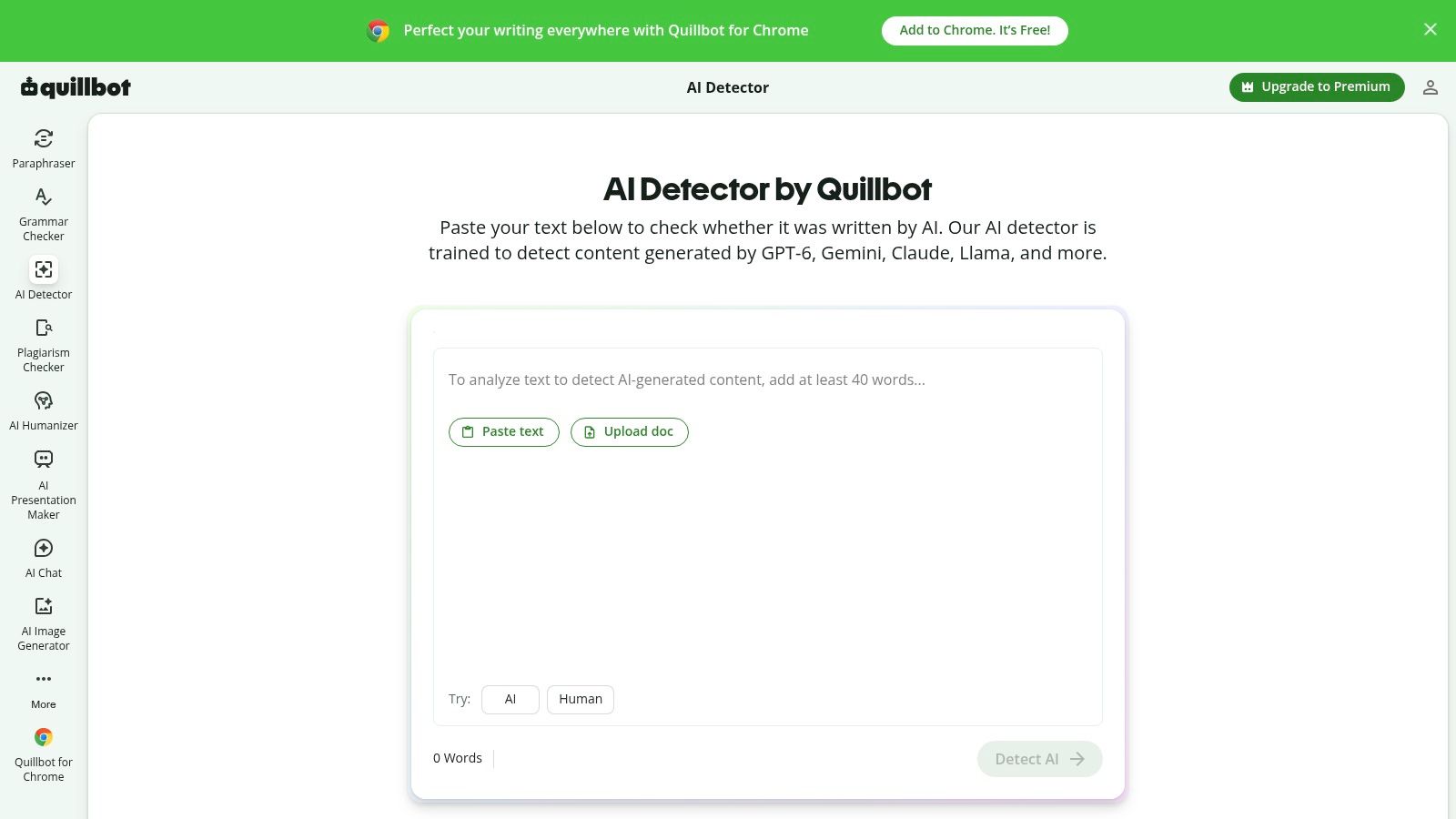
Basic access needs no account and no subscription, works whether or not your school runs Google Classroom or Canvas, and handles one pasted text at a time. There's no reporting layer, which suits a spot check and does nothing for a documented review.
Ask where the text goes. Before you paste a student's essay into any browser checker, know whether the work is retained, used for training, or deletable on request. If the answer isn't published, don't paste identifiable work.
The catch is what you can't see. Pasted student text leaves your machine and becomes someone else's data question, and free tools rarely publish what happens next. Student data privacy is a growing concern for schools as AI tools spread, yet the retention and deletion policies on a free checker tend to get less scrutiny than the score it returns.
A pasted result is a signal, nothing more. It leaves no record beside drafts and dates, and a student can always produce a friendlier screenshot from a different run on a different tool. For a side-by-side look before you commit to one checker, the most reliable free AI detector comparison is worth ten minutes.
The interface is built for a single pasted block of text.
Website: QuillBot AI Detector
9. ZeroGPT
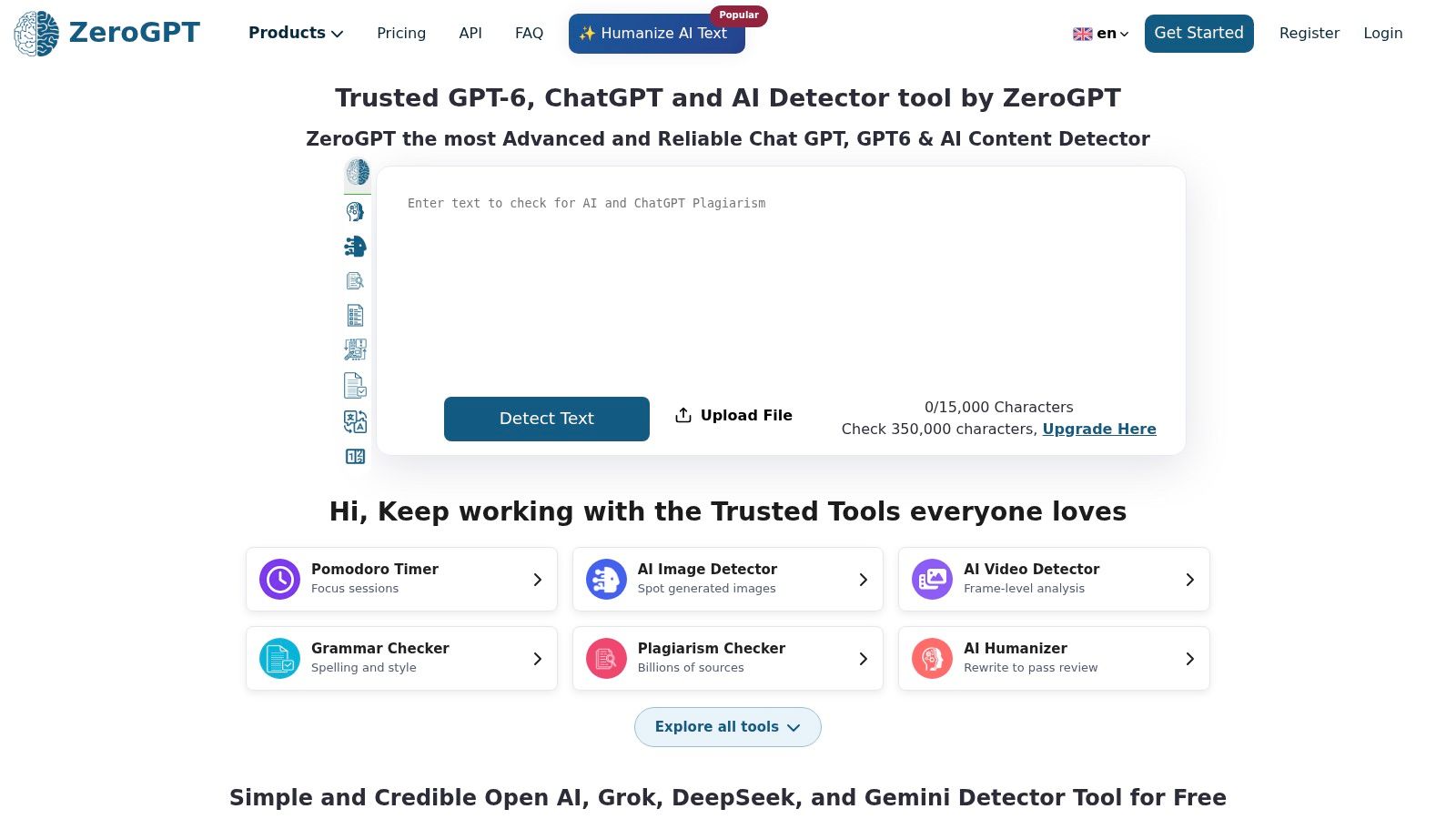
ZeroGPT does one thing in a browser tab, then offers a set of writing utilities around it. For a teacher who wants a manual check without a subscription, that's enough.
- Web-based checking: Paste text and read a result, no install.
- Business and EDU plans: A path to wider use if a school decides to adopt it.
- API access: Useful if your IT team wants results inside a school system.
- Extra writing tools: Summarising and paraphrasing features sit alongside the detector.
The utilities are noise for integrity work. What matters is that the terms acknowledge no detector can determine authorship with absolute certainty, which is the most honest sentence on most of these sites.
Use it as a smell test. If a submission reads nothing like the student's previous work and a free checker agrees, you have a reason to pull drafts. You don't have a finding. Keep the flag rate in perspective, too: flagging tools that are right most of the time are still wrong often enough that a single result can't carry a consequence on its own.
Before adopting a plan, verify the current pricing and limits. Plan structures on these sites change more often than the detection models do.
The checker sits behind a single text box, which keeps it quick.
Website: ZeroGPT
10. AI Video Detector
Everything above assumes the submission is text. Increasingly it isn't. Recorded presentations, flipped-classroom videos, and group projects arrive as files, and a text detector has nothing to say about them.
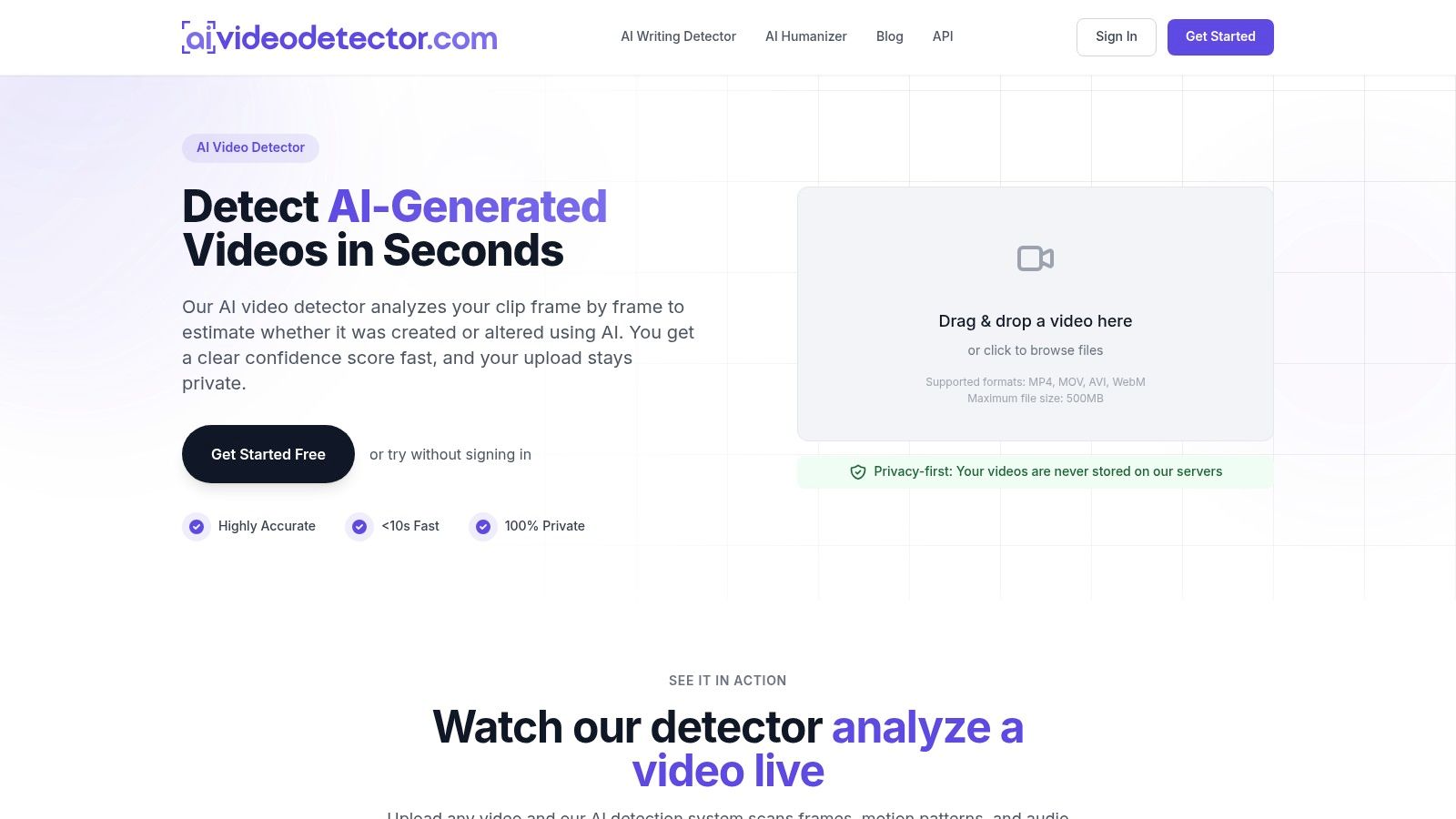
- Video authenticity checks: Uploads are analyzed frame by frame to estimate whether a clip was created or altered using AI, and the report returns a confidence score.
- Multiple signals: Frame-level visuals, audio, temporal consistency, and metadata inspection.
- Common formats: MP4, MOV, AVI, and WebM, up to 500MB.
- No signup for basic detection: You can analyze a clip without an account, and uploaded videos are not stored.
That last point matters in a classroom context. A student's face and voice in a video are more sensitive than an essay, so a tool that doesn't retain uploads removes one procurement headache before it starts.
Set expectations before you upload. A confidence score on a video is evidence about a file, not about a student's effort. If a recorded presentation looks synthetic, the useful next step is a live, in-class version of the same explanation, which settles the question in five minutes and teaches something on the way.
The upload screen asks for a file and nothing else.
Website: AI Video Detector
10 AI Detection Tools for Teachers at a Glance
Match each tool to the job in front of you: daily spot checks, LMS-integrated marking, department-wide deployment, or video verification.
| Tool | Best for | Free access | Institutional options | Limitations |
|---|---|---|---|---|
| GPTZero | Educator-focused writing checks and process review | Individual access available; limits vary by plan | School and department plans, integrations, centralized administration | Results need human review; some institutional features require sales contact |
| Turnitin AI Writing Detection | Schools already using Turnitin workflows | Generally not available as an individual subscription | Usually accessed through an institutional license | Submission requirements apply; results may be inaccurate and should not be used alone for adverse action |
| Copyleaks | Schools seeking combined AI detection and plagiarism checking | Aimed at licensed school use rather than free individual scanning | Education plans, LMS integrations, institution-level reporting; custom pricing | Setup may take more effort; pricing is custom; results need contextual review |
| Winston AI | Sentence-level review and shareable reports | Free access for individual teachers | School and university plans may include SSO, LMS integration, and admin tools | Advanced features require payment; institutional pricing requires a quote; scores are not proof of authorship |
| Pangram | Teacher-focused checks with source matching | Pay-per-use checks for individual teachers | Education plans available | Per-use costs add up across a full class set; scores and matches do not prove authorship |
| Originality.ai | Shared educator access and usage-based checking | Usage-based scanning; cost scales with volume | Education option with shared educator access; API and team features on higher tiers | Features vary by plan; scores alone cannot establish a policy violation |
| Scribbr AI Detector | Quick, occasional checks without signup | Free checker available, with a document-length limit | Aimed at individual users; premium upgrades handle longer files | Results need professional judgment and corroborating evidence |
| QuillBot AI Detector | Informal first-pass checks of pasted text | Free web-based access | Not designed for centralized school workflows | Limited institutional reporting; results should be corroborated |
| ZeroGPT | Basic manual text checks and potential API integration | Free basic checks available | Business and EDU plans; API access | Manual one-text-at-a-time checks scale poorly across a class set; results cannot determine authorship with certainty |
| AI Video Detector | Reviewing videos for signs of synthetic generation or manipulation | Basic detection available without signup | Integrates with existing editorial workflows | Video files only; scores estimate likelihood and are not conclusive on their own |
When two rows look equal for your classroom, the limitations column breaks the tie.
Use the Score to Start a Conversation, Not to Close a Case
Ten tools, one pattern. Each returns a probability, a highlighted passage, or a confidence score, and each leaves the judgement with you. The teachers who handle this well do the same things regardless of which product their school bought.
A review sequence you can defend
Start with the artefacts you already hold. Pull the student's earlier submissions and compare sentence rhythm rather than quality, because a jump in register on its own means nothing. Ask for the draft history if the work was written in a shared document, and read the timestamps. Then ask the student to explain one paragraph of their reasoning out loud. It's the fastest authorship test anyone has invented, and it costs five minutes.
Document what you did before you act. A short note with the date, the evidence you reviewed, and the student's explanation protects everyone, including you, if a grade is appealed.
The sequence matters more than the tool. Detector first, evidence second, conversation third, decision last. Skip a step and you're making an accusation rather than an assessment.
For work that isn't text, the same logic applies with different artefacts. AI Video Detector analyzes uploads frame by frame and returns a confidence score, accepts MP4, MOV, AVI, and WebM files, and offers basic detection without signup. That's a reasonable first look when a recorded presentation arrives and you want to know whether a live version is worth asking for, before you ask.
The longer fix is task design. When the rubric rewards visible process, such as a draft, a short reflection, or an annotated source list, the detector becomes a minor character in the story rather than the plot. This guide to rubrics for online educators shows how to write criteria that make the thinking show up in the submission itself.
Judge each tool by what happens after the flag. If a score leads to a conversation, drafts on the table, and a student who can explain their own paragraph, the tool did its job. If it leads straight to a zero, the tool did something else, and the failure sits with the process rather than the model.
Every tool here, without exception, returns probability rather than proof. Fair, documented, human review habits matter far more than which score you happened to see. Next time a submission doesn't sound like your student, open the conversation before you open the gradebook.