

OSINT Tools for Journalists: 10 Picks That Hold Up

A clip lands in your inbox at 9 a.m. It claims to show a breaking event, your editor wants a publish or kill decision by 11, and the sender has gone quiet. You don't need a catalogue of popular OSINT tools. You need answers in order. Is this file synthetic? Has it appeared before? Where was it filmed? Who's connected to the account pushing it?
That's how this list is organized, by investigative task rather than popularity. Each tool below covers one step in a real verification workflow, from video authentication and keyframe tracing to metadata inspection, geolocation, network mapping, and infrastructure checks. I've kept the trade-offs blunt, because a tool that gives you false confidence is worse than one that gives you nothing.
One warning before you start. No single result in this list proves authenticity. A clean score, a matching frame, or tidy metadata is a lead you corroborate with an independent signal. Work through the steps, preserve your original file untouched, and log what you did as you go. If two tools disagree, that's information too, and it's exactly when you slow down rather than publish.
1. AI Video Detector
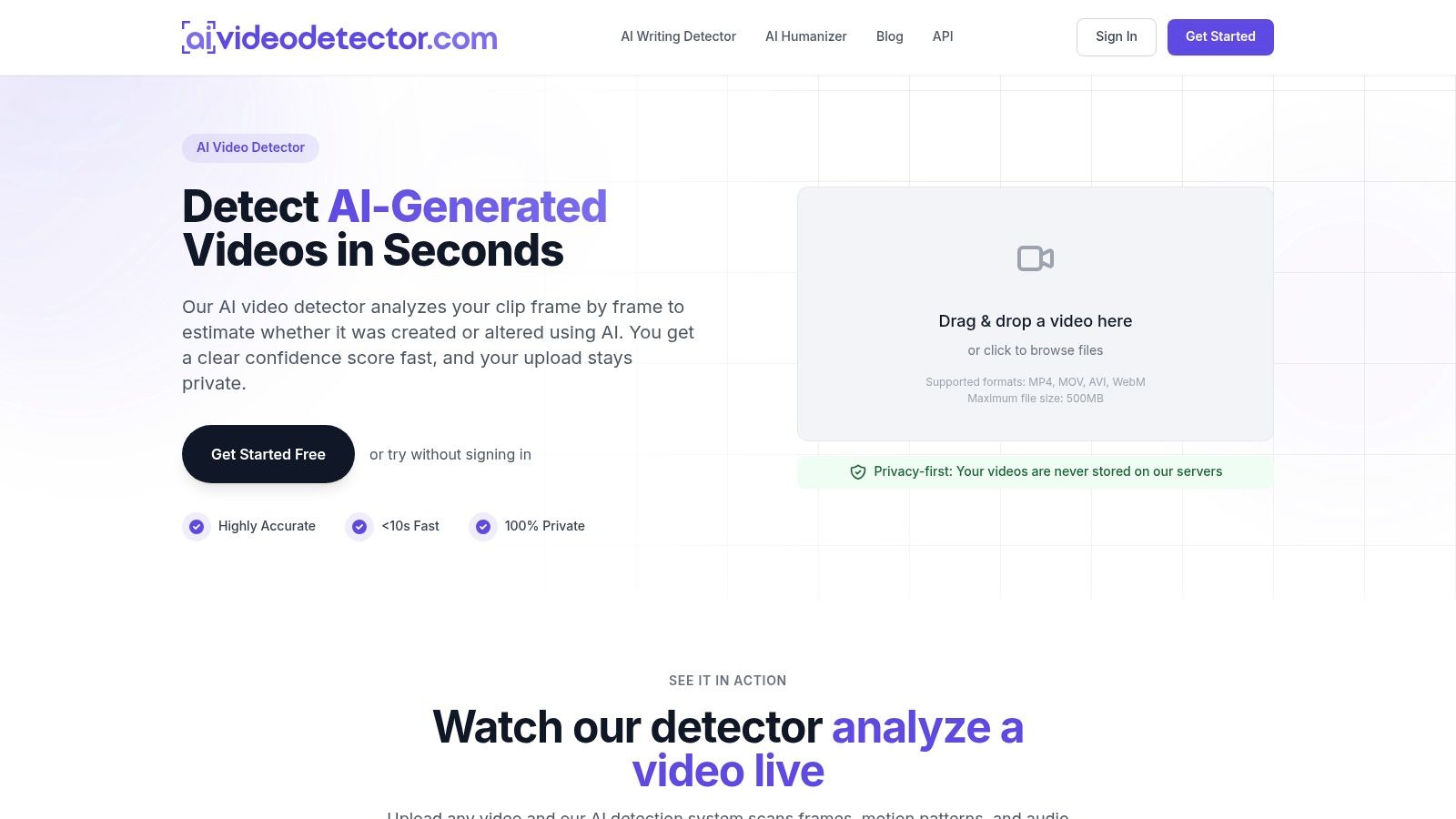
Start here when your first question is whether the file itself was generated or manipulated. AI Video Detector checks four signals together, frame level patterns, audio, motion over time, and file metadata, then returns a confidence score. That combination matters, because provenance markers and detection don't answer the same question, and the NewsMeter analysis of AI provenance notes neither approach alone establishes authenticity.
Our frame review looks for diffusion artifacts, unnatural textures, and inconsistent facial micro-expressions. Audio Forensics runs spectral analysis on voice and background sound, temporal checks flag flickering and motion discontinuities, and Metadata Inspection examines container, codec, and encoding. Results come back in under 10 seconds, and we support MP4, MOV, AVI, and WebM up to 500MB.
What works and what doesn't
- Privacy first handling: uploaded videos aren't stored, and only minimal metadata, filename, size, and score, is saved for signed in users' history.
- No signup triage: the free plan includes basic detection scores and allows 10 analyses per hour, rate limited.
- Step up when needed: Pro is $19 per month and adds unlimited analyses, advanced models, detailed reports, batch processing, and API access.
Practical rule: treat our score as a triage decision, not a verdict. High, low, or borderline, you still need provenance and context from the tools below.
The limitation is real. We don't publish independent accuracy benchmarks, and no detector can tell you whether a genuine clip shows what its caption claims. Our models are trained on millions of samples and continuously updated, but a score can't replace source verification.
2. InVID-WeVerify Verification Plugin
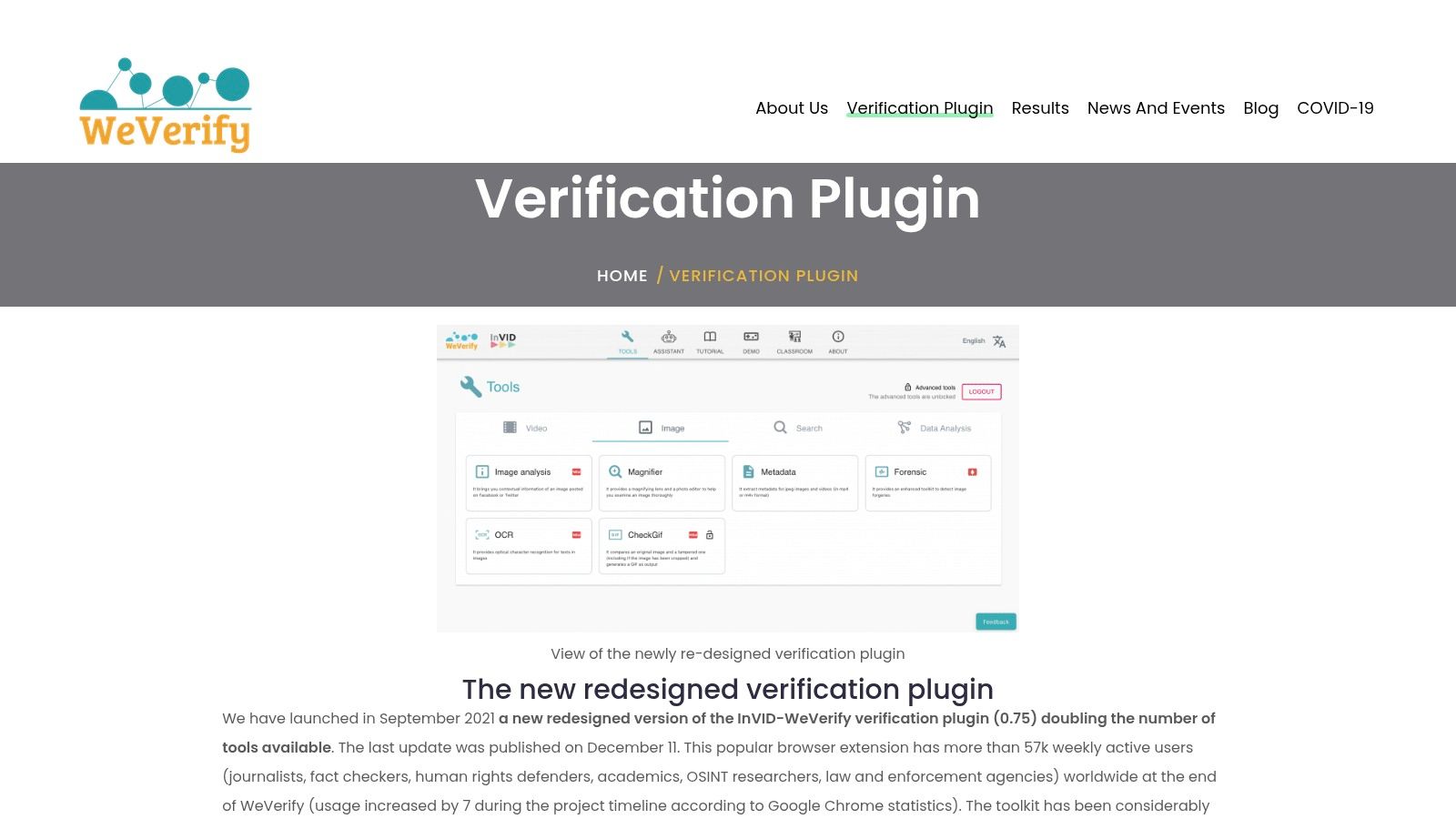
Say a clip is already circulating on social media and you don't have the original file. The InVID-WeVerify verification plugin is built for that moment. It's a browser extension for journalists and fact checkers that pulls keyframes from online video so you can search and examine them separately.
That workflow has deep roots. Structured monitoring of public material goes back to the BBC Monitoring Service, established in 1939, and the US Foreign Broadcast Monitoring Service in 1941, according to this history of open source intelligence. The tools changed, the method didn't, collect public signals and cross check them.
Alongside keyframe extraction you get reverse image search launch points, image magnification, metadata viewing, and forensic filters in one place. I recommend extracting several frames, not just the thumbnail, because the most distinctive frame, a sign, a uniform, a skyline, is rarely the first one.
The plugin is available without a conventional paid plan, which suits small newsrooms. The trade-offs are that results are leads rather than authenticity verdicts, platform specific features can break when social networks change access, and some organizations won't allow browser extensions in their evidence handling policy. Check with your standards editor before it becomes your default.
3. ExifTool
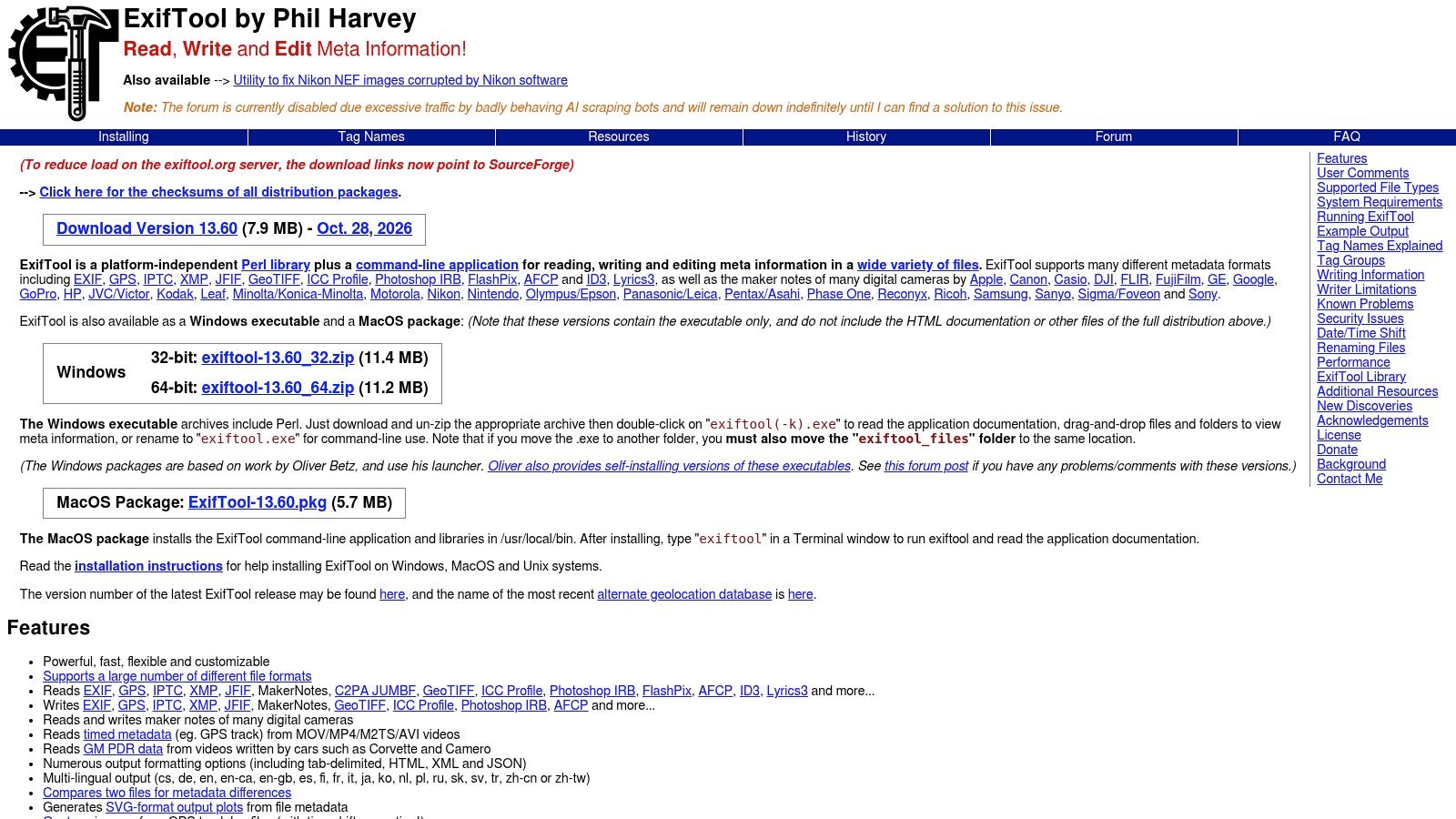
Metadata is where beginners overclaim and experienced investigators get cautious. ExifTool is a free command line utility that reads metadata across image, audio, video, and document formats, locally, without uploading a sensitive file anywhere. That local control is its biggest advantage in legal and source protection work.
Run it on a copy, never your only original, and save the output as a text file in your case notes. Look for creation timestamps, device or software tags, and encoding details that either fit or contradict the sender's story. Our own guide to EXIF data analysis walks through reading those fields without treating them as proof.
Preservation is the weak point in most OSINT tools coverage, and HURIDOCS guidance on building OSINT evidence databases stresses recording who collected material, when, how, and every processing step, because online content and metadata can be lost or stripped. ExifTool supports that discipline because its output is repeatable and easy to archive.
The costs are usability and interpretation. The command line puts off nontechnical reporters, metadata can be removed or falsified, and the tool can also write metadata, which means careless use can alter a file. Absence of metadata after platform recompression is normal, not suspicious on its own.
4. Google Lens
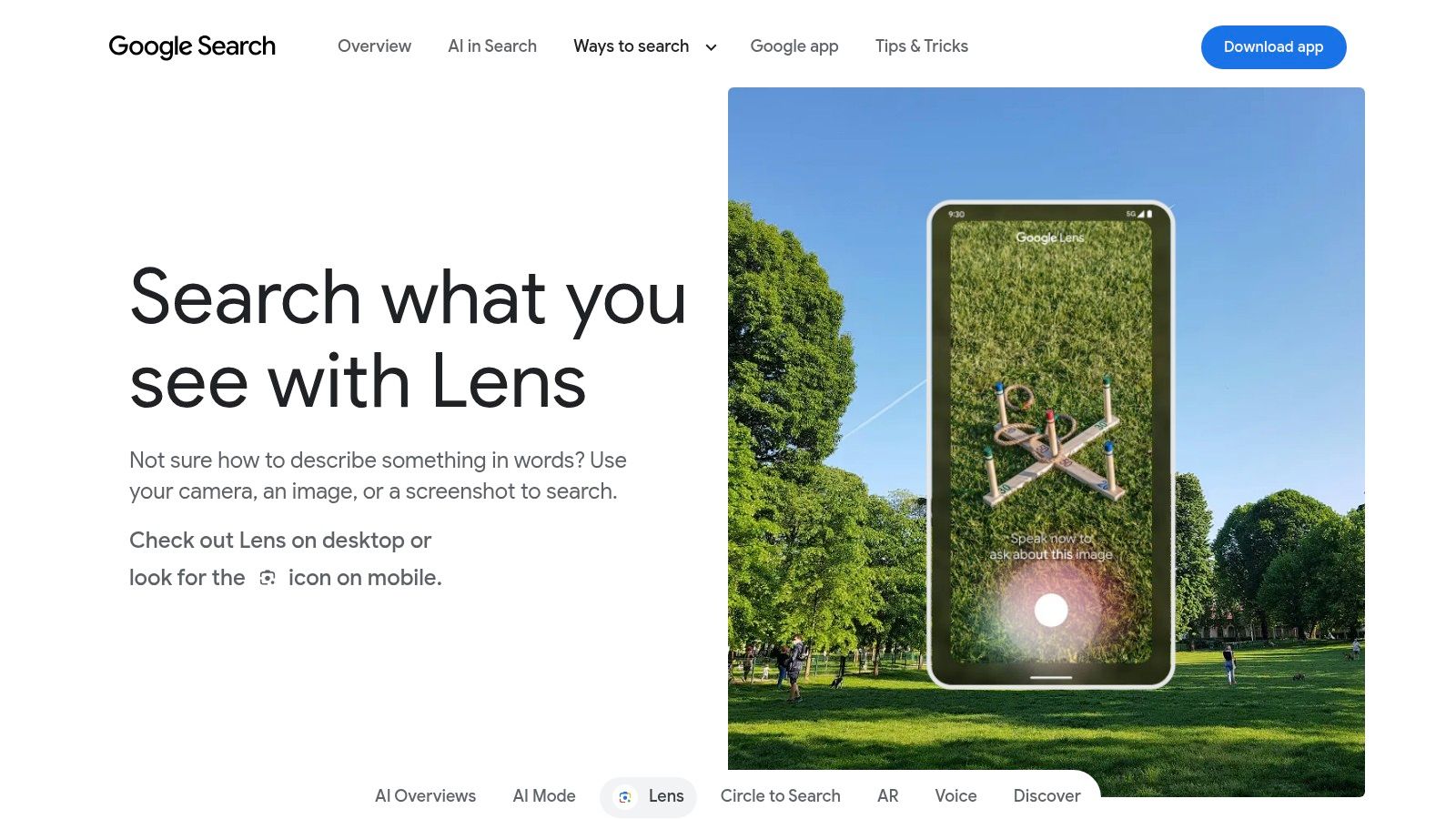
You've extracted a strong keyframe. Now you want to know if it's been online before, possibly attached to a completely different event. Google Lens is the fastest first pass, upload an image, paste a URL, or search an image directly from Chrome, then review similar images and pages that contain it.
Use it in two passes. First run the raw frame, then crop tightly to a distinctive element, a building, vehicle marking, or storefront, and search again. Adding a text term to an image search can narrow results when you have a suspected place or date. Teams automating this at volume sometimes extract visual search results rather than checking manually, though for a single breaking clip manual review is usually faster and cleaner.
Where Lens misleads
- Similar isn't identical: results may show the same location or object class, not your exact footage.
- No result proves little: coverage and ranking are Google's, and plenty of original footage was never indexed.
- Privacy settings matter: search activity may be stored depending on your account settings, so be careful with sensitive source material.
I use Lens for speed, then confirm anything important with a second engine.
5. TinEye
TinEye does one job and does it cleanly. Where Lens chases visual similarity, TinEye hunts for copies and modified versions of the same image, which makes it better suited to tracing reuse of a specific frame or still. Search by upload, pasted image, or URL, or use its browser extension from a webpage.
That distinction changes how you read results. A TinEye match with an earlier date and a different caption is a strong sign of recycled footage presented out of context, one of the most common failure modes in breaking news. The technique pairs well with the frame based approach in our guide to search a video by image, extract, search, compare publication dates and surrounding claims.
TinEye says search is free for non commercial use and uploaded images aren't added to its index, which helps with sensitive frames. Commercial and systematic use moves to its paid API.
Don't overread a blank result. TinEye won't find the same person or vehicle photographed from a different angle, and no match doesn't show an image is new or genuine. It shows this engine hasn't indexed a copy. That's a narrower, more honest conclusion, and it's the one to put in your notes.
6. Maltego
Verification often shifts from the file to the network around it. Which accounts pushed this clip first, what domains do they share, does the same email or handle appear across platforms? Maltego maps those relationships as a graph, connecting names, domains, email addresses, and accounts so you can inspect pivots visually.
It's a tool practitioners reach for. In the 2025 State of OSINT survey of 131 practitioners, Maltego was among the most frequently mentioned platforms, and more than half of respondents used OSINT in over 50% of their investigations.
A free Basic plan covers core graph analysis, which is enough to test whether link mapping fits your casework. Deeper data sources, collaboration features, and connectors depend on paid plans, credits, or separate provider access, so budget for the data, not just the software.
A graph shows possible connections, not meaningful ones. Shared infrastructure or a common follower is a reason to dig, not evidence of coordination.
Expect a learning curve. The payoff is communication, a well built graph lets an editor or lawyer see your reasoning at a glance. Just annotate every node with its source, or the picture will persuade people your evidence doesn't support.
7. Shodan
Shodan isn't a media verification tool, and pretending otherwise wastes your time. Shodan is a search engine for internet connected devices and services, and its place in this list is the infrastructure question, who operates the server hosting a suspicious site, and what else is exposed there?
For authorized security work it's excellent. You can filter indexed services to inventory your own organization's public exposure, check infrastructure tied to a domain or IP in an incident, and use API access or monitoring for ongoing work. If you're checking your own assets more broadly, SiteAlive port scanning tools offer a complementary starting point for port level checks.
Use it within clear limits
- Authorized systems only: investigate infrastructure you own or have permission to assess.
- Snapshot data: results show observable services at scan time, not a complete asset inventory.
- Syntax takes practice: useful queries require familiarity with its filters and with basic networking.
A free account tier sits alongside paid memberships, so individuals can evaluate it without procurement. For a journalist, the practical use is narrow but valuable: corroborating whether a site distributing a clip sits on infrastructure linked to other known operations. Leave deep infrastructure attribution to security colleagues.
8. Censys

If Shodan is the entry point to infrastructure OSINT, Censys is where professional security and threat intelligence teams do heavier work. Censys lets you search internet facing hosts, services, and certificates, track selected results over time with historical data and collections, and feed results into operational workflows through its API and integrations.
The certificate angle is what I reach for most. Certificate details can connect domains that appear unrelated on the surface, which helps when a network of sites is amplifying the same dubious footage. Historical data then shows when that infrastructure appeared or changed, adding a timeline your verification story can cite.
Free basic access lets you evaluate the platform, but advanced features and higher volume use are paid or sales led. That's a reasonable trade for teams doing this weekly and a poor one for a reporter with a single IP to check.
Be honest about scope. Its strength is infrastructure intelligence, not social media or video investigation, and interpreting results well requires security expertise. Bring in a specialist before you publish infrastructure based attribution.
9. Google Earth
A roofline can narrow a video's location, but one matching landmark is not enough to establish where a clip was filmed. Google Earth provides satellite imagery, 3D terrain and buildings, and Street View in supported locations. The Earth Pro desktop app also offers historical imagery and GIS import and export, with no subscription charge.
Start with fixed clues in the footage: rooflines, road markings, terrain, minarets, signage, and shadows. Test candidate locations against several clues rather than relying on the most recognizable one. Save placemarks and annotated views so a colleague can review the match from the same camera angle.
What a match can't tell you
Imagery dates and resolution vary by location. A satellite view may predate or postdate the clip, and it cannot establish current conditions. A visual match supports a location, not a recording date; treat it as a lead until independent clues converge.
Google may change or retire the legacy Earth Pro desktop app. Check Google's current announcements before building a workflow around it.
10. Bellingcat's Online Open Source Investigation Toolkit
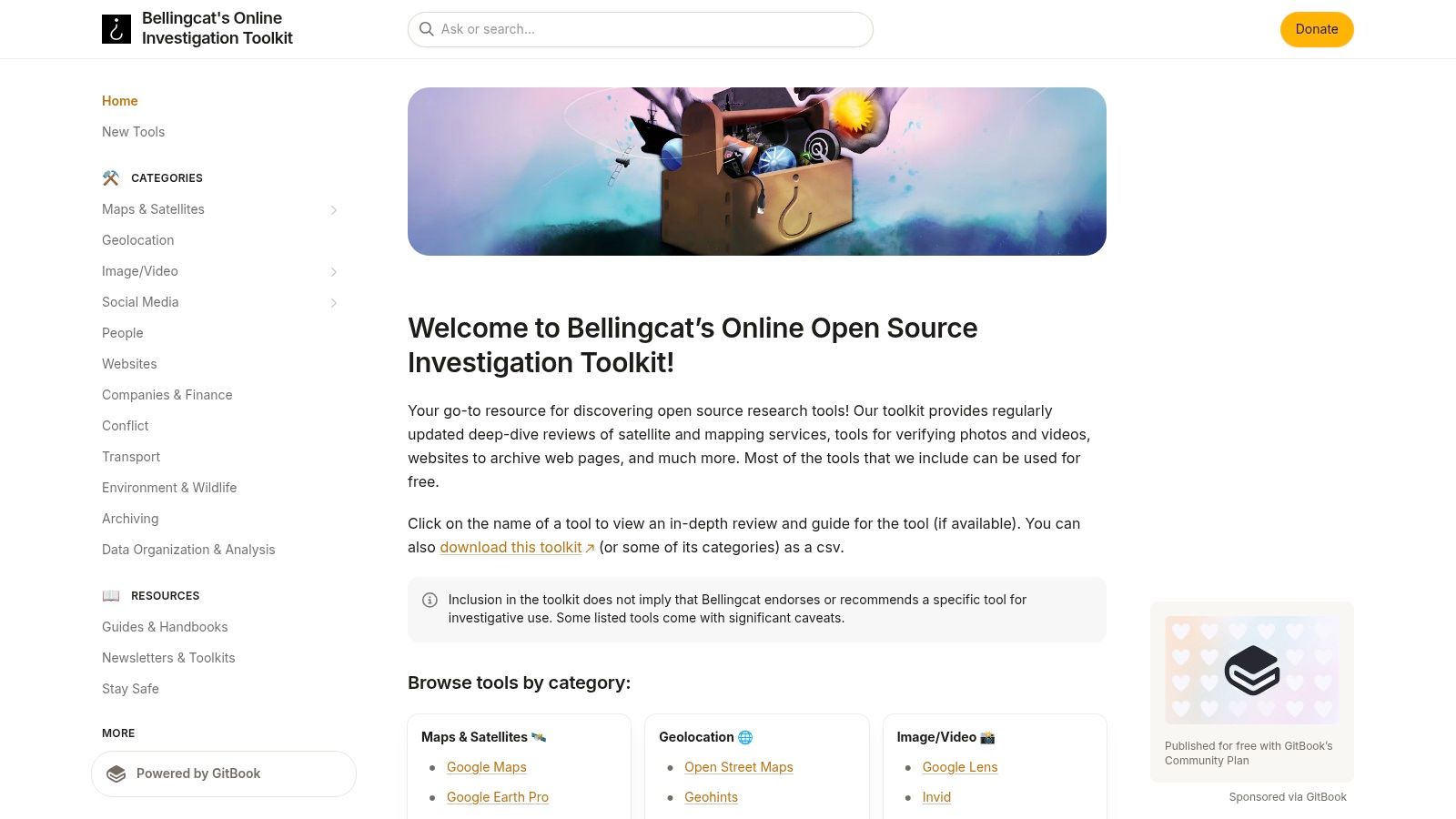
Every toolkit ages, platforms close APIs, and yesterday's favorite utility disappears. Bellingcat's Online Open Source Investigation Toolkit is how you keep current. It's a free, maintained, non profit resource that organizes tools by task, image and video verification, mapping, satellite imagery, social media, with descriptions, guides where available, and downloadable toolkit data.
That authority is earned. The investigation into Malaysia Airlines Flight MH17, destroyed on 17 July 2014 with 298 people on board, traced a Buk missile system using social posts, satellite imagery, timestamps, and geolocation over more than five years, according to this ICFJ guide to OSINT fundamentals for journalists. Individual clues proved little, convergence proved the case.
For day to day work, bookmark the relevant category pages and check them when a task stumps you. It pairs well with a disciplined approach to finding a video source, work backward from the copy you have to the earliest upload you can document.
It's a discovery resource, not a unified platform. Listed tools carry their own costs, terms, and privacy practices, and the project describes itself as a work in progress, so coverage varies. Vet each tool before sensitive material touches it.
OSINT tools at a glance
| Tool | Category | Free tier | Best for |
|---|---|---|---|
| AI Video Detector | AI video detection | Free basic checks; no signup | Checking videos for AI-generated or manipulated content |
| InVID-WeVerify Verification Plugin | Image and video verification | Available without a conventional paid plan | Journalists and researchers investigating video context |
| ExifTool | Metadata analysis | Free | Local, technical inspection of file metadata |
| Google Lens | Reverse image search | Basic searches available | Finding possible prior appearances of images or video frames |
| TinEye | Reverse image search | Free for non-commercial use | Finding matching or modified versions of an image |
| Maltego | Link analysis | Free Basic plan | Mapping relationships among investigation leads |
| Shodan | Internet asset search | Free account tier | Authorized discovery of internet-exposed devices and services |
| Censys | Internet infrastructure intelligence | Free basic access | Researching internet-facing hosts, services, and certificates |
| Google Earth | Mapping and satellite imagery | Available without a subscription charge | Exploring locations and geographic context |
| Bellingcat's Online Open Source Investigation Toolkit | OSINT tool directory | Toolkit available without a paywall | Finding tools and guides for open-source investigations |
Building a Verification Workflow That Holds Up
Tools don't verify anything. A repeatable sequence does, because it forces independent signals to agree before you publish, arrest, or act. This work is now routine rather than specialist, and in a 2024 survey of 51 experts in OSINT, AI, cybersecurity, and data privacy, nearly 28% reported using OSINT tools daily for information gathering, according to New America. Routine work deserves a routine method.
Run the verification in this order
- Preserve first: save the original file untouched, record the source URL, sender, time obtained, and a hash. Work only on copies afterward.
- Triage the file: check for synthetic signals across frames, audio, motion, and metadata, and inspect file properties locally with ExifTool.
- Trace origins: extract keyframes with InVID, then run Google Lens and TinEye to find earlier appearances and out of context reuse.
- Geolocate and date: test fixed geographic features in Google Earth against historical imagery, and treat timestamps as claims to verify.
- Map the network last: use Maltego for accounts and domains, and Shodan or Censys only for authorized infrastructure questions.
That order matters because each step can kill the story cheaply before you invest in the next. A recycled frame found in minute five saves you hours of geolocation on footage from a different year. Deployment choices support this too. Cloud based deployments represented approximately 67% of the global OSINT market in 2025, according to GMI's OSINT market analysis, so browser based tools fit how teams already work, provided privacy controls match the sensitivity of your evidence.
Bookmark Bellingcat's toolkit for ongoing discovery, since tools change faster than any static list. Then build habits that outlast individual products. Log every tool run with date, input, and result. Screenshot or export findings before posts are deleted. Write down what would change your conclusion, and actively look for it. When signals conflict, document the conflict and escalate to a second investigator rather than averaging the scores into comfort.
Hold one standard throughout, could another competent investigator reproduce your conclusion from your notes alone? If not, you're not finished, whatever any single tool told you. Confidence scores, matches, and graphs are inputs to judgment, not substitutes for it, and the MH17 case set that bar years ago. Convergence across independent signals is what holds up with editors, courts, and readers.
Put the workflow to work on your next submission today. Drag the clip into our detector for a free, no signup first read across frames, audio, motion, and metadata, save the score and timestamp in your case log, then trace its keyframes and location before you decide. If it holds up across every independent check, publish with confidence and show your work.

