

The 12 Best Lecture Recording Apps for Educators in 2026

The modern classroom, whether physical or virtual, demands flexible, accessible, and powerful tools. Lecture recording apps have evolved from simple audio recorders into comprehensive learning platforms, transforming how educators deliver content and how students engage with it. These tools are crucial for creating a more inclusive and effective learning environment, allowing students to review complex topics at their own pace and providing a safety net for those who miss a class. The right app can significantly reduce administrative overhead while improving educational outcomes.
This guide cuts through the noise to analyze the 12 best lecture recording apps available today, evaluating them not just on features, but on their real-world application for live lectures, flipped classrooms, and asynchronous learning. We move beyond marketing copy to provide a detailed, practical analysis of each platform, complete with screenshots and direct links for your convenience. For educators seeking to make their content more accessible and searchable, leveraging robust lecture audio transcription services is becoming a standard practice, and we’ll explore which apps excel in this area.
Our goal is to help you find the best solution for your specific needs. We’ll explore everything from AI-powered transcription and note-syncing capabilities to enterprise-level LMS integrations, helping you select the perfect tool to enhance your teaching and support your students' success. We also address critical considerations like student privacy, accessibility compliance, and a workflow for verifying content authenticity in an age of AI-generated media. Let's dive in.
1. Otter.ai
Otter.ai distinguishes itself from other lecture recording apps by focusing heavily on AI-powered live transcription and intelligent note-taking. Rather than just capturing video or audio, it creates a searchable, interactive transcript in real time. This makes it an invaluable tool for both asynchronous learning and live lecture accessibility, allowing students to follow along, highlight key points digitally, and search for specific terms later.
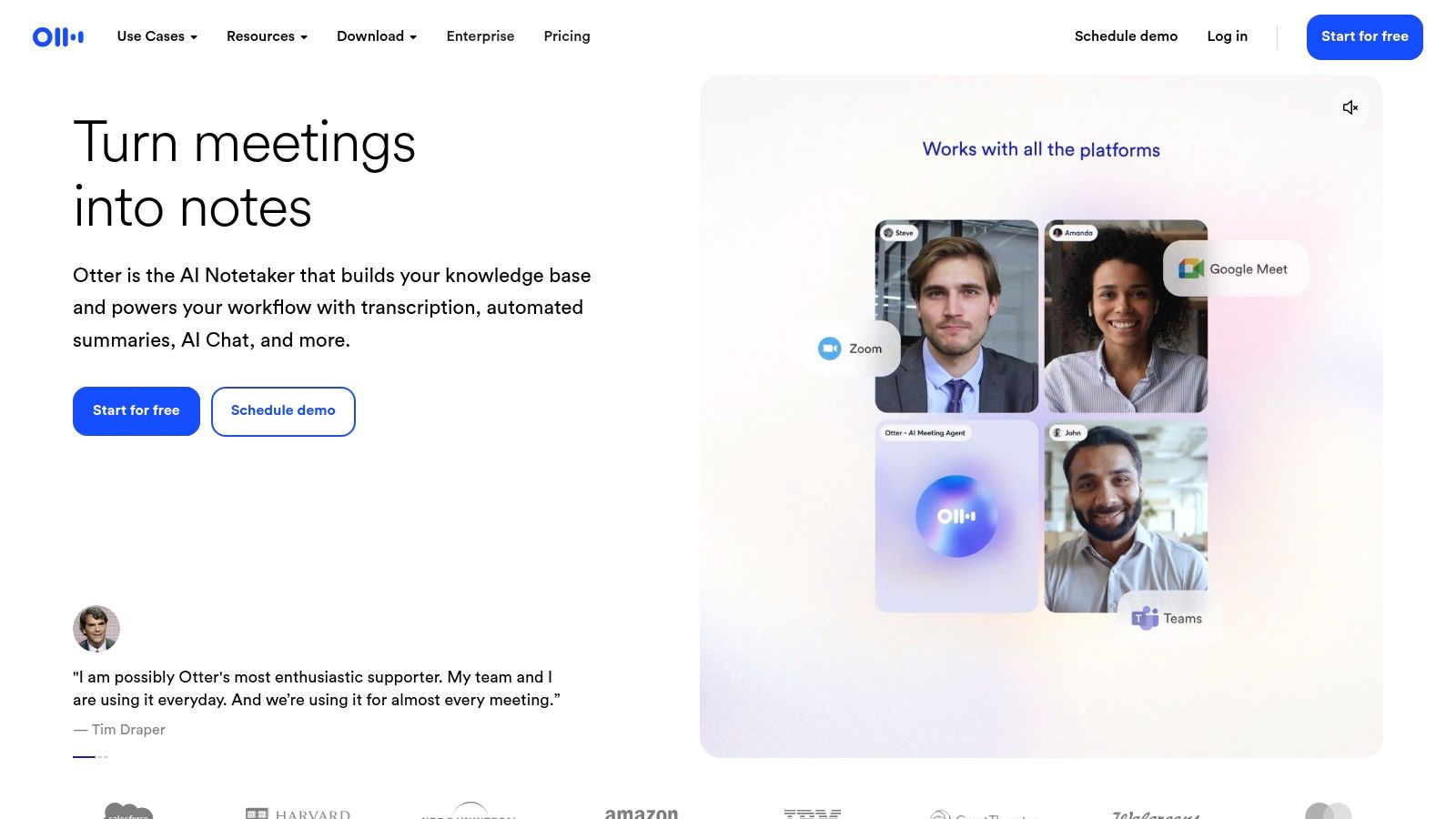
Its core strength lies in its cross-platform usability and integration. The OtterPilot can automatically join and transcribe scheduled Zoom, Google Meet, or Microsoft Teams meetings, a feature particularly useful for virtual or hybrid classrooms. For in-person lectures, the mobile app provides a simple, high-quality recording and transcription experience. The generated transcripts include speaker identification, timestamps, and AI-generated summaries, transforming a passive recording into an active study resource.
Key Features & Pricing
| Feature | Details | Best For |
|---|---|---|
| Live Transcription | Real-time audio-to-text conversion with speaker labels. | Students with hearing impairments; creating searchable notes during class. |
| OtterPilot | Automatically joins, records, and transcribes calendar meetings. | Educators managing multiple virtual or hybrid courses. |
| AI Summaries | Generates a concise summary, outline, and action items from transcripts. | Quickly reviewing key lecture takeaways without re-listening. |
| Pricing Tiers | Free: Limited transcription minutes per month. Pro/Business: More minutes, advanced features. EDU discounts available. | Free plan for occasional use; Pro plan for educators/students needing more capacity. |
Practical Tip: Encourage students to connect their calendars to Otter.ai to automatically capture and transcribe virtual office hours or study group sessions, creating a shared, searchable knowledge base for the course.
2. Notability
Notability has long been a gold standard for digital note-taking on Apple devices, and it excels as a lecture recording app by uniquely synchronizing audio with handwritten or typed notes. As you record a lecture, every pen stroke and keystroke is timestamped. During playback, you can tap on any part of your notes, and the audio will jump directly to the moment you wrote it. This creates a powerful, context-rich study tool that connects abstract concepts with the specific explanations provided in the lecture.
Its strength is the seamless integration of multimedia note-taking within a single, polished interface. Users can annotate PDFs, drag in images, and organize notes by subject, all while the audio recording captures every detail. With the recent addition of AI-powered features like transcription and summarization, Notability has evolved from a simple note-taker into a comprehensive learning hub. While its core functionality is best experienced on an iPad with an Apple Pencil, iCloud and web access ensure notes are available across the Apple ecosystem.
Key Features & Pricing
| Feature | Details | Best For |
|---|---|---|
| Note Replay | Audio playback is synced with handwritten and typed notes. | Visually reviewing lecture segments by tapping on specific notes. |
| PDF Annotation | Import and mark up lecture slides, readings, or assignments. | Students in courses that are heavily reliant on slide decks or PDFs. |
| AI Tools | Live transcription, AI-powered summaries, and study quizzes. | Generating quick review materials and searchable transcripts from notes. |
| Pricing Tiers | Free: Limited editing and features. Plus (Annual): Unlocks all premium features, including AI tools and unlimited edits. | Free plan for basic use; Plus plan for students wanting the complete study suite. |
Practical Tip: After a lecture, use the AI Summary feature to generate a concise overview and a list of key concepts. This can help you create flashcards or a study guide directly from your recorded notes, solidifying your understanding of the material.
3. Goodnotes
Goodnotes carves a unique niche among lecture recording apps by seamlessly integrating handwritten notes with synchronized audio recording. Instead of just capturing sound, the app links every pen stroke to the corresponding moment in the audio track. This allows students to tap on any part of their notes to instantly replay the lecture audio from that exact point, transforming static lecture notes into an interactive, multimedia study tool.
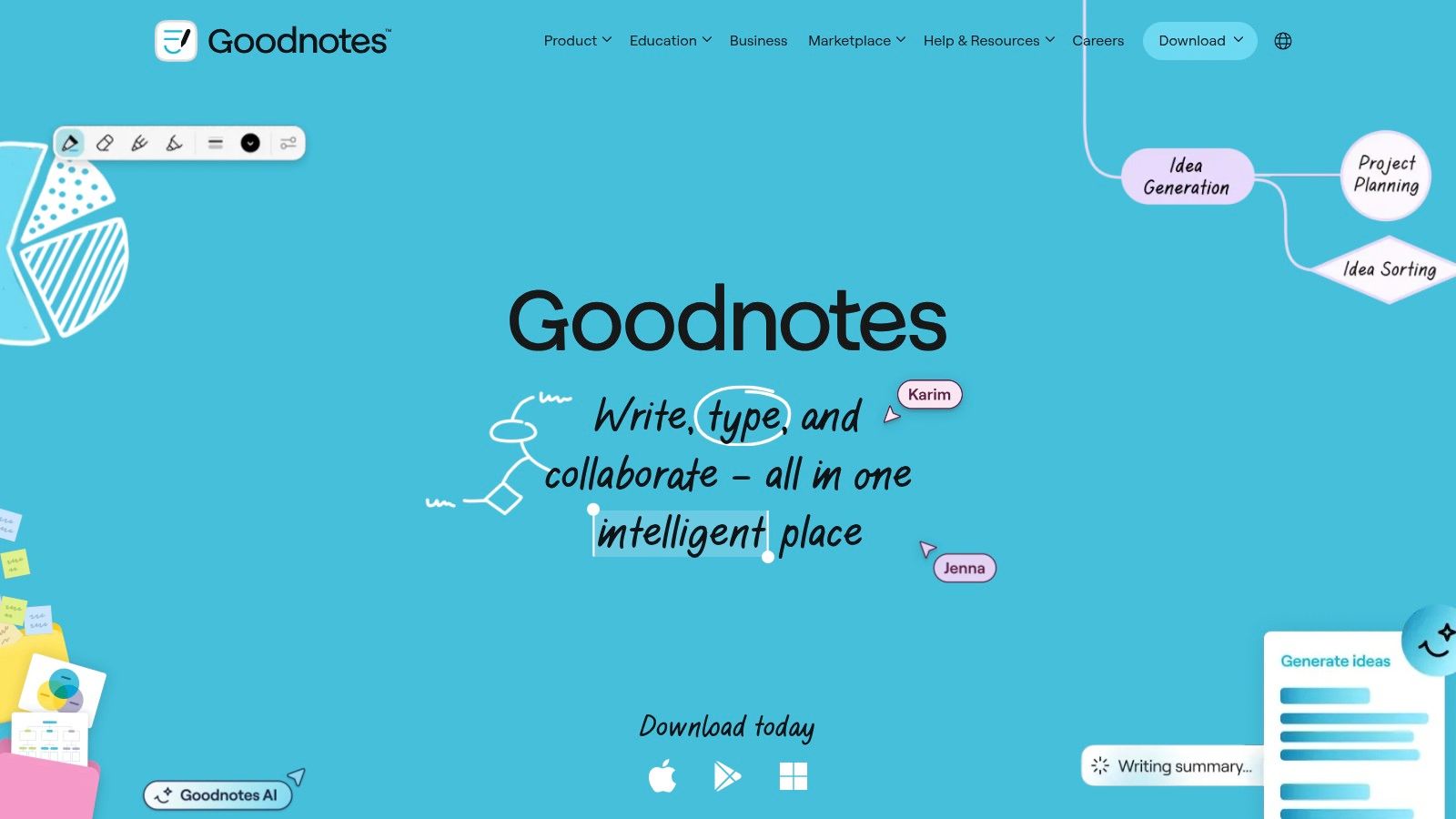
While its user experience is famously polished on iPad, Goodnotes has expanded to Windows, Android, and Web platforms, making its core features more accessible. The platform's standout feature, Note Replay, is powerful for reviewing complex topics, as it provides the full context behind a hastily written formula or diagram. With the introduction of audio transcription and experimental AI summaries, Goodnotes is evolving from a pure note-taking app into a more comprehensive academic hub for students who prefer a tactile, handwriting-first approach to learning.
Key Features & Pricing
| Feature | Details | Best For |
|---|---|---|
| Note Replay | Audio playback is synchronized with real-time handwriting capture. | Visual and auditory learners reviewing complex diagrams or problem-solving steps. |
| Audio Transcription | Converts recorded lecture audio into searchable text within the notebook. | Creating a complete, searchable record of a lecture that combines written and spoken content. |
| Cross-Platform Sync | Notebooks sync across iPad, iPhone, Mac, Windows, and Android devices. | Students and educators who use multiple devices for notetaking and studying. |
| Pricing Tiers | Free: Limited to 3 notebooks. Annual Plan: Unlocks unlimited notebooks and all core features. AI features may require a separate "AI Pass" purchase. | Free plan for light use; Annual plan offers the best value for dedicated students. |
Practical Tip: During a live lecture, use different colors or symbols in your handwritten notes to mark confusing concepts. When reviewing later, you can tap directly on those marks with Note Replay to instantly hear the professor's explanation for that specific part of the lecture.
4. Microsoft OneNote
Microsoft OneNote integrates audio recording directly into its powerful digital note-taking framework, making it a unique entry among lecture recording apps. Instead of being a standalone recorder, OneNote allows users to capture audio and simultaneously type or handwrite notes that sync with the recording's timeline. This transforms passive listening into an active, context-rich study experience where clicking on a note jumps to the exact moment it was mentioned in the lecture.
Its primary strength is its ubiquity and deep integration within the Microsoft 365 ecosystem. Since OneNote is often pre-installed on institutional devices and bundled with educational Microsoft licenses, it presents no additional cost or learning curve for many students and educators. The ability to embed recordings within structured notebooks, alongside slides, text, and handwritten annotations, creates a comprehensive, all-in-one digital binder for any course.
Key Features & Pricing
| Feature | Details | Best For |
|---|---|---|
| Synced Audio & Notes | Notes taken during recording are timestamped to the audio playback. | Students who want to review specific parts of a lecture without scrubbing. |
| Microsoft 365 Integration | Seamlessly works with Teams, Outlook, and OneDrive for sharing and storage. | Institutions and individuals already using the Microsoft ecosystem. |
| Multi-Modal Notes | Combine recorded audio with typed text, handwriting, images, and file attachments. | Creating comprehensive, layered study guides in a single location. |
| Pricing Tiers | Free: Core app is free with a Microsoft account. Microsoft 365: Included with subscriptions. | The free version is sufficient for most students and educators. |
Practical Tip: Before a lecture, prepare a OneNote page with the presentation slides or an outline. As the lecture progresses, record audio and add your personal notes directly onto the relevant slides or points, creating a perfectly synced, multi-layered study resource.
5. Evernote
Evernote positions itself not just as a lecture recording app, but as a comprehensive digital notebook where audio recordings are one component of a larger organizational system. Its primary advantage is the ability to embed audio recordings directly into rich-text notes, allowing students to pair audio with typed notes, images, PDFs, and web clippings from the lecture. This creates a complete, context-rich study resource within a single, synchronized note.
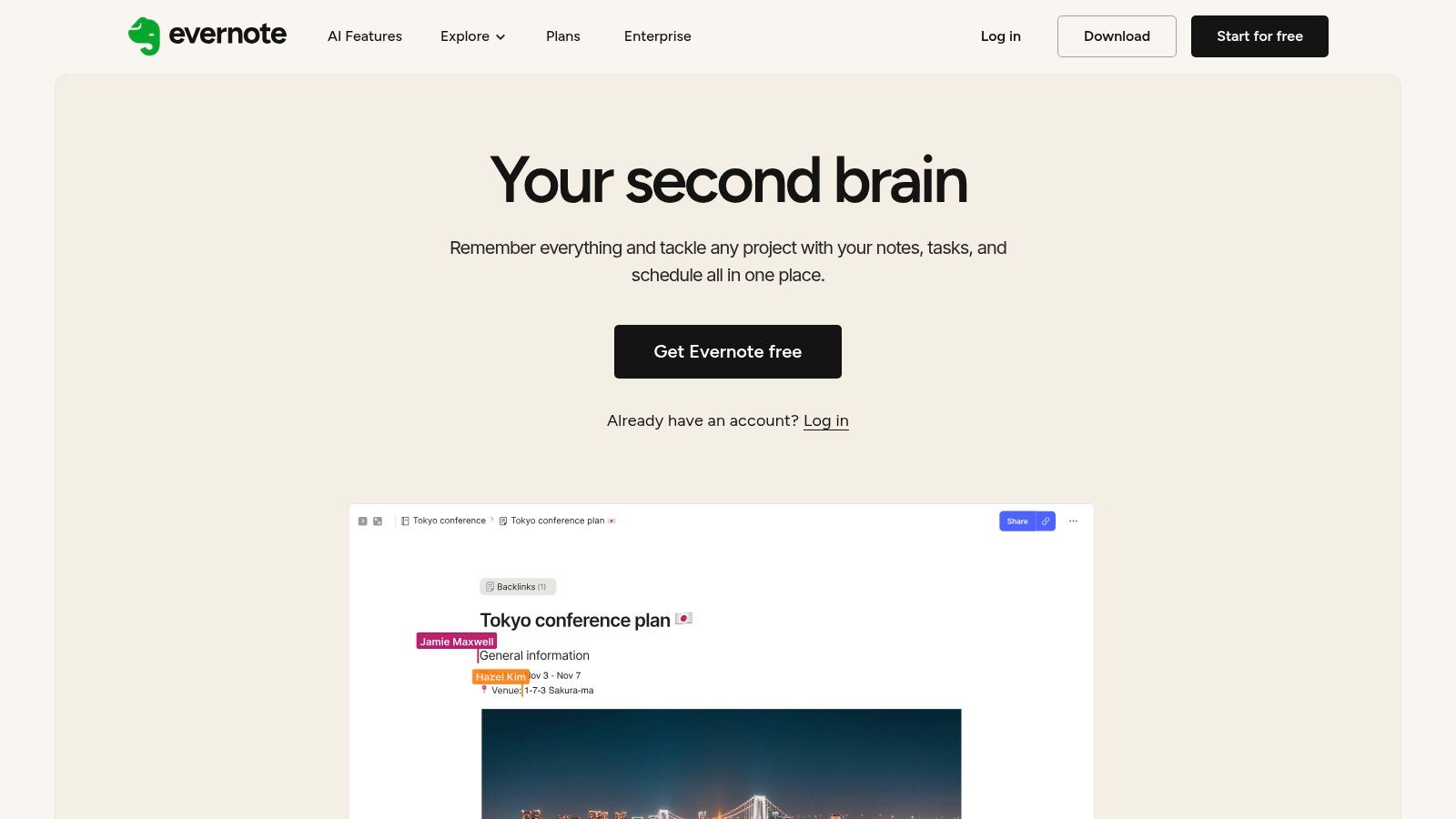
Unlike dedicated transcription services, Evernote’s strength is in its organizational power and cross-platform ubiquity. Students can start a recording on their phone during a lecture and later organize it on their laptop, adding supplemental materials. While its built-in AI transcription feature is a newer addition and has size limits, it adds a layer of searchability to audio files. The platform is best suited for individuals who want to centralize all course materials, treating audio as just one piece of the puzzle.
Key Features & Pricing
| Feature | Details | Best For |
|---|---|---|
| Integrated Audio Recording | Record audio directly into a note on desktop or mobile apps. | Students who want to combine live audio with typed notes and other media. |
| AI-Powered Search & Transcription | Transcribes audio recordings (size limits apply) making them searchable within notes. | Finding specific topics mentioned in a lecture without scrubbing through audio. |
| Cross-Platform Synchronization | Notes and recordings are synced across all devices. | Seamlessly transitioning from taking notes in class to studying at home. |
| Pricing Tiers | Free: Limited uploads and note sizes. Personal/Professional: Larger uploads, more features like AI search. EDU discounts may be available. | Free plan for basic use; Paid plans for serious students needing more storage and features. |
Practical Tip: Create a dedicated "notebook" in Evernote for each course. Before a lecture, create a new note and start an audio recording. As the professor speaks, type key concepts, questions, or timestamps directly into the note, creating an interactive table of contents for your recording.
6. AudioNote (Luminant Software)
AudioNote carves out its niche among lecture recording apps by focusing on a simple yet powerful concept: linking handwritten or typed notes directly to audio recordings. Instead of just capturing sound, it synchronizes every keystroke or pen stroke with the specific moment it happened in the lecture. This allows students to tap on a word or drawing in their notes and instantly hear the audio from that exact point, making it an incredibly efficient tool for reviewing complex topics.
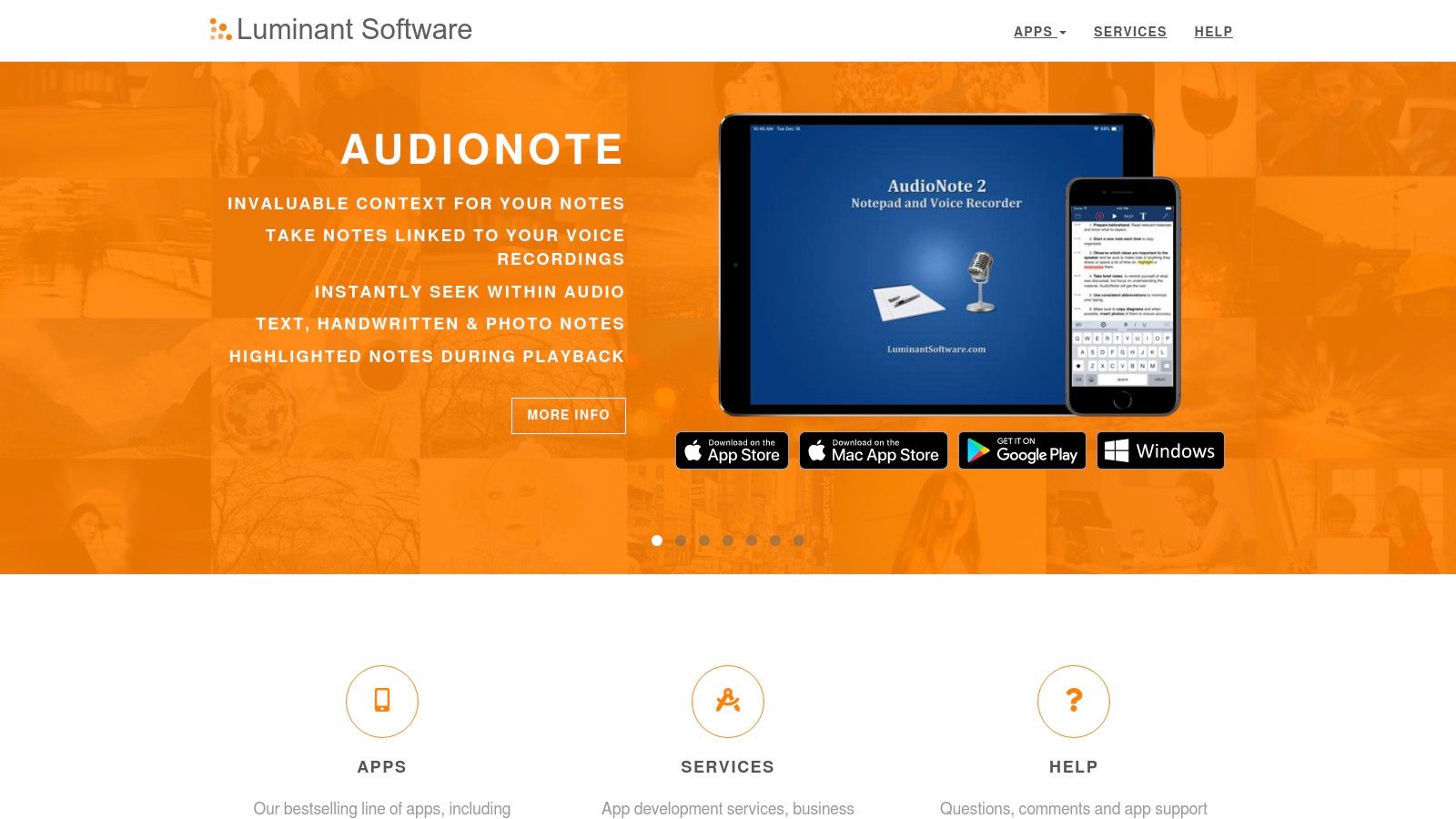
Its core strength is its straightforward, cross-platform functionality that avoids subscription models. Available on Windows, Mac, iOS, and Android, AudioNote provides a dependable workflow for capturing lectures without needing an internet connection or AI-processing. While its interface is more traditional compared to newer apps, its reliability and focus on the note-audio link make it a favorite for students who prefer a tactile, focused note-taking experience. It transforms a static set of notes into an interactive study guide.
Key Features & Pricing
| Feature | Details | Best For |
|---|---|---|
| Time-Synced Notes | Links typed text, handwriting, and drawings to specific moments in the audio recording. | Students who want to review specific lecture segments by tapping on their notes. |
| Cross-Platform | Native applications available for Windows, macOS, iOS, and Android. | Ensuring a consistent note-taking experience across all personal devices. |
| Export Options | Notes and audio can be exported as standard files for easy sharing or archiving. | Creating shareable study materials or backing up lecture notes outside the app. |
| Pricing Tiers | One-time purchase: Varies by platform (e.g., Windows/Mac have a one-time license fee, mobile apps are a single purchase). No ongoing subscription. | Users who prefer to own their software outright and avoid recurring costs. |
Practical Tip: During a lecture, use a simple code in your notes (like a star or question mark) to mark confusing concepts. When reviewing, you can simply tap that symbol to instantly jump to the audio explanation and clarify your understanding without scrubbing through the entire recording.
7. Rev
Rev carves out a unique niche among lecture recording apps by prioritizing transcription accuracy above all else. While it offers a simple mobile voice recorder, its core value is the direct pipeline to professional human transcription services. This makes it an essential tool for situations where precision is non-negotiable, such as for official academic records, accessibility compliance for students with disabilities, or creating verbatim study materials from complex, jargon-heavy lectures.
The platform offers a clear choice: a fast, lower-cost AI-driven transcription for quick notes, or a 99% accurate human-powered transcript for mission-critical content. The workflow is streamlined; users can record audio directly in the app and order a transcript with a few taps. For educators who need to provide legally compliant captions or transcripts for their recorded lectures, Rev’s human service provides a reliable and high-quality deliverable that automated tools often cannot match, especially with multiple speakers or poor audio quality.
Key Features & Pricing
| Feature | Details | Best For |
|---|---|---|
| Human Transcription | 99% accuracy transcript created by professional transcriptionists. | Creating official course materials, meeting accessibility (ADA) standards. |
| AI Transcription | Fast, automated transcription at a lower cost for less critical needs. | Students creating quick, searchable notes for personal study. |
| In-App Recording | A free, high-quality voice recorder app for iOS and Android. | Capturing in-person lectures or interviews on the go. |
| Pricing Tiers | AI: Subscription-based or pay-per-minute. Human: Per-minute rate. | AI is for frequent, informal use; Human is for high-stakes, one-off needs. |
Practical Tip: For critical lectures filled with technical terminology or guest speakers with heavy accents, budget for Rev's human transcription service. The added cost ensures an accurate, usable resource, saving significant time on manual corrections compared to relying solely on AI.
8. Panopto
Panopto operates on an institutional scale, distinguishing itself as an enterprise-grade video management system rather than just a personal lecture recording app. It is designed for universities and large organizations needing a robust, centralized platform for capturing, managing, and delivering video content. Its power lies in automation and deep integration, allowing institutions to schedule automated recordings in hundreds of classrooms simultaneously.
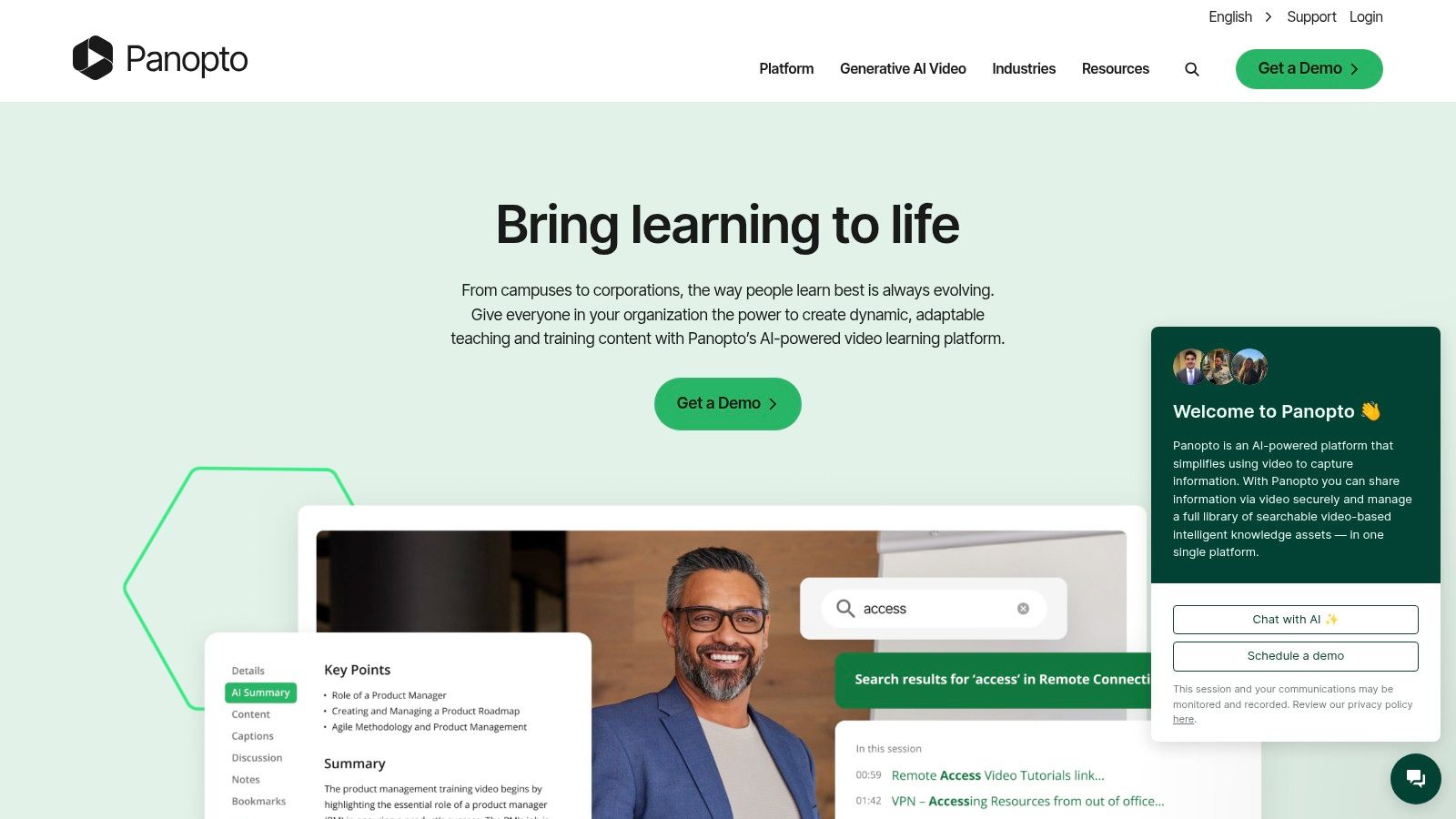
The platform's core strength is its searchable video library. Panopto's AI-powered Smart Search indexes every word spoken and shown on-screen, turning an entire semester's worth of lectures into a searchable database. This deep search capability, combined with seamless integrations into Learning Management Systems (LMS) like Canvas and Blackboard, makes it an indispensable tool for campus-wide academic continuity and accessibility. While overkill for an individual user, it is a gold standard for institutional deployment.
Key Features & Pricing
| Feature | Details | Best For |
|---|---|---|
| Automated Lecture Capture | Schedule and automate recordings across multiple rooms using hardware or software recorders. | Universities managing campus-wide recording infrastructure. |
| Inside-Video Search | AI-powered search for any spoken word or text appearing on-screen in any video. | Students needing to find specific concepts within hours of lecture content. |
| LMS Integration | Deep, native integrations with Canvas, Blackboard, Moodle, and D2L Brightspace. | Institutions seeking a seamless video workflow within their existing ecosystem. |
| Pricing Tiers | Institutional: Custom pricing based on FTE/users, requires a sales consultation. Not available for individual purchase. | Large educational institutions and corporate training departments. |
Practical Tip: Use Panopto's mobile app to record supplementary content, like lab demonstrations or field recordings, and upload it directly into the course folder. This enriches the official lecture content with practical, on-the-go examples, all managed within the same secure system.
9. Echo360
Echo360 positions itself as an enterprise-grade video platform designed specifically for higher education, moving beyond simple lecture recording apps to offer a comprehensive learning engagement solution. Its core strength lies in its reliability and scalability, providing automated, scheduled lecture capture through dedicated hardware or software. This "set it and forget it" approach ensures that lectures are consistently recorded, transcribed, and made available to students without requiring daily intervention from faculty.
The platform deeply integrates with Learning Management Systems (LMS) like Canvas, Blackboard, and Moodle, syncing gradebook data and embedding video directly within course modules. It enhances the passive viewing experience with interactive features such as in-video quizzing, polling, and student engagement analytics. These tools provide instructors with valuable insights into which concepts students find challenging, allowing for data-driven teaching adjustments. Echo360 is built for institutional deployment rather than individual use, offering a robust, secure, and cohesive video ecosystem for an entire campus.
Key Features & Pricing
| Feature | Details | Best For |
|---|---|---|
| Scheduled Capture | Automated recording based on institutional timetables via hardware or software. | Universities wanting a hands-off, reliable campus-wide recording system. |
| Engagement Analytics | Tracks student viewing habits, quiz performance, and confusion flags. | Instructors aiming to identify and address learning gaps proactively. |
| LMS Integration | Deeply embeds video, quizzes, and grade data directly into existing LMS courses. | Institutions seeking a seamless, integrated technology stack. |
| Pricing Tiers | Institutional License: Pricing is provided via custom quotes and is based on institutional scale. | Not available for individual purchase; ideal for entire departments or universities. |
Practical Tip: Leverage the analytics dashboard to review "confusion flags" marked by students on the video timeline. This data provides a direct, anonymous feedback loop, pinpointing exact moments in a lecture that may require clarification in the next class or a supplemental resource. Furthermore, ensuring the integrity of this student-generated data is crucial; learn more about educational content verification to maintain academic standards.
10. ScreenPal (formerly Screencast-O-Matic)
ScreenPal earns its spot among top lecture recording apps by offering a simple yet powerful solution for creating asynchronous video content. It excels as an easy-to-use screen, webcam, and audio recorder designed for educators who need to quickly produce flipped classroom videos, record voice-over slides, or capture software tutorials. Its primary strength is its accessibility and low barrier to entry, making video creation less intimidating for instructors new to the format.
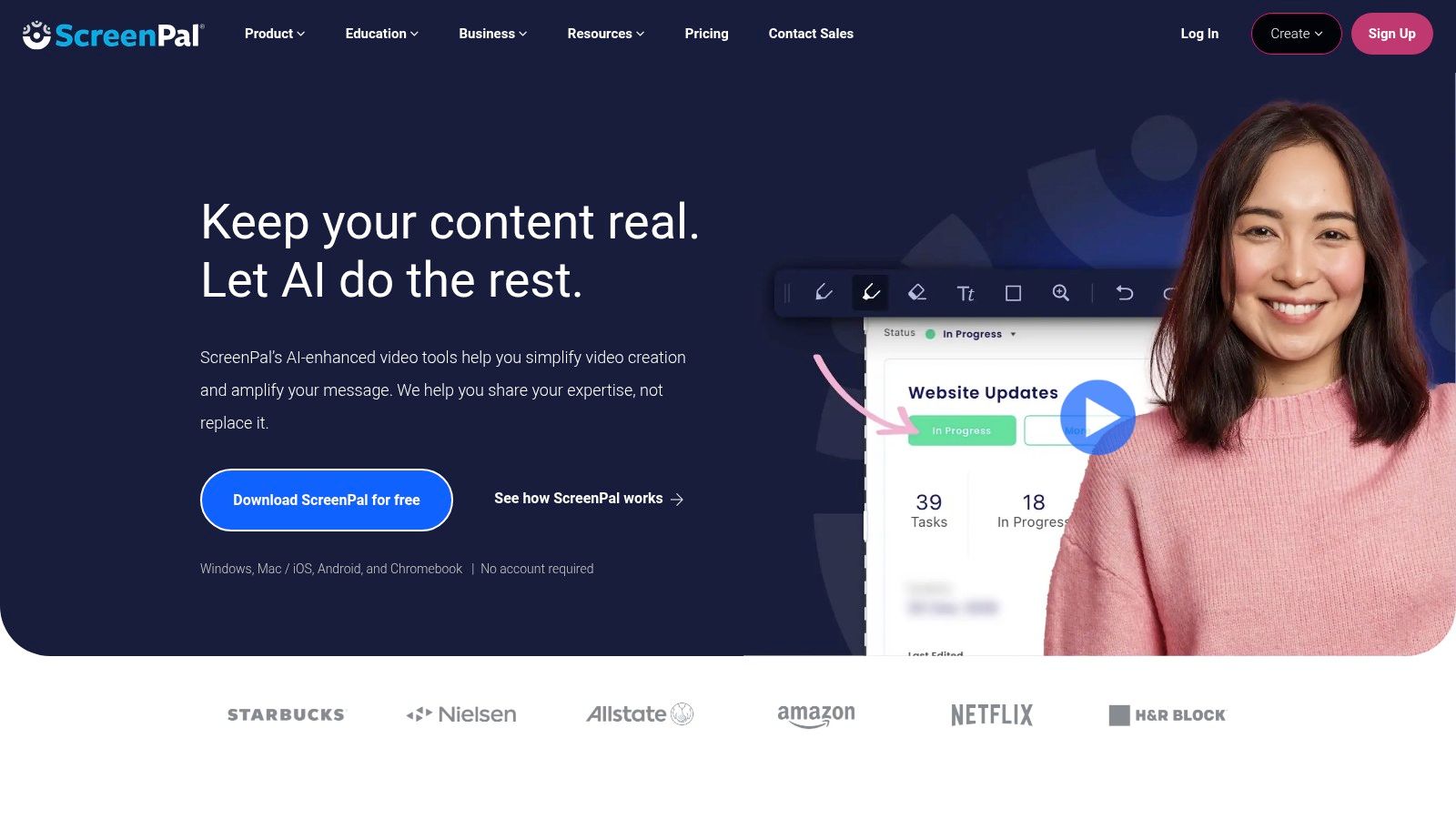
Unlike apps focused on live transcription, ScreenPal is centered on the creation, editing, and hosting of pre-recorded lectures. The desktop and browser-based recorders are intuitive, and the built-in editor provides essential tools like trimming, adding text overlays, and inserting images without a steep learning curve. At higher tiers, it adds valuable educational features like automated captioning and interactive quizzes, transforming passive recordings into engaging learning modules that can be hosted on its platform or integrated directly into an LMS.
Key Features & Pricing
| Feature | Details | Best For |
|---|---|---|
| Screen & Webcam Recording | Simultaneously capture screen, webcam, and microphone audio. | Creating flipped classroom lessons or software demonstration videos. |
| Quick Editing Tools | Simple-to-use editor for trimming, adding overlays, and blurring sensitive info. | Instructors needing to make fast edits without complex software. |
| Hosting & Integrations | Provides video hosting with shareable links and integrations for LMS/Drive. | Easily distributing asynchronous lecture content to students. |
| Pricing Tiers | Free: Limited recording time and basic features. Solo Deluxe/Max: Adds editing tools, longer recordings. EDU plans available at a very low cost. | Free for quick recordings; low-cost EDU plans for full-featured video creation. |
Practical Tip: Use ScreenPal’s quiz feature to embed comprehension checks directly into your lecture videos. This encourages active viewing and provides you with instant feedback on which concepts students are grasping or struggling with.
11. Descript
Descript transforms the concept of lecture recording by integrating recording, transcription, and a powerful text-based video editor into a single workflow. Instead of navigating complex timelines, educators can edit video and audio simply by editing the auto-generated transcript. Deleting a word or sentence in the text automatically removes the corresponding media, making it incredibly intuitive to refine raw lecture footage into polished, professional-quality educational content.
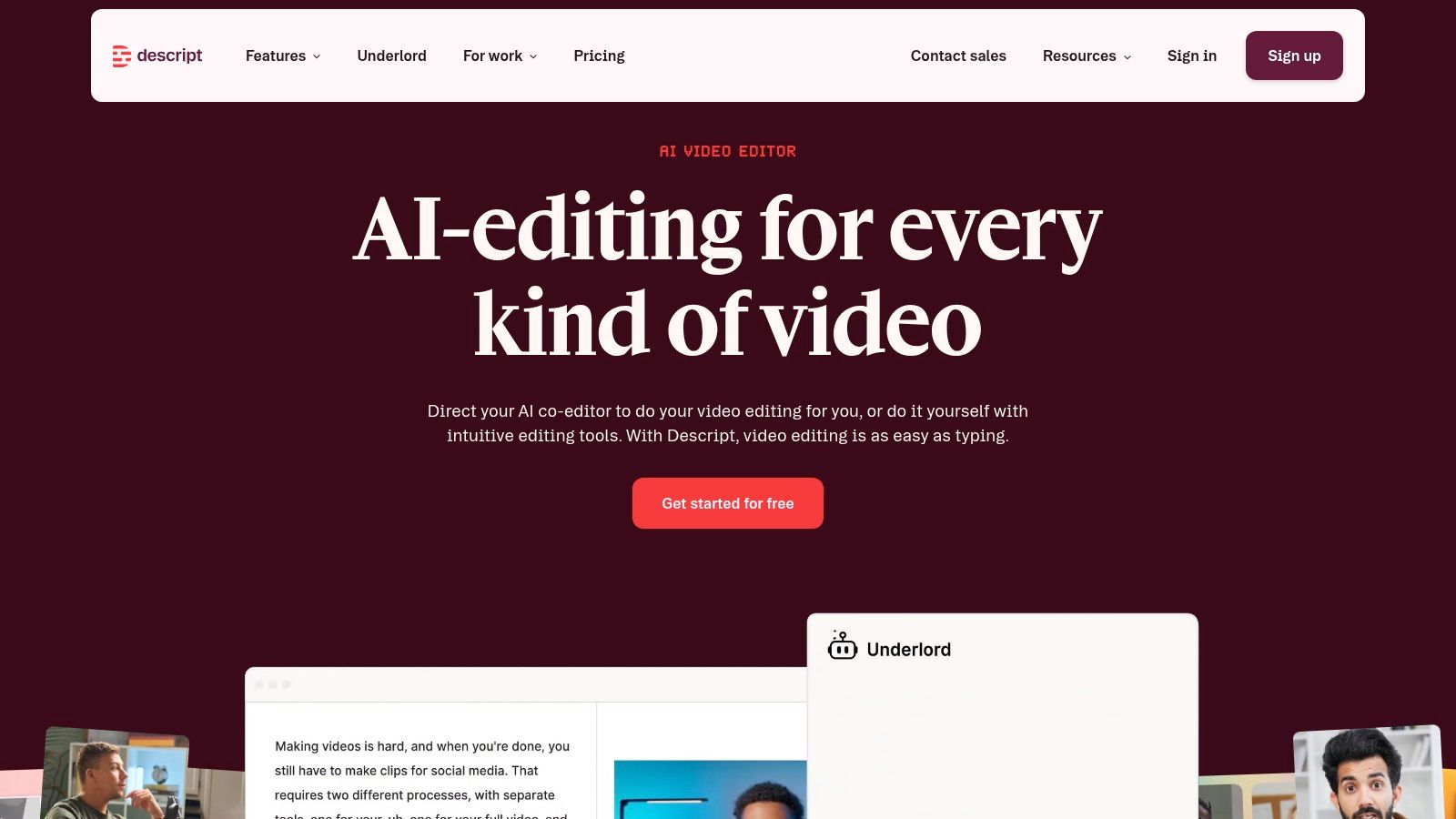
This platform excels at turning a simple screen or camera recording into a comprehensive learning asset. Its strength lies in post-production efficiency. After recording, Descript provides a highly accurate, multi-speaker transcript that serves as the editing foundation. From there, educators can use AI tools like Studio Sound to remove background noise and enhance voice quality, add dynamic captions, or even clone their voice to correct minor mistakes without re-recording. This makes it one of the best lecture recording apps for creators of flipped classroom content or MOOCs.
Key Features & Pricing
| Feature | Details | Best For |
|---|---|---|
| Text-Based Editing | Edit video and audio by directly editing the text of the transcript. | Educators new to video editing; quickly removing filler words ("ums," "ahs"). |
| Screen & Camera Recording | High-quality, multi-track recording directly within the desktop app. | Creating detailed software tutorials or picture-in-picture lecture videos. |
| AI Tools | "Studio Sound" for audio enhancement and automatic caption generation. | Producing polished, accessible video content without technical expertise. |
| Pricing Tiers | Free: Limited transcription hours/watermarked exports. Creator/Pro: More hours, advanced features. EDU discounts offered. | Free plan for basic edits; Creator/Pro for educators regularly producing video lectures. |
Practical Tip: Use Descript's "Find and Replace" feature on the transcript to correct recurring mispronunciations of technical terms throughout an entire lecture video in a single step, ensuring accuracy and clarity.
12. OBS Studio
OBS (Open Broadcaster Software) Studio is not just a simple recorder; it's a powerful, free, and open-source production studio for your desktop. This makes it one of the most versatile lecture recording apps for educators who need professional-level control over their content. Instead of a single-click recording, OBS allows you to compose scenes with multiple sources, such as your presentation slides, a webcam feed, a document camera, and external microphones, switching between them seamlessly.
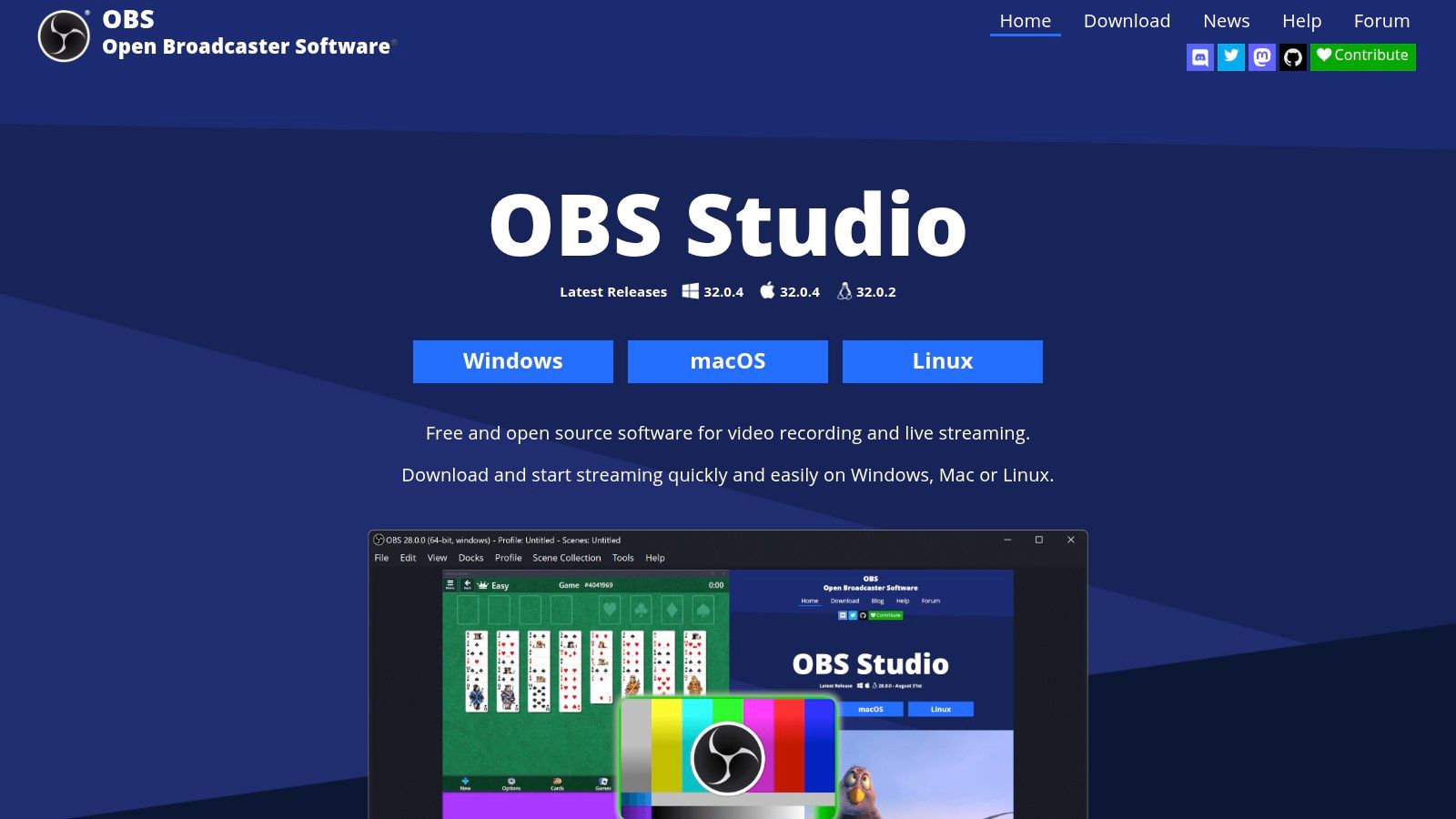
Its strength lies in its limitless customization and high-quality local recording capabilities. You can create different scene collections for various courses, add text overlays, and even live-stream directly to platforms like YouTube or Twitch for interactive sessions. While it has a steeper learning curve compared to more straightforward apps, the payoff is a polished, professional-grade lecture video that you own and control completely. It's the ideal choice for creating detailed tutorials, flipped classroom content, or full-semester archives without subscription fees.
Key Features & Pricing
| Feature | Details | Best For |
|---|---|---|
| Scenes & Sources | Combine multiple inputs like screen capture, webcams, images, and text. | Creating dynamic lectures with picture-in-picture or multiple camera angles. |
| High-Quality Recording | Full control over video/audio bitrate, resolution, and format for local storage. | Educators producing high-fidelity content for archives or video platforms. |
| Audio Mixer | Advanced per-source audio controls with filters like noise suppression. | Achieving clear, professional-sounding audio in environments with background noise. |
| Pricing Tiers | Completely free. OBS Studio is open-source and maintained by volunteers. | Anyone, from individual educators to entire institutions, on any budget. |
Practical Tip: Pre-configure different "Scenes" in OBS before your lecture. For example, create one scene for your slides (full-screen), another for your webcam (full-screen for introductions), and a third with your webcam in the corner over your slides. You can then switch between them with a single hotkey for a dynamic presentation.
Top 12 Lecture Recording Apps Comparison
| Tool | Key features | AI / Transcription & Sync | Best for | Price & USP |
|---|---|---|---|---|
| Otter.ai | Live transcription, speaker ID, mobile + web recorder, Zoom/Teams auto-join | Real-time transcripts, speaker separation, searchable text | Students, reporters, meeting-heavy users | Free tier with minute caps; Pro/Business unlocks summaries & integrations |
| Notability | Audio linked to handwriting/text, synced playback, PDF annotation, study tools | Live transcription & AI summaries on paid tiers; audio-note sync | iPad/iPhone users, students who handwrite notes | iOS/macOS-only; subscription for advanced AI features; excellent pen+audio UX |
| GoodNotes | Handwriting focus, Note Replay (audio sync), templates, collaboration | Audio transcription experimental; optional AI add-on | Handwriting-first students & creatives | Lower annual price for core app; some iOS-only features; strong handwriting UX |
| Microsoft OneNote | In-note audio recording, full-text & handwriting search, Teams/365 integration | Basic audio capture; advanced AI features tied to Microsoft 365 | Schools and Microsoft ecosystem users | Core app free; premium features via Microsoft 365; ubiquitous in education |
| Evernote | Rich note editor, attach/record audio, large per-note storage | AI transcription available with size limits (~100MB/≈60min) | Users organizing large lecture materials | Free/paid tiers; advanced features require subscription; generous per-note allowances |
| AudioNote (Luminant) | Time-synced notes & audio, cross-platform, exportable files | Time-stamped audio sync; no advanced AI | Users wanting simple, reliable capture without subscriptions | One-time license option available; UI is basic but dependable |
| Rev | Mobile recorder + orderable transcripts, human or AI options | Human 99% accuracy option; lower-cost AI transcripts | Interviews, legal recordings, high-accuracy needs | Pay-per-minute; human transcripts more costly but highly accurate |
| Panopto | Campus-scale capture, live streaming, searchable video CMS, LMS integrations | AI-powered search, auto-captioning, enterprise workflows | Universities, large institutions | Institutional pricing (sales); scales to campus with 24/7 support |
| Echo360 | Scheduled/one-click capture, quizzing, analytics, LMS & gradebook sync | AI transcription/captioning and detailed engagement analytics | Higher-ed institutions focused on engagement & reliability | Institutional contracts; designed for campus-scale deployments |
| ScreenPal | Screen/webcam/audio recorder, quick editor, hosting, LMS/Drive links | Auto-captions/transcripts at paid tiers | Educators creating asynchronous lectures & demos | Low EDU pricing; fast to learn; focuses on video creation & hosting |
| Descript | Record → transcribe → text-based edit workflow, Studio Sound, captions | Instant transcription, speaker detection, AI cleanup tools | Creators turning lectures into polished videos/podcasts | Subscription with media hours/AI credit caps; industry-leading text editing UX |
| OBS Studio | Pro-grade multi-source recording, live streaming, plugins, filters | No built-in AI transcription (third-party integrations available) | Advanced users, streamers, long-form lecture capture | Free & open-source; extremely configurable with steep learning curve |
Integrating Your Chosen Tool and Ensuring Content Authenticity
Navigating the landscape of modern educational technology reveals a crucial truth: the right tool can fundamentally reshape the learning experience. Throughout this guide, we've explored a diverse array of the best lecture recording apps available, from robust, institution-wide platforms like Panopto and Echo360 to versatile, individual-focused tools like Descript and OBS Studio. We've seen how apps like Notability and Goodnotes merge note-taking with audio, while services like Otter.ai and Rev provide powerful transcription capabilities that enhance accessibility and study efficiency.
The journey, however, doesn't end with a software download. Choosing an application is merely the first step in building a more flexible, accessible, and resilient educational framework. The real challenge lies in thoughtful implementation and a commitment to maintaining the integrity of your educational content.
From Selection to Successful Integration
Making your final choice requires a strategic look beyond feature lists. Consider the unique ecosystem of your classroom or institution. A large university with an established LMS will find the deep integration of Panopto invaluable, whereas an independent educator creating a flipped classroom might favor the creative control and editing power of ScreenPal or Descript.
As you move forward, focus on these critical implementation factors:
- Define Your Workflow: How will you record, edit, store, and distribute lectures? Will you use a dedicated screen recorder, a note-taking app on a tablet, or a more complex setup with OBS Studio? Documenting this process ensures consistency.
- Prioritize Accessibility: Your commitment to inclusive education must be a priority. This means leveraging features like automated captioning, providing accurate transcripts, and ensuring content is compatible with screen readers.
- Establish Clear Policies: Communicate with students about data privacy, how recordings will be used, and where they can be accessed. Ensure your chosen app complies with institutional and federal regulations like FERPA.
- Invest in Quality: The effectiveness of a recorded lecture often hinges on its clarity. Beyond just choosing the right app, understanding the importance of sound quality can significantly impact student engagement and comprehension. A small investment in a good microphone can make a world of difference.
The New Frontier: Ensuring Content Authenticity
In an era of increasingly sophisticated AI and digital manipulation, the authenticity of educational materials can no longer be taken for granted. As recorded lectures become official academic records, the need to verify their integrity becomes paramount. This is not just a hypothetical concern; it's a practical step toward safeguarding the trustworthiness of your institution's educational offerings.
This is where a verification workflow becomes essential. Before publishing and distributing your recorded lectures, incorporating a final check for digital alterations is a prudent measure. Tools like AI Video Detector are designed for this purpose, allowing educators and administrators to scan video files and confirm they haven't been tampered with or synthetically generated. This step ensures that the content students receive is the genuine, authoritative material you intended to share, protecting both the student's learning and the institution's reputation.
By pairing one of the powerful lecture recording apps from our list with a clear, security-conscious workflow, you are not just capturing content; you are building a trusted digital learning environment. This dual focus on creation and verification empowers you to harness the full potential of educational technology, delivering high-quality, authentic, and impactful learning experiences for every student.